1. Gabatarwa
Welcome to the user manual for your Genius Manticore Gaming Keyboard. This guide provides essential information for setting up, operating, maintaining, and troubleshooting your new gaming keyboard. Please read these instructions carefully to ensure optimal performance and longevity of your device.
2. Samfurin Ya Ƙareview
The Genius Manticore Gaming Keyboard is designed for an enhanced gaming experience, featuring a durable build and responsive keys. It connects via USB and is compatible with a wide range of devices. The keyboard includes 104 keys with a standard QWERTY layout, complemented by additional gaming-specific features.
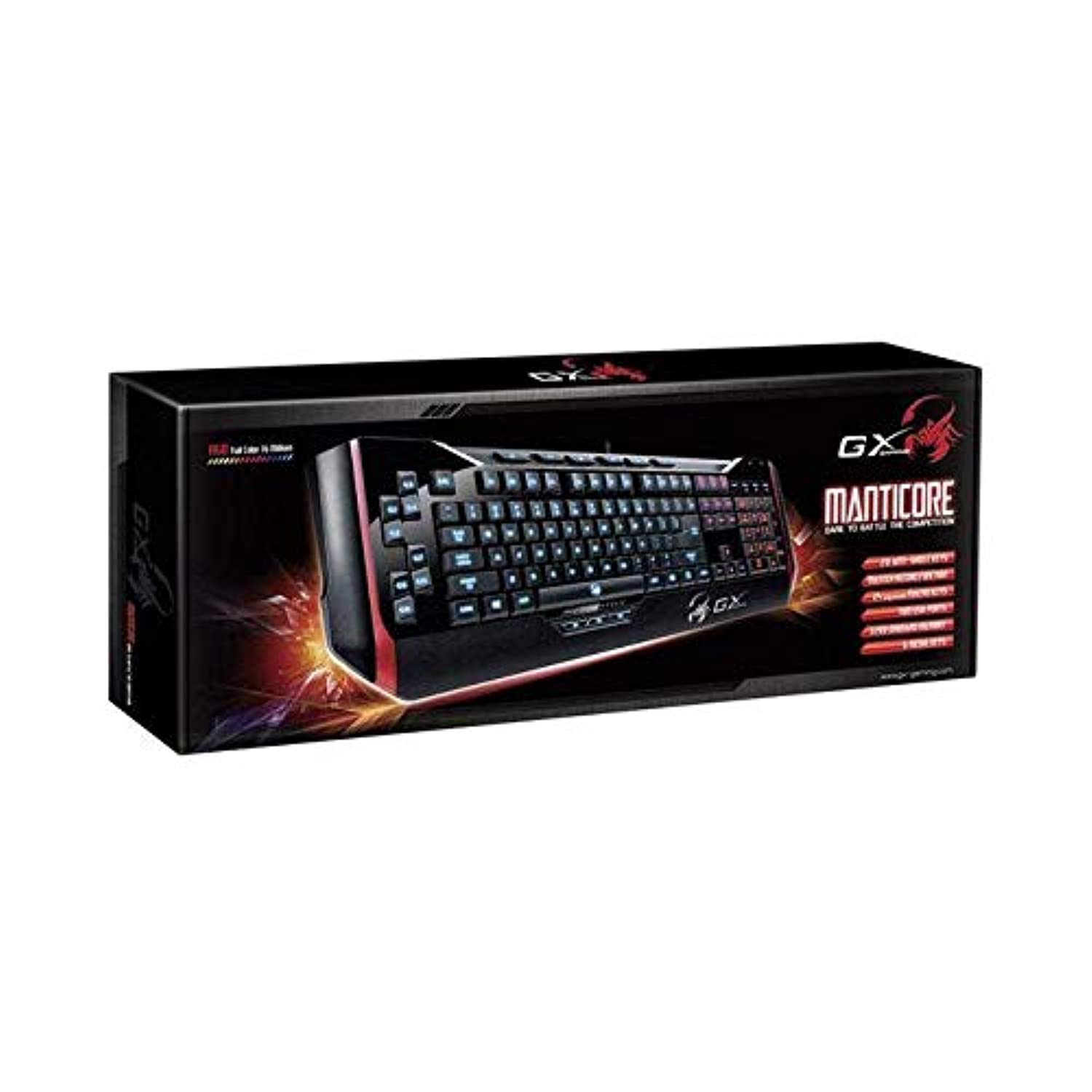
Hoto na 1: Genius Manticore Gaming Keyboard. This image displays the Genius Manticore Gaming Keyboard, featuring a black body with red accents on the sides. The keys are illuminated, indicating its gaming functionality. The keyboard has a standard QWERTY layout with additional keys on the left side, likely for macros, and a numeric keypad on the right.
3. Saita
- Cire Allon madannai: Carefully remove the Genius Manticore Gaming Keyboard from its packaging. Ensure all components are present.
- Haɗa zuwa Na'urar ku: Locate an available USB port on your computer or compatible device. Insert the USB connector of the keyboard firmly into the USB port.
- Shigar da Direba (idan ya cancanta): For most modern operating systems, the keyboard will be recognized automatically, and standard drivers will be installed. If prompted, follow the on-screen instructions to complete any driver installation.
- Ayyukan Gwaji: Buɗe editan rubutu ko web browser and test the keys to ensure they are responding correctly.
4. Umarnin Aiki
The Genius Manticore Gaming Keyboard offers a standard QWERTY layout for general typing and dedicated features for gaming.
- Standard Key Functions: All standard alphanumeric, symbol, and function keys operate as expected on a typical QWERTY keyboard.
- Siffofin Wasan: The keyboard is designed for gaming. Specific gaming features, such as customizable backlighting or programmable macro keys (if available on your model), can typically be configured through dedicated software provided by Genius or through specific key combinations. Refer to the Genius website for any available software downloads or advanced feature guides.
- Tushen wutar lantarki: The keyboard is powered directly via the USB connection to your device. No external power supply or batteries are required.
5. Kulawa
Gyaran da ya dace yana tabbatar da tsawon rai da aikin madannai.
- Tsaftacewa: Yi amfani da kyalle mai laushi da busasshe don goge saman allon rubutu. Don ƙura da tarkace tsakanin maɓallan, yi amfani da iska mai matsewa. A guji amfani da sinadarai masu ƙarfi ko kayan gogewa.
- Bayyanar Ruwa: This keyboard is ba mai jure ruwa ba. Avoid spilling liquids on the keyboard, as this can cause permanent damage. If liquid exposure occurs, immediately disconnect the keyboard from your device and allow it to dry completely before attempting to use it again.
- Ajiya: When not in use, store the keyboard in a clean, dry environment away from extreme temperatures and direct sunlight.
6. Shirya matsala
If you encounter issues with your keyboard, try the following solutions:
- Allon madannai Ba Ya Amsa:
- Tabbatar cewa kebul na USB yana da haɗin da ya dace da madannai da kwamfutar.
- Gwada haɗa maɓallin madannai zuwa wani tashar USB na daban akan kwamfutarka.
- Gwada madannai a kan wata kwamfuta don sanin ko batun yana tare da madannai ko kwamfutar ta asali.
- Sake kunna kwamfutarka.
- Takamaiman Maɓallai Ba Sa Aiki:
- Check for any physical obstructions under the non-functional keys.
- Clean the keyboard as described in the Maintenance section.
- Ensure no software conflicts are present (e.g., macro software interfering with standard key functions).
- Backlighting Issues:
- If your model features adjustable backlighting, ensure it is not turned off or set to the lowest brightness level. Consult the Genius website for specific key combinations to control backlighting.
If these steps do not resolve the issue, please contact Genius customer support for further assistance.
7. Ƙayyadaddun bayanai
| Siffar | Daki-daki |
|---|---|
| Sunan Alama | Hankali |
| Lambar Samfura | GE31310058108 |
| Na'urori masu jituwa | Duka |
| Fasahar Haɗuwa | USB |
| Bayanin Allon madannai | Wasan kwaikwayo |
| Siffofin Musamman | Wasan kwaikwayo |
| Launi | Multi-color (Black and Red) |
| Salo | Na zamani |
| Kayan abu | Kayayyaki da yawa |
| Jigo | Wasanni |
| Tushen wutar lantarki | Wutar USB |
| Yawan Maɓallai | 104 |
| Tsarin Allon madannai | Allon madannai na QWERTY |
| Hannun Hannu | Ambidextrous |
| Adadin Maɓalli | 104 |
| Matsayin Juriya na Ruwa | Ba Mai Tsayar da Ruwa ba |
| Mai ƙira | Hankali |
| ASIN | B07MQMXJS9 |
8. Garanti da Tallafawa
Your Genius Manticore Gaming Keyboard is covered by a standard manufacturer's warranty. For detailed information regarding warranty terms, registration, or to access technical support, please visit the official Genius website ko tuntuɓi sashen sabis na abokin ciniki. Ajiye rasidin siyan ku azaman shaidar siyan.
Don ƙarin taimako, zaku iya ziyartar shafin Genius Official Website.