
1. Gabatarwa
The i-Star Portable DAB/DAB+/FM Radio offers a versatile listening experience with clear digital and analog radio reception. Designed for portability, it features a built-in rechargeable battery and a compact design, making it suitable for use at home or on the go. This manual provides essential information for setting up, operating, and maintaining your radio.

Hoto na 1: Gaba view of the i-Star Portable DAB/DAB+/FM Radio, highlighting its compact design and user interface.
2. Saita
2.1 Buɗewa da Cajin Farko
- Carefully remove the radio and all accessories from the packaging.
- Connect the supplied USB charging cable to the radio's Micro USB port and to a compatible USB power adapter (not included) or a computer's USB port.
- Allow the radio to charge fully before first use. The charging indicator will typically change or turn off when charging is complete. A full charge provides up to 4 hours of playback.
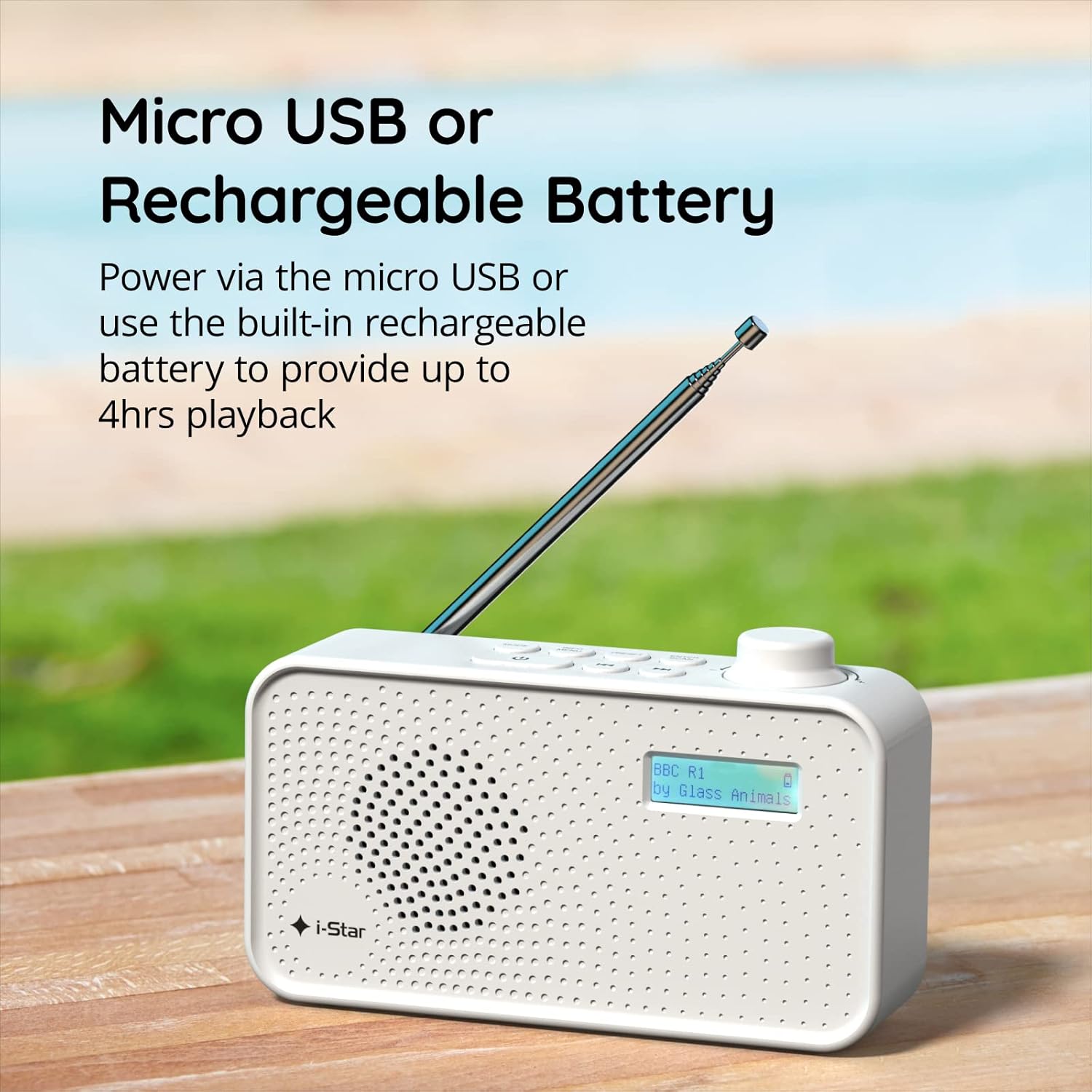
Hoto na 2: The radio powered via Micro USB or its built-in rechargeable battery.
2.2 First Power On and Automatic Scan
- Extend the telescopic antenna fully for optimal reception.
- Latsa ka riƙe TSAYA TUKUNA maballin kunna rediyo.
- Da zarar an kunna rediyon, zai yi scanning ta atomatik don ganin tashoshin DAB/DAB+ da ake da su. Wannan tsari na iya ɗaukar mintuna kaɗan.
- Once the scan is complete, the radio will tune to the first available station.
3. Umarnin Aiki
3.1 Switching Between DAB/DAB+ and FM Modes
- Danna maɓallin MODE button repeatedly to switch between DAB/DAB+ and FM radio modes. The current mode will be displayed on the LCD screen.

Hoto na 3: The radio supports DAB, DAB+, and FM for a wide range of listening options.
3.2 Tashoshin Gyara
- DAB/DAB+ Mode: Yi amfani da GABATARWA or TUNE buttons (left/right arrows) to navigate through the list of available stations. Press SHIGA/SCAN don zaɓar tashar.
- Yanayin FM: Danna maɓallin SHIGA/SCAN button to automatically scan for the next available FM station. Alternatively, use the TUNE maɓallai don gyarawa da hannu.
3.3 Ajiyewa da Tunawa da Saitattun Saiti
- Kunna tashar da kuke so.
- Latsa ka riƙe GABATARWA button until 'Preset Store' appears on the display.
- Yi amfani da TUNE maɓallai don zaɓar lambar saiti (1-60).
- Latsa SHIGA/SCAN don tabbatarwa da kuma adana tashar.
- To recall a saved station, briefly press the GABATARWA maballin, sannan amfani da TUNE buttons to select the desired preset number, and press SHIGA/SCAN.
3.4 Sarrafa ƙara
- Juyawa da MURYA knob (located on the right side) clockwise to increase volume and counter-clockwise to decrease volume.
3.5 Sleep Timer Function
- To activate the sleep timer, press the INFO / MENU button repeatedly until 'Sleep' appears.
- Yi amfani da TUNE buttons to select the desired sleep duration (e.g., 15, 30, 45, 60, 90 minutes).
- Latsa SHIGA/SCAN to confirm. The radio will automatically turn off after the set time.

Hoto na 4: The sleep timer feature allows the radio to automatically switch off after a set period.
3.6 Headphone Listening
- Connect standard 3.5mm headphones (not included) to the headphone jack located on the side of the radio for private listening. The internal speaker will be muted automatically.

Hoto na 5: Connect headphones for personal listening without disturbing others.
4. Kulawa
4.1 Babban Kulawa
- Keep the radio away from direct sunlight, heat sources, and moisture.
- Avoid dropping the radio or subjecting it to strong impacts.
- Do not attempt to disassemble the radio; this will void the warranty.
4.2 Tsaftacewa
- Wipe the radio's exterior with a soft, dry cloth.
- Kada a yi amfani da masu tsabtace ƙura, kakin zuma, ko kaushi saboda suna iya lalata ƙarshen.
5. Shirya matsala
- Babu Ƙarfi: Ensure the radio is charged or connected to a power source via the USB cable. Check if the STANDBY button has been pressed.
- Babu Sauti: Check the volume level. Ensure headphones are not connected if you intend to use the speaker.
- Poor Reception (DAB/DAB+ or FM): Fully extend the telescopic antenna. Try repositioning the radio. Perform a full scan for DAB/DAB+ stations. In FM mode, try manual tuning.
- Radio Freezes/Unresponsive: Turn the radio off and on again. If the issue persists, allow the battery to fully discharge and then recharge it.
6. Ƙayyadaddun bayanai
| Siffar | Ƙayyadaddun bayanai |
|---|---|
| Alamar | i-Tauraruwa |
| Lambar Samfura | 90059PI |
| Launi | Fari |
| Ƙungiyoyin Rediyo suna Tallafawa | DAB, DAB+, FM |
| Fasahar Gyara | Digital (DAB/DAB+), Analog (FM) |
| Haɗuwa | USB (for charging), 3.5mm Headphone Jack |
| Tushen wutar lantarki | Rechargeable Lithium-ion Battery (1200 mAh), USB Power |
| Rayuwar Baturi | Har zuwa awanni 4 (a kan caji ɗaya) |
| Siffofin Musamman | Portable, Sleep Timer, 60 Station Presets |
| Abubuwan da aka haɗa | USB Charging Cable, User Manual |
| Nauyin Abu | 440 Grams |
7. Garanti da Tallafawa
This product is covered by a standard manufacturer's warranty. Please refer to the warranty card included in your packaging for specific terms and conditions. For technical support, troubleshooting assistance, or warranty claims, please contact your retailer or the i-Star customer service department. Contact details can typically be found on the product packaging or the official i-Star website.