
1. Gabatarwa
Thank you for choosing the Pixio PX259 Prime Gaming Monitor. This manual provides essential information for setting up, operating, and maintaining your monitor to ensure optimal performance and longevity. Please read this manual thoroughly before using the product and retain it for future reference.
The Pixio PX259 Prime is a high-performance 24.5-inch gaming monitor featuring a 280Hz refresh rate, 1ms GTG response time, and a Fast Nano IPS panel, designed to deliver a smooth and immersive gaming experience.
2. Abubuwan Kunshin
Tabbatar cewa duk abubuwa suna nan a cikin kunshin ku:
- Pixio PX259 Prime Monitor
- Tsayawar Saka idanu (Base da wuya)
- Kebul na DisplayPort
- Adaftar wutar lantarki
- Wutar Wuta
- Jagorar mai amfani (wannan takaddar)

Image: The Pixio PX259 Prime monitor showcasing its 24.5-inch screen, 280Hz refresh rate, 1080p FHD resolution, and Fast IPS panel technology.
3. Majalisa
Bi waɗannan matakan don haɗa duban ku:
- Cire na'urar a hankali a hankali kuma a tsaya kayan aikin daga marufi.
- Haɗa wuyan wurin tsayawar zuwa allon nuni. Tabbatar cewa an danna shi sosai a wurin ko kuma an ɗaure shi da sukurori idan akwai.
- Attach the stand base to the stand neck. Tighten the thumb screw or screws from the bottom of the base to secure it.
- Sanya duban da aka haɗe a kan barga mai faɗi.
4. Haɗuwa
The Pixio PX259 Prime offers versatile connectivity options. Refer to the image below for port locations.

Hoto: Na baya view of the monitor displaying the DC power input, two DisplayPort 1.2 inputs (280Hz), two HDMI 2.0 inputs (240Hz), and an earphone jack.
Haɗa zuwa Na'ura:
- Ƙarfi: Connect the power cable to the AC adapter, then plug the adapter into the monitor's DC IN port and a power outlet.
- DisplayPort: For optimal performance (280Hz refresh rate), connect your PC's graphics card to one of the monitor's DisplayPort 1.2 inputs using the provided DisplayPort cable.
- HDMI: Connect your device (e.g., gaming console, PC) to one of the monitor's HDMI 2.0 inputs. Note that HDMI 2.0 supports up to 240Hz.
- Fitowar Sauti: Connect headphones or external speakers to the earphone jack for audio.
5. Umarnin Aiki
Kunnawa/Kashewa:
Danna maɓallin wuta da ke kan na'urar don kunna shi ko kashe shi.
On-Screen Display (OSD) Navigation:
The monitor features a joystick-style button for navigating the OSD menu. Push the joystick in to access the main menu, then move it up, down, left, or right to select and adjust settings.
Saitunan Maɓalli:
- Yawan Sakewa: Ensure your graphics card settings are configured to output at 280Hz (via DisplayPort) or 240Hz (via HDMI) for the smoothest experience.
- Lokacin Amsa: The 1ms GTG response time is automatically enabled by the Fast IPS panel.
- AMD FreeSync Premium: Enable FreeSync in your monitor's OSD and your graphics card control panel for tear-free gaming.
- Saitunan Launi: Adjust brightness, contrast, and color temperature to your preference. The monitor supports 101.34% sRGB for vibrant colors.
- Siffofin Wasan: Access built-in crosshairs and other game-specific enhancements through the OSD.
- Yanayin Ajiye Ido: Activate this mode to reduce blue light emission for comfortable extended viewing.
6. Features Overview
The Pixio PX259 Prime is engineered with features to enhance your gaming and viewgwaninta:
- 280 Hz Refresh rate: Provides ultra-smooth motion and reduced input lag, crucial for competitive gaming.
- 1ms GTG Response Time: Minimizes motion blur and ghosting, ensuring crisp visuals during fast-paced action.
- Fast Nano IPS Panel: Combines the wide viewing angles and color accuracy of IPS technology with the rapid response times typically found in TN panels.
- AMD FreeSync Premium: Synchronizes the monitor's refresh rate with your GPU's frame rate, eliminating screen tearing and stuttering.
- Launuka masu fa'ida: With 101.34% sRGB coverage, experience rich, accurate, and lifelike colors.
- Masu Magana Biyu: Equipped with integrated speakers for audio output.
- Yanayin Ajiye Ido: Reduces blue light to minimize eye strain during prolonged use.
- Shirye-shiryen Wasanni: Features like customizable crosshairs are available to assist in gameplay.

Image: Monitor displaying a dynamic game scene, highlighting 280Hz Refresh Rate, 1ms (GTG) Response Time, Fast IPS Panel, and AMD FreeSync Premium.

Image: Visual comparison demonstrating the smoothness of 280Hz refresh rate versus a conventional 60Hz display in a gaming context.

Image: Visual comparison illustrating the difference between 4ms and 1ms GTG response time, showing reduced motion blur with 1ms.
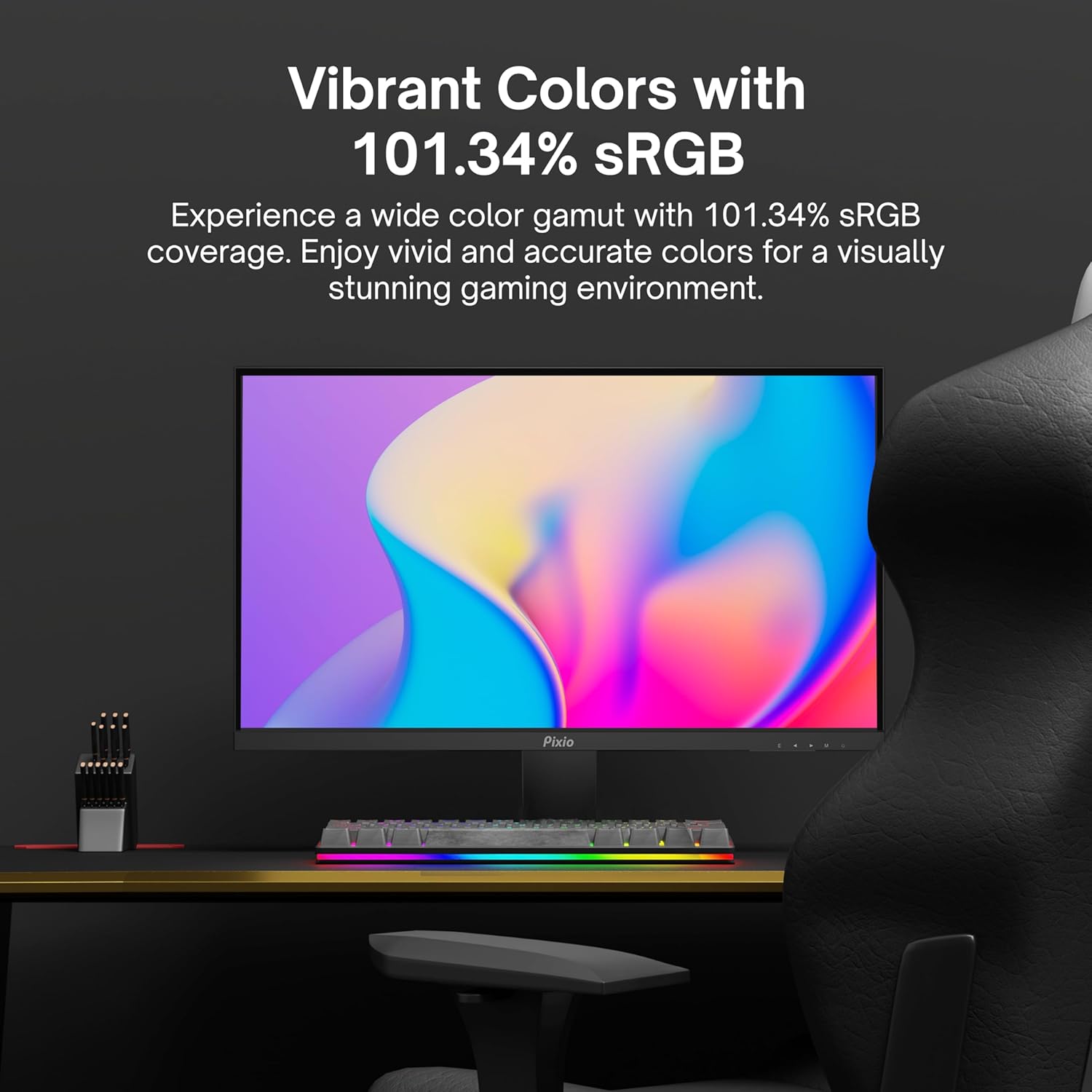
Image: Monitor displaying a colorful game environment, emphasizing the vibrant color reproduction with 101.34% sRGB.
Samfurin Bidiyo Overview:
Video: An official product video from Pixio showcasing the PX259 Prime 25-inch 1080p 280Hz Fast IPS 1ms Gaming Monitor, highlighting its features and performance.
7. Kulawa
- Share Allon: A hankali shafa allon tare da laushi, yadi mara laushi. Don alamun taurin kai, dampen the cloth with a small amount of screen cleaner (non-ammonia based) and wipe carefully.
- Tsaftace Casing: Yi amfani da laushi, bushe bushe don goge casing. Kauce wa amfani da abin goge goge ko kaushi.
- Samun iska: Tabbatar cewa ba'a toshe buɗewar iskar na'urar duba don hana zafi fiye da kima.
- Ajiya: Idan ana adana na'urar duba na tsawon lokaci mai tsawo, cire haɗin shi daga wuta kuma adana shi a wuri mai sanyi, busasshiyar, zai fi dacewa a cikin marufi na asali.
8. Shirya matsala
- Babu Ƙarfi:
- Tabbatar cewa an haɗa kebul na wutar lantarki amintacce zuwa na'ura mai dubawa da tashar wutar lantarki mai aiki.
- Bincika idan adaftar wutar lantarki na aiki daidai.
- Babu Sigina:
- Verify that the video cable (DisplayPort or HDMI) is securely connected to both the monitor and your device.
- Tabbatar cewa an zaɓi madaidaicin tushen shigarwa a cikin menu na OSD na mai saka idanu.
- Gwada da kebul na bidiyo daban ko tashar jiragen ruwa idan akwai.
- Yagewar allo/gurguzawa:
- Enable AMD FreeSync Premium in both the monitor's OSD and your graphics card settings.
- Tabbatar cewa direbobin zanen ku sun sabunta.
- Incorrect Refresh Rate:
- Check your operating system's display settings and your graphics card control panel to set the refresh rate to 280Hz (DisplayPort) or 240Hz (HDMI).
- Ensure you are using a DisplayPort cable for 280Hz.
- Poor Picture Quality/Colors:
- Adjust brightness, contrast, and color settings in the OSD menu.
- Tabbatar cewa kebul ɗin bidiyo bai lalace ba.
9. Ƙayyadaddun bayanai
Detailed technical specifications for the Pixio PX259 Prime monitor:
| Siffar | Ƙayyadaddun bayanai |
|---|---|
| Lambar Samfura | Farashin PX259 |
| Girman allo | 24.5 Inches (25 Inches equivalent) |
| Nau'in panel | Fast Nano IPS |
| Ƙaddamarwa | FHD 1080p (1920 x 1080 pixels) |
| Matsakaicin Sassauta | 280Hz (144Hz Supported) |
| Lokacin Amsa | 1ms GTG |
| Halayen Rabo | 16:9 |
| Hasken Hoto | 350 Candela |
| Daidaita Daidaitawa | AMD FreeSync Premium |
| Haɗuwa | 2x DisplayPort 1.2, 2x HDMI 2.0, Earphone Jack, DC In |
| Girman samfur | 7.09 x 21.98 x 16.52 inci |
| Nauyin Abu | 12.42 fam |
| Daidaituwar VESA | 75x75mm (VESA Ready) |

Image: Diagram showing the dimensions of the Pixio PX259 Prime monitor, including width (21.98 inches), height (16.52 inches), and depth (7.09 inches).
10. Garanti da Tallafawa
Pixio products are designed for reliability and performance. For specific warranty details, please refer to the warranty card included with your product or visit the official Pixio website. For technical support, troubleshooting assistance, or service inquiries, please contact Pixio customer support through their official channels.
Albarkatun Kan layi: For additional information, FAQs, and driver downloads, please visit the Pixio Store on Amazon.