
1. Samfurin Ya Ƙareview
The TECHNOVIEW Spy HD WiFi Hidden 1080P Bulb Holder Camera is a discreet security device designed for indoor surveillance. It integrates a high-definition camera into a standard bulb holder, allowing for continuous monitoring of your home, office, or other personal spaces.
Babban fasali sun haɗa da:
- Zane na 2-in-1: Functions as both a bulb holder and a surveillance camera.
- HD 1080P Video: Provides clear image and video quality with remote viewiyawa.
- Hangen Dare: Offers clear visibility in low-light or dark conditions.
- Rikodin madauki: Automatically overwrites older filelokacin da katin ƙwaƙwalwa ya cika, yana tabbatar da ci gaba da rikodi.
- Haɗin Wi-Fi: Enables remote viewing and control via a smartphone application.
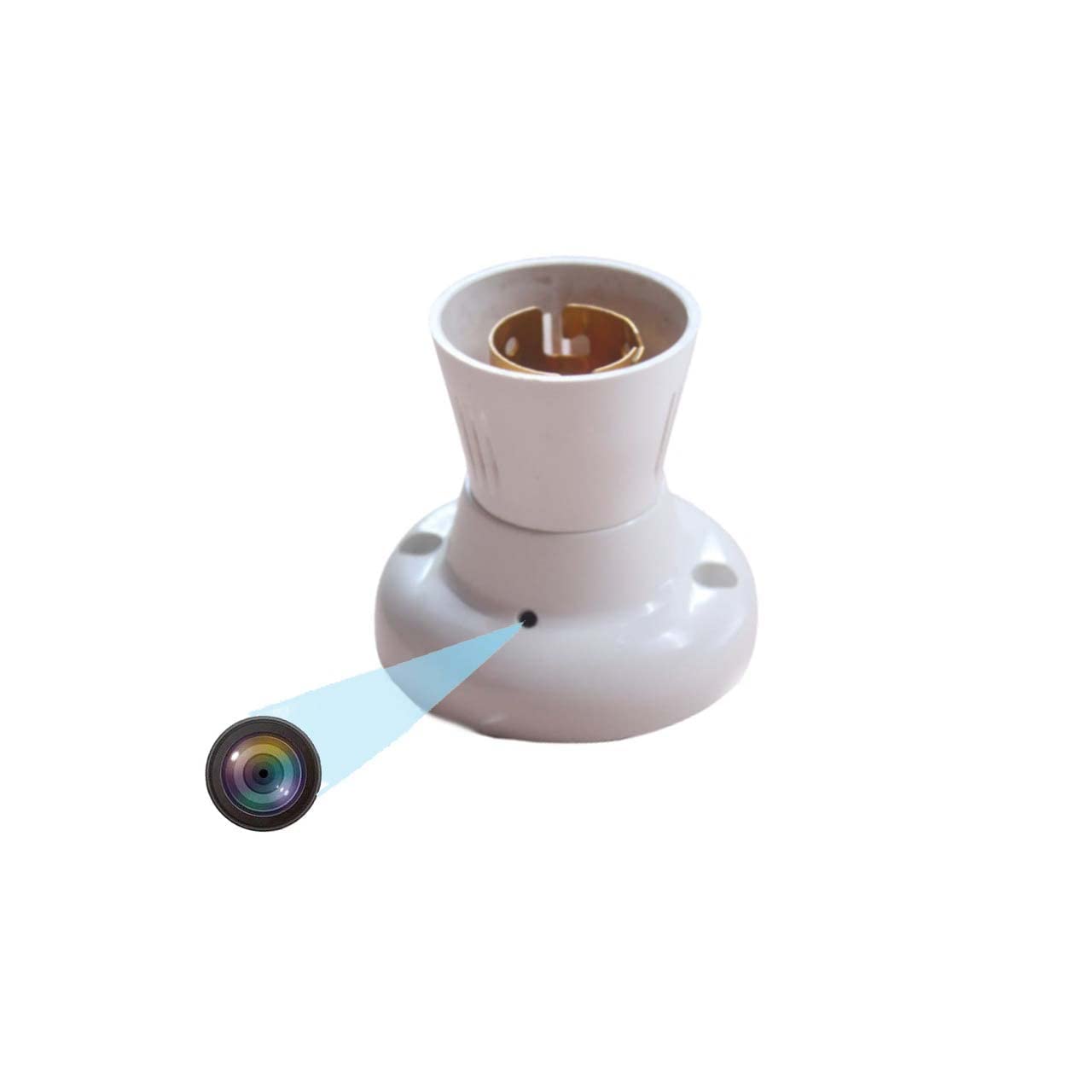
Figure 1.1: TECHNOVIEW Bulb Holder Camera. This image shows the overall design of the bulb holder with the discreetly integrated camera lens.
2. Saita Umarnin
Follow these steps to set up your TECHNOVIEW Bulb Holder Camera:
- Haɗin Wuta: Ensure the camera is connected to a 220 Volt AC power supply. This device operates directly from the mains power.
- Shigar da Katin Micro SD: Locate the Micro SD card slot on the device. Gently insert a Micro SD card (up to 128 GB capacity) for video storage. Ensure it is inserted correctly until it clicks into place.
- Shigar da App: Zazzage kuma shigar da LOOKCAM PRO APP on your smartphone. This app is available for Android devices.
- Haɗin Na'ura: Open the LOOKCAM PRO APP and follow the in-app instructions to connect your camera to your home or office Wi-Fi network. This typically involves scanning a QR code or connecting to the camera's temporary Wi-Fi hotspot.
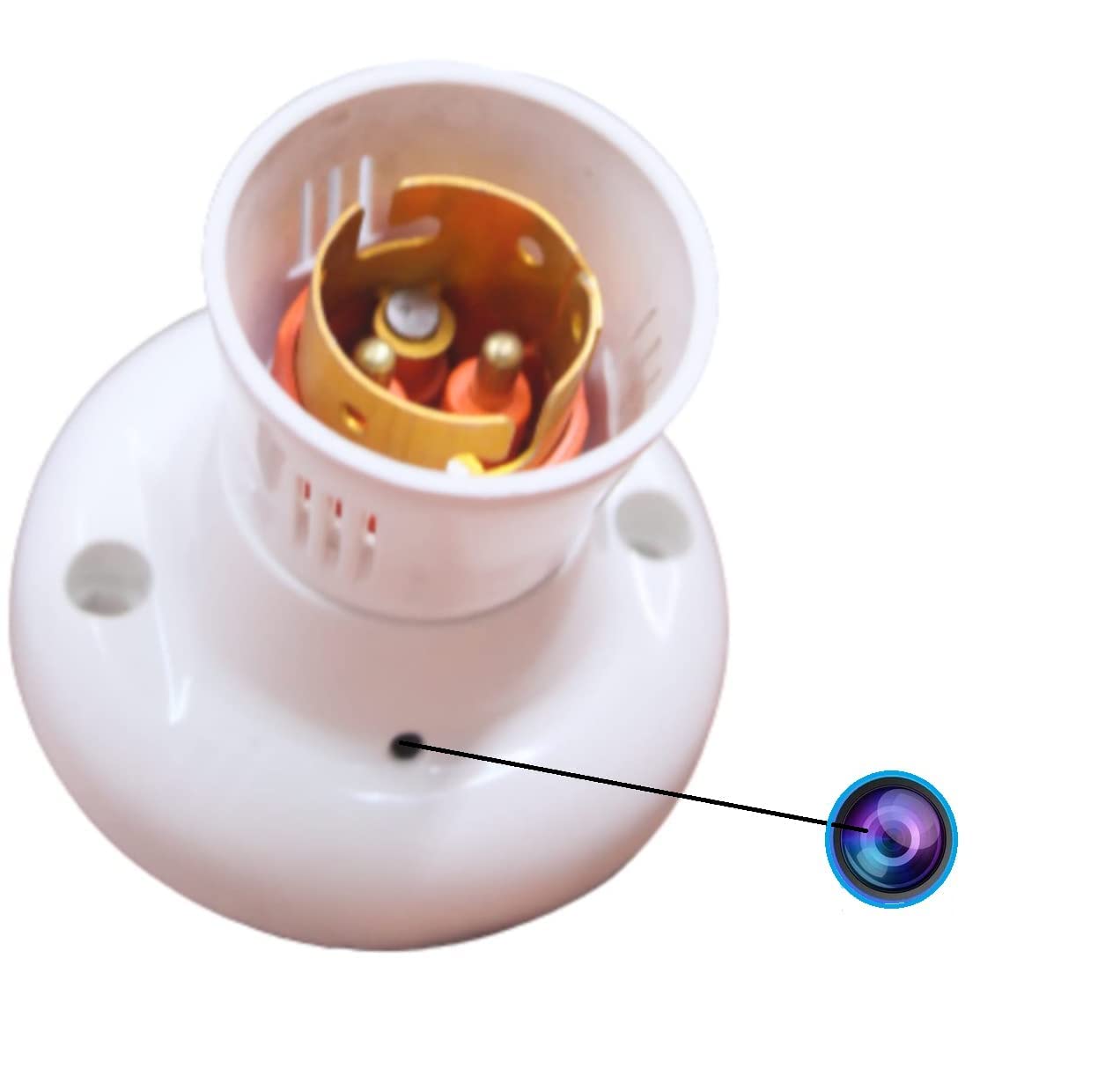
Hoto 2.1: Rufewa view of the camera lens on the bulb holder, indicating the discreet placement.
3. Umarnin Aiki
Once set up, you can operate your camera using the LOOKCAM PRO APP:
- Rayuwa View: Open the LOOKCAM PRO APP to access the live video feed from your camera. You can switch between 1080P and 720P resolution as needed.
- Rikodin Bidiyo: The camera supports continuous loop recording. When the Micro SD card is full, the newest files will automatically overwrite the oldest files Bidiyo files are saved in 10-minute segments.
- Hangen Dare: The camera is equipped with night vision technology, providing clear surveillance even in complete darkness.
- Ɗaukar Hoto: Use the app to take still photos from the live video feed.
- sake kunnawa: Access recorded videos and photos directly through the LOOKCAM PRO APP. Files can also be downloaded to your phone or computer for review.
- Raba Masu Amfani da yawa: The app allows you to share camera access with authorized users, enabling multiple individuals to view abincin.

Hoto na 3.1: Na'urar Nesa viewing of the camera feed on a smartphone, accessible anytime, anywhere.

Figure 3.2: Visual representation of the camera's core functionalities, including HD video, Wi-Fi connectivity, and loop recording.

Figure 3.3: Illustration of how multiple family members or authorized users can access and share the camera's live feed through the app.
4. Kulawa
To ensure optimal performance and longevity of your TECHNOVIEW Bulb Holder Camera, consider the following maintenance tips:
- Tsaftacewa: Gently wipe the camera lens and exterior with a soft, dry cloth. Avoid using harsh chemicals or abrasive materials that could damage the device.
- Tushen wutan lantarki: Ensure a stable 220V AC power supply. Fluctuations can affect performance.
- Gudanar da Katin ƙwaƙwalwar ajiya: While the camera features loop recording, it is advisable to periodically back up important footage from the Micro SD card to another storage device.
- Sabunta Firmware: Check the LOOKCAM PRO APP regularly for any available firmware updates for your camera. Updates can improve performance and add new features.
5. Shirya matsala
If you encounter issues with your TECHNOVIEW Bulb Holder Camera, refer to the following common problems and solutions:
| Matsala | Dalili / Magani mai yiwuwa |
|---|---|
| Camera not powering on / Not working |
|
| Interrupted recording / Wireless connection issues |
|
| Not covering full area / Limited view |
|
| Manhajar ba ta haɗawa da kyamara ba |
|
6. Ƙayyadaddun bayanai
| Siffar | Daki-daki |
|---|---|
| Samfura | Holder-Camera |
| Nau'in hawa | Abun ciki |
| Ƙimar Ɗaukar Bidiyo | 4K, 1080p |
| Launi | Fari |
| Fasahar Sadarwa mara waya | Wi-Fi |
| Factor Factor | Dome |
| Viewcikin Angle | 90 digiri |
| Voltage | 220V (AC) |
| Watatage | 5 Watts |
| Girman Abu (L x W x H) | 9 x 3 x 3 santimita |
| Nauyin Abu | 35 Grams |
| Nau'in Ƙwaƙwalwar Flash | Micro SD |
| Ƙarfin Ajiye Ƙwaƙwalwar Ƙwaƙwalwa | Har zuwa 128 GB |
| Tsarin Aiki (App) | Android |
| Siffofin Musamman | HD Camera Resolution, Wifi |
| Amfanin Cikin Gida/Waje | Cikin gida |
| Ƙimar Kariya ta Ƙasashen Duniya | IP54 |
7. Garanti da Tallafawa
For technical assistance or product support, please contact TECHNOVIEW sabis na abokin ciniki:
- Taimakon WhatsApp: + 91 98106 01293
- Lokacin Aiki: Monday to Saturday, 11:30 AM to 6:30 PM (IST)
- Please drop your query or message on WhatsApp. Contact only after purchasing samfur.

Figure 7.1: Technical support contact information for TECHNOVIEW samfurori.
For more information about TECHNOVIEW products, visit the official TECHNOVIEW Shago a Amazon.