Gabatarwa
Thank you for choosing the T'NB SHINY2 Bluetooth 5.1 TWS Wireless Earbuds. These earbuds are designed for comfort and high-quality audio, featuring Bluetooth 5.1 connectivity, up to 20 hours of listening time with the charging case, intuitive touch controls, and a built-in microphone for clear calls. This manual will guide you through the setup, operation, and maintenance of your new earbuds.

Hoto: Rufewa view of the T'NB SHINY2 wireless earbuds, highlighting their sleek design.
Saita
1. Cajin Kayan kunne da Case
Before first use, fully charge the earbuds and the charging case. Connect the supplied USB-C cable to the charging port on the case and to a compatible USB power source. The LED indicator on the case will show the charging status and battery level.
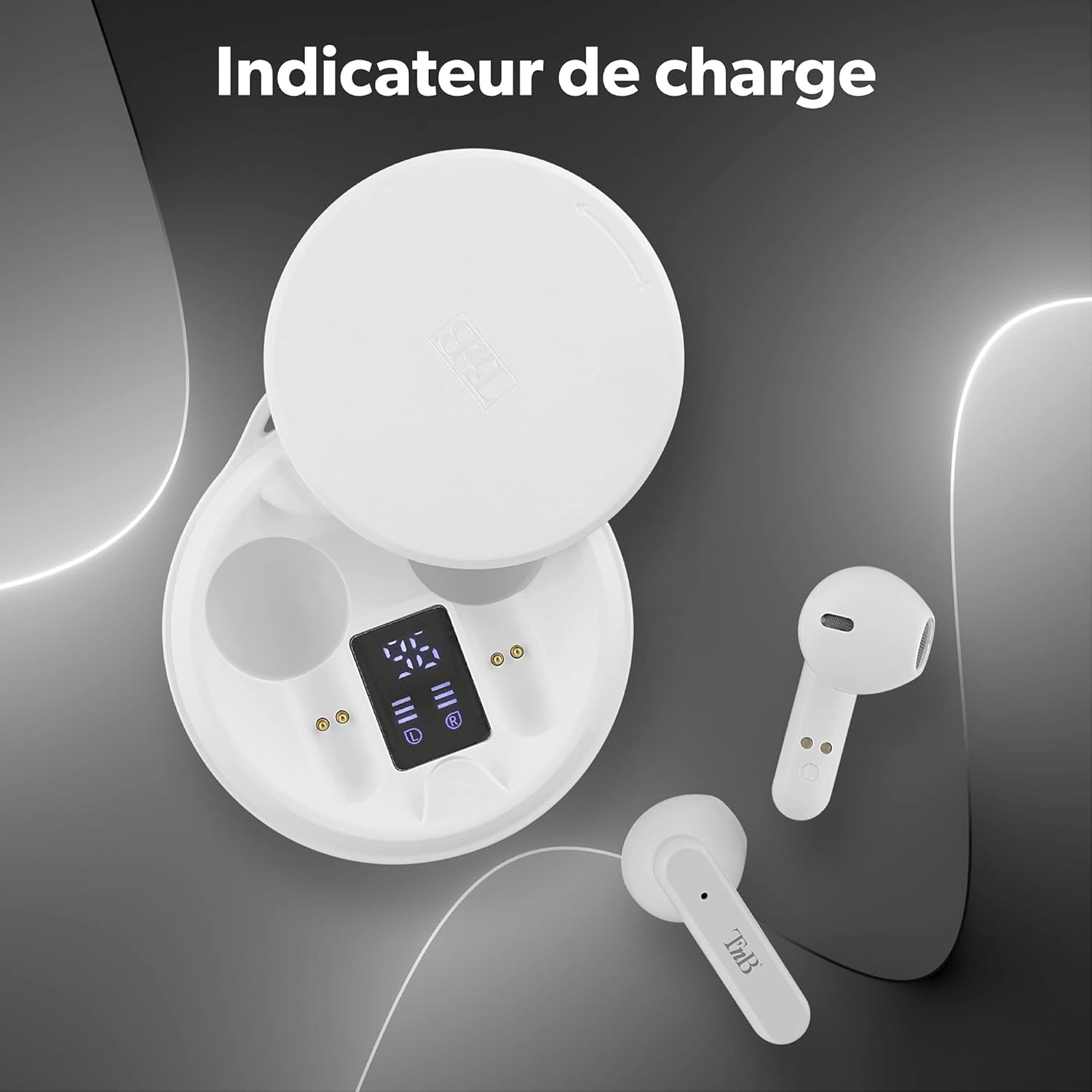
Image: The T'NB SHINY2 charging case open, displaying the LED battery level indicator for both the case and individual earbuds.
The earbuds will automatically charge when placed inside the charging case. A full charge provides up to 20 hours of total listening time with the case.

Image: Two T'NB SHINY2 earbuds shown with an icon indicating 20 hours of maximum playing time.
2. Haɗawa da Na'urar ku
- Tabbatar ana cajin belun kunne.
- Bude akwati na caji. Na'urar kunne za ta shigar da yanayin haɗin kai ta atomatik.
- A kan wayar salula ko na'urar da ke da Bluetooth, je zuwa saitunan Bluetooth kuma bincika na'urori da ake da su.
- Select "SHINY2" from the list. Once connected, you will hear a confirmation tone.
The earbuds feature Bluetooth 5.1 for a stable and efficient wireless connection.
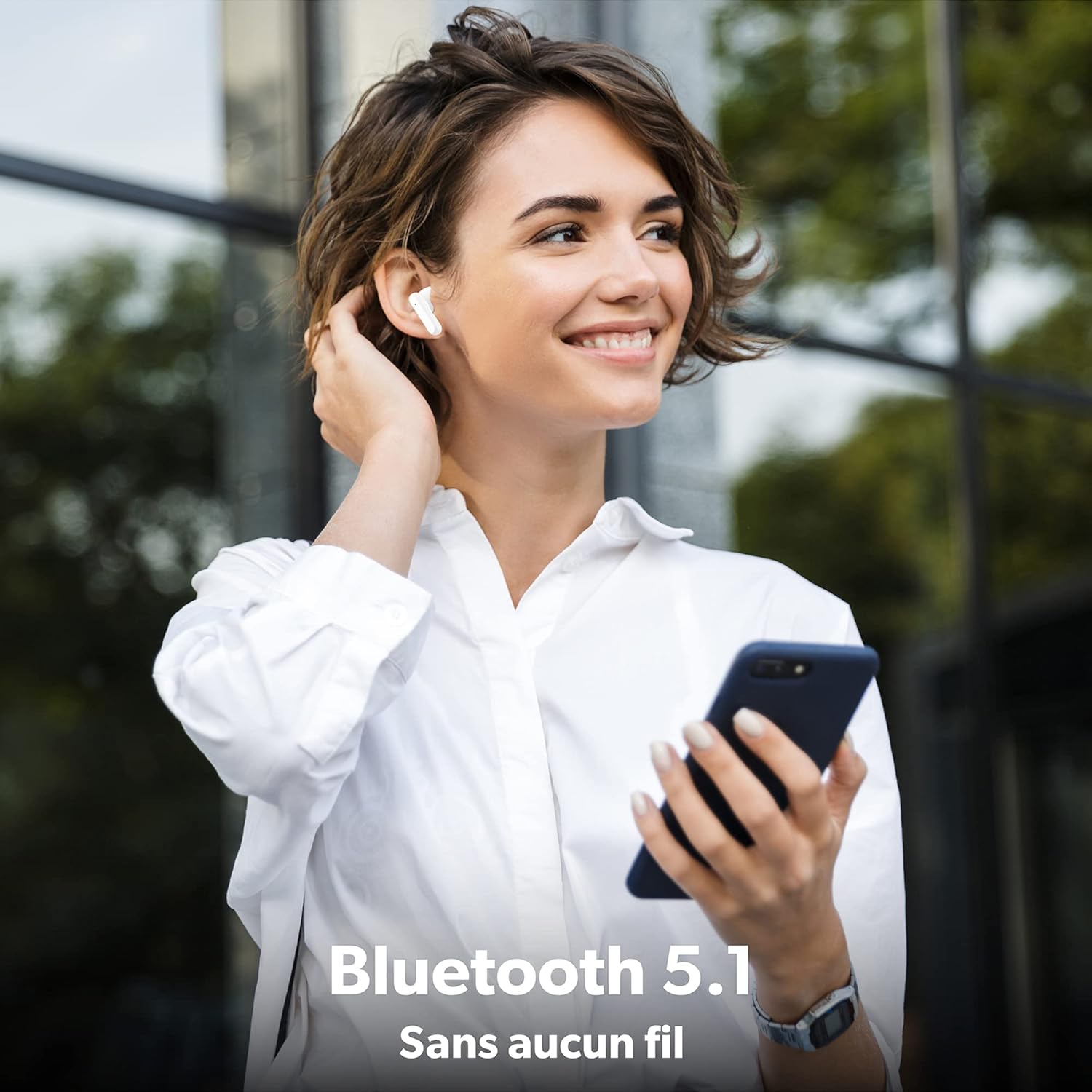
Image: A woman wearing a T'NB SHINY2 earbud, holding a smartphone, illustrating the wireless Bluetooth 5.1 connection.
After initial pairing, the earbuds will automatically connect to the last paired device when removed from the case.

Image: T'NB SHINY2 earbuds positioned next to a smartphone, symbolizing their automatic pairing capability.
Umarnin Aiki
Kunna/Kashe Wuta
- Kunna Wuta: The earbuds power on automatically when removed from the charging case.
- Kashe Wuta: Sanya belun kunne a cikin akwatin caji don kashe su da kuma fara caji.
Gudanar da taɓawa
The SHINY2 earbuds feature intuitive touch controls on each earbud. Functions include:
- Kunna/Dakata: Matsa guda ɗaya akan ko wane belun kunne.
- Waƙa ta gaba: Matsa maɓallin kunne na dama sau biyu.
- Tafiya ta baya: Danna belun kunne na hagu sau biyu.
- Upara sama: Matsa kunnen kunne na dama sau uku.
- Downara ƙasa: Sau uku taɓa belun kunne na hagu.
- Amsa/Ƙarshen Kira: Matsa guda ɗaya akan ko dai na'urar kunne yayin kira mai shigowa ko kira mai aiki.
- Karɓar Kira: Latsa ka riƙe kowane belun kunne na daƙiƙa 2 yayin kira mai shigowa.
- Kunna Mataimakin Murya: Latsa ka riƙe ko wanne abin kunne na tsawon daƙiƙa 3.

Image: T'NB SHINY2 earbuds with graphical representations of touch controls for play, volume, and track selection.
Yin Kira
The built-in omnidirectional microphone allows for clear hands-free communication. Use the touch controls to manage your calls.

Image: A woman smiling and waving while on a phone call, wearing T'NB SHINY2 earbuds, demonstrating the integrated microphone for clear calls.
Saka abin kunne
The SHINY2 earbuds feature a semi-in-ear ergonomic design for a comfortable and secure fit, suitable for various activities including sports and travel.

Image: A man wearing a T'NB SHINY2 earbud, highlighting the ergonomic semi-in-ear design for comfortable wear.
Kulawa
Tsaftacewa
- A kai a kai tsaftace belun kunne da akwati na caji tare da laushi, bushe, yadi mara lint.
- Kada a yi amfani da masu tsabtace abrasive, barasa, ko kaushi na sinadarai.
- A tsaftace na'urorin caji a kunne da kuma akwatin domin tabbatar da cewa an yi caji yadda ya kamata.
Adana
- Lokacin da ba a amfani da su, adana belun kunne a cikin cajin cajin su don kare su da kiyaye su caji.
- Avoid exposing the earbuds to extreme temperatures, humidity, or dust.
Shirya matsala
- Abubuwan kunne ba sa haɗawa: Ensure both earbuds are charged. Place them back in the case, close it, then open it again to re-enter pairing mode. Check your device's Bluetooth settings and try re-pairing.
- Babu sauti daga belun kunne guda ɗaya: Ensure both earbuds are charged and properly paired. Try resetting the earbuds by placing them in the case and then taking them out again.
- Matsalar caji: Clean the charging contacts on both the earbuds and the case. Ensure the USB-C cable is securely connected to a working power source.
- Karancin ƙara: Daidaita ƙarar a kan na'urarka da aka haɗa da kuma ta amfani da na'urorin sarrafa taɓa kunne.
- Haɗin kai tsaye: Ensure you are within the 10-meter Bluetooth range and there are no significant obstructions between the earbuds and your device.
Ƙayyadaddun bayanai
| Siffar | Daki-daki |
|---|---|
| Sunan Samfura | EBSHINYWH2 |
| Alamar | TnB |
| Fasahar Haɗuwa | Mara waya (Bluetooth 5.1) |
| Factor Form na kunne | In-Ear (Semi-in-ear) |
| Tsarin Makirufo | Built-in, Omnidirectional |
| Rayuwar Baturi | Har zuwa awanni 20 (tare da cajin caji) |
| Barfin Batirin Kunne | 25mAh (Lithium-ion) |
| Ƙarfin Batir Case | 300mAh (Lithium-ion) |
| Interface Cajin | USB Type C |
| Mara waya mara waya | Har zuwa mita 10 |
| Impedance | 32 ohm |
| Hankali | 95db ku |
| Kayan abu | Silicone or Rubber |
| Launi | Fari |
| Girman Kunshin | 14.6 x 7.8 x 3.8 cm |
| Nauyi | 120g ku |
Garanti da Taimako
For warranty information or technical support, please refer to the documentation included with your purchase or contact T'nB customer service. Keep your proof of purchase for warranty claims.