
1. Gabatarwa
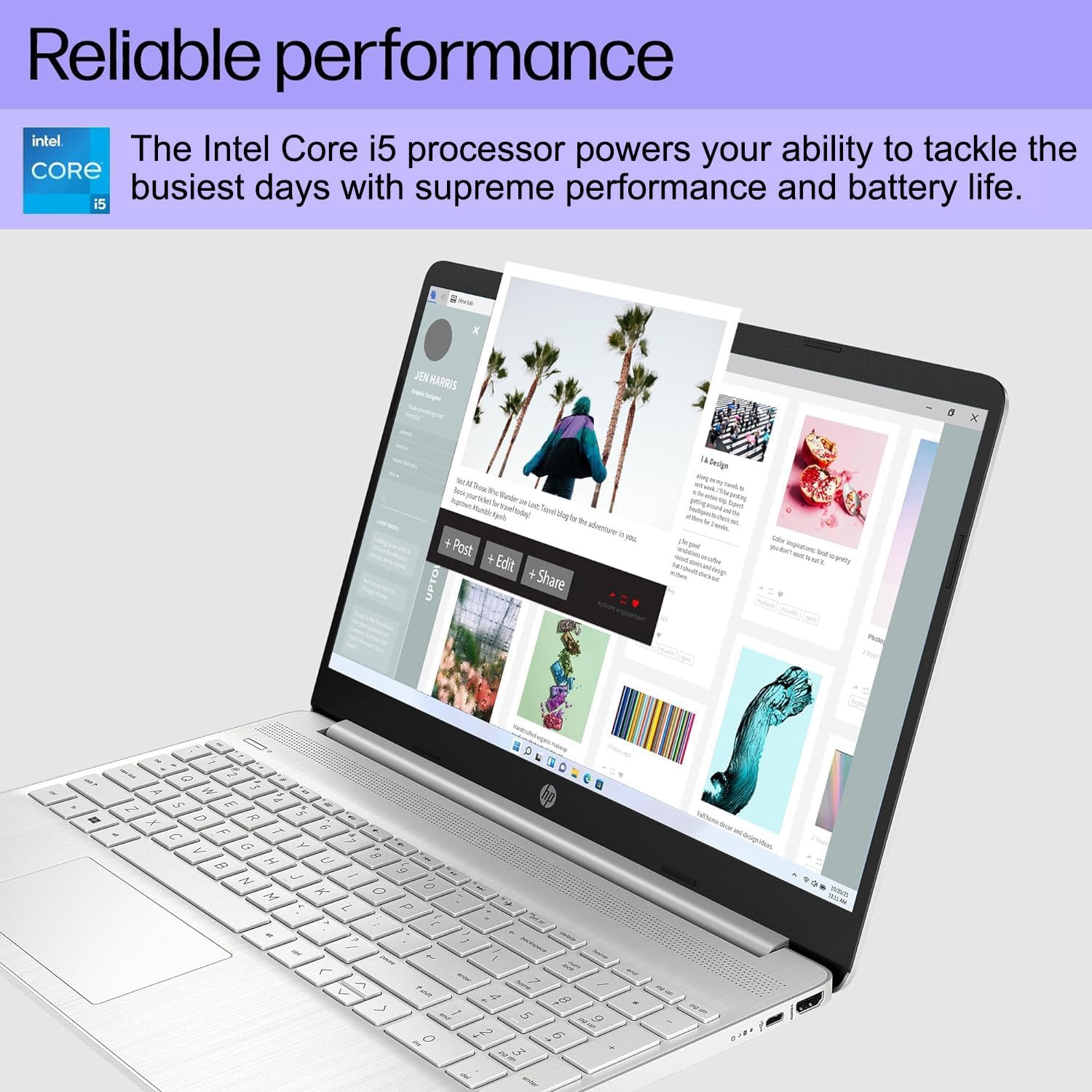
This manual provides essential information for setting up, operating, maintaining, and troubleshooting your HP 15 Laptop. This device is equipped with an Intel Core i5 processor, 16GB RAM, and a 512GB SSD, running on Windows 11 Home. Please read this manual thoroughly to ensure proper use and to maximize the lifespan of your laptop.
2. Abubuwan Kunshin
Tabbatar cewa duk abubuwa suna nan a cikin akwatin:
- HP 15 Laptop
- Adaftar AC 45W tare da Igiyar Wuta
- Jagorar mai amfani (wannan takaddar)
- Bayanin Garanti na Shekaru 1

3. Kayan Samfura
- Amintaccen Ayyuka: Equipped with an Intel Core i5-1135G7 Processor, 16GB DDR4 RAM, and a 512GB PCIe NVMe M.2 SSD for efficient operation and fast storage.
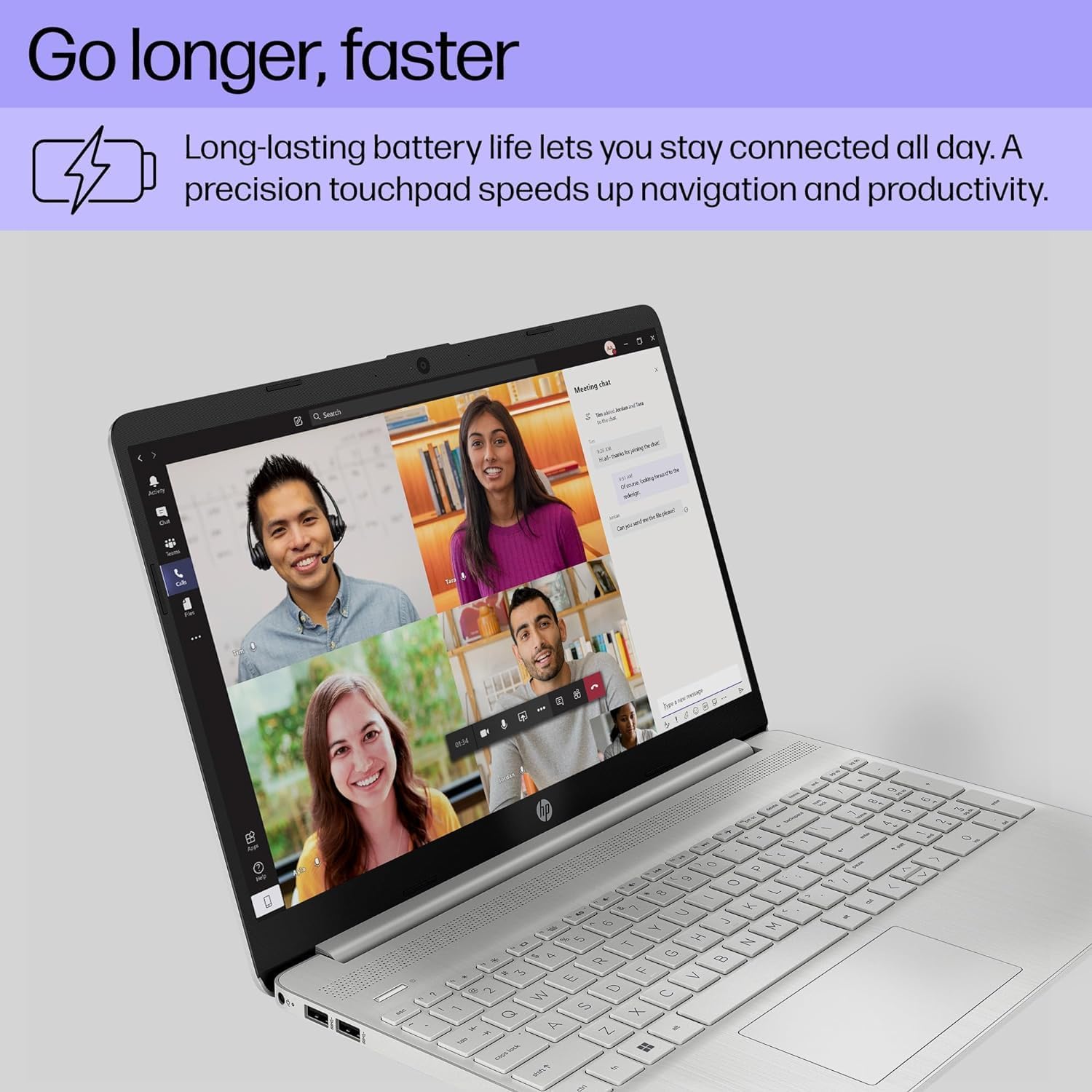
- Tsawon Rayuwar Baturi: Designed for up to 10 hours of battery life, allowing for prolonged use without frequent recharging.
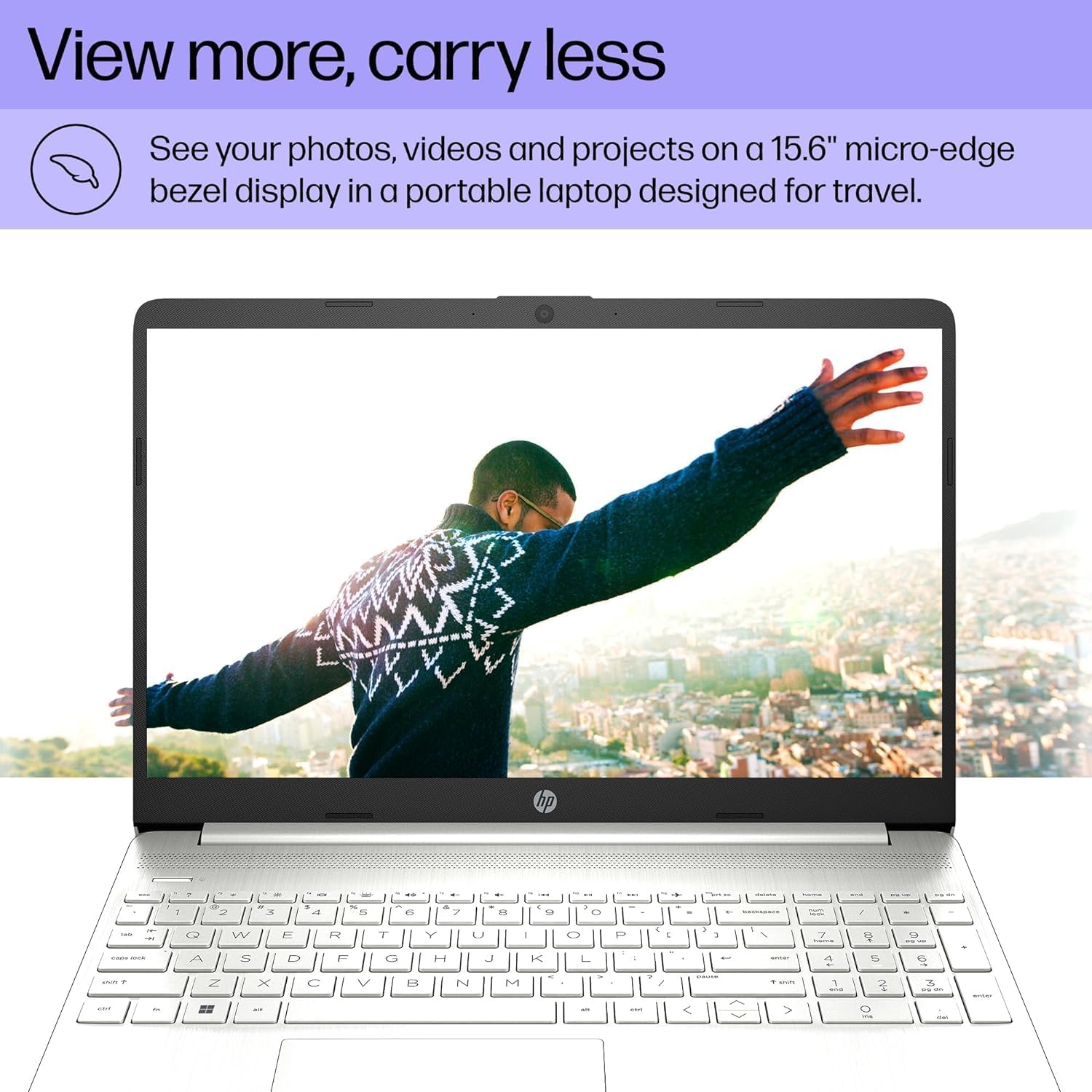
- Share Nuni: Features a 15.6" FHD (1920 x 1080) IPS micro-edge anti-glare BrightView Display with Intel Iris Xe graphics. Supports external monitors via HDMI at 4K (3840x2160) @60Hz.
- Haɗe-haɗe Webkamara: HD webcam with advanced noise reduction software and dual array digital microphone for clear video calls. Includes a physical privacy shutter.
- Haɗin kai iri-iri: Includes USB 3.2 Type-C 5Gbps ports, USB 3.1 Type-A 5Gbps ports, HDMI 1.4b, SD media card reader, and an Audio combo jack.
- Iyawar mara waya: Supports Wi-Fi 5 (802.11ac) and Bluetooth 5 for reliable wireless connections.
- Tsarin Aiki: Pre-installed with Windows 11 Home 64-bit, featuring AI-powered Copilot for enhanced productivity.

4. Jagorar Saita
4.1 Ƙarfin Farko Kunna
- Haɗa Ikon: Haɗa adaftar AC ɗin a cikin tashar wutar lantarki ta kwamfutar tafi-da-gidanka sannan a cikin tashar wuta ta bango.
- Buɗe kwamfutar tafi-da-gidanka: A hankali a buɗe murfin kwamfutar tafi-da-gidanka.
- Kunna Wuta: Press the power button, usually located on the top right of the keyboard.
- Saitin Windows na farko: Follow the on-screen instructions to complete the Windows 11 Home setup, including language, region, network connection, and user account creation.
4.2 Haɗa Abubuwan Haɗi
Use the available ports to connect external devices:
- Na'urorin USB: Connect mice, keyboards, external drives, or printers to the USB Type-A or USB Type-C ports.
- Nuni na waje: Use an HDMI cable to connect to an external monitor or TV.
- Na'urorin Sauti: Plug headphones or external speakers into the audio combo jack.
- Katunan SD: Insert SD media cards into the multi-format SD media card reader.
5. Umarnin Aiki
5.1 Navigation na asali
- faifan taɓawa: Use the integrated touchpad for cursor control. Tap to click, use two fingers to scroll, and pinch to zoom.
- Allon madannai: The laptop features a full-size keyboard with a numeric keypad. Function keys (F1-F12) provide quick access to system settings when pressed with the Fn key.
- Windows 11: Familiarize yourself with the Windows 11 interface, including the Start Menu, Taskbar, and Action Center.
5.2 Yin amfani da Webkama
The integrated HD webcam is suitable for video calls and online meetings. Ensure the privacy shutter (if present) is open before use. Access webcam settings through Windows settings or your video conferencing application.
6. Kulawa
6.1 Tsaftacewa
- Allon: Yi amfani da laushi mai laushi mara laushi dampan rufe shi da ruwa ko mai tsabtace allo. Guji munanan sinadarai.
- Allon madannai da Chassis: Use a soft cloth to wipe surfaces. For dust, use compressed air.
- Tashoshi: Keep ports free of dust and debris to ensure proper connectivity.
6.2 Sabunta software
A riƙa duba da shigar da sabuntawar Windows da sabunta direbobi akai-akai domin tabbatar da ingantaccen aiki da tsaro. Saituna > Sabuntawar Windows.
6.3 Kula da baturi
- Ka guji matsanancin zafi.
- Kada ka cika fitar da batirin akai-akai.
- Don ajiya na dogon lokaci, yi cajin baturin zuwa kusan 50-70%.
7. Shirya matsala
| Matsala | Dalili mai yiwuwa | Magani |
|---|---|---|
| Laptop baya kunnawa. | Babu wuta, baturi da aka fitar, matsalar hardware. | Ensure AC adapter is securely connected and outlet is working. Charge battery for at least 30 minutes. If issue persists, contact support. |
| Allon allo babu komai. | Sleep mode, display settings, external monitor connected. | Press any key or move the mouse to wake from sleep. Press Fn + F4 (or equivalent display toggle key) to cycle display outputs. Disconnect external monitors. |
| Wi-Fi baya haɗi. | An kashe Wi-Fi, kalmar sirri mara daidai, batun na'ura mai ba da hanya tsakanin hanyoyin sadarwa. | Check Wi-Fi settings in Windows to ensure it's enabled. Verify Wi-Fi password. Restart your router and modem. |
| Laptop runs slowly. | Too many programs open, low disk space, malware. | Close unnecessary applications. Free up disk space. Run a virus scan. Check for and install system updates. |
8. Ƙayyadaddun bayanai
| Siffar | Daki-daki |
|---|---|
| Alamar | kwakwalwar kwamfuta |
| Sunan Samfura | HP 15 Laptop |
| Girman allo | Inci 15.6 |
| Launi | Azurfa |
| Samfurin CPU | Intel Core i5-1135G7 (11th Gen) |
| Saurin sarrafawa | 2.4 GHz (up to 4.2 GHz) |
| Girman Ƙwaƙwalwar Ƙwaƙwalwar RAM | 16 GB DDR4 (3200 MHz) |
| Girman Hard Disk | 512 GB SSD (PCIe NVMe M.2) |
| Tsarin Aiki | Windows 11 Home 64-bit |
| Mai sarrafa Graphics | Intel Iris Xe Graphics (Haɗaɗɗen) |
| Nuni Resolution | 1920x1080 Pixels (FHD) |
| Matsakaicin Sassauta | 60 Hz |
| Haɗin mara waya | Wi-Fi 5 (802.11ac), Bluetooth 5 |
| USB Ports | 1x USB 3.2 Type-C, 2x USB 3.1 Type-A |
| HDMI Ports | 1 x HDMI 1.4b |
| Sauran Tashar Jiragen Ruwa | SD Media Card Reader, Audio Combo Jack |
| Webkama | HD Webcam (0.9 MP Front Photo Sensor Resolution) |
| Rayuwar Baturi (Matsakaici) | 10 Awanni |
| Nauyin Abu | 3.8 fam |
| Girma (L x W x Kauri) | 14.11"L x 9.53"W x 0.71" Th |

9. Garanti da Tallafawa
Your HP 15 Laptop comes with a Garanti mai iyaka na shekara 1 from the manufacturer on remaining components. Additionally, the upgraded Memory/SSD components are covered by a three-year warranty from Issaquah Highlands Tech.
For technical support or warranty claims, please refer to the contact information provided with your purchase documentation or visit the manufacturer's official support website.