
1. Gabatarwa
This manual provides detailed instructions for the safe and efficient operation of your Zebronics Zeb-Buddy 100 Portable Bluetooth Speaker. Please read this manual thoroughly before using the device and retain it for future reference.
2. Samfurin Ya Ƙareview da Features
The Zebronics Zeb-Buddy 100 is a portable Bluetooth v5.0 speaker designed for versatile audio playback. It features a compact design with an integrated handle for easy transport and a mobile holder for hands-free use. Key features include:
- Haɗin Bluetooth v5.0: Don watsa sauti mara waya.
- Ayyukan TWS: Allows pairing of two Zeb-Buddy 100 speakers for stereo audio.
- Makirifo mai waya: Includes a 6.3mm wired microphone for karaoke.
- Zaɓuɓɓukan sake kunnawa da yawa: Supports AUX, micro SD card, and USB input.
- Built-in FM Radio: For listening to radio stations.
- Gudanarwar Mai jarida: Integrated buttons for easy control of playback.
- Baturi Mai Caji: Provides up to 5 hours of playback time.
- Hanyoyin Hasken RGB: Multiple light modes for enhanced ambiance.
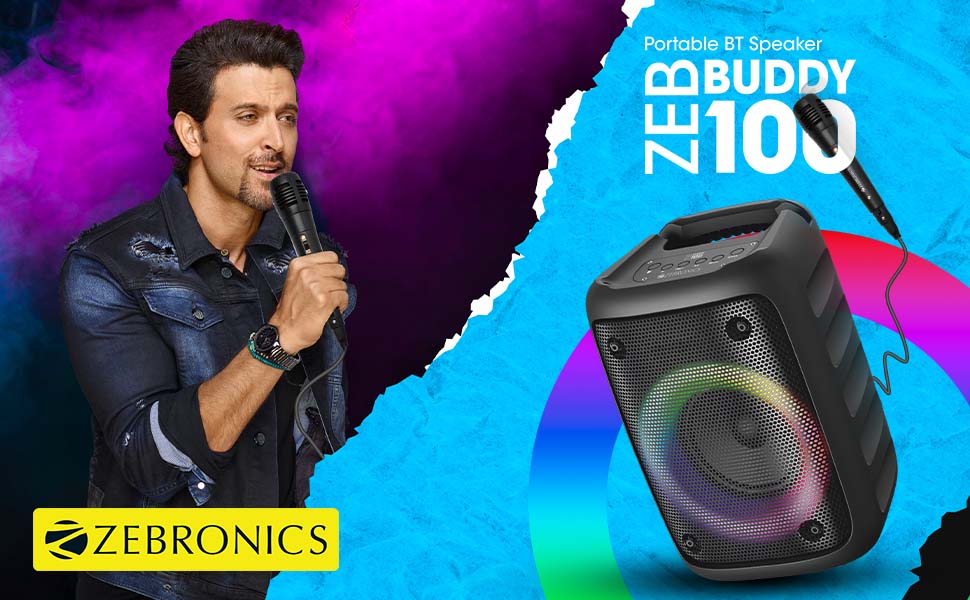
Image: The Zeb-Buddy 100 speaker shown with its included wired microphone, highlighting its portable design and control panel.
Hoto: Angled view of the Zeb-Buddy 100 speaker, showcasing its compact form factor and side details.
3. Saita
3.1 Cajin Shugaban Majalisa
- Haɗa kebul na caji zuwa tashar caji ta lasifika.
- Connect the other end of the cable to a suitable USB power adapter (not included).
- The charging indicator will illuminate. A full charge takes approximately 4 hours.
3.2 Haɗin Bluetooth
- Ƙaddamar da lasifikar ta latsa da riƙe maɓallin wuta.
- The speaker will enter Bluetooth pairing mode, indicated by a flashing LED.
- A kan na'urar tafi da gidanka, kunna Bluetooth kuma bincika samammun na'urori.
- Select "Zeb-Buddy 100" from the list to pair.
- Once paired, the speaker will confirm the connection, and the LED will stop flashing.
3.3 TWS (True Wireless Stereo) Pairing
To experience stereo audio, you can pair two Zeb-Buddy 100 speakers together:
- Ensure both Zeb-Buddy 100 speakers are powered on and not connected to any Bluetooth device.
- On one speaker (this will be the primary speaker), press and hold the TWS button.
- The primary speaker will search for the secondary speaker.
- Once connected, both speakers will indicate a successful TWS pairing.
- Now, connect your mobile device to the primary speaker via Bluetooth as described in section 3.2. Audio will play in stereo through both speakers.

Image: Three Zeb-Buddy 100 speakers demonstrating their multiple RGB light modes, illustrating the TWS capability.
4. Umarnin Aiki
4.1 Zaɓin Yanayin
Press the 'M' (Mode) button on the speaker to switch between Bluetooth, AUX, Micro SD, USB, and FM Radio modes.
4.2 Sake kunnawa Audio
- Kunna/Dakata: Danna maɓallin Play/Dakata.
- Waƙa ta gaba: Danna maɓallin 'Next'.
- Tafiya ta baya: Latsa maballin 'Previous'.
- Upara sama: Press and hold the 'Next' button.
- Downara ƙasa: Press and hold the 'Previous' button.
4.3 Karaoke Aiki
- Connect the wired microphone to the 6.3mm microphone input port on the speaker.
- Adjust the microphone volume using the dedicated knob on the speaker (if available) or through the main volume controls.
- Ensure music is playing from your chosen source (Bluetooth, AUX, etc.) for background audio.
4.4 FM Radio Aiki
- Switch to FM Radio mode using the 'M' button.
- Press the Play/Pause button once to auto-scan and save available FM channels.
- Use the 'Next' and 'Previous' buttons to navigate between saved channels.
5. Kulawa
To ensure the longevity and optimal performance of your Zeb-Buddy 100 speaker:
- A ajiye lasifika nesa da ruwa, danshi, da kuma hasken rana kai tsaye.
- A wanke lasifikar da kyalle mai laushi da busasshe. Kar a yi amfani da sinadarai masu ƙarfi ko kuma masu tsaftace muhalli.
- Guji faduwa ko ƙaddamar da lasifikar zuwa tasiri mai ƙarfi.
- Ajiye a wuri mai sanyi, busasshiyar lokacin da ba'a amfani dashi na tsawon lokaci.
6. Shirya matsala
| Matsala | Dalili mai yiwuwa | Magani |
|---|---|---|
| Kakakin ba ya kunna wuta. | Batirin ƙasa ko babu caji. | Cajin lasifika cikakke. |
| Ba za a iya haɗa ta Bluetooth ba. | Mai magana baya cikin yanayin haɗawa; A kashe na'urar Bluetooth; yayi nisa da magana. | Ensure speaker is in pairing mode. Turn Bluetooth on/off on your device. Move device closer to speaker. |
| Babu sauti. | Volume too low; incorrect mode selected; faulty cable (AUX/USB). | Increase volume. Select correct input mode. Check/replace cables. |
| Haɗin TWS ya gaza. | Speakers already connected to another device; too far apart. | Disconnect speakers from other devices. Ensure speakers are close to each other. |
| Makirifo baya aiki. | Microphone not fully plugged in; volume too low. | Ensure microphone is securely connected. Adjust microphone volume. |
7. Ƙayyadaddun bayanai
- Alamar: KYAUTA
- Sunan Samfura: Zab-Buddy 100
- Fasahar Haɗuwa: Auxiliary, Bluetooth, USB, Wireless
- Sigar Bluetooth: v5.0
- Matsakaicin Ƙarfin Fitar da Kakakin: 15 Watts
- Martanin Mitar: 100 Hz - 20 kHz
- Yanayin fitarwa na sauti: Sitiriyo (tare da TWS)
- Girman Kakakin: 52 Millimetres (Driver)
- Tushen wutar lantarki: Ana Karfin Batir
- Lokacin Cajin Baturi: 4 Awanni
- Lokacin sake kunnawa: 5 Awanni
- Hanyar sarrafawa: Taɓa Control
- Na'urori masu jituwa: Smartphone, Tablet
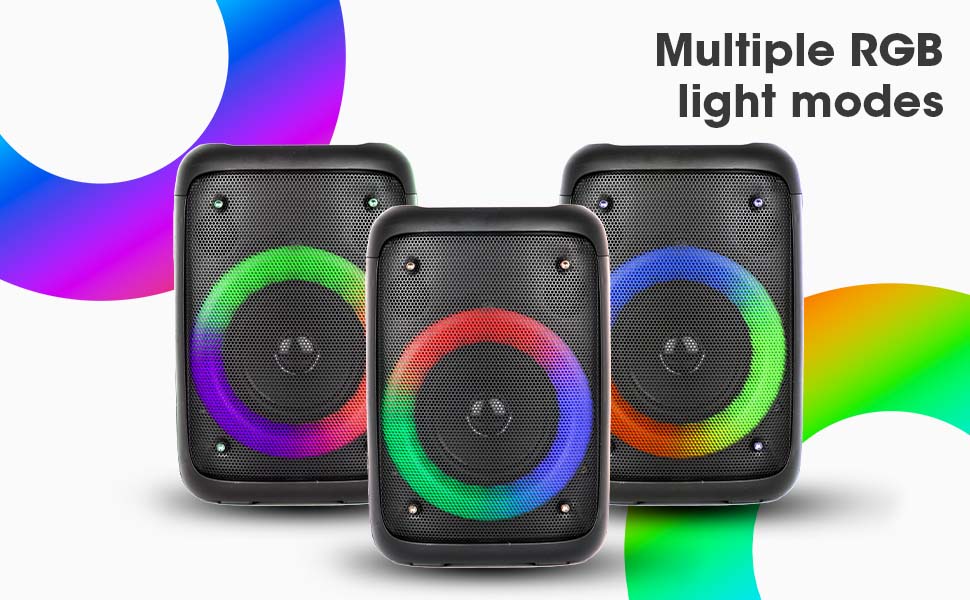
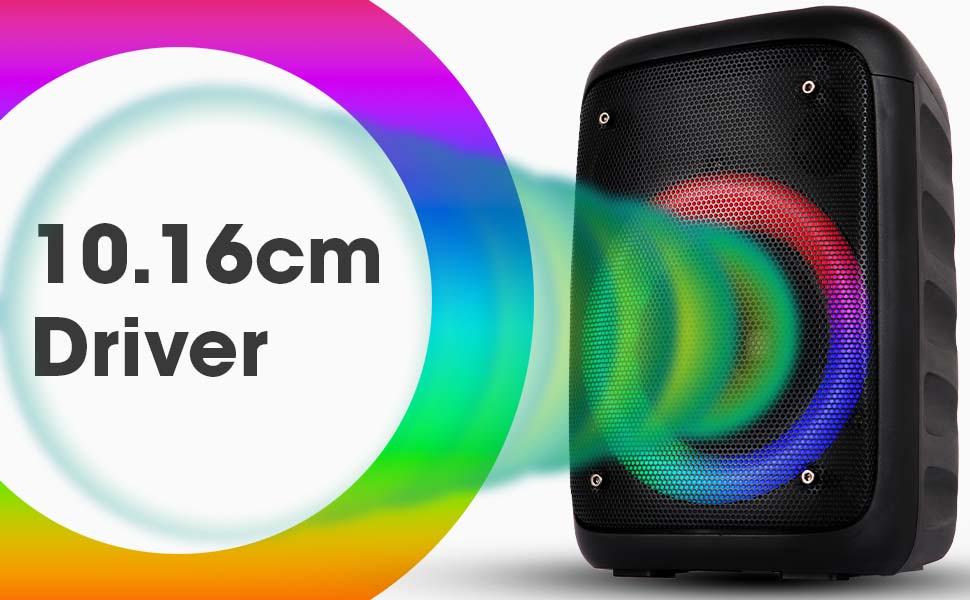
Image: The Zeb-Buddy 100 speaker with an overlay indicating its 10.16cm (4-inch) driver size.
8. Garanti da Tallafawa
The Zebronics Zeb-Buddy 100 comes with a Garanti na shekara 1 na ɗaukar kaya to the service center. For any support, service, or warranty claims, please contact Zebronics customer support or visit their official website for service center locations and contact information.
Please retain your purchase receipt for warranty validation.