
1. Gabatarwa
The HiFuture Future Zone 2 BT Smartwatch is designed to enhance your daily life by providing convenient access to fitness tracking, communication, and entertainment features directly from your wrist. This manual provides essential information on how to set up, operate, and maintain your new smartwatch.
Key features include step tracking, distance measurement, time and date display, music playback control, an AMOLED touchscreen display, and a seamless Bluetooth calling system. With an impressive 7-day battery life, the Future Zone 2 is built for extended use.
2. Samfurin Ya Ƙareview
2.1. Features
- Bibiyar Ayyuka: Helps you track simple steps, distance traveled, time, and date.
- Ikon Kiɗa: Allows you to control your phone's music player directly from the watch.
- Nunawa: Features a vibrant AMOLED touchscreen display.
- Kiran Bluetooth: Enables hassle-free communication with a built-in Bluetooth calling system.
- Rayuwar Baturi: Offers an impeccable battery that lasts up to 7 days on a single charge.
- Juriya na Ruwa: IP68 certified for water resistance.
- Hanyoyin wasanni: Supports over 100 sports modes for diverse activity tracking.
2.2. Components and Display

Hoto na 2.2.1: The HiFuture Future Zone2 Smartwatch in silver and white, showcasing its sleek design and vibrant display with activity metrics.
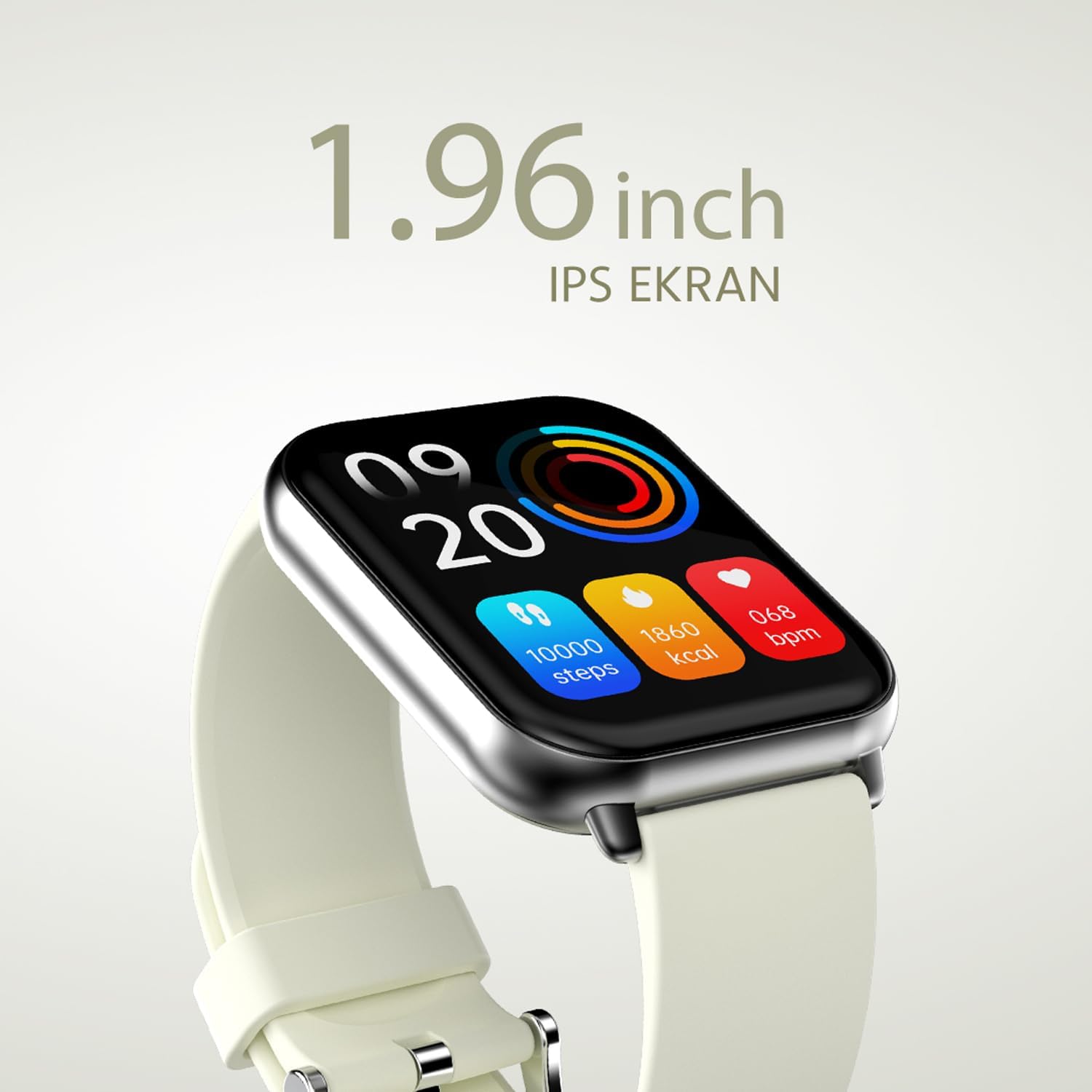
Hoto na 2.2.2: A daki-daki view of the smartwatch display, highlighting its 1.96-inch IPS screen, which offers clear and crisp visuals.

Hoto na 2.2.3: The smartwatch accompanied by icons representing its core features: 1.96-inch IPS screen, wireless connectivity, 7-day battery life, and IP68 water resistance.

Hoto na 2.2.4: The smartwatch surrounded by various sport icons, indicating its support for over 100 different sport modes for comprehensive fitness tracking.
3. Saita
3.1. Cajin Smartwatch
Before first use, fully charge your HiFuture Future Zone2 Smartwatch. Connect the charging cable to the charging port on the back of the watch and plug the USB end into a compatible power adapter (not included) or a computer's USB port. The watch display will indicate charging status. A full charge typically takes approximately 2 hours.
3.2. Haɗawa da Smartphone ɗin ku
- Sauke App: Bincika the official HiFuture companion app on your smartphone's app store (Google Play Store for Android or Apple App Store for iOS). Install the app.
- Kunna Bluetooth: Tabbatar cewa an kunna Bluetooth akan wayoyin ku.
- Bude App: Launch the HiFuture app and follow the on-screen instructions to create an account or log in.
- Ƙara Na'ura: Within the app, navigate to the "Add Device" or "Pair Device" section. The app will search for nearby smartwatches.
- Zaɓi Kallon ku: Select "HiFuture Future Zone2" from the list of discovered devices.
- Tabbatar da Haɗawa: Buƙatar haɗawa za ta bayyana a wayarka da kuma agogon agogon hannu. Tabbatar da haɗawa a kan na'urorin biyu.
- Cikakken Saita: Once paired, the app will guide you through initial settings such as personal information, notification preferences, and watch face customization.
Note: For optimal performance, ensure your smartphone's operating system and the smartwatch app are up to date.
4. Umarnin Aiki
4.1. Navigation na asali
- Kariyar tabawa: Danna hagu, dama, sama, ko ƙasa don kewaya cikin menus da allo. Danna don zaɓar zaɓi.
- Maɓallin Gefe: Press the side button to return to the home screen or wake up the display. A long press may access power options or a quick menu.
4.2. Kiran Bluetooth
The Future Zone2 Smartwatch supports Bluetooth calling, allowing you to make and receive calls directly from your wrist when connected to your smartphone.
- Enable Call Audio: Ensure that the smartwatch is connected to your phone for both data and call audio. This setting is usually managed within your phone's Bluetooth settings after initial pairing.
- Yin Kira: Access the dialer or contact list on your smartwatch. Tap to dial a number or select a contact to initiate a call.
- Karbar Kira: Idan kira ya shigo, agogon zai nuna lambar mai kiran. Danna alamar kore don amsawa ko kuma alamar ja don ƙin amsawa.
- Yayin Kira: You can speak directly into the watch's built-in microphone and listen through its speaker. Options to mute, adjust volume, or transfer the call to your phone may be available on the watch screen.
Hoto na 4.2.1: The smartwatch screen showing a missed call notification, demonstrating its Bluetooth calling capability.
4.3. Music Playback Control
Control your smartphone's music playback directly from your smartwatch.
- Access Music Control: Swipe on your watch face or navigate through the app list to find the "Music" or "Media Control" icon.
- Sarrafa sake kunnawa: From this screen, you can play/pause, skip tracks (next/previous), and adjust the volume of the music playing on your connected smartphone.
4.4. Bibiyar Ayyuka
The smartwatch automatically tracks your daily steps, distance, and calories burned. You can view these metrics on the watch display or in the companion app for more detailed insights.
- Ayyukan Kullum: The main watch face or a dedicated activity screen will show your current steps, calories, and heart rate (if applicable).
- Hanyoyin wasanni: Select a specific sport mode (e.g., running, cycling, walking) from the watch's menu before starting an activity for more accurate tracking.
5. Kulawa
5.1. Tsaftace Smartwatch
- A goge allon agogon da jikin sa da kyalle mai laushi, mara lint.
- Don taurin kai, dampen the cloth slightly with water. Avoid using harsh chemicals or abrasive materials.
- Tabbatar cewa lambobin caji suna da tsabta kuma sun bushe kafin yin caji.
5.2. Ruwa Resistance (IP68)
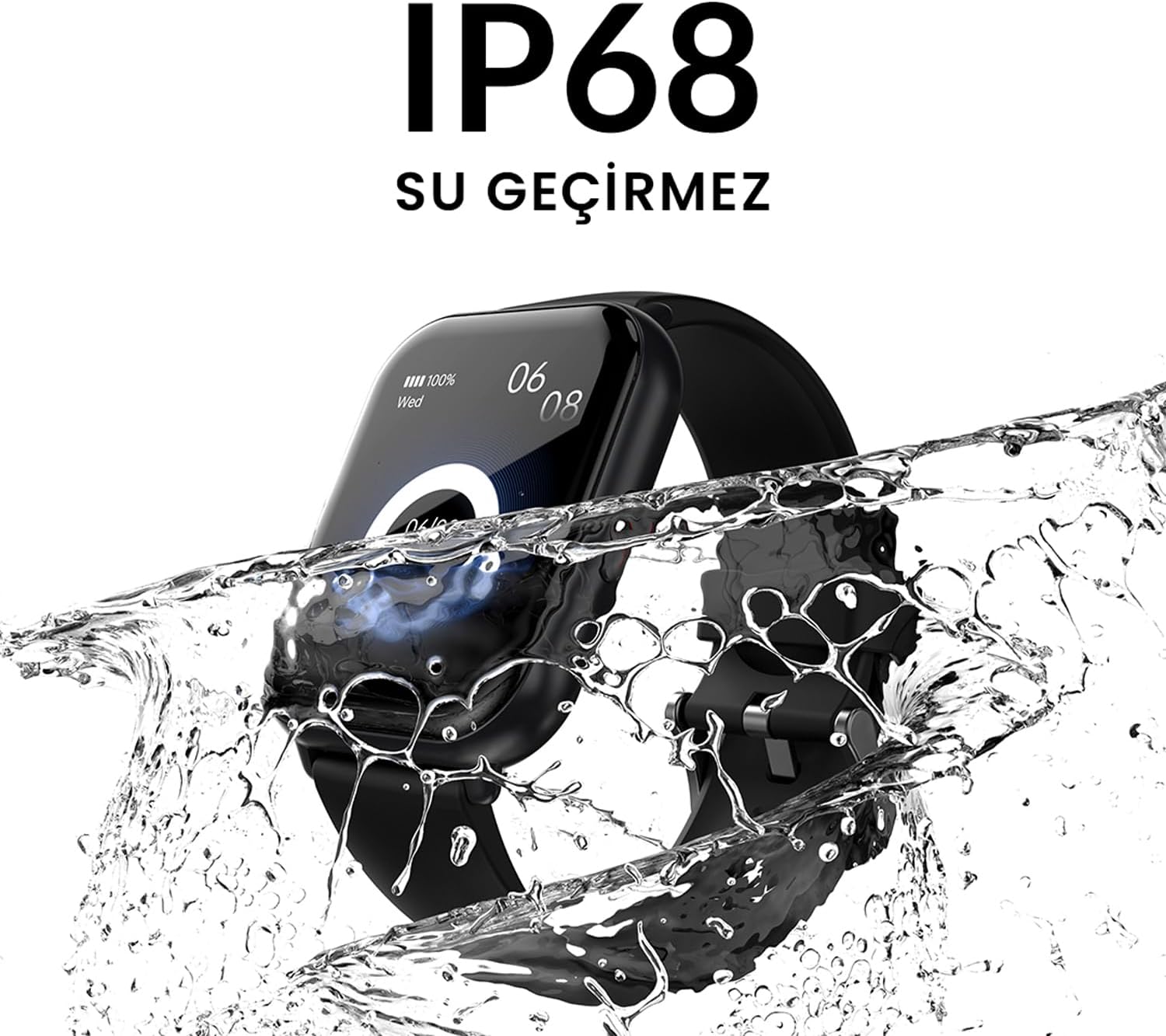
The HiFuture Future Zone2 Smartwatch is IP68 water-resistant, meaning it can withstand immersion in water up to 1.5 meters for up to 30 minutes. It is suitable for daily use, such as hand washing or light rain.
- Do not use the watch for diving, snorkeling, or high-pressure water activities.
- Avoid exposing the watch to hot water, steam, or detergents, as this may compromise its water resistance.
- If the watch gets wet, dry it thoroughly before charging or operating.

Hoto na 5.2.1: The smartwatch shown with water splashing over it, illustrating its IP68 water resistance rating.
5.3. Kula da baturi
- Don tsawaita rayuwar baturi, kauce wa cikar cajin baturin akai-akai.
- Yi cajin agogon ta amfani da kebul ɗin caji kawai da aka bayar.
- Ajiye agogon a wuri mai sanyi da bushewa idan ba a amfani da shi na tsawon lokaci.
6. Shirya matsala
6.1. Matsalolin gama gari da Mafita
| Batu | Dalili mai yiwuwa | Magani |
|---|---|---|
| Kallon baya kunna | Ƙananan baturi; na'urar daskararre | Charge the watch for at least 30 minutes. If still unresponsive, perform a forced restart (refer to device-specific instructions, usually a long press of the side button). |
| Ba za a iya haɗawa da wayar hannu ba | Bluetooth off; app issue; watch not discoverable | Ensure Bluetooth is on for both devices. Restart both the watch and phone. Clear the app's cache or reinstall it. Make sure the watch is in pairing mode. |
| Bluetooth calling not working | Incorrect Bluetooth profile; app permissions | Check your phone's Bluetooth settings to ensure the watch is connected for "Calls" or "Phone audio." Verify app permissions for phone calls. |
| Bin diddigin ayyuka marasa daidaito | Improper wear; software glitch | Ensure the watch is worn snugly on your wrist. Restart the watch. Update the watch firmware via the app if available. |
7. Ƙayyadaddun bayanai
| Siffar | Daki-daki |
|---|---|
| Alamar | HiFuture |
| Sunan Samfura | Smartwatch (Future Zone2) |
| Lambar Samfura | ZONE2 SILVER WHITE |
| Launi | Silver and White (as per product title, though spec says Grey) |
| Girman allo | 41 Millimeters (1.96 inches IPS) |
| Fasahar Haɗuwa | Bluetooth |
| Siffofin Musamman | Music Player, Distance Tracker, Bluetooth Calling |
| Na'urori masu jituwa | Smartphone, Tablet, Other Portable Devices |
| Haɗin Baturi | Lithium-ion (1 Lithium-polymer battery included) |
| Baturi mai caji | Ee |
| Resistance Ruwa | IP68 Certified |
| GPS | Babu GPS |
| Siffar | Dandalin |
| Mai ƙira | HiFuture Group |
8. Garanti da Tallafawa
8.1. Garanti na samfur
Specific warranty details for the HiFuture Future Zone2 Smartwatch are typically provided with your purchase documentation or on the manufacturer's official website. Da fatan za a riƙe shaidar siyan ku don da'awar garanti.
Note: Information regarding guaranteed software updates and spare parts availability is not explicitly provided.
8.2. Tallafin Abokin Ciniki
For technical assistance, troubleshooting beyond this manual, or warranty inquiries, please contact HiFuture customer support through their official webshafin ko bayanin tuntuɓar da aka bayar tare da fakitin samfur naka.
Hakanan zaka iya komawa zuwa ga shafin samfura akan Amazon.com.be for additional information and customer reviews.