
Gabatarwa
Thank you for choosing the HyperGear Halo Waterproof LED Wireless Speaker. This manual provides essential information for setting up, operating, and maintaining your speaker to ensure optimal performance and longevity. The Halo speaker combines powerful HD sound with a vibrant 360° multicolor LED light show, designed for both indoor and outdoor use. Its IPX6 waterproof rating makes it suitable for various environments, from poolside parties to everyday listening.
Me ke cikin Akwatin
- HyperGear Halo Waterproof LED Wireless Speaker
- USB-C Cajin Cable
- 3.5mm Aux Cord
Jagorar Saita
1. Cajin Shugaban Majalisar
Before first use, fully charge your Halo speaker. Connect the included USB-C charging cable to the speaker's charging port and the other end to a USB power adapter (not included). The LED indicator will show charging status and turn off when fully charged.
2. Kunnawa / Kashewa
Press and hold the Power button on the speaker's top panel to turn it on or off. A sound prompt will indicate the power status.
3. Haɗa Bluetooth
- Tabbatar cewa lasifikar tana kunne kuma tana cikin yanayin haɗin Bluetooth (wanda LED mai walƙiya ya nuna).
- A kan na'urarka (wayar hannu, kwamfutar hannu, kwamfuta), kunna Bluetooth kuma bincika samammun na'urori.
- Select "HyperGear Halo" from the list.
- Da zarar an haɗa su, lasifikar za ta fitar da sautin tabbatarwa, kuma LED ɗin zai daina walƙiya.
The speaker will automatically reconnect to the last paired device when powered on, if within range.

The top panel of the HyperGear Halo speaker, showing controls and its connection to a smartphone via Bluetooth.
Umarnin Aiki
Abubuwan Gudanarwa na asali
| Maɓalli/Aiki | Aiki |
|---|---|
| Maɓallin Wuta | Press and hold to Power On/Off |
| Kunna/Dakata | Press once to Play/Pause music |
| Ƙara girma (+) | Danna sau ɗaya don ƙara ƙara |
| Volume Down (-) | Danna sau ɗaya don rage ƙara |
| Waƙa ta gaba | Press and hold Volume Up (+) |
| Waƙar da ta gabata | Press and hold Volume Down (-) |
| Amsa/Ƙarshen Kira | Danna Maɓallin Kunna/Dakata sau ɗaya |
| Karɓi Kira | Press and hold Play/Pause button |
| Maɓallin Yanayin Haske | Latsa don zagayowar ta hanyoyi masu haske na LED 6 |
Party Mode (Stereo Pairing)
To achieve immersive stereo sound, you can pair two HyperGear Halo speakers together:
- Ensure both Halo speakers are powered on and not connected to any other Bluetooth device.
- On one speaker (this will be the primary speaker), double-press the Power button. It will enter pairing mode for Party Mode.
- The two speakers will automatically connect to each other. A confirmation sound will indicate successful pairing.
- Now, connect your device to the primary speaker via Bluetooth as described in the 'Bluetooth Pairing' section. Both speakers will play synchronized audio and light shows.

Two HyperGear Halo speakers paired together for Party Mode, offering synchronized audio and light effects.
Alternative Playback Modes

The side panel of the HyperGear Halo speaker, revealing the AUX, microSD, and USB-C ports for versatile connectivity.
- Aux-In: Connect your device using the included 3.5mm Aux cord to the speaker's AUX port for a wired audio connection.
- Katin microSD: Insert a microSD card loaded with audio files into the designated slot. The speaker will automatically play music from the card.
Siffofin Ƙariview
- Ƙididdiga mai hana ruwa IPX6: Designed to withstand splashes, rain, and spills, making it ideal for outdoor adventures and poolside use.
- Powerful 5W Front-Firing Sound: Equipped with a 52mm full-range driver for rich, dynamic audio with pulse-pounding bass. The front-firing design ensures clearer sound projection.
- 360° Multicolor LED Lights: Features a vibrant light ring that synchronizes with your music, offering 6 different lighting modes to enhance your listening experience.
- Microphone da aka gina a ciki: Allows for convenient hands-free calling.
- Fasahar Bluetooth 5.3: Provides a stable, stutter-free wireless connection with a range of up to 33 feet.
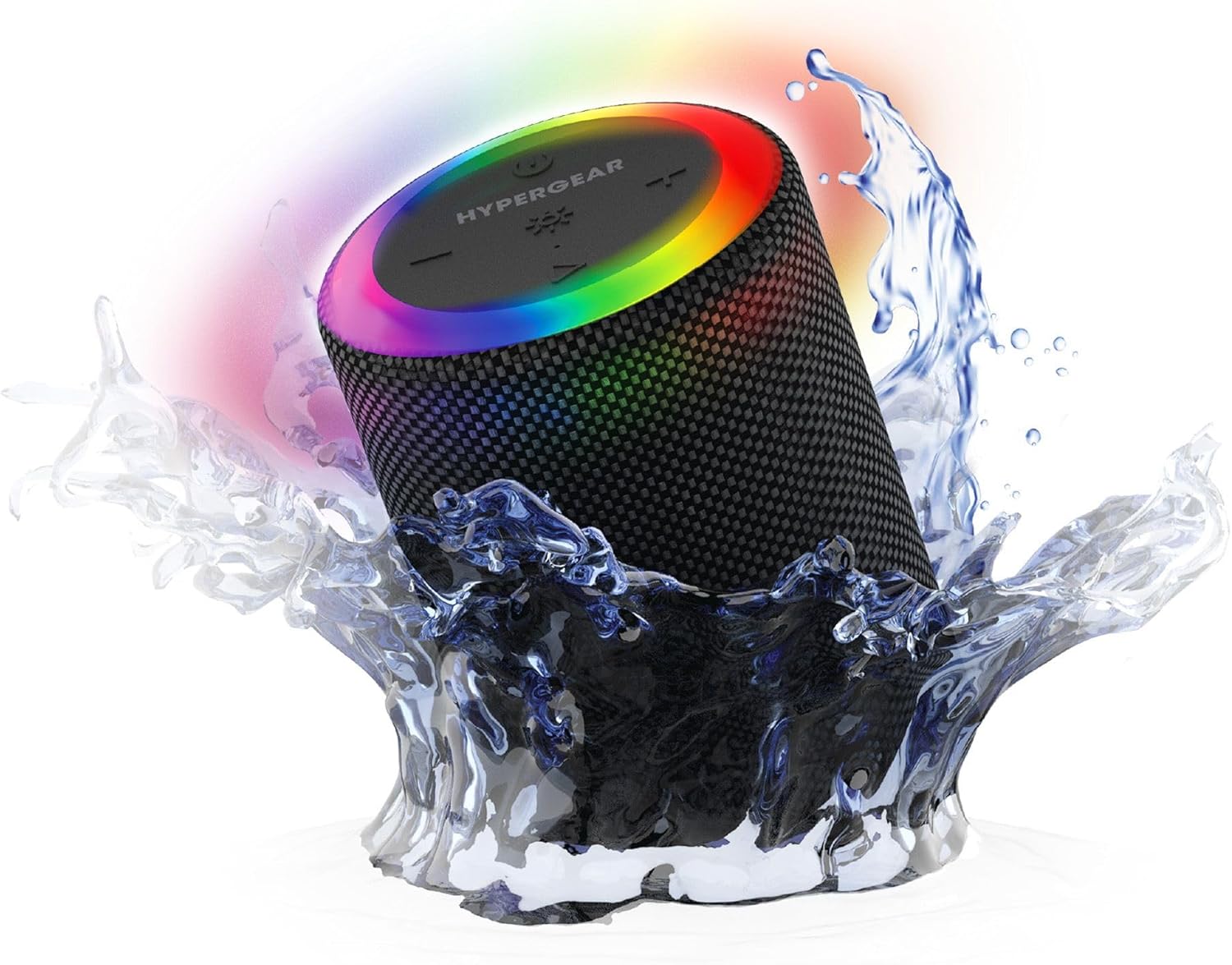
The HyperGear Halo speaker immersed in water, highlighting its robust waterproof design.

Visual representation of the HyperGear Halo speaker's powerful audio features, including its 5W output and 52mm driver.

The HyperGear Halo speaker showcasing its beat-synced 360° multicolor LED light ring with various lighting modes.
Ƙayyadaddun bayanai
| Siffar | Daki-daki |
|---|---|
| Sunan Samfura | Halo Waterproof LED Wireless Speaker |
| Nau'in Kakakin | Multimedia |
| Fasahar Haɗuwa | Bluetooth 5.3 |
| Yanayin Fitarwa na Audio | Mono (Stereo with Party Mode) |
| Matsakaicin Ƙarfin Fitar da Kakakin | 5 Watts |
| Girman Direban Audio | 52 millimeters |
| Matsayin Juriya na Ruwa | Mai hana ruwa IPX6 |
| Girman samfur | 3.27"D x 3.27"W x 4.13"H |
| Nauyin Abu | 1.05 fam |
| Tushen wutar lantarki | Ana Karfin Batir |
| Abubuwan da aka haɗa | USB-C Charging Cable, 3.5mm Aux Cord |
| Hanyar sarrafawa | Maɓalli |
| UPC | 633755158858 |
Kulawa
- Tsaftacewa: Shafa mai magana da taushi, damp zane. Kada a yi amfani da sinadarai masu tsauri ko masu gogewa.
- Ajiya: Ajiye lasifikar a wuri mai sanyi, busasshiyar nesa da hasken rana kai tsaye da matsanancin zafi.
- Kulawar Baturi: To preserve battery life, avoid fully discharging the speaker frequently. Charge it regularly, even if not in use for extended periods.
- Hatimin hana ruwa: Ensure the silicone cover for the charging and AUX ports is securely closed when near water to maintain its IPX6 rating.
Shirya matsala
| Matsala | Magani mai yiwuwa |
|---|---|
| Kakakin ba ya kunna wuta. | Ensure the speaker is charged. Connect it to a power source and try again. |
| Ba za a iya haɗawa da na'urar Bluetooth ba. | Make sure the speaker is in pairing mode (flashing LED). Turn off and on Bluetooth on your device. Ensure no other devices are connected to the speaker. Move speaker closer to your device. |
| Babu sauti daga lasifika. | Check volume levels on both the speaker and your device. Ensure the correct input mode (Bluetooth, Aux, MicroSD) is selected. If using Aux, ensure the cable is fully inserted. |
| Party Mode not working. | Ensure both speakers are fully charged and not connected to any other Bluetooth devices. Try resetting both speakers by powering them off and on, then re-attempt Party Mode pairing. |
| Fitilar LED ba sa aiki. | Press the Light Mode button to cycle through modes. Ensure the speaker is powered on. |
Garanti da Taimako
The HyperGear Halo Waterproof LED Wireless Speaker comes with a Garanti mai iyaka. For specific details regarding warranty coverage, duration, and claims, please refer to the warranty card included with your product or visit the official HyperGear website. For technical support or further assistance, please contact HyperGear customer service through their official channels.