
Gabatarwa
Thank you for choosing the Phomemo M836 A4 Portable Thermal Printer. This device offers convenient, inkless printing for various document types, making it ideal for business, travel, and personal use. This manual will guide you through the setup, operation, and maintenance of your printer to ensure optimal performance.
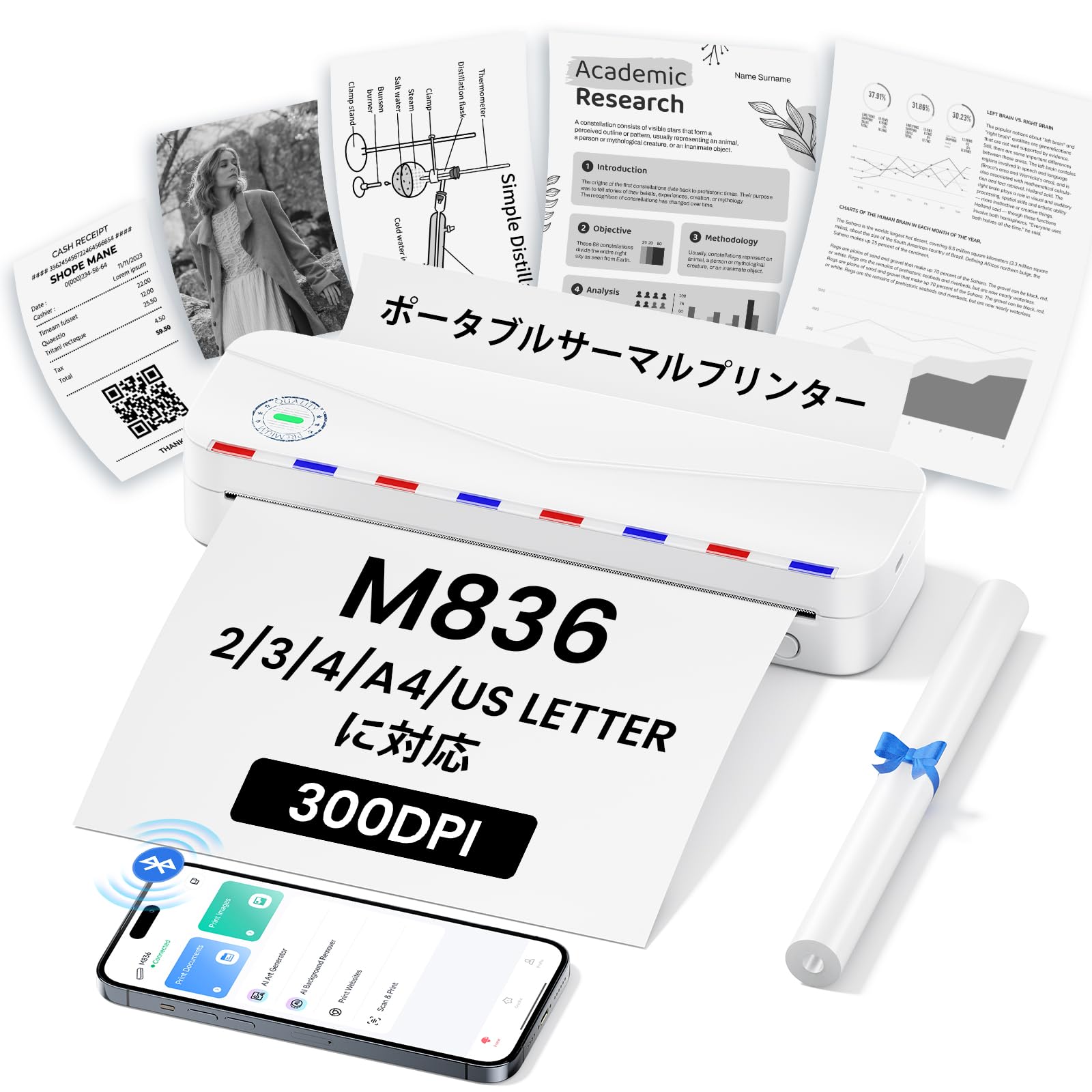
Image: The Phomemo M836 A4 Portable Thermal Printer, showcasing its compact design and portability.
Samfurin Ƙarsheview
Mabuɗin Siffofin
- Bugawar thermal mara tawada: Utilizes advanced thermal printing technology, eliminating the need for ink cartridges or toner.
- Karami kuma Mai ɗaukar nauyi: Weighing approximately 750g, it is designed for easy transport in a bag, perfect for on-the-go printing.
- Multi-Size Paper Support: Compatible with A4 (8.27 x 11.69 inches) and other thermal paper sizes including 53mm, 80mm, and 110mm. Supports standard thermal sheets, roll paper, and fanfold thermal paper.
- Babban Tsari: Delivers clear and vivid prints at 304dpi resolution.
- Faɗin Daidaitawa: Connects via Bluetooth to iPhones, Android phones, and iPads, and via USB cable to laptops and computers (Windows, macOS).
- Baturi mai ɗorewa: Equipped with an upgraded 2600mAh battery, ensuring extended use throughout the day.
- Buga Mai Yawa: Capable of printing PDF, Word, image (JPG), web pages, TXT, office documents, receipts, contracts, resumes, invoices, drawings, and school notes.

Image: The Phomemo M836 printer highlighting its compact dimensions (264mm length, 78mm width, 45mm height) and light weight (715g).

Image: The printer demonstrating compatibility with single sheets, fanfold paper, and roll paper. Note: Only thermal paper is supported, not ordinary copy paper.
Saita Umarnin
1. Loading Thermal Takarda
- Buɗe murfin takarda na firintar.
- Insert the thermal paper with the printable side facing up. Ensure the paper is aligned correctly.
- Close the paper cover. The printer will automatically adjust the paper.

Image: Illustration of how to load thermal paper into the printer, showing the adjustable snaps for different paper widths.
2. Haɗin Na'urar Wayar Salula (Bluetooth)
- Download the "Phomemo" app from the Apple App Store or Google Play Store.
- Turn on your mobile phone's Bluetooth.
- Press and hold the power button on the M836 printer to turn it on.
- Open the "Phomemo" app and connect to the printer via Bluetooth within the app.

Image: Step-by-step guide for connecting the Phomemo M836 to a smartphone via the Phomemo app and Bluetooth.
3. PC Connection (USB)
- Turn on the printer by pressing and holding the power button. Ensure thermal paper is loaded.
- Connect the printer to your computer using the provided Type-C USB cable.
- Download and install the printer driver from M836.phomemo.com.
- After driver installation, select "[M836] Printer" from your computer's print options to begin printing.

Image: Instructions for connecting the Phomemo M836 to a PC via USB, including driver download and print selection.
Umarnin Aiki
General Printing Steps
- Ensure the printer is powered on and connected to your device (mobile or PC) as described in the Setup section.
- Bude takarda ko hoton da kuke son bugawa akan na'urarku.
- Initiate the print function from your application (e.g., "Print" in the Phomemo app, or "File" > "Print" on PC).
- Select the "M836 Printer" from the list of available printers.
- Adjust print settings such as paper size, orientation, and number of copies as needed.
- Confirm and send the print job to the printer.

Image: The Phomemo app interface, showing options to print various file types like Word, TXT, PDF, Excel, Web pages, and images, along with scanning functionality.
Kulawa
Tsabtace Shugaban Printer
- Turn off the printer and disconnect it from any power source.
- Bude murfin takarda.
- Gently wipe the thermal print head with a cotton swab lightly damptare da isopropyl barasa.
- Allow the print head to dry completely before closing the cover and resuming use.
- Do not touch the print head with bare hands to avoid damage or residue transfer.
Kula da baturi
- Charge the printer regularly, especially if it will not be used for an extended period, to maintain battery health.
- Use the provided Type-C USB cable for charging.
- Avoid exposing the printer to extreme temperatures, which can affect battery life.
Shirya matsala
| Matsala | Dalili mai yiwuwa | Magani |
|---|---|---|
| Printer does not turn on. | Matsalar ƙarancin batiri ko wutar lantarki. | Charge the printer using the Type-C USB cable. Ensure the power adapter is working. |
| Ba za a iya haɗi ta Bluetooth ba. | Bluetooth is off, incorrect pairing, or app issue. | Ensure Bluetooth is enabled on your device. Restart the printer and your device. Try pairing again through the Phomemo app. |
| Poor print quality (faint or blank). | Incorrect paper loading, non-thermal paper, or dirty print head. | Ensure thermal paper is loaded correctly with the printable side up. Verify you are using thermal paper. Clean the print head as described in the Maintenance section. |
| Printer not recognized by PC. | Driver not installed or USB cable issue. | Install the correct driver from M836.phomemo.com. Try a different USB port or cable. |
| Matsar takarda. | Improper paper loading or foreign object. | Turn off the printer. Carefully open the paper cover and remove any jammed paper or obstructions. Reload paper correctly. |
Ƙayyadaddun bayanai
| Siffar | Daki-daki |
|---|---|
| Alamar | Phomemo |
| Sunan Samfura | M836 |
| Fasahar Haɗuwa | Bluetooth, USB |
| Fasahar Bugawa | Thermal |
| Siffa ta Musamman | Mai ɗaukar nauyi |
| Launi | Fari |
| Fitar da firinta | Monochrome |
| Matsakaicin Saurin Buga (Monochrome) | Shafuka 20/minti |
| Girman samfur (D x W x H) | 210mm x 47mm x 65mm |
| Max Media (Paper) Size | 8.5 x 11 inches (A4) |
| Buga Nau'in Mai jarida | Takarda thermal |
| Ƙarin Ayyuka na Printer | Buga kawai |
| Ƙaddamarwa | 304 dpi |
| Matsakaicin ƙarfin Sheet ɗin shigarwa | 10 zanen gado |
| Interirƙirar Abun Taɗi | USB-C |
| Duplex Printing | A'a (Simple) |
| Ƙarfin baturi | 2600mAh |
Garanti da Taimako
The Phomemo M836 A4 Portable Thermal Printer comes with a Garanti na masana'anta na shekara 1 daga ranar sayayya. Wannan garantin yana ɗaukar lahani a cikin kayan aiki da aiki ƙarƙashin amfani na yau da kullun.
For technical support, warranty claims, or any questions regarding your product, please contact Phomemo customer service through their official website or the retailer where you purchased the product. Please have your model number (M836) and proof of purchase ready when contacting support.