
Gabatarwa
This manual provides essential information for the safe and efficient operation of your SYLVOX Elf S3 Outdoor Soundbar. The Elf S3 is designed to deliver immersive audio with Dolby Atmos technology, featuring IP65 waterproofing for outdoor use, Bluetooth 5.3 connectivity, and a 2.1 channel sound system with 120W peak power. It includes 4 EQ modes and a Digital Signal Processor (DSP) for customized sound. Please read this manual thoroughly before using the product and retain it for future reference.
Bayanin Tsaro
- Tushen wutar lantarki: Use only the specified power adapter. Ensure the power outlet matches the voltage bukatun.
- Juriya na Ruwa: The soundbar is IP65 waterproof. However, avoid submerging it in water or exposing it to high-pressure water jets. Ensure all port covers are securely closed when exposed to moisture.
- Wuri: Install the soundbar in a stable location, away from direct heat sources, strong magnetic fields, or excessive vibrations. Ensure proper ventilation.
- Tsaftacewa: Disconnect the power before cleaning. Use a soft, dry cloth. Do not use liquid cleaners or aerosol sprays.
- Hidima: Kada kayi ƙoƙarin gyara wannan samfurin da kanka. Koma duk hidima ga ƙwararrun ma'aikatan sabis.
Me ke cikin Akwatin
Bayan cire kaya, da fatan za a tabbatar da duk abubuwan da aka jera a ƙasa suna nan kuma suna cikin yanayi mai kyau:
- SYLVOX Elf S3 Soundbar
- Ikon nesa
- Wutar Wuta
- Manual mai amfani
- Mounting Brackets (for wall mounting)
- AAA Batteries (2, for remote)
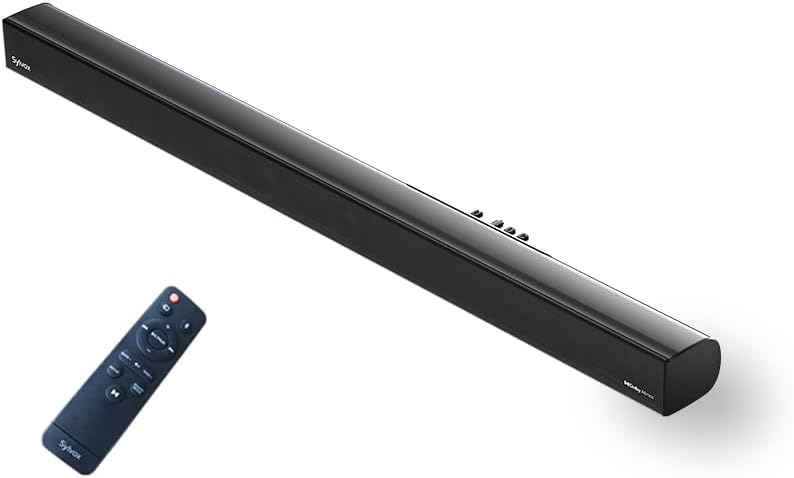
Image: The SYLVOX Elf S3 Soundbar and its accompanying remote control.
Samfurin Ƙarsheview
The SYLVOX Elf S3 features a sleek, ultra-slim design with a durable metal and plastic construction. The rear panel houses various input ports for versatile connectivity.
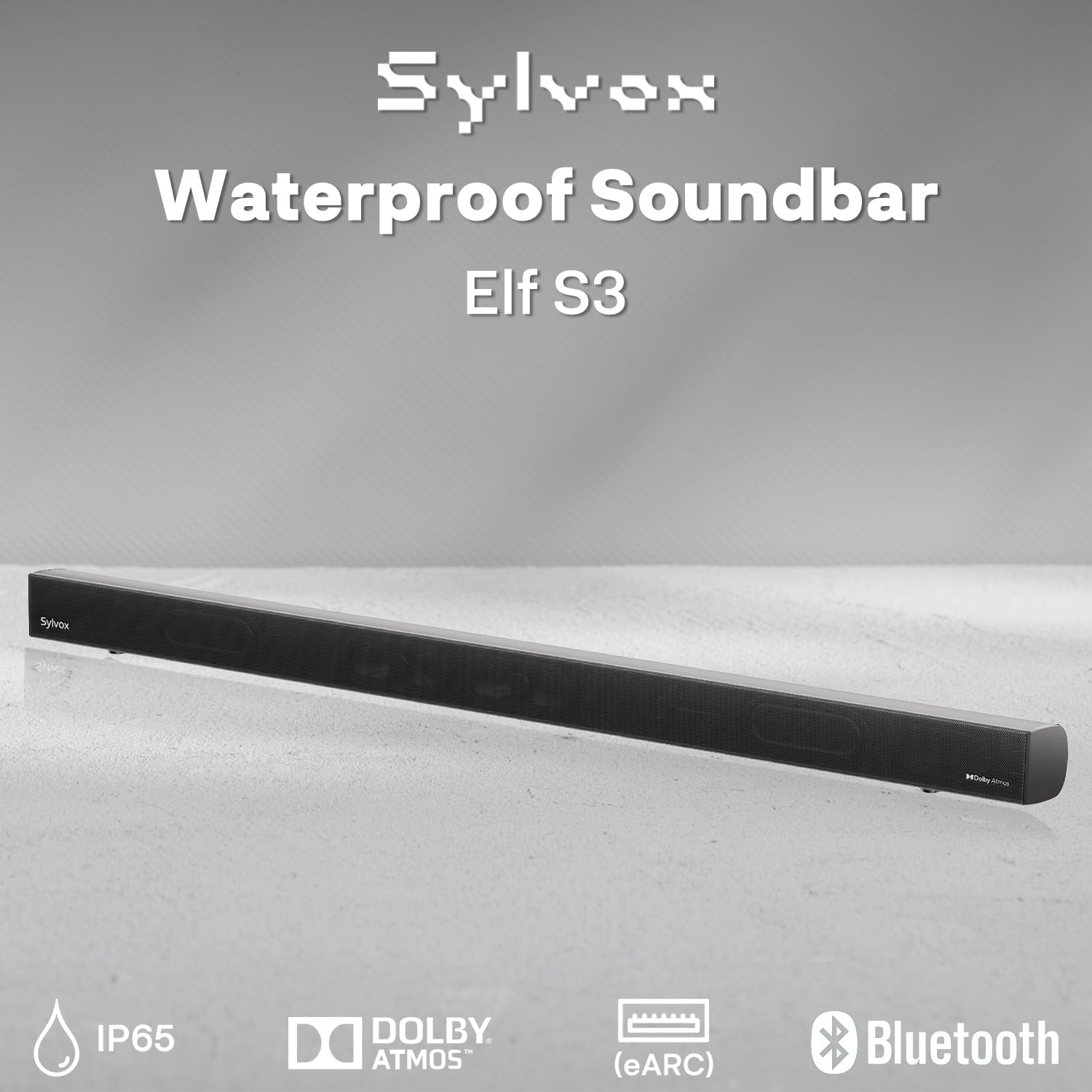
Image: Close-up of the soundbar's rear panel, highlighting the various input ports including Optical, HDMI eARC, and USB.
Saita
Zaɓuɓɓukan hawa
The SYLVOX Elf S3 Soundbar can be wall-mounted for optimal placement with your outdoor TV. Use the included mounting brackets and follow the instructions provided in the separate mounting guide for secure installation.

Image: The soundbar is shown mounted directly beneath an outdoor television, illustrating a typical installation scenario.
Haɗa zuwa TV ɗin ku
The soundbar offers multiple connectivity options to integrate with your television:
- HDMI eARC: For the best audio quality and control, connect an HDMI cable from the soundbar's HDMI eARC port to your TV's HDMI eARC/ARC port. This allows for seamless audio return and control.
- Na gani: Haɗa kebul na gani daga tashar OPTICAL ta sandar sauti zuwa fitowar sauti ta talabijin ɗinku.
- AUX: Use an AUX cable to connect the soundbar to your TV's audio output.
- USB: For playing media directly from a USB drive.

Image: A visual diagram illustrating how to connect the soundbar to various devices using HDMI, Optical, AUX, and Bluetooth.
Haɗa Bluetooth
To connect your smartphone, tablet, or PC via Bluetooth 5.3:
- Ƙarfi a kan sandar sauti.
- Press the Bluetooth button on the remote control or the soundbar's control panel to enter Bluetooth pairing mode. The indicator light will flash.
- On your device, enable Bluetooth and search for 'SYLVOX Elf S3'.
- Select the soundbar from the list of available devices to pair. Once connected, the indicator light will turn solid.
Aiki da Soundbar
Kunna/Kashe Wuta
Press the Power button on the remote control or the soundbar's control panel to turn the unit on or off.
Zaɓin shigarwa
Use the 'Source' button on the remote or soundbar to cycle through available input sources (HDMI eARC, Optical, AUX, Bluetooth, USB).
Yanayin EQ
The soundbar features 4 preset EQ modes to optimize audio for different content types. Use the 'EQ' button on the remote to switch between modes:
- Yanayin Fim: Enhances cinematic sound effects and dialogue.
- Yanayin Kiɗa: Yana inganta sauti don kunna kiɗa.
- Yanayin Labarai: Clarifies dialogue for news and talk shows.
- Yanayin Wasa: Provides immersive sound for gaming.
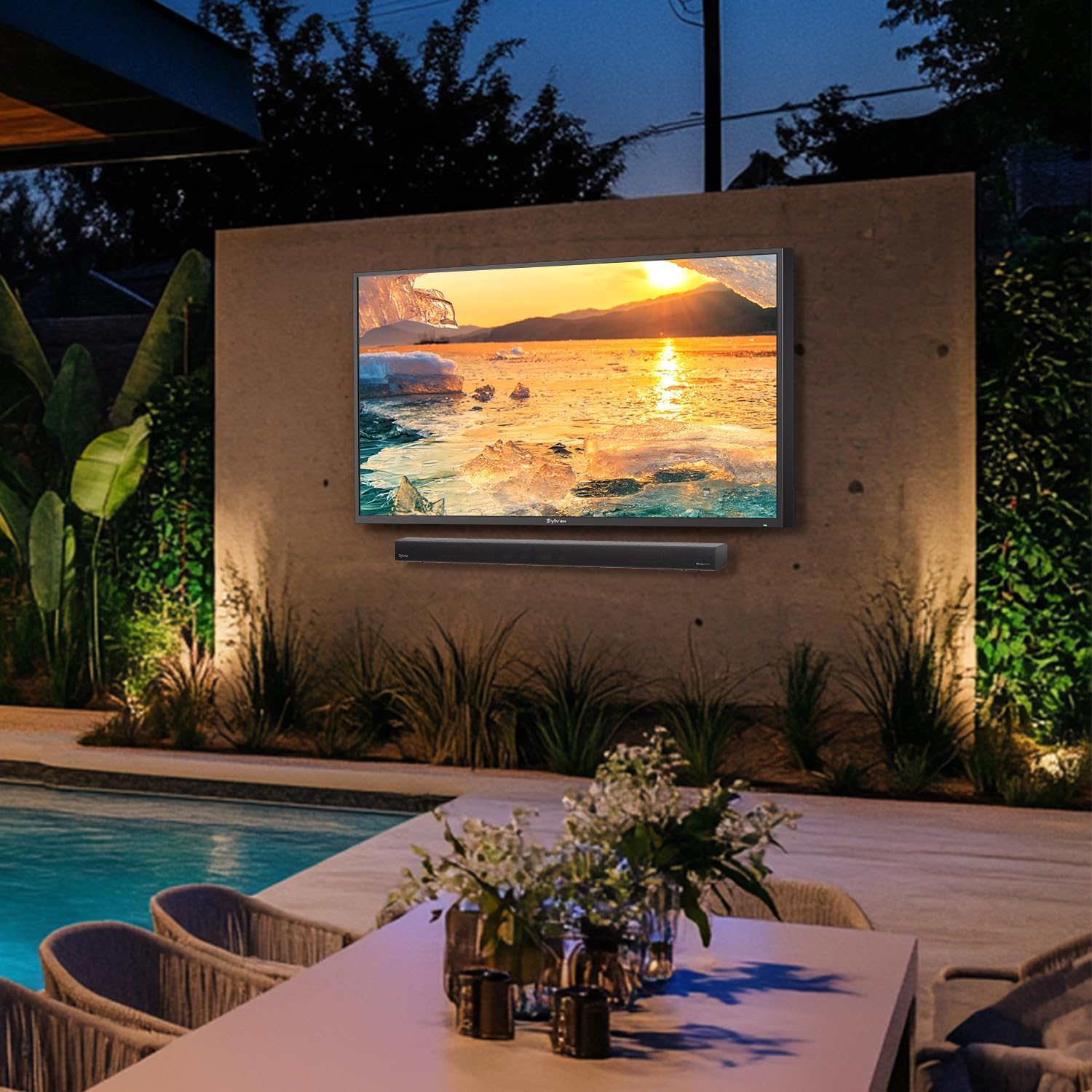
Image: Visual representation of the soundbar's four EQ modes, each tailored for different audio experiences.
Sarrafa ƙara
Adjust the volume using the Volume Up (+) and Volume Down (-) buttons on the remote control or the soundbar's control panel.
Ikon nesa
The included remote control provides full functionality for managing your soundbar settings and inputs.

Image: The remote control for the SYLVOX Elf S3 Soundbar, showing various buttons for power, input, volume, and EQ modes.
Kulawa
The SYLVOX Elf S3 Soundbar is designed with an IP65 waterproof rating, making it suitable for outdoor environments. This rating ensures protection against dust ingress and low-pressure water jets from any direction.

Image: The soundbar is shown with water splashing on its surface, illustrating its IP65 waterproof capability.
Video: A demonstration of the SYLVOX Outdoor TV and Sound Bar undergoing a waterproof test, showcasing its durability against water exposure.
To clean the soundbar, gently wipe the surface with a soft, damp cloth. Avoid using harsh chemicals or abrasive materials that could damage the finish or waterproof seals. Ensure all port covers are properly sealed after use or cleaning to maintain water resistance.
Shirya matsala
| Matsala | Dalili mai yiwuwa | Magani |
|---|---|---|
| Babu iko | Ba a haɗa kebul na wutar lantarki ba; wutar lantarki ba ta aiki. | Duba haɗin kebul na wutar lantarki; gwada hanyar fita daban. |
| Babu sauti | Incorrect input source selected; TV volume too low; cables not connected properly. | Select correct input source; increase TV volume; check cable connections. |
| Bluetooth ba ya haɗi | Sauraron sauti ba a yanayin haɗawa ba; na'urar tayi nisa; tsangwama. | Ensure soundbar is in pairing mode; move device closer; restart both devices. |
| Ikon nesa baya aiki | Batir ya ƙare; toshewa tsakanin na'urar nesa da sandar sauti. | Replace batteries; remove any obstructions. |
Ƙayyadaddun bayanai
| Siffar | Daki-daki |
|---|---|
| Sunan Samfura | Farashin S3 |
| Nau'in hawa | Dutsen bango |
| Kayan abu | Karfe, Filastik |
| Nau'in Kakakin | Sauti |
| Kewaye Sauti Kanfigareshan | 2.1 |
| Matsakaicin Ƙarfin Fitar da Kakakin | 80 Watts (60W RMS, 120W Peak) |
| Fasahar Haɗuwa | Bluetooth 5.3, HDMI eARC, Optical, AUX, USB |
| Matsayin Juriya na Ruwa | Mai hana ruwa IP65 |
| Girman samfur | 3.5"D x 20"W x 2.5"H |
| Nauyin Abu | 4.85 fam |
| Abubuwan da aka haɗa | Soundbar, Remote, Power Cable, User Manual |
| Baturi | Ana buƙatar batura 2 AAA (an haɗa) |
Garanti da Taimako
The SYLVOX Elf S3 Outdoor Soundbar comes with a limited warranty. Please refer to the warranty card included in your product packaging for specific terms and conditions. For technical support, troubleshooting assistance, or warranty claims, please contact SYLVOX customer service through their official webshafin ko bayanin tuntuɓar da aka bayar a cikin takaddun samfuran ku.