
LIGE FV15
LIGE FV15 Smartwatch User Manual
1.85'' HD Display, Bluetooth Call, IP68 Waterproof, Multi-Sport Modes
Gabatarwa
Thank you for choosing the LIGE FV15 Smartwatch. This manual provides detailed instructions for setting up, operating, and maintaining your device. Please read it carefully to ensure optimal performance and longevity of your smartwatch. The LIGE FV15 features a 1.85-inch HD display, Bluetooth calling, an LED flashlight, IP68 waterproofing, and over 100 sports modes, compatible with both Android and iOS devices.
1. Saita
1.1 Unboxing Your Smartwatch
Upon opening the package, you will find the LIGE FV15 smartwatch, a charging cable, and two types of bands: a metal band and a silicone band. Familiarize yourself with all components before proceeding.
Bidiyo: Cire akwatin da kuma farawar farkoview of the LIGE FV15 Smartwatch components.
1.2 Band Installation and Adjustment
The LIGE FV15 Smartwatch comes with interchangeable bands. To attach a band, align the spring bar with the lug holes on the watch case and slide the pin into place. To adjust the metal band, use the provided tool to remove links as needed. Arrows on the underside of the band indicate the direction to push the pins for removal.
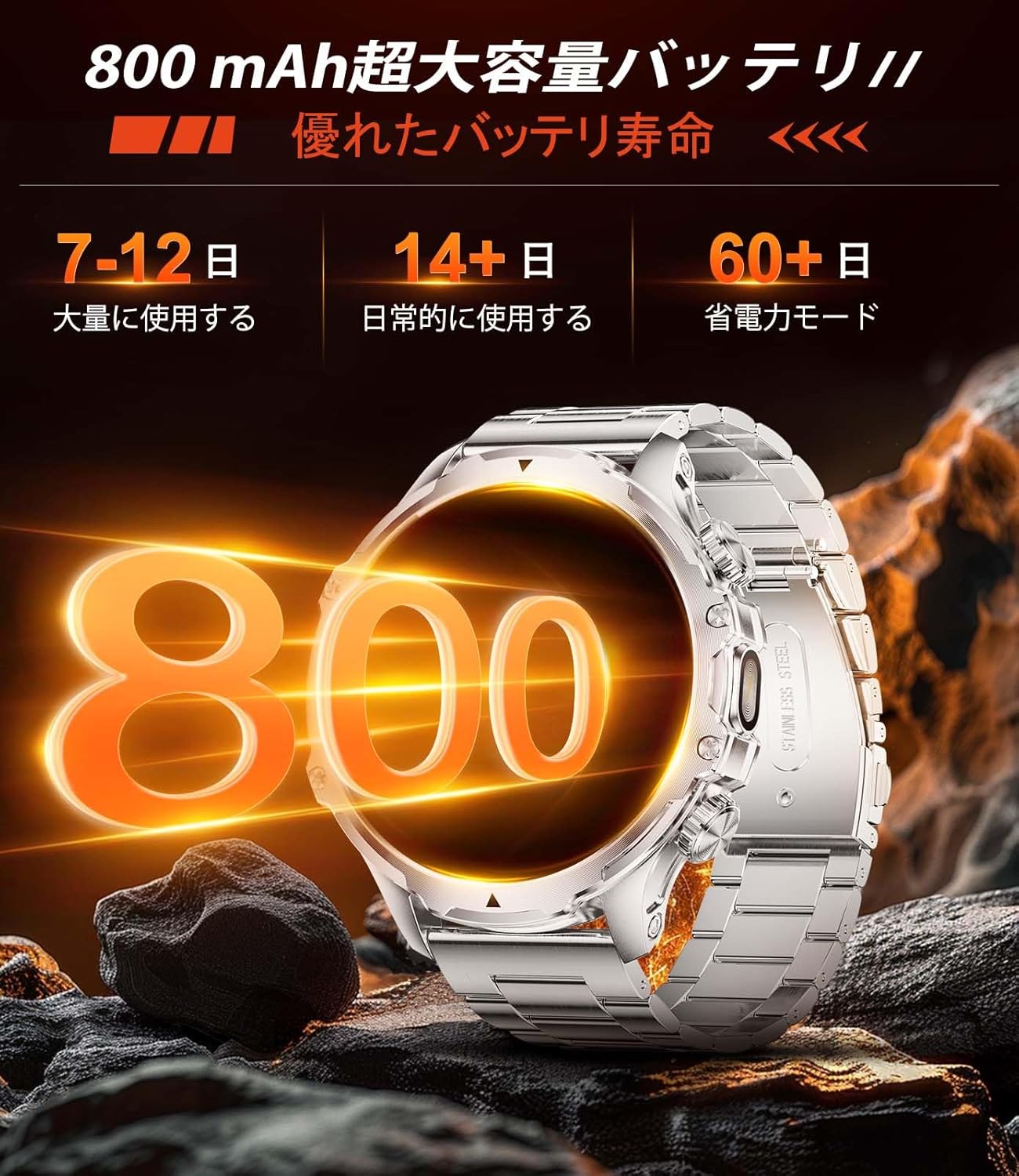
Image: LIGE FV15 Smartwatch with a metal band, worn on a wrist, displaying time and health data.
Video: Instructions for adjusting the metal band of the LIGE FV15 Smartwatch.
1.3 Shigar App da Haɗin Na'ura
To unlock the full potential of your LIGE FV15 Smartwatch, you need to install the companion app on your smartphone. Scan the QR code displayed on the watch or in the manual to download the 'FitCloudPro' app from your app store (Google Play or Apple App Store). Once installed, open the app, enable Bluetooth on your phone, and follow the on-screen instructions to bind your smartwatch. Ensure the watch is fully charged and within 0.5 meters of your phone during pairing.
Video: Step-by-step guide for installing the companion app and pairing your LIGE FV15 Smartwatch.
2. Aiki da Smartwatch
2.1 Tsarin Kewaya da Haɗin Kai na Asali
The LIGE FV15 features a highly sensitive 1.85-inch HD full-touch display. Swipe left, right, up, or down to navigate through menus and access various functions. The watch also has physical buttons for quick access to certain features or to return to the home screen.

Image: The LIGE FV15 Smartwatch display showing a grid of application icons for various functions.
2.2 Keɓance Fuskokin Kallon
Personalize your smartwatch by choosing from over 100 available watch faces through the 'FitCloudPro' app. You can also upload your own photos to create custom watch faces.
2.3 LED Flashlight Function
The LIGE FV15 includes a built-in LED flashlight. Activate it through the quick settings menu on the watch. This feature is useful in low-light conditions, for outdoor activities, or during emergencies.

Image: The LIGE FV15 Smartwatch with its integrated LED flashlight turned on, illuminating a dark area.
2.4 Kira da Sanarwa na Bluetooth
Once paired with your smartphone, the LIGE FV15 allows you to make and receive calls directly from your wrist. You will also receive real-time notifications for calls, emails, and messages from various applications, ensuring you don't miss important updates.
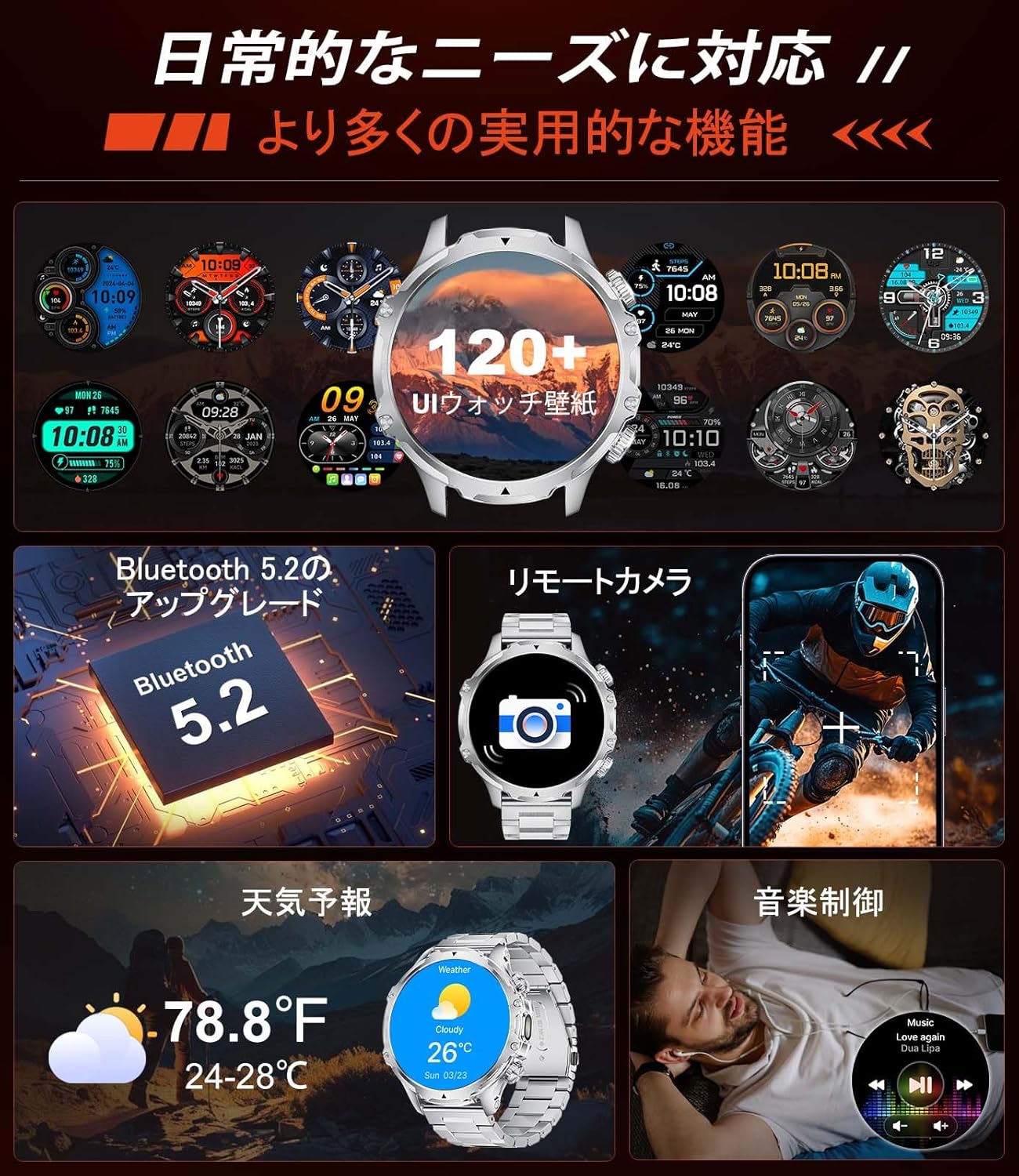
Image: The LIGE FV15 Smartwatch screen showing an incoming call interface with options to answer or decline.
2.5 Kula da Lafiya
The smartwatch continuously monitors various health metrics:
- Yawan Zuciya: Tracks your heart rate throughout the day.
- Oxygen jini: Yana auna matakan jikewar iskar oxygen na jinin ku.
- Hawan jini: Yana bayar da karatun hawan jini.
- Bibiyar Barci: Yana kula da yanayin barcinka da ingancinka.

Image: The LIGE FV15 Smartwatch showing a graphical representation of heart rate data.
Yanayin Wasanni 2.6
With over 100 sports modes, the LIGE FV15 can track a wide range of activities including running, cycling, mountaineering, and more. It records real-time data such as calorie consumption, step count, and distance, providing comprehensive post-exercise reports.

Image: The LIGE FV15 Smartwatch displaying various sports activity metrics like steps, calories, and distance.
3. Kulawa
3.1 Ruwa Resistance (IP68)
The LIGE FV15 Smartwatch is IP68 rated for water and dust resistance, making it suitable for daily use and various outdoor activities. It can withstand splashes, rain, and brief immersion in fresh water. Muhimmiyar Bayani: The watch is not suitable for use in saunas, seawater, or for diving. Avoid prolonged exposure to hot water or steam.
Video: Durability and water resistance demonstration of the LIGE FV15 Smartwatch.
3.2 Yin caji
To charge your smartwatch, connect the magnetic charging cable to the charging points on the back of the watch. Connect the USB end of the cable to a power adapter (not included) or a computer's USB port. A full charge takes approximately 3 hours. The 800 mAh battery provides 7-12 days of normal use and over 30 days in power-saving mode.
3.3 Dorewa
The LIGE FV15 is constructed with high-strength metal materials, offering excellent shock resistance and overall durability. Its robust design is suitable for extreme sports and daily wear.
4. Shirya matsala
- Duba baya kunnawa: Tabbatar cewa agogon ya cika cikakke. Haɗa shi zuwa caja na akalla mintuna 30.
- Matsalolin haɗin kai: Make sure Bluetooth is enabled on your phone and the watch is within range. Restart both the watch and your phone, then try pairing again.
- Bayanan lafiya mara inganci: Ensure the watch is worn snugly on your wrist, not too tight or too loose. Clean the sensor on the back of the watch regularly.
- Time not syncing: The watch time should automatically sync with your phone after successful pairing. If not, check the app settings or try re-pairing.
- Sanarwa ba sa bayyana: Verify that 'Push Notifications' are enabled in the 'FitCloudPro' app and that the app has the necessary permissions on your phone (e.g., notification access).
5. Ƙayyadaddun bayanai
| Siffar | Ƙayyadaddun bayanai |
|---|---|
| Samfura | FV15 (AK75-B) |
| Girman Nuni | 1.85 inci |
| Nau'in Nuni | LCD |
| Ƙarfin baturi | 800mAh (Lithium Polymer) |
| Matsakaicin Rayuwar Baturi | 7-12 days (normal use), 30+ days (power-saving) |
| Lokacin Caji | 3 Awanni |
| Haɗuwa | Bluetooth |
| Resistance Ruwa | IP68 (50 centimeters) |
| Ƙarfin Ajiye Ƙwaƙwalwar Ƙwaƙwalwa | 512 MB |
| Band Material | Stainless Steel (interchangeable) |
| Na'urori masu jituwa | Smartphones (iOS 11.0+ / Android 5.0+, BT4.0+) |
| Aikace-aikace masu goyan baya | LED Flashlight, Weather Forecast, Stopwatch, Pedometer, Timer, Music Control, Brightness Adjustment, Find Phone, Alarm Clock, Camera Control, Calculator, Drink Water Reminder, Sedentary Reminder, Do Not Disturb Mode, 100+ Sports Modes, Fitness Tracker, Calorie Counter, Receive/Make Calls, Message Notifications, Multi-language |
6. Garanti da Tallafawa
The LIGE FV15 Smartwatch comes with a Garanti na watanni 24. For any issues related to parts, quality, operation, or charging, please contact our customer service. We offer Tallafin kan layi na awa 24 and aim to provide a solution within 24 hours of your inquiry.
Ask a question about this manual
Ask about setup, troubleshooting, compatibility, parts, safety, or missing instructions. Manuals+ will review the question and use this page’s manual context to help answer it.