
Gabatarwa
This manual provides detailed instructions for the Fanvace EU-K11 MP3 Player. This device combines an Android 13 operating system with a 4-inch touchscreen, offering a versatile portable media experience. It features 96GB of storage, Wi-Fi, and Bluetooth connectivity, supporting various music and video formats, along with popular streaming applications.

Hoto: Gaba view of the Fanvace EU-K11 MP3 Player, showcasinallon taɓawa mai inci 4 yana da allon taɓawa mai kyau.
Abubuwan Kunshin
Tabbatar cewa duk abubuwa suna nan a cikin kunshin:
- 1 x Fanvace EU-K11 MP3 Player
- 1 x 64GB Micro SD Card
- 1 x Kebul na USB-C
- 1 x Wayoyin kunne
- 1 x Mai Kariyar allo
- 1 x Harkar Kariya
- 1 x Manhajar mai amfani
Saita
1. Cajin Na'urar
Before first use, fully charge the MP3 player.
- Haɗa na'urar zuwa tushen wuta ta amfani da kebul na USB-C da aka bayar.
- Cikakken caji yawanci yana ɗaukar awanni 3-4.
- Alamar batirin da ke kan allon za ta nuna yanayin caji.

Image: Illustration of the MP3 player's 2000mAh battery and charging process, indicating 20 hours music playback, 6 hours video playback, and 3-4 hours charge time.
2. Saka Micro SD Card
The device comes with a 64GB Micro SD card pre-installed or included. You can expand storage up to 512GB.
- Locate the Micro SD card slot on the side of the device.
- Saka katin Micro SD a hankali a cikin ramin har sai ya danna wurin.
- Don cirewa, danna katin a hankali har sai ya fito.

Image: Diagram showing the 32GB ROM, 64GB SD card, and expandable storage up to 512GB for the MP3 player.
3. Kunnawa / Kashewa
- Don kunnawa: Danna kuma ka riƙe maɓallin wuta har sai allon ya haskaka.
- To power off: Press and hold the power button, then select "Power off" from the options.
- To restart: Press and hold the power button, then select "Restart" from the options.
Umarnin Aiki
1. Navigation na asali
The Fanvace EU-K11 features a 4-inch HD touchscreen. Navigate the interface by tapping, swiping, and pinching.
- Taɓa: Zaɓi abu ko buɗe aikace-aikace.
- Doke shi gefe: Gungura cikin lissafin ko canzawa tsakanin allo.
- Tsunkule: Zoom in or out in supported applications.
2. Sake kunna kiɗan
The device supports a wide range of audio formats and online streaming services.
- Tsarukan Tallafawa: MP3, WAV, FLAC, APE, OGG, M4A, AAC, WMA.
- Kiɗan Kan layi: Pre-installed applications include Spotify, Omnia, Deezer, Amazon Music, and access to the Play Store for more.
- Offline Music: Canja wurin kiɗa files to the device's internal storage or Micro SD card.
- Tasirin Sauti: Adjust audio settings for a personalized listening experience.
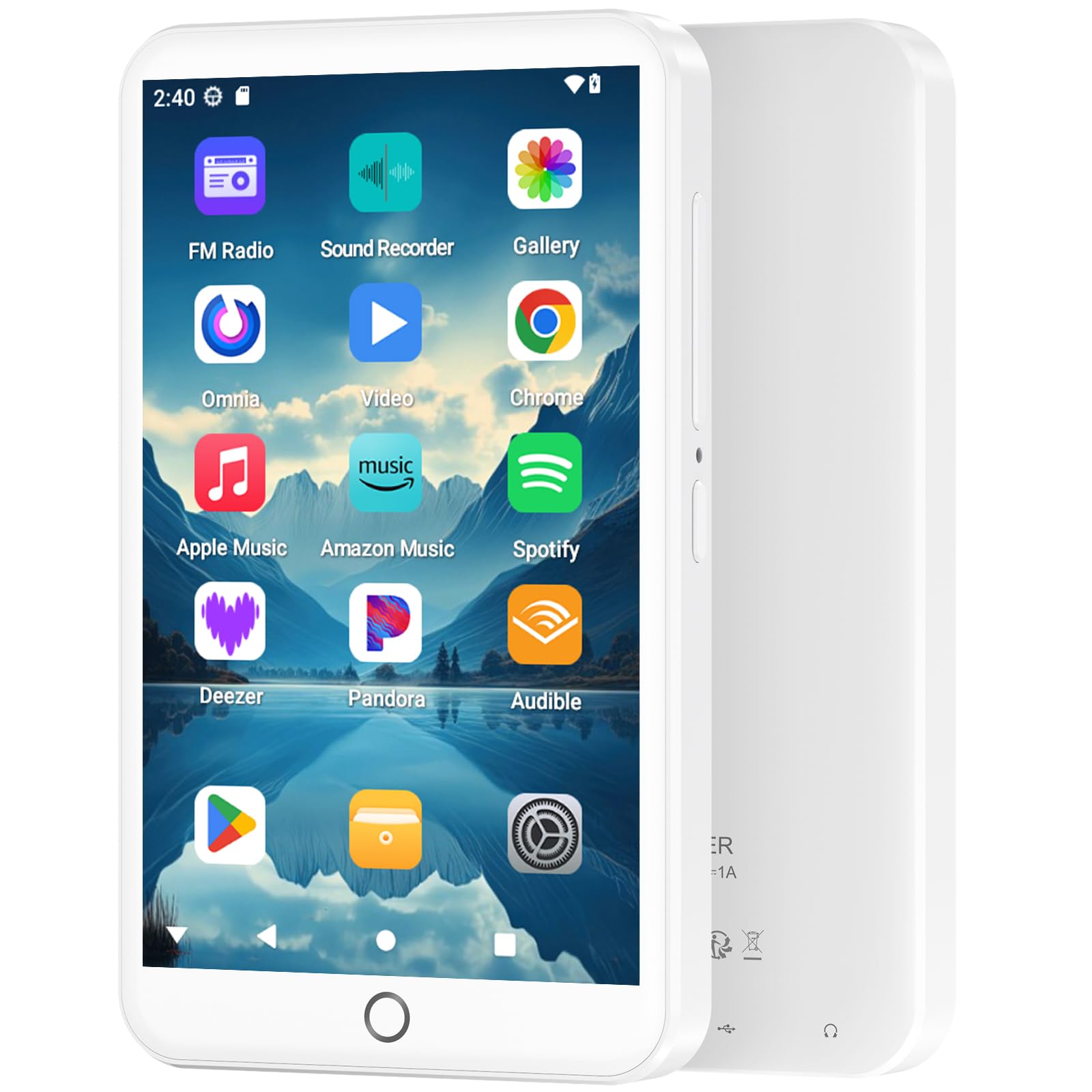
Image: The MP3 player displaying its music playback interface, highlighting features like gapless playback, playlist synchronization, Bluetooth autoplay, resume playback, adjustable sound effects, and support for various music formats.
3. Mayar da Bidiyo
Enjoy videos on the 4-inch HD screen with 480*800P resolution.
- Tsarukan Tallafawa: RM, RMVB, FLV, MP4, DAT, MKV, MPG, MOV, TS.
- Videos can be played directly without conversion.

Image: The MP3 player displaying a video, emphasizing its 4.0-inch HD screen, 480*800P resolution, and high color reproduction for video playback.
4. Connectivity (Bluetooth & Wi-Fi)
Connect wirelessly for app downloads, online streaming, and peripheral devices.
- Wi-Fi: Access the internet to download apps, stream music/videos, and browse.
- Bluetooth 5.0: Connect to Bluetooth headphones, speakers, or other compatible devices for stereo and dual-channel audio.
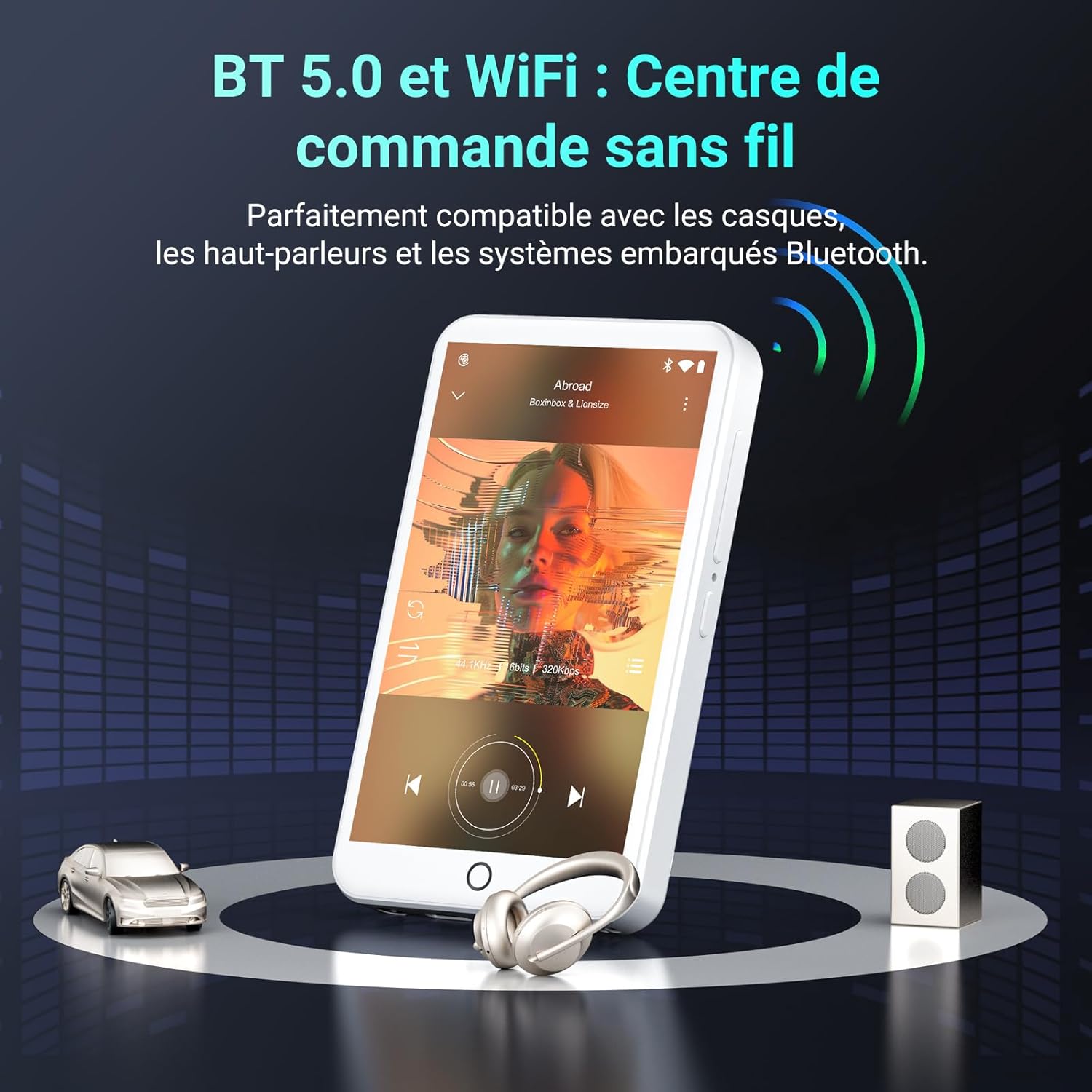
Image: The MP3 player demonstrating Bluetooth 5.0 and Wi-Fi connectivity, showing it paired with headphones and a speaker.
5. Android 13 OS and Applications
The device runs on Android 13, providing a smooth user experience and access to a wide range of applications.
- Aikace-aikacen da aka riga aka shigar: Spotify, Omnia, Deezer, Amazon Music, Play Store, FM Radio, etc.
- Keɓancewa: Install or remove applications to personalize your device.

Image: The MP3 player displaying its Android 13 interface with various application icons, illustrating its intelligent and adaptive OS.
6. Multifunction Features
Beyond music and video, the player offers several additional functionalities:
- Ikon Iyaye
- Rediyon FM
- Rikodin murya
- E-littattafai
- Kalkuleta
- Mai Binciken Chrome
Kulawa
1. Tsaftace Na'urar
- Yi amfani da laushi mai laushi mara laushi don tsaftace allon da jikin na'urar.
- Ka guji yin amfani da sinadarai masu tsauri ko kayan shafa.
- Kada a bijirar da na'urar ga danshi mai yawa.
2. Kula da baturi
- Guji cikar cajin baturin akai-akai.
- Caji na'urar a kai a kai, koda kuwa ba a amfani da ita, domin kiyaye lafiyar batirin.
- Ajiye na'urar a wuri mai sanyi, busasshiyar lokacin da ba'a amfani da ita na tsawon lokaci.
3. Sabunta software
Periodically check for software updates through the device's settings to ensure optimal performance and access to the latest features.
Shirya matsala
If you encounter issues with your Fanvace EU-K11 MP3 Player, refer to the following common solutions:
| Matsala | Magani |
|---|---|
| Na'urar baya kunna | Ensure the battery is charged. Connect to a charger for at least 30 minutes. If unresponsive, perform a hard reset by holding the power button for 10-15 seconds. |
| Ba za a iya haɗi zuwa Wi-Fi ba | Check if Wi-Fi is enabled in settings. Ensure you are within range of a Wi-Fi network and have entered the correct password. Restart the device and your router. |
| Na'urar Bluetooth baya haɗawa | Ensure Bluetooth is enabled on both devices and they are in pairing mode. Keep devices close to each other. Try restarting both devices. |
| Music/Video files ba wasa | Tabbatar cewa file format is supported (see Specifications). Ensure the files are not corrupted. Try playing other files. |
| Na'urar tana jinkiri ko kuma ba ta amsawa | Close unnecessary background applications. Clear cache from apps. Restart the device. If issues persist, consider a factory reset (back up your data first). |
If the problem persists, please contact Fanvace customer support for further assistance.
Ƙayyadaddun bayanai
| Siffar | Daki-daki |
|---|---|
| Alamar | Fanvace |
| Lambar Samfura | EU-K11 |
| Tsarin Aiki | Android 13 |
| Girman allo | Inci 4 |
| Tsarin allo | 480*800P |
| RAM | 3 GB |
| Ma'ajiyar Ciki (ROM) | 32 GB |
| Included Micro SD Card | 64 GB |
| Jimlar Ajiya | 96 GB (32GB ROM + 64GB SD) |
| Ma'ajiyar Faɗawa | Up to 512 GB (Micro SD) |
| Haɗuwa | Wi-Fi, Bluetooth 5.0 |
| Ƙarfin baturi | 2000mAh Lithium-ion |
| Lokacin Sake kunnawa | Har zuwa awanni 20 |
| Lokacin sake kunna bidiyo | Har zuwa awanni 6 |
| Lokacin Caji | 3-4 hours |
| Tsarin Sauti masu goyan baya | MP3, WAV, FLAC, APE, OGG, M4A, AAC, WMA |
| Tsarin Bidiyo masu goyan baya | RM, RMVB, FLV, MP4, DAT, MKV, MPG, MOV, TS |
| Siffofin Musamman | Touchscreen, Online Music App Support, Parental Control, FM Radio, Voice Recording, E-books, Calculator, Chrome |
Garanti da Taimako
Bayanin Garanti
The Fanvace EU-K11 MP3 Player comes with a Garanti na masana'anta na shekara 1 daga ranar sayayya. Wannan garantin yana ɗaukar lahani a cikin kayan aiki da aiki ƙarƙashin amfani na yau da kullun. Ba ya rufe lalacewa ta hanyar rashin amfani, hatsarori, gyare-gyare mara izini, ko lalacewa da tsagewa na yau da kullun. Da fatan za a riƙe shaidar siyan ku don da'awar garanti.
Tallafin Abokin Ciniki
For technical assistance, troubleshooting, or warranty inquiries, please contact Fanvace customer support. Refer to the contact information provided with your product packaging or visit the official Fanvace webshafin don cikakkun bayanai na tallafi.