
1. Gabatarwa
Thank you for choosing the FAIMEE F9 3-Channel Dash Cam. This manual provides essential information for the proper installation, operation, and maintenance of your device. Please read it thoroughly before use to ensure optimal performance and safety.
The FAIMEE F9 dash cam offers comprehensive vehicle surveillance with its 4K front, 2K interior, and 2K rear cameras, ensuring detailed recording of your journeys and parked vehicle. Key features include high-definition night vision, built-in GPS tracking, dual-band Wi-Fi for app control, G-sensor emergency lock, and 24-hour parking monitoring.
2. Abin da ke cikin Akwatin
Da fatan za a tabbatar cewa duk abubuwan da aka jera a ƙasa suna cikin kunshin ku:
- F9 3-Channel Dash Cam (Main Unit)
- Kamara ta baya
- Cajin Mota
- 128GB Memory Card
- Kayan aikin shigarwa
- 3*3M Adhesive (for mounting)
- 2*Rear Camera Adhesive
- 5*Cable Clips
- Manual mai amfani

Image: All components included in the FAIMEE F9 Dash Cam package.
3. Samfurin Ya Ƙareview
The FAIMEE F9 dash cam features a compact design with integrated cameras for front, interior, and rear recording. It includes a display screen for live view da daidaita saituna.
3.1 Babban Unit
The main unit houses the front-facing camera, interior camera, display screen, control buttons, memory card slot, and power input.
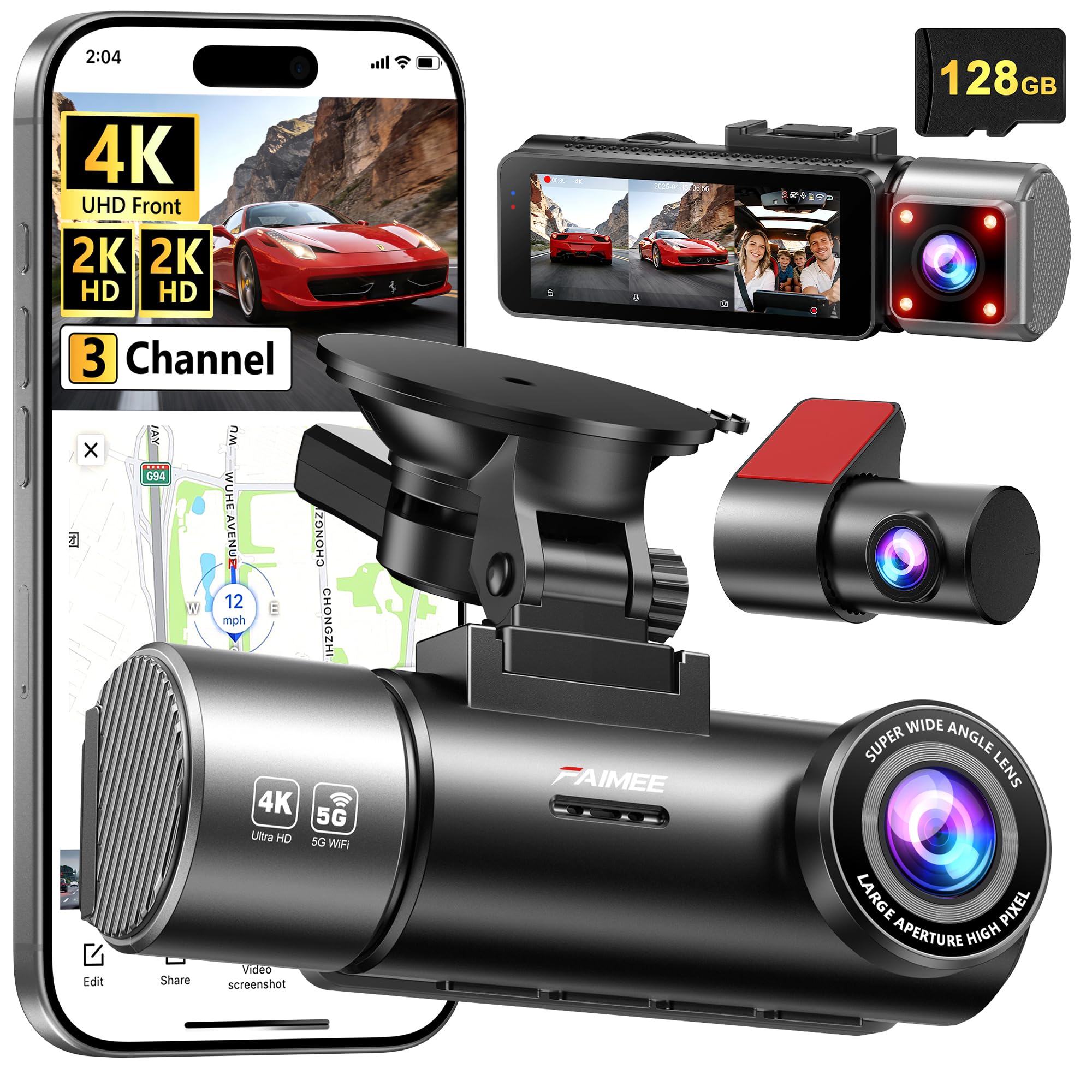
Image: FAIMEE F9 Main Dash Cam Unit.
3.2 Kamara ta baya
The compact rear camera connects to the main unit via a cable and is designed for discreet mounting on the rear windshield.

Image: FAIMEE F9 Rear Camera.
4. Saita & Shigarwa
Shigarwa mai kyau yana da matuƙar muhimmanci don samun ingantaccen aiki. Bi waɗannan matakan a hankali:
4.1 Mounting the Main Unit
- Tsaftace yankin da ke kan gilashin motarka inda kake son saka kyamarar dashboard. Tabbatar cewa bai toshe maka hanyar ba. view.
- Attach the suction cup mount to the main unit.
- Remove the protective film from the suction cup and press it firmly against the windshield, then lock the lever to secure it.
4.2 Shigar da Kamara ta Baya
- Identify a suitable location on your rear windshield, ensuring a clear view and no obstruction. Clean the area thoroughly.
- Attach the rear camera using the provided adhesive.
- Connect the rear camera cable to the rear camera.
4.3 Cable Routing and Power Connection
- Connect the main unit to the car charger.
- Carefully route the power cable along the edge of the windshield, down the A-pillar, and under the dashboard to your car's 12V power outlet. Use the provided installation tool and cable clips to secure the cable neatly.
- Route the rear camera cable from the main unit along the headliner, down the side pillars, and to the rear camera. Ensure the cable is tucked away and does not interfere with airbags or vehicle operation.
- Plug the car charger into the 12V power outlet.
Video: Official FAIMEE Dash Cam Installation Guide. This video demonstrates the mounting and cable routing process for the dash cam.

Image: Recommended cable routing for a clean installation.
5. Umarnin Aiki
5.1 Kunnawa / Kashewa
- Aiki ta atomatik: Kyamarar dashboard za ta kunna ta atomatik kuma ta fara rikodi lokacin da aka kunna kunna motarka. Zai kashe ta atomatik lokacin da aka kashe kunna motar.
- Aikin hannu: Press and hold the power button to manually turn the device on or off.
5.2 Yanayin Rikodi
- Rikodin madauki: The camera continuously records video in 1/3/5 minute segments. When the memory card is full, the oldest unlocked video files an sake rubuta su don yin sarari don sabbin rikodi.
- G-Sensor Emergency Lock: In the event of a sudden impact or collision, the built-in G-sensor automatically detects the event and locks the current video footage, preventing it from being overwritten by loop recording.
- 24-Hour Parking Monitor: With an optional hardwiring kit (not included), the dash cam can monitor your vehicle for potential damage, theft, or hit-and-runs while parked. It supports time-lapse recording in parking mode.

Image: Built-in Collision G-sensor functionality.
5.3 High-Definition Night Vision
Equipped with an F1.8 large-aperture lens, 6-layer glass optics, and WDR technology, the dash cam delivers clear and balanced video even in low-light or high-contrast conditions, ensuring visibility of license plates and road signs at night.

Image: High-Definition Night Vision capabilities.
5.4 Built-in GPS Tracking
The integrated GPS tracker accurately logs real-time speed, route history, and location coordinates. This data can be reviewed via the FAIMEE app or compatible software, providing an essential record for incident verification or business use.
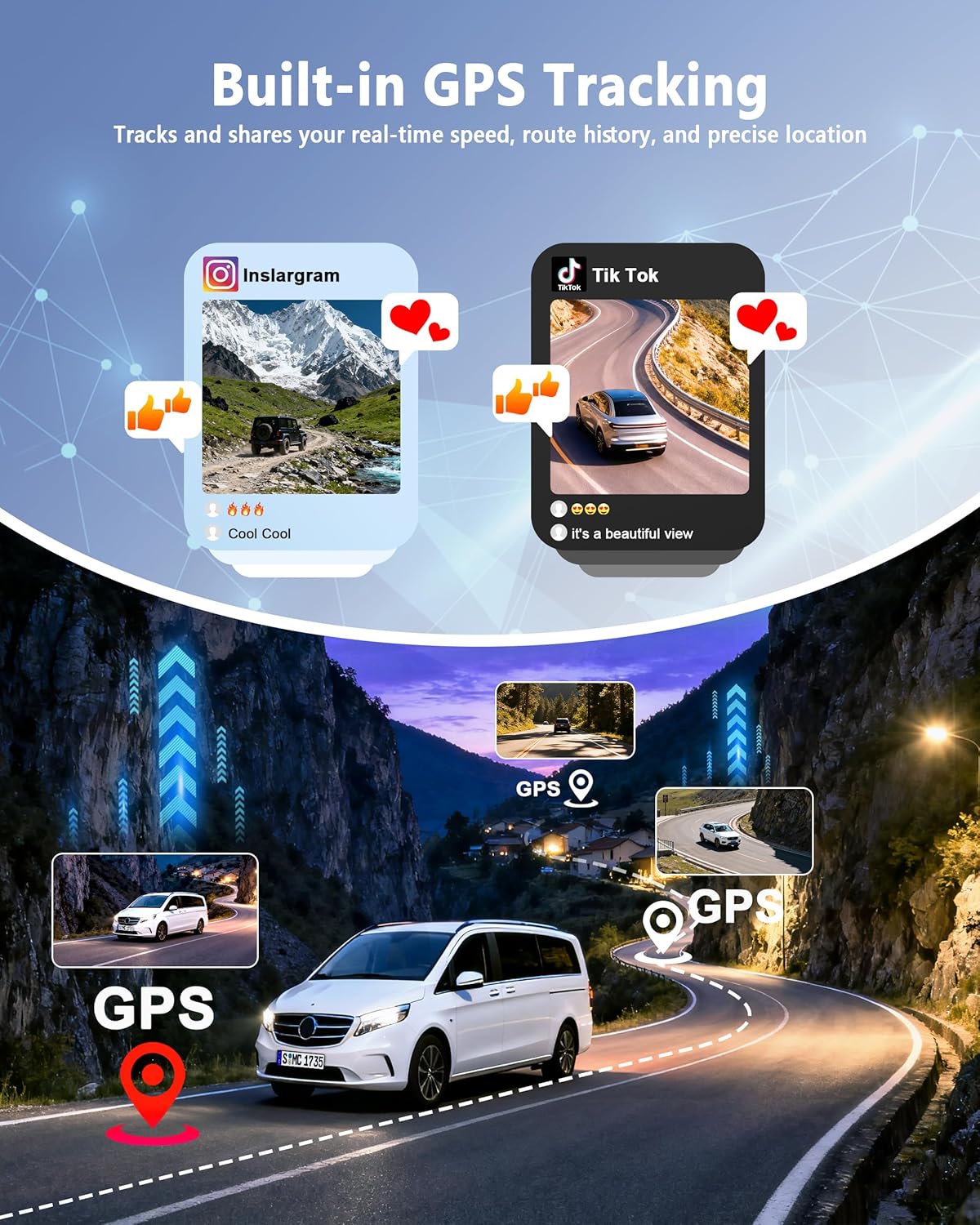
Image: Built-in GPS Tracking features.
5.5 Dual-Band Wi-Fi & App Control
Connect the dash cam to the FAIMEE app on your smartphone via dual-band Wi-Fi (5.8G/2.4G). The app allows you to live-view footage, rikodin sake kunnawa, saukewa files to your phone, and share them easily. This feature is useful for quick access to footage without removing the memory card.

Image: Dual-Band Wi-Fi and App Control interface.
6. Kulawa
- Tsaftacewa: Use a soft, dry cloth to clean the camera lenses and the display screen. Avoid using abrasive cleaners or solvents.
- Katin ƙwaƙwalwar ajiya: Regularly format the 128GB memory card (included) within the dash cam's settings to ensure optimal performance and prevent data corruption. It is recommended to format the card once a month. The dash cam supports up to 256GB cards (sold separately).
- Zazzabi: Avoid exposing the dash cam to extreme temperatures for prolonged periods.
7. Shirya matsala
- Dash Cam Ba Ya Kunnawa:
- Ensure the car charger is securely plugged into the 12V power outlet and the dash cam.
- Check if the vehicle's ignition is on.
- Test the 12V power outlet with another device to confirm it's working.
- Matsalolin yin rikodi (misali, ba yin rikodi ba, lalacewa files):
- Ensure the 128GB memory card is inserted correctly.
- Format the memory card using the dash cam's settings.
- If issues persist, try a different high-endurance microSD card (Class 10 or higher).
- Rashin ingancin Bidiyo:
- Tsaftace ruwan tabarau na kyamara.
- Tabbatar an cire fim ɗin kariya daga ruwan tabarau.
- Adjust camera angle to avoid direct sunlight or strong reflections.
- Verify video resolution settings in the menu.
- Matsalolin Haɗin Wi-Fi:
- Ensure Wi-Fi is enabled on the dash cam and your smartphone.
- Sake kunna duka dash cam da wayoyin hannu.
- Tabbatar kana kusa da kyamarar dash cam.
- Check for updates to the FAIMEE app.
8. Ƙayyadaddun bayanai
| Siffar | Bayani |
|---|---|
| Alamar | FAIMEE |
| Sunan Samfura | F9 |
| Nau'in Sabis na Abin hawa | Mota |
| Fasahar Haɗuwa | Wi-Fi |
| Siffofin Musamman | 128GB Memory Card & 24/7 Protection, 4K+2K+2K Triple Recording, 5.8G/2.4G Dual WIFI & APP Control, Built-in GPS Tracking, High Definition Night Vision |
| Ƙimar Ɗaukar Bidiyo | 2160p (Front) |
| Abubuwan da aka haɗa | F9 3 Channel Dash Cam, Rear Camera, Car Charger, 128GB Memory Card, Installation Tool |
| Nau'in hawa | Dashboard Dutsen |
| Launi | Baki |
| Filin Daga View | 170 Degrees (Front) |
| Hanyar sarrafawa | App |
| Girman allo | Inci 3 |
| Nau'in Ƙwaƙwalwar Flash | microSD |
| Matsakaicin Buɗewa | 1.8 f |
| Girman Sensor Hoto | 1/3 Inci |
| Matsayin Sashe na Auto | Front, Inside, Rear |
| Ana Hada Batura | Ee |
| Nau'in Nuni | IPS |
| Nau'in Kwayoyin Baturi | Lithium Metal |
| Matsakaicin Tsari | 25fps |
| Girman Katin Ƙwaƙwalwa da aka haɗa | 128 GB |
| Girman Tallafin Ƙwaƙwalwar Ƙwaƙwalwar Filastik | 256 GB |
| Girman Abun D x W x H | 1.42"D x 3.38"W x 3.07"H |
| Nauyin Abu | 1.2 fam |
9. Garanti & Tallafi
The FAIMEE F9 Dash Cam is backed by an Garanti na watanni 18. For technical assistance, customer support is available 24/7. Please refer to the contact information provided in your package or visit the official FAIMEE website don tallafi.
For warranty claims or technical inquiries, please contact FAIMEE customer service directly.