
Gabatarwa
The ShanWan Wireless Controller is a versatile gaming peripheral designed for use across multiple platforms, including PC, iPhone, Android, Nintendo Switch, and Steam. It offers tri-mode connectivity (Bluetooth, 2.4G wireless, and USB-C wired) to ensure a seamless gaming experience. This manual provides detailed instructions for setup, operation, maintenance, and troubleshooting to help you maximize your controller's performance.
Note: This controller is not compatible with Xbox or PlayStation 4/5 consoles.
Abubuwan Kunshin
- ShanWan Wireless Controller
- USB-C Cajin Cable
- 2.4G Wireless Dongle
- Jagorar mai amfani (wannan takaddar)
Mai Gudanarwa Overview
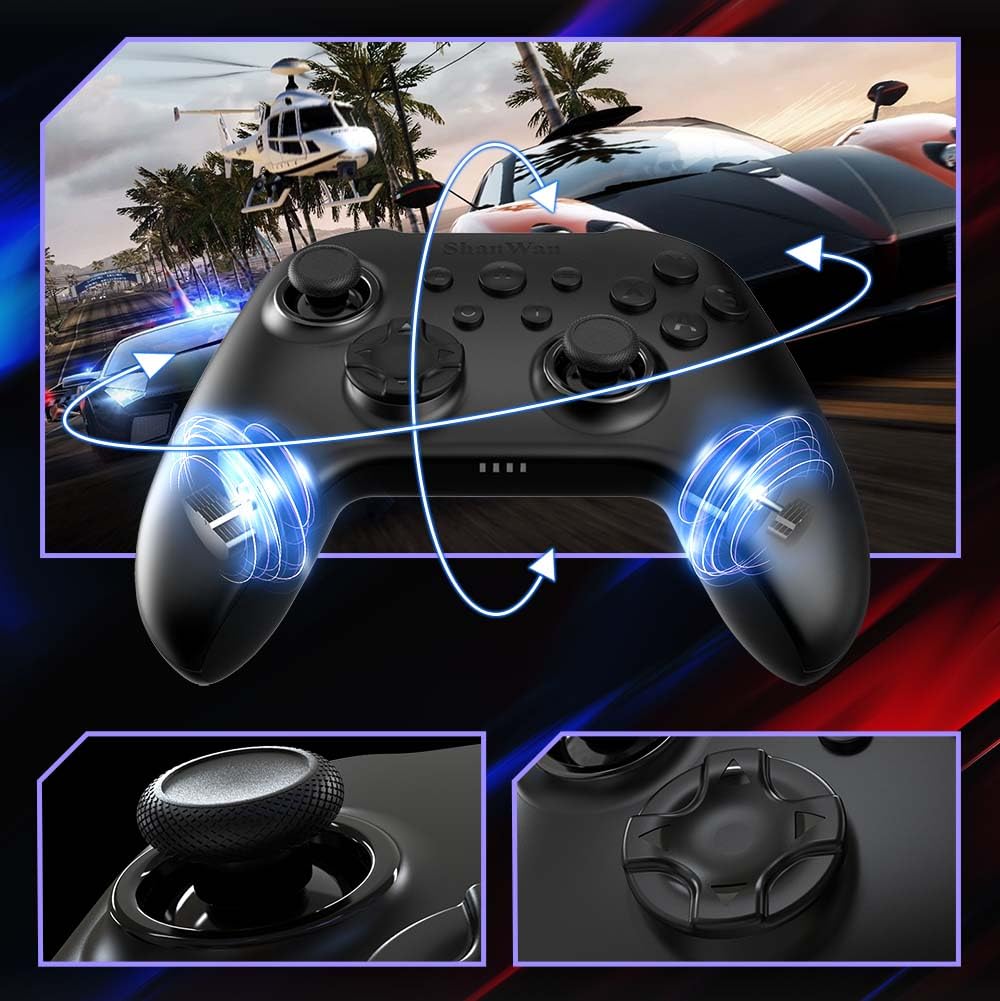
Hoto: Gaba view of the ShanWan Wireless Controller, showcasing its ergonomic design, dual joysticks, D-pad, and face buttons (A, B, X, Y).
Hoto: Baya view of the ShanWan Wireless Controller, highlighting the mode switch for different platforms (X, D, S).
Mabuɗin fasali:
- Tasirin Zaure Joysticks: Designed for precision with no dead zones and anti-drift capabilities.
- Durable Gel Buttons: Conductive gel buttons tested for 1 million clicks for long-lasting performance.
- Giroscope na Axis 6: Provides precise motion sensing for immersive gameplay.
- Motocin Girgiza Biyu: Delivers strong and subtle haptic feedback for an enhanced gaming experience.
- Aikin Turbo: Allows for rapid, repeated button presses.
Saita
1. Cajin Controller
Before initial use, fully charge the controller using the provided USB-C cable. Connect the USB-C end to the controller and the USB-A end to a power source (e.g., computer USB port, USB wall adapter). The charging indicator lights will show charging status and turn off when fully charged.
2. Haɗa zuwa Na'urori
The ShanWan Wireless Controller supports three connection modes: Bluetooth, 2.4G Wireless, and USB-C Wired. Ensure the mode switch on the back of the controller is set to the appropriate platform before attempting to connect.

Hoto: Visual representation of the controller's tri-mode connectivity, illustrating Bluetooth, 2.4G wireless, and USB-C wired options.
Mode Switch Settings:
- 'S' Mode: For Nintendo Switch.
- 'X' Mode: For PC (X-input), Android.
- 'D' Mode: For PC (D-input), iOS.
Haɗin Bluetooth:
- Set the mode switch on the back of the controller to the desired platform ('S', 'X', or 'D').
- Press and hold the pairing button (usually a small button on the top or back) until the indicator lights flash rapidly.
- On your device (PC, iPhone, Android, Switch), go to Bluetooth settings and search for new devices.
- Select "ShanWan Controller" or a similar name from the list to pair.
- Once paired, the indicator lights on the controller will become solid.
2.4G Wireless Connection (for PC/Switch):
- Set the mode switch on the back of the controller to 'X' (for PC) or 'S' (for Switch).
- Insert the 2.4G wireless dongle into a USB port on your PC or Switch dock.
- Press the Home button on the controller to power it on. It should automatically connect to the dongle.
- The indicator lights will become solid once connected.
Haɗin Wayar USB-C:
- Connect the USB-C cable to the controller and the other end to your PC or Switch dock.
- The controller will automatically be recognized as a wired device.
- No specific mode switch setting is required for wired connection, but setting it to the correct platform mode ('X' for PC, 'S' for Switch) is recommended for optimal compatibility.
Umarnin Aiki
Kunnawa/Kashewa:
- Kunna Wuta: Press the Home button once.
- Kashe Wuta: Press and hold the Home button for 3-5 seconds, or the controller will automatically power off after a period of inactivity.
Ikon Motsi:
The built-in 6-axis gyroscope provides motion control capabilities, particularly useful for games on Nintendo Switch or other compatible platforms. Ensure the game supports motion controls for this feature to function.
Jawabin Jijjiga:
The dual vibration motors provide haptic feedback during gameplay. The intensity of the vibration can often be adjusted through game settings or the Gamepad Space app.
Aikin Turbo:
Don kunna aikin Turbo don takamaiman maɓalli:
- Press and hold the button you wish to set to Turbo.
- While holding the button, press the Turbo button (refer to controller layout for location).
- The button will now repeatedly register presses as long as it is held down.
To deactivate Turbo for a button, repeat the process.
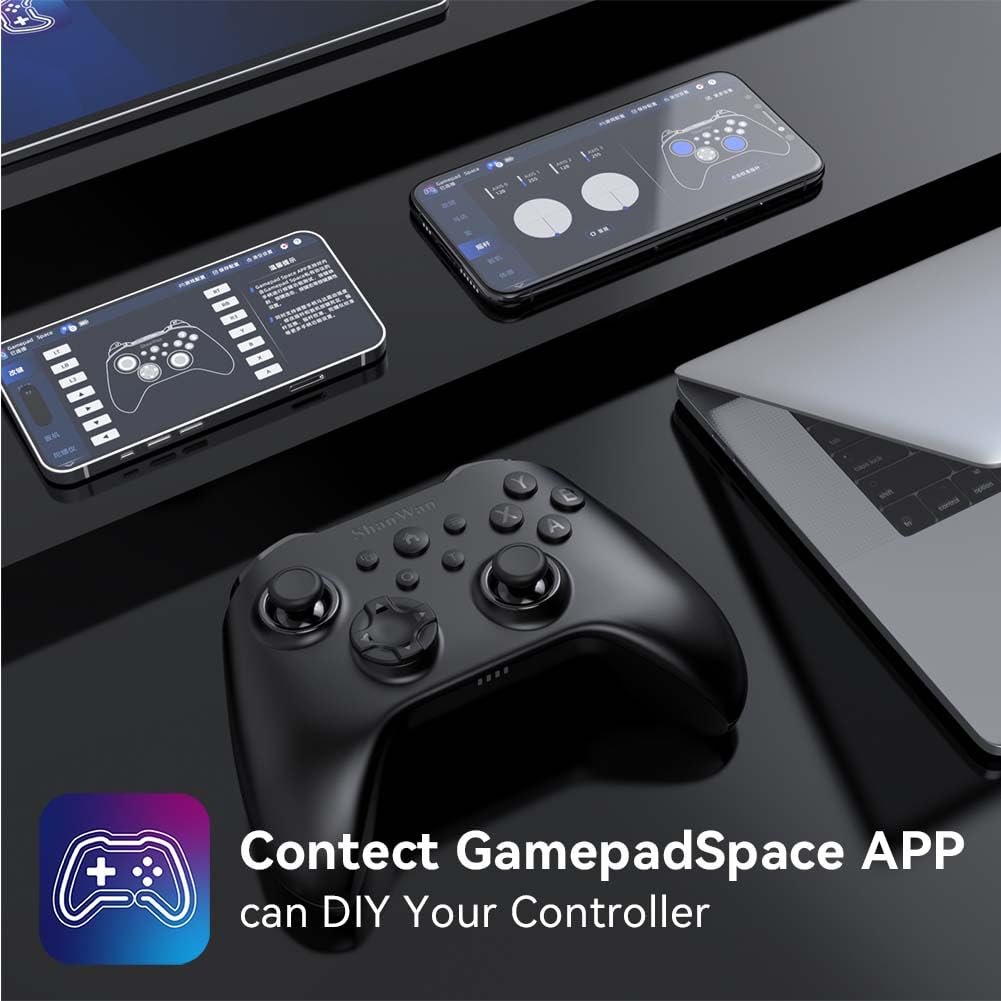
Software Customization (Gamepad Space App):
Enhance your gaming experience by customizing controller settings using the Gamepad Space mobile application.

Hoto: A ShanWan controller alongside smartphones displaying the Gamepad Space app, illustrating options for calibration and on-the-fly adjustments.
- Download the "Gamepad Space" app from your mobile device's app store.
- Connect your controller to your mobile device via Bluetooth.
- A cikin app ɗin, zaku iya:
- Haɓaka firmware.
- Adjust stick and trigger dead zones.
- Customize vibration intensity.
- Test buttons.
Kulawa
- Tsaftacewa: Yi amfani da laushi, bushe bushe don tsaftace mai sarrafawa. Ka guji yin amfani da sinadarai masu tsauri ko kayan shafa.
- Ajiya: Ajiye mai sarrafawa a wuri mai sanyi, busasshiyar nesa da hasken rana kai tsaye da matsanancin zafi.
- Kulawar Baturi: Don tsawaita rayuwar baturi, kauce wa cikakken cajin mai sarrafawa akai-akai. Yi cajin shi akai-akai, ko da ba a cikin amfani akai-akai ba.
Shirya matsala
Mai Sarrafa Ba Haɗawa:
- Tabbatar an caje mai sarrafawa.
- Verify the mode switch on the back of the controller is set correctly for your platform (S, X, or D).
- For Bluetooth, ensure your device's Bluetooth is on and the controller is in pairing mode.
- For 2.4G wireless, ensure the dongle is properly inserted and the controller is in the correct mode.
- Gwada sake kunna mai sarrafawa da na'urarka.
Input Lag or Disconnections:
- Tabbatar babu wani tsangwama mai ƙarfi na lantarki a kusa.
- Move closer to your device for a stronger wireless signal.
- Ensure the controller's battery is not low.
- Consider using a wired USB-C connection for the most stable experience.
Joystick Drift or Unresponsive Buttons:
- Calibrate the joysticks and test buttons using the Gamepad Space app.
- Ensure the controller's firmware is up to date via the Gamepad Space app.
- A tsaftace a kusa da maɓallan da joysticks don cire duk wani tarkace.
Ƙayyadaddun bayanai
| Samfura | B0FS13DT2B |
| Fasahar Haɗuwa | Bluetooth, 2.4G mara waya, USB-C Wired |
| Na'urori masu jituwa | Android, iOS, Nintendo Switch, Nintendo Switch 2, PC |
| Nau'in Mai Gudanarwa | Gamepad |
| Adadin Maɓalli | 12 |
| Siffofin Musamman | Hall Effect Joysticks, 6-Axis Gyroscope, Dual Vibration, Turbo Function, Software Customization |
| Tushen wutar lantarki | Ana Karfin Batir |
| Nauyin Abu | 300 Grams |
| Girman Abu (D x W x H) | 2.5" x 4" x 6" |
Garanti da Taimako
ShanWan products are designed for reliability and performance. For specific warranty information, please refer to the documentation included with your purchase or visit the official ShanWan support website. If you encounter any issues not covered in this manual, please contact ShanWan customer support for assistance.
Taimako kan layi: Visit the ShanWan Store on Amazon