
1. Gabatarwa
The Black & Decker Smart Wi-Fi Water Sensor (Model WS) provides real-time water leak detection and alerts to help prevent potential water damage in your home. This manual provides essential information for the proper setup, operation, and maintenance of your water sensors.
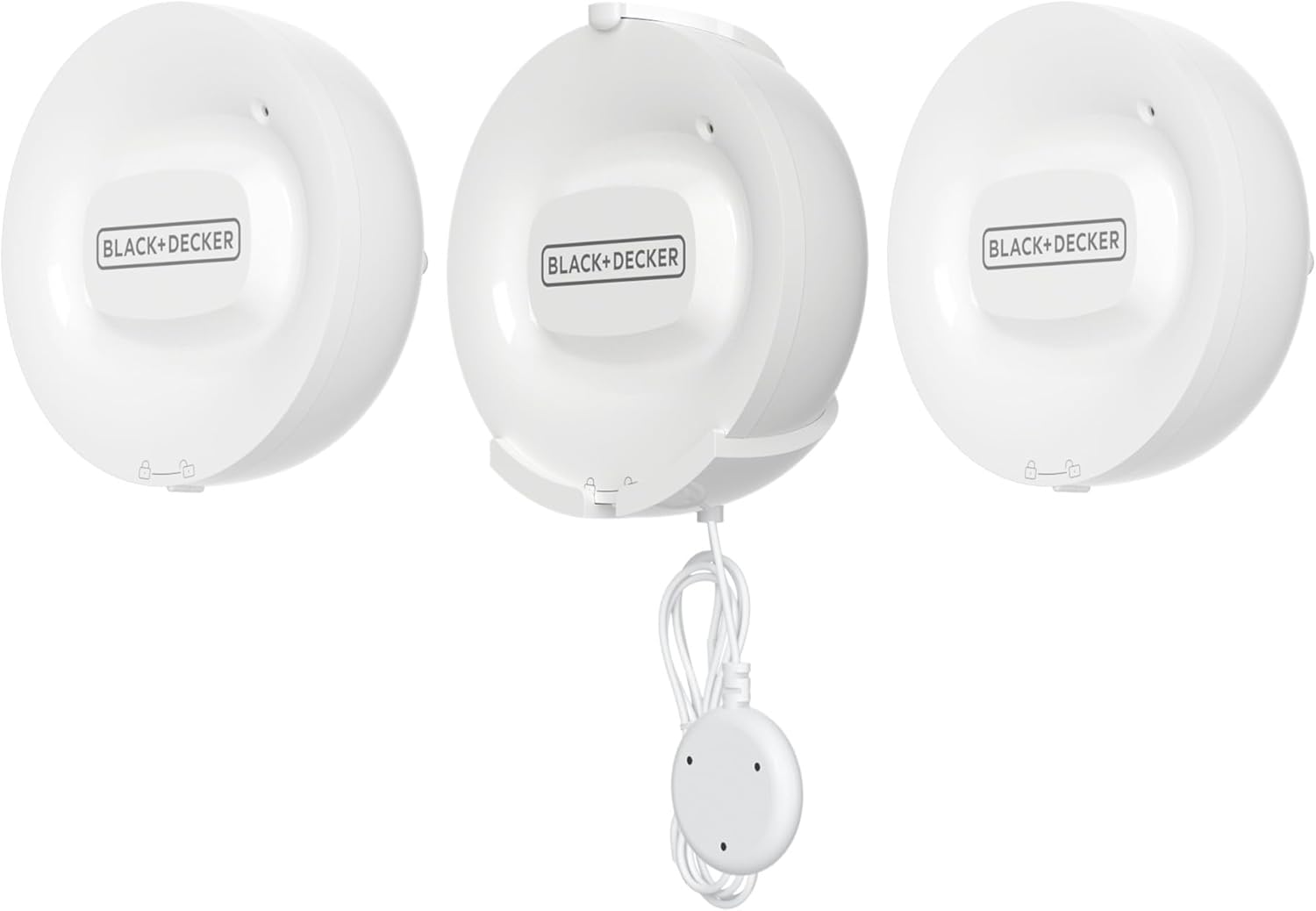
Image 1: Black & Decker Smart Wi-Fi Water Sensor (3-piece set)
2. Samfurin Ya Ƙareview
2.1 Abubuwan
- 3 x Smart Wi-Fi Water Sensors (Model WS)
- 3 x 46-inch extended probes
- Batteries (1 C battery per sensor, included)
- Manual mai amfani
2.2 Maɓalli Maɓalli
- Real-Time Leak Detection: Instantly detects water leaks and sends alerts.
- Faɗakarwa Mai Wayo: Receive notifications directly on your smartphone via the BLACK+DECKER Home App.
- Extended Probe: Each sensor includes a 46-inch probe for reaching difficult or confined spaces.
- Babu Hub da ake Bukata: Connects directly to your home's 2.4 GHz Wi-Fi network.
- Wuri Mai Sauƙi: Compact, battery-powered design allows for versatile installation in various locations.

Image 2: Close-up of the water sensor and its probe
3. Bayanin Tsaro
Da fatan za a karanta kuma ku fahimci duk umarnin aminci kafin amfani da wannan samfurin. Rashin bin waɗannan umarnin na iya haifar da girgiza wutar lantarki, wuta, ko mummunan rauni.
- Do not immerse the main sensor unit in water. Only the probe is designed for contact with water.
- Tabbatar an saka batura tare da madaidaicin polarity.
- Replace batteries with the specified type (1 C battery).
- Ka kiyaye na'urar daga matsanancin zafi da hasken rana kai tsaye.
- Wannan na'urar don amfanin cikin gida ne kawai.
- Do not attempt to disassemble or repair the device. Contact customer support for assistance.
4. Saita da Shigarwa
4.1 Sauke App da Ƙirƙirar Asusu
Sauke da BLACK+DECKER Home App from the Apple App Store or Google Play Store. Create an account or log in if you already have one.
4.2 Shigar da Baturi
Open the battery compartment on the back of each sensor unit. Insert one C battery, ensuring correct polarity. Close the compartment securely.
Haɗa Wi-Fi 4.3
The sensors connect directly to your home's 2.4 GHz Wi-Fi cibiyar sadarwa. Ensure your smartphone is connected to a 2.4 GHz network during the pairing process. Follow the in-app instructions to add each sensor. If you have a dual-band router, you may need to temporarily disable the 5 GHz band or ensure your phone is connected to the 2.4 GHz band specifically.
4.4 Sanya Sensor
Place the water sensors in areas prone to water leaks. The main sensor unit can be placed on a flat surface or mounted on a wall. Position the 46-inch probe to detect water at the lowest point or in specific areas where leaks are likely to occur.
- Gine-gine: Near sump pumps, water heaters, or basement windows.
- Dakunan Wanki: A baya ko kusa da injinan wanki.
- Kitchens: Under sinks, near dishwashers, or refrigerators with water lines.
- Dakunan wanka: Near toilets, bathtubs, or showers.

Image 3: Sensor placed near a water heater

Image 4: Sensor placed near a washing machine

Image 5: Sensor placed near a dishwasher
4.5 Saita Jagorar Bidiyo
Watch this video for a visual guide on setting up and understanding the functionality of the Black & Decker Smart Water Leak Sensor. Note that the video also demonstrates the Smart Valve Controller, which is a separate, complementary product.
Video 1: Black+Decker Water Sensor and Smart Valve Overview. This video demonstrates the setup and operation of the water leak sensor, including placement examples and how it integrates with the BLACK+DECKER Home App. It also shows the optional Smart Valve Controller.
5. Umarnin Aiki
5.1 Faɗakarwa Mai Karɓa
When a water leak is detected by the sensor's probe, the sensor will emit an audible alarm, and you will receive an immediate notification on your smartphone via the BLACK+DECKER Home App. The app alert will specify which sensor detected the leak and the time of detection.

Hoto 6: Example of a water leakage alarm notification in the app
5.2 Monitoring Devices in the App
The BLACK+DECKER Home App allows you to monitor the status of all your connected water sensors. You can view a list of your devices, check their status, and customize settings remotely. This provides peace of mind and allows you to manage your home's water safety from anywhere.

Image 7: Device list in the BLACK+DECKER Home App
5.3 Integration with Smart Valve Controller (Optional)
For enhanced protection, the Smart Wi-Fi Water Sensor can be integrated with a Black & Decker Smart Valve Controller (sold separately). When a leak is detected, the system can be configured to automatically shut off your main water supply, preventing further damage. This feature provides an additional layer of security, especially when you are away from home.
6. Kulawa
6.1 Sauya Baturi
The sensor is powered by one C battery. The BLACK+DECKER Home App will notify you when the battery level is low. To replace, open the battery compartment, remove the old battery, and insert a new C battery with the correct polarity. Dispose of old batteries responsibly.
6.2 Tsaftacewa
Wipe the sensor unit and probe with a soft, dry cloth. Do not use abrasive cleaners or immerse the main unit in water.
6.3 Dubawa na yau da kullun
Periodically check the sensor's placement and the condition of the probe to ensure optimal performance. Test the sensor by placing the probe in a small amount of water to confirm it triggers an alert.
7. Shirya matsala
- Sensor not connecting to Wi-Fi: Ensure your router is broadcasting a 2.4 GHz Wi-Fi network. The sensor does not support 5 GHz Wi-Fi. Temporarily disable the 5 GHz band on your router during setup if you encounter issues, or ensure your smartphone is connected to the 2.4 GHz network.
- Ba a karɓi sanarwa ba: Check if the sensor has sufficient battery power. Verify that the BLACK+DECKER Home App has notification permissions enabled on your smartphone. Ensure the sensor is within range of your Wi-Fi network.
- Ƙararrawa na ƙarya: Ensure the sensor probe is not in an area where it might accidentally come into contact with moisture (e.g., condensation, high humidity). Clean the probe if it appears dirty.
- Sensor not detecting water: Confirm the probe is positioned correctly to make contact with water. Ensure the probe is clean and free of debris.
If you continue to experience issues, please refer to the support section or contact customer service.
8. Ƙayyadaddun bayanai
| Alamar | BLACK+DECKER |
| Lambar Samfura | WS |
| Tushen wutar lantarki | Ana Karfin Batir |
| Nau'in Baturi | 1 C battery (Lithium-Ion, included) |
| Haɗuwa | Wi-Fi (2.4GHz kawai) |
| Hanyar sarrafawa | App (BLACK+DECKER Home App) |
| Fasaha Sahihi | Conductive Sensor |
| Girman samfur (L x W x H) | 3"L x 1.12"W x 3.12"H |
| Nau'in hawa | Dutsen bango |
9. Garanti da Tallafawa
9.1 Bayanin Garanti
For detailed warranty information, please refer to the official BLACK+DECKER webShafin yanar gizo ko katin garanti da aka haɗa tare da samfurinka. Ajiye rasitin siyanka a matsayin shaidar siyan.
9.2 Tallafin Abokin Ciniki
If you have any questions, require technical assistance, or need to report an issue, please contact BLACK+DECKER customer support. Contact information can typically be found on the manufacturer's website ko samfur marufi.