
1. Gabatarwa
The Strong 4G LTE N300 WiFi Router provides high-speed internet access using a 4G SIM card, offering reliable Cat4 LTE speeds up to 150 Mbps and stable N300 Mbps Wi-Fi coverage. This device is designed for easy setup and use, supporting up to 32 devices simultaneously, making it suitable for both home and small office environments where wired broadband may not be available.
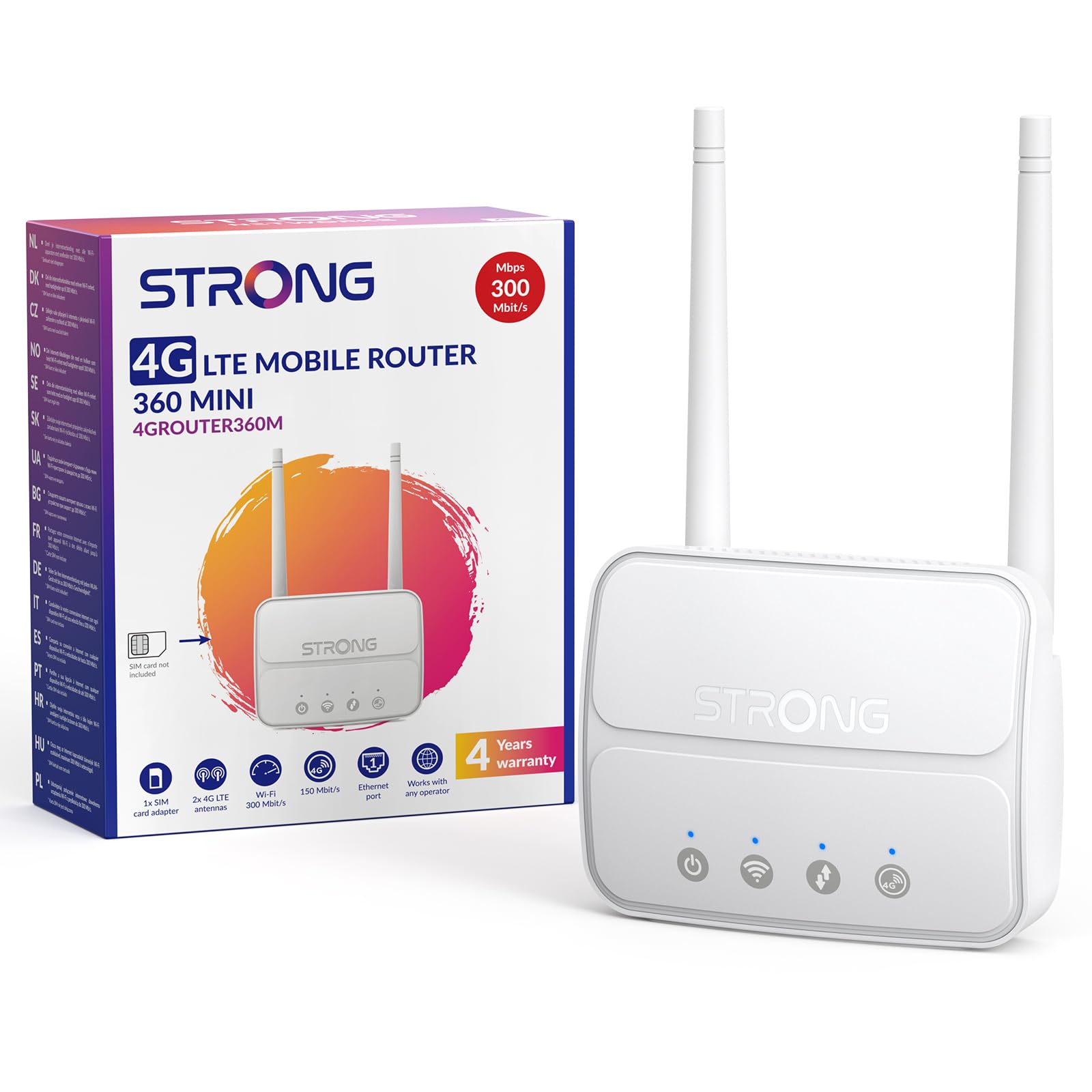
Image 1: The Strong 4G LTE N300 WiFi Router, a compact device with two external antennas for enhanced signal reception.
2. Abin da ke cikin Akwatin
Da fatan za a duba abubuwan da ke cikin kunshin a hankali. Idan wani abu ya ɓace ko ya lalace, tuntuɓi tallafin abokin ciniki.
- Strong 4G LTE N300 WiFi Router
- External Antennas (2 units)
- RJ45 Ethernet Cable
- Samar da Wutar Lantarki na waje
- Nano to Micro SIM Card Adapter
- Jagorar Shigarwa Mai sauri
- Katin Tsaro da Garanti
3. Jagorar Saita
Follow these steps for a quick and easy setup of your Strong 4G LTE N300 WiFi Router.
3.1. Prepare Your SIM Card
Before inserting your SIM card, ensure that any PIN protection is disabled. You can do this by inserting the SIM card into a smartphone and disabling the PIN request through the phone's settings.
3.2. Insert the SIM Card
- Nemo ramin katin SIM akan na'ura mai ba da hanya tsakanin hanyoyin sadarwa.
- If you have a Nano SIM, use the provided Nano to Micro SIM adapter to fit it into the standard SIM slot.
- Gently insert the prepared SIM card into the slot until it clicks into place.
3.3. Attach External Antennas
Screw the two external 4G antennas onto the designated connectors at the back of the router. Adjust their orientation for optimal signal reception.
3.4. Power On the Router
Connect the external power supply to the router's DC-in port and then plug it into a power outlet. The router will automatically power on and begin the startup sequence.
3.5. Connect to the Network (Plug & Play)
The router is designed for Plug & Play operation. Once powered on and with a valid SIM card, it will automatically connect to the 4G LTE network. You can then connect your devices via Wi-Fi or Ethernet.

Image 2: Visual guide for SIM card insertion and powering on the router for instant connection. The image also shows the SIM card slot supporting standard, micro, and nano SIMs with an adapter.
3.6. Shiga cikin Web Interface
For advanced settings and network management, access the router's web dubawa ta hanyar bugawa 192.168.188.1 cikin ku web browser's address bar. Refer to the Quick Installation Guide for default login credentials.
4. Umarnin Aiki
This section details how to use your Strong 4G LTE N300 WiFi Router for optimal performance.
4.1. Haɗa Na'urori
The router supports connections for up to 32 devices simultaneously.
- Haɗin Wi-Fi: Locate the Wi-Fi network name (SSID) and password printed on the label at the bottom of the router. Select this network on your device and enter the password to connect.
- Haɗin Ethernet: Use an RJ45 Ethernet cable to connect devices such as PCs, game consoles, or Smart TVs to the router's 100 Mbps LAN port for a stable wired connection.
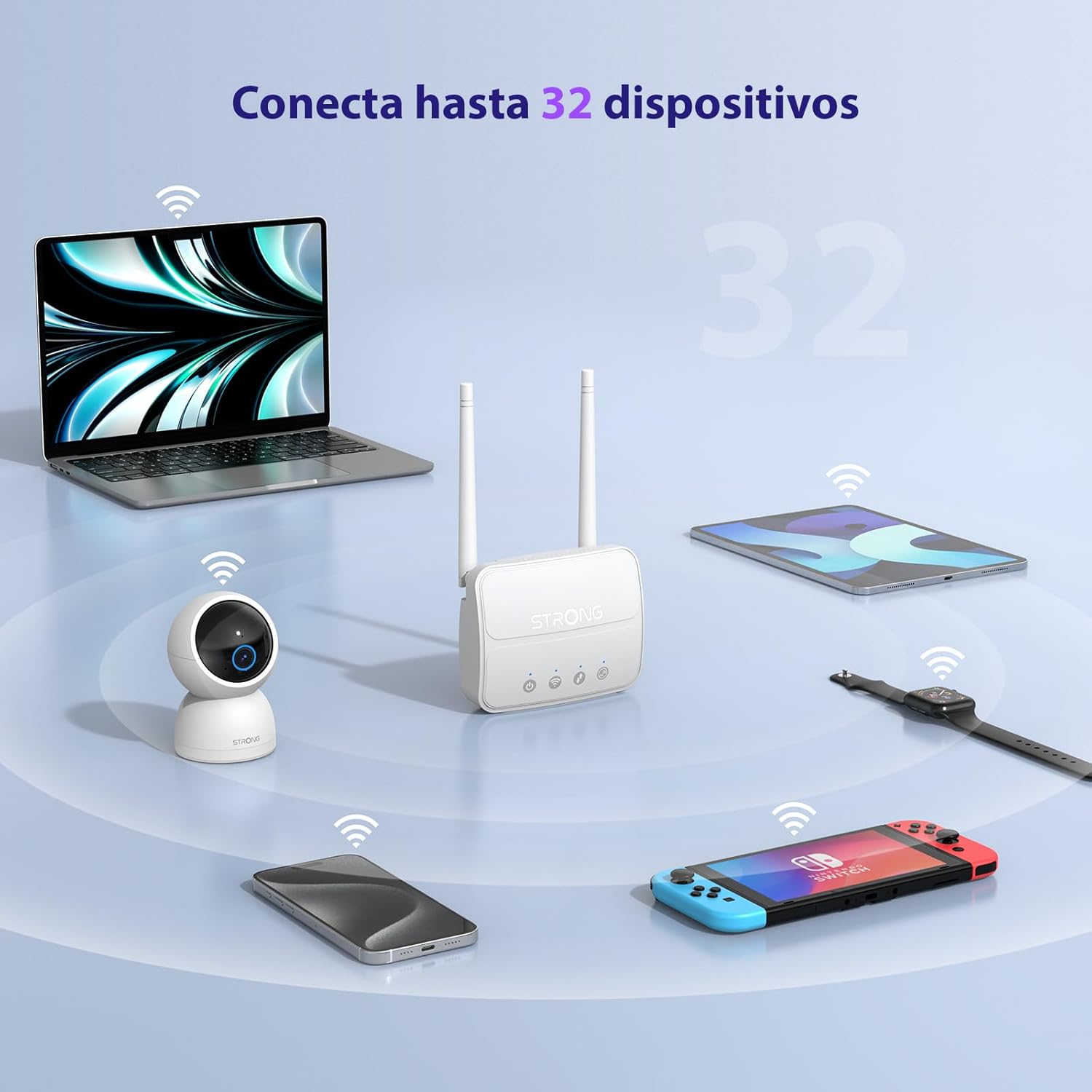
Image 3: The router connecting various devices including laptops, tablets, smartphones, and gaming consoles, demonstrating its capacity for up to 32 simultaneous connections.
4.2. Network Management and Security
The router offers robust security features to protect your network:
- Boye-boye WPA / WPA2: Ensures secure wireless communication.
- PIN Control: Manage SIM card PIN settings.
- MAC Tace: Control which devices can connect to your network based on their MAC addresses.
- Advanced Firewall Settings: Customize firewall rules for enhanced protection.
All these settings can be managed through the easy-to-use web dubawa (192.168.188.1).

Image 4: A user managing network settings on a laptop, illustrating the router's WPA/WPA2 encryption and PIN control features for secure network management.
5. Kulawa
Proper maintenance ensures the longevity and optimal performance of your router.
- Tsaftacewa: Yi amfani da kyalle mai laushi da busasshe don tsaftace waje na na'urar sadarwa. Kada a yi amfani da ruwan tsaftacewa ko iskar gas.
- Wuri: Sanya na'urar sadarwa a wuri mai iska mai kyau, nesa da hasken rana kai tsaye, hanyoyin zafi, da kuma filayen lantarki masu ƙarfi.
- Sabunta Firmware: The router features a USB port specifically for firmware updates. Regularly check the Strong official website for the latest firmware versions to ensure improved performance and security. Follow the instructions provided with the firmware update package carefully.
6. Shirya matsala
Idan kun ci karo da al'amura tare da na'ura mai ba da hanya tsakanin hanyoyin sadarwa, koma zuwa matakan magance matsalar gama gari masu zuwa:
- Babu Haɗin Intanet:
- Ensure the SIM card is correctly inserted and has an active data plan.
- Verify that the SIM card's PIN protection is disabled.
- Check the signal strength indicators on the router. If the signal is weak, try adjusting the external antennas or relocating the router.
- Sake kunna na'urar sadarwa ta hanyar cire haɗin wutar lantarki da sake haɗa na'urar.
- Wi-Fi Not Visible or Connecting:
- Ensure the Wi-Fi function is enabled (check the router's LED indicators).
- Tabbatar cewa kana shigar da kalmar sirri ta Wi-Fi daidai (SSID da kalmar sirri suna kan lakabin na'ura mai ba da hanya tsakanin hanyoyin sadarwa).
- Try connecting a device via Ethernet to confirm the router has internet access.
- Gudu a hankali:
- Check the 4G signal strength. Weak signal can lead to slower speeds.
- Ensure no other applications or devices are consuming excessive bandwidth.
- Consider the number of connected devices; the router supports up to 32, but performance may vary with heavy usage.
- Ba za a iya shiga ba Web Interface:
- Ensure your device is connected to the router's network (Wi-Fi or Ethernet).
- Confirm you are typing the correct IP address: 192.168.188.1.
- Gwada wani daban web mai bincike.
If these steps do not resolve the issue, please contact Strong customer support.
7. Ƙayyadaddun bayanai
Detailed technical specifications for the Strong 4G LTE N300 WiFi Router (Model 4GROUTER360M).
| Siffar | Ƙayyadaddun bayanai |
|---|---|
| Alamar | Mai ƙarfi |
| Sunan Samfura | 4GROUTER360M |
| Fasahar Haɗuwa | 4G, Ethernet, LTE, Wi-Fi |
| Tsarin Mara waya | 802.11n (N300 Mbps) |
| 4G LTE Speed | Up to 150 Mbps (Cat4) |
| Ethernet Ports | 1 x 100 Mbps LAN Port |
| Ramin Katin SIM | Standard (2FF), includes Nano to Micro adapter |
| Nau'in Antenna | 2 x External, Detachable 4G Antennas; 2 x Internal Wi-Fi Antennas |
| Mafi Haɗin Na'urorin | Har zuwa 32 |
| Siffofin Tsaro | WPA/WPA2 Encryption, PIN Control, MAC Filtering, Firewall |
| Tsarin Aiki | StrongOS |
| Girma (Kunshin) | 18.1 x 15.6 x 7.3 cm |
| Nauyin samfur | 204g ku |
| Tushen wutan lantarki | Adaftar wutar waje |
| Siffofin Musamman | Secure Network Management, Plug & Play, Connect up to 32 devices, USB port for firmware updates |
8. Garanti da Tallafawa
Strong is committed to providing reliable products and excellent customer service.
8.1. Garanti Bayani
Your Strong 4G LTE N300 WiFi Router comes with a 4-year protection plan, ensuring long-term peace of mind. Please refer to the included Safety and Warranty Card for detailed terms and conditions.
8.2. Tallafin Abokin Ciniki
For any technical assistance, troubleshooting, or warranty inquiries, please contact our expert support team:
- Imel: support_at@strong-eu.com
Our support team offers solid service and extended coverage to assist you.

Image 5: Visual representation of Strong's reliable support, highlighting the 4-year protection and contact email for assistance.