
Gabatarwa
This manual provides essential information for setting up, operating, maintaining, and troubleshooting your HP 17.3" Touchscreen Laptop, model 17-cp3602nr. Please read this guide thoroughly to ensure proper use and to maximize the lifespan of your device.
Abubuwan Kunshin
Tabbatar cewa duk abubuwa suna nan a cikin kunshin:
- HP 17.3" Touchscreen Laptop (Model 17-cp3602nr)
- AC Power Adapter and Cord
- Jagoran Farawa Mai sauri (idan an haɗa)

Image: The HP 17.3" Touchscreen Laptop and its included power adapter.
Saita
1. Kunnawa da Caji na Farko
- Connect the AC power adapter to the laptop's AC smart pin port and then to a power outlet.
- Bude murfin kwamfutar tafi-da-gidanka. Kwamfutar tafi-da-gidanka na iya kunnawa ta atomatik, ko kuna iya buƙatar danna maɓallin wuta da ke kan madannai.
- Bari batirin ya yi caji sosai kafin amfani da shi na farko, kodayake zaka iya fara saitawa yayin caji.
2. Windows 11 Setup
Follow the on-screen instructions to complete the Windows 11 Home setup. This typically includes:
- Zaɓar yankinka da tsarin madannai.
- Haɗa zuwa cibiyar sadarwar Wi-Fi.
- Shiga da asusun Microsoft ko ƙirƙirar asusun Microsoft.
- Saita PIN ko kalmar sirri.
- Configuring privacy settings.
3. Fingerprint Reader Setup
During or after Windows setup, you can configure the fingerprint reader for secure login. Navigate to Saituna > Lissafi > Zaɓuɓɓukan shiga and follow the prompts to add your fingerprint.

Image: Close-up of the backlit keyboard and the integrated fingerprint reader on the HP laptop.
Umarnin Aiki
Amfani da Touchscreen Display
The 17.3" HD+ (1600 x 900) display supports touch input. You can interact with Windows 11 and applications directly on the screen using gestures similar to a tablet or smartphone. Ensure your screen is clean for optimal touch responsiveness.
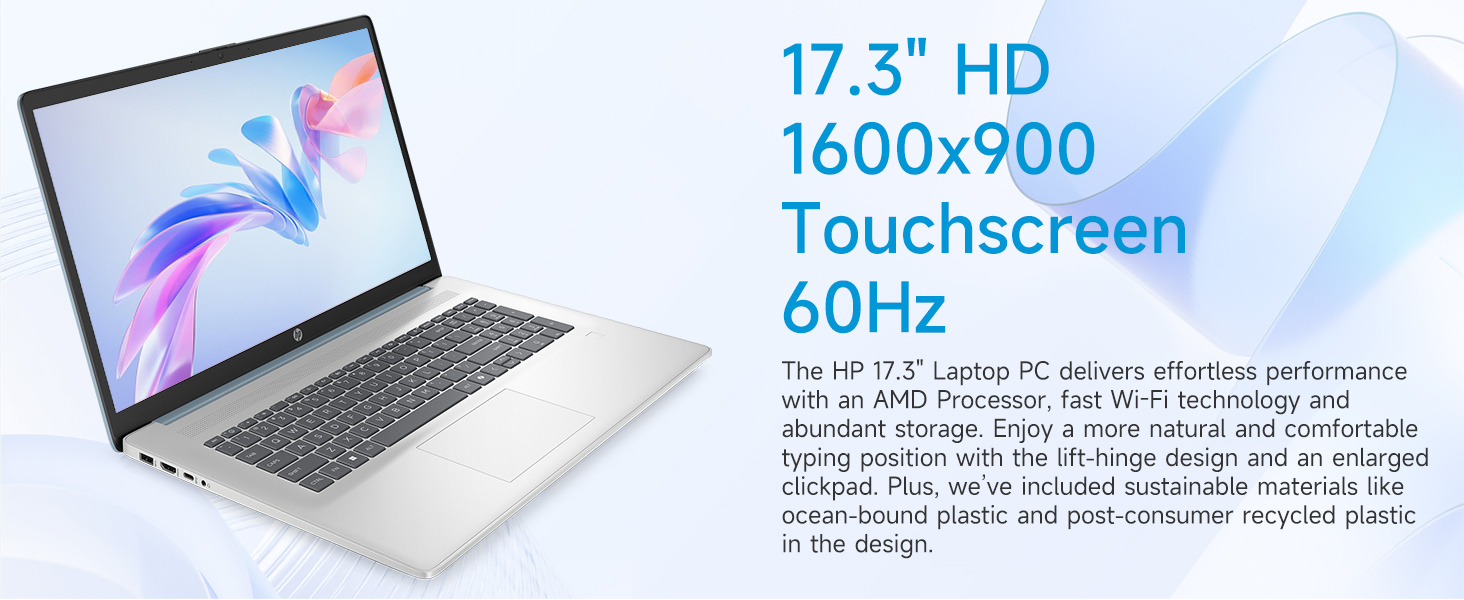
Image: The 17.3-inch touchscreen display of the HP laptop, illustrating its touch capabilities.
Keyboard da Touchpad
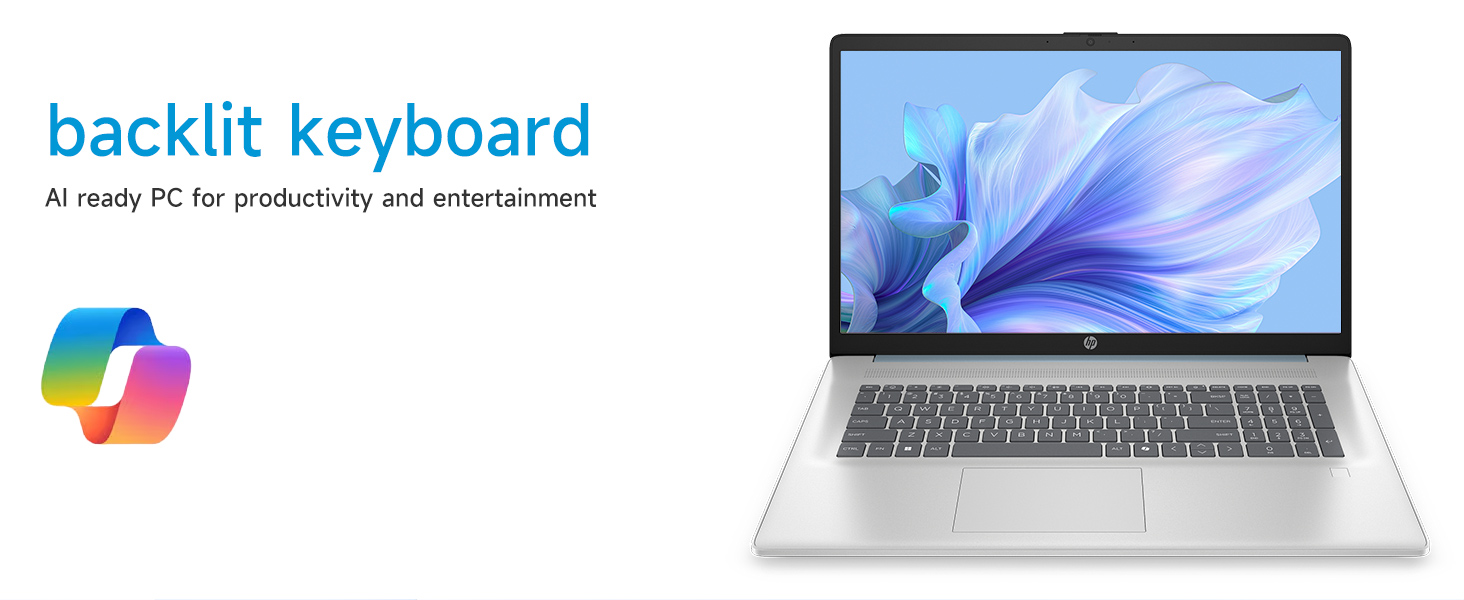
- Allon madannai na baya: Danna maɓallin Fn + F5 (or similar function key with a keyboard backlight icon) to toggle the keyboard backlight on/off or adjust its brightness.
- Maɓallin Lamba: Utilize the dedicated numeric keypad for efficient data entry.
- faifan taɓawa: The large click pad supports multi-touch gestures for navigation. Refer to Windows settings for customizing touchpad gestures.
Connecting External Devices (Ports)
Your laptop is equipped with various ports for connecting peripherals:
- USB Type-C (5Gbps signaling rate): Don haɗa na'urorin USB-C na zamani.
- USB Type-A (5Gbps signaling rate): Two ports for standard USB devices like mice, keyboards, or external drives.
- HDMI 1.4b: Connect to external monitors or TVs for extended display.
- Haɗin jakin kunne/makirfo: For audio input/output with a single jack.
- AC Smart Pin: Don haɗa adaftar wutar lantarki.
Hoto: Dalla-dalla view of the laptop's side ports, including USB-A, USB-C, HDMI, and audio jack.
Wi-Fi 6 Haɗin kai
The laptop supports Wi-Fi 6 (802.11ax) for fast and reliable wireless internet connectivity. To connect, click the Wi-Fi icon in the taskbar, select your network, and enter the password.
Kulawa
Tsaftace Laptop ɗinku
- Allon: Yi amfani da laushi mai laushi mara laushi dampan rufe shi da ruwa ko mai tsabtace allo. Guji munanan sinadarai.
- Allon madannai da Chassis: Yi amfani da laushi, bushe bushe. Don datti mai taurin kai, ɗan damp za a iya amfani da zane, tabbatar da cewa babu ruwa ya shiga buɗaɗɗe.
- Tashoshi: Keep ports free of dust and debris using compressed air if necessary.
Sabunta software
A riƙa duba da shigar da sabuntawar Windows akai-akai don tabbatar da cewa tsarinka yana da sabbin faci na tsaro da inganta aiki. Saituna > Sabuntawar Windows don sarrafa sabuntawa.
Kula da baturi
To prolong battery life, avoid extreme temperatures and fully discharging the battery frequently. For long-term storage, charge the battery to about 50%.
Shirya matsala
Wannan sashe yana magance batutuwan gama gari da zaku iya fuskanta.
Laptop Does Not Power On
- Tabbatar cewa an haɗa adaftar AC amintacce zuwa duka kwamfutar tafi-da-gidanka da tashar wutar lantarki mai aiki.
- Tabbatar da tashar wutar lantarki tana aiki ta hanyar toshe a wata na'ura.
- Idan baturin ya ƙare gaba ɗaya, yana iya ɗaukar ƴan mintuna kaɗan na caji kafin kwamfutar tafi-da-gidanka ta kunna.
Screen Remains Blank
- Bincika idan kwamfutar tafi-da-gidanka tana kunne (hasken wutar lantarki).
- Try adjusting the screen brightness using the function keys (e.g., Fn + F2/F3).
- If an external monitor is connected, ensure it is properly configured in Windows display settings.
Matsalolin Haɗin Wi-Fi
- Tabbatar cewa an kunna Wi-Fi a cikin saitunan Windows.
- Sake kunna na'ura mai ba da hanya tsakanin hanyoyin sadarwa da modem.
- Manta da hanyar sadarwa kuma sake haɗawa, shigar da kalmar sirri kuma.
- Update Wi-Fi drivers via Device Manager.
System Restarts Unexpectedly
Unexpected restarts can be caused by software conflicts, outdated drivers, or hardware issues. Ensure all Windows updates are installed and drivers are current. If the issue persists, consider running Windows diagnostic tools or contacting HP Support.
Ƙayyadaddun bayanai
| Siffar | Daki-daki |
|---|---|
| Alamar | HP |
| Sunan Samfura | 17-cp3602nr |
| Girman allo | Inci 17.3 |
| Nuni Resolution | HD+ (1600 x 900) |
| Abubuwan Nuni | Touch, Anti-glare, 250 nits, 60% NTSC |
| Mai sarrafawa | AMD Ryzen 5 7430U (6 Cores, 12 Threads, up to 4.3 GHz) |
| Zane-zane | Zane-zanen AMD Radeon (Haɗaɗɗen) |
| RAM | 8 GB DDR4 SDRAM (3200 MHz) |
| Adana | 128 GB PCIe NVMe M.2 SSD |
| Tsarin Aiki | Windows 11 Gida |
| Tashoshi | 1x USB Type-C 5Gbps, 2x USB Type-A 5Gbps, 1x HDMI 1.4b, 1x Headphone/Microphone Combo, 1x AC Smart Pin |
| Haɗin mara waya | Wi-Fi 6 (802.11ax) |
| Siffofin Musamman | Backlit Keyboard, Fingerprint Reader, Numeric Keypad, Webkama |
| Girma (L x W x Kauri) | 15.78"L x 10.15"W x 0.81" Th |
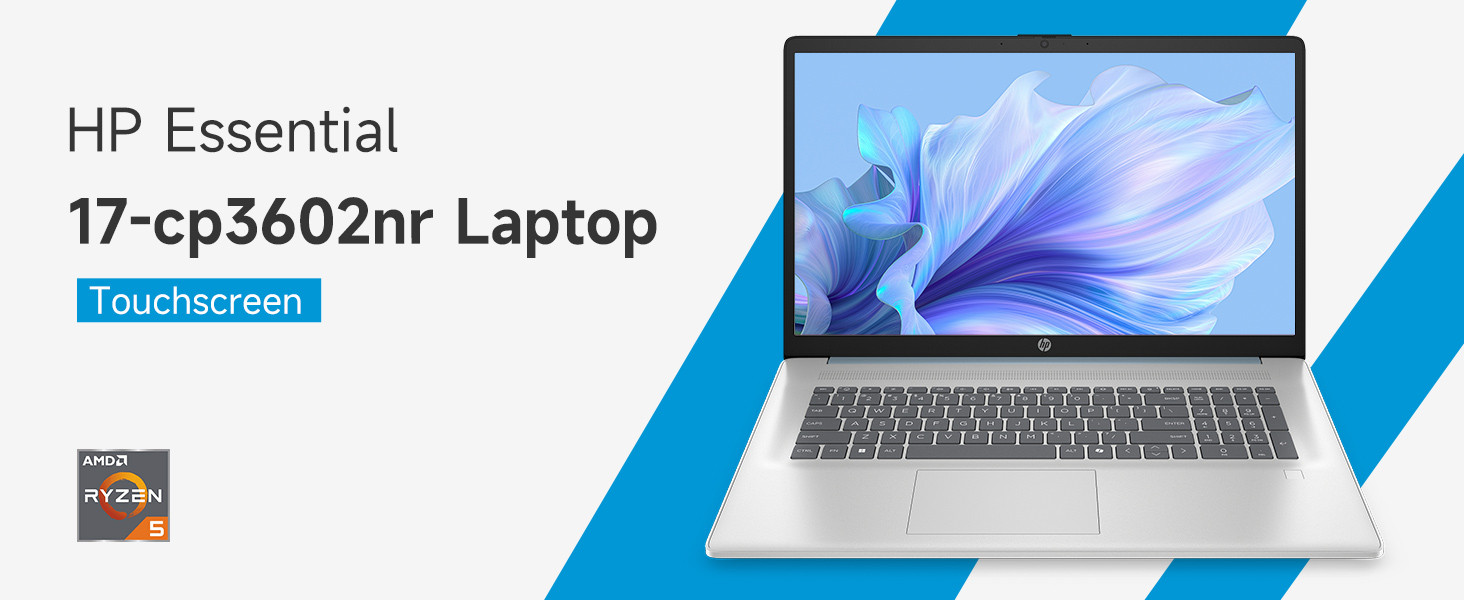
Image: An infographic highlighting key specifications such as the AMD Ryzen 5 processor, Windows 11 Home, storage, and connectivity options.
Garanti da Taimako
Garanti na masana'anta
Your HP laptop is covered by a standard manufacturer's warranty. For specific terms and conditions, please refer to the warranty documentation included with your product or visit the official HP support website. Warranty duration and coverage may vary by region.
Goyon bayan sana'a
Don taimakon fasaha, saukar da direbobi, ko ƙarin gyara matsala, da fatan za a ziyarci Tallafin HP na hukuma website:
When contacting support, have your laptop's model number (17-cp3602nr) and serial number ready.