1. Jagorar Saita
Follow these steps to set up your BlueDriver Bluetooth Pro OBDII Scan Tool:
- Download the BlueDriver App: Bincika "BlueDriver OBD2 Scan Tool" on the Apple App Store (for iOS devices) or Google Play Store (for Android devices) and install the application.
- Nemo Tashar OBDII: Tashar OBDII yawanci tana ƙarƙashin dashboard ɗin da ke gefen direban motarka. Duba littafin jagorar mai motarka idan kana da matsala wajen gano ta.
- Plug in the BlueDriver Device: Firmly plug the BlueDriver scan tool into your vehicle's OBDII port. The device will power on automatically, indicated by a blue light.
- Kunna Kunna Abin Hawa: Turn your vehicle's ignition to the 'ON' position (do not start the engine).
- Kunna Bluetooth: Tabbatar cewa an kunna Bluetooth akan wayoyin hannu ko kwamfutar hannu.
- Haɗa ta App: Open the BlueDriver app. The app will automatically detect and connect to the BlueDriver device via Bluetooth. Follow any on-screen prompts within the app to complete the connection.

Image: The BlueDriver device is designed for easy plug-and-play installation into your vehicle's OBDII port, requiring no tools.
2. Umarnin Aiki
Once connected, the BlueDriver app provides a comprehensive interface for vehicle diagnostics:
- Read and Clear Codes: Access the 'Read Codes' section to view confirmed, pending, and permanent diagnostic trouble codes (DTCs) for your vehicle. Use the 'Clear Codes' function to turn off the Check Engine Light and other warning indicators after repairs. The tool supports enhanced codes for ABS, Airbag (SRS), and TPMS systems, among others.
- Access Repair Reports: For each DTC, the app provides detailed repair reports, including code definitions, possible causes, and reported fixes specific to your vehicle. These reports are compiled from a vast database of verified repairs.
- View Bayanan Rayuwa: Monitor various vehicle sensors and parameters in real-time. This feature allows you to observe engine RPM, coolant temperature, fuel system status, and more, which can be crucial for diagnosing intermittent issues.
- Smog Check Readiness: Determine if your vehicle is ready for an emissions test by checking the status of various emission monitors.
- Daskare Bayanan Tsare-tsare: When a DTC is stored, the tool captures a 'snapshot' of vehicle conditions (e.g., engine speed, coolant temperature) at the moment the fault occurred, providing valuable context for diagnosis.
- Repair Videos: The app provides access to a large database of repair videos with step-by-step directions for common vehicle issues.
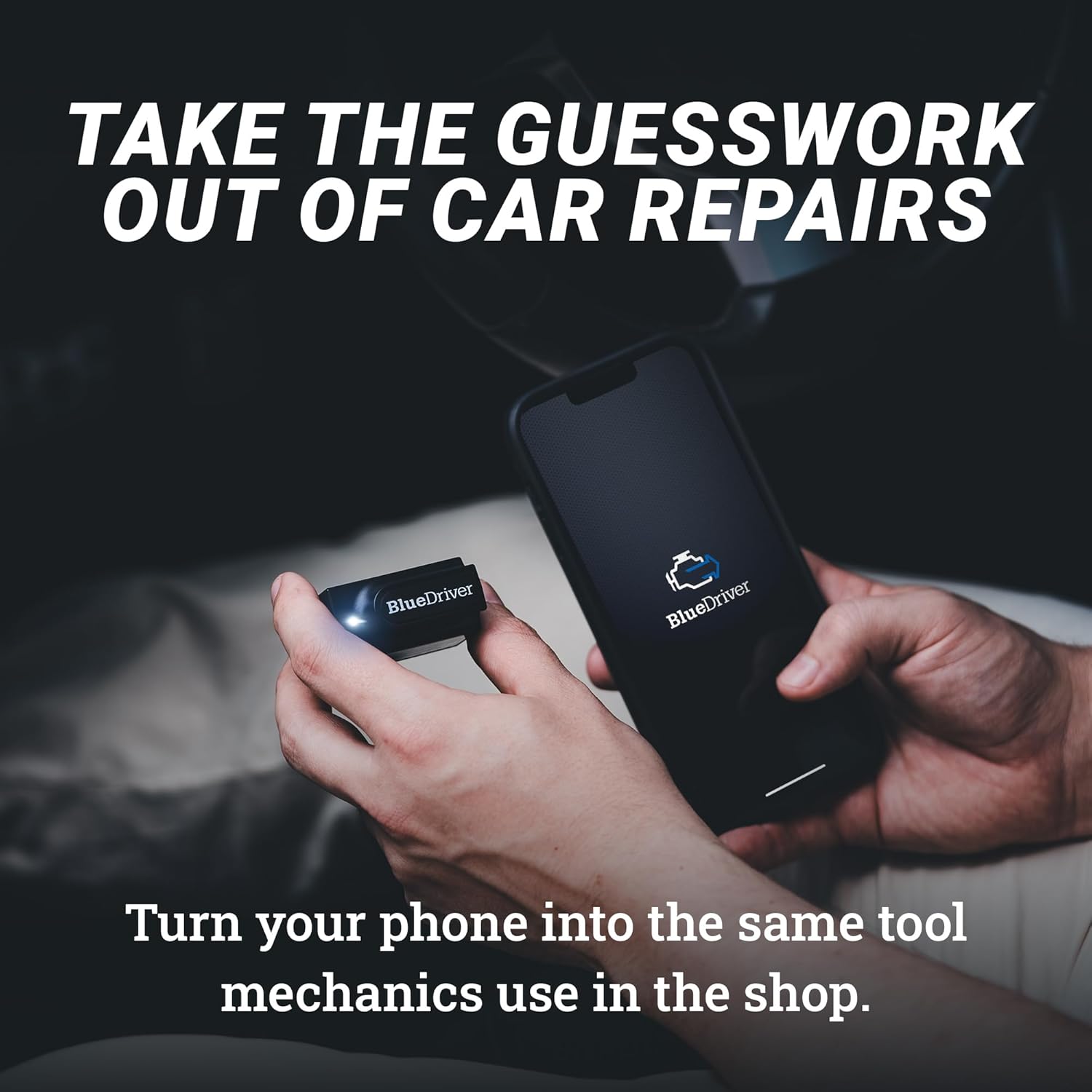
Image: The BlueDriver device and app allow your phone to function as a professional diagnostic tool.

Image: The BlueDriver app translates over 9000 diagnostic codes instantly, providing clear information on vehicle issues.

Image: Access certified repair guides and videos directly through the BlueDriver app for comprehensive repair assistance.

Image: The app offers real-time tracking with live data, check engine light snapshots with freeze frame, smog check functionality, and the ability to order auto parts.
Note: No official seller videos were available for embedding in this manual.
3. Kulawa
To ensure the longevity and optimal performance of your BlueDriver device:
- Tsaftacewa: Goge na'urar da kyalle mai laushi da busasshe. A guji amfani da sinadarai masu ƙarfi ko kuma masu tsaftace muhalli.
- Ajiya: Store the device in a cool, dry place away from direct sunlight and extreme temperatures when not in use. Prolonged exposure to high heat (e.g., inside a hot car) can damage the electronics.
- Sabunta software: The BlueDriver app and device firmware receive regular, free updates. Ensure your app is always updated to the latest version to access new features, vehicle compatibility improvements, and bug fixes.
4. Shirya matsala
If you encounter issues with your BlueDriver device, consider the following:
- Na'urar Ba Ya Kunnawa: Ensure the device is firmly seated in the OBDII port and your vehicle's ignition is in the 'ON' position. Check your vehicle's fuse for the OBDII port if the issue persists.
- Manhajar Ba Ta Haɗawa da Na'ura Ba:
- Tabbatar cewa Bluetooth yana aiki akan na'urarka ta hannu.
- Ensure the BlueDriver app has Bluetooth permissions enabled in your phone's settings.
- Try restarting your mobile device and the BlueDriver app.
- Unplug and re-plug the BlueDriver device from the OBDII port.
- Inaccurate Readings or Missing Data: Ensure your vehicle is compatible with the BlueDriver device (gas vehicles 1996+). Update the BlueDriver app to the latest version.
- Difficulty Interpreting Codes: Utilize the app's built-in repair reports for detailed explanations and suggested fixes for diagnostic trouble codes.
For persistent issues, refer to the 'Warranty & Support' section for contact information.
5. Ƙayyadaddun bayanai
| Siffar | Daki-daki |
|---|---|
| Alamar | BlueDriver |
| Samfura | LSB2 |
| Girman samfur | 2.2"L x 1.9"W x 1"H |
| Nauyin Abu | 2.08 oz |
| Daidaituwar Tsarin Aiki | iOS da Android |
| Haɗuwa | Bluetooth |
| Supported Vehicle Years | All gas vehicles 1996+ |
| Supported Diagnostics | Check Engine Light (CEL), ABS, Airbag (SRS), Transmission, TPMS, and more. |
| Siffofin Musamman | Freeze Frame, Repair Reports, Live Data, Smog Check |
6. Garanti & Tallafi
BlueDriver is committed to providing exceptional customer service and product support:
- Sabuntawa Kyauta na Rayuwa: The BlueDriver app and its features receive continuous updates, which are provided free of charge for the lifetime of the product.
- 24/7 Professional Support: Access highly trained technicians for assistance anytime, anywhere.
Bayanin hulda:
- Waya: 1-866-302-0054
- Website: www.bluedriver.com
- In-App Chat: Available directly within the BlueDriver application.

Image: BlueDriver offers 24/7 support and free lifetime updates, ensuring continuous assistance and product improvement.
