1. Gabatarwa
Na gode da siyaasing the Taurus Alpatec Babel RC Tower Fan. This manual provides important information regarding the safe operation, installation, maintenance, and troubleshooting of your new appliance. Please read this manual thoroughly before use and retain it for future reference.
The Taurus Alpatec Babel RC is a 45W tower fan designed for efficient air circulation, featuring 3 speed settings, 3 operating modes (Normal, Breeze, Night), a 7.5-hour timer, oscillation function, and convenient remote control. Its compact design and integrated handle make it easy to move and store.
2. Muhimman Umarnin Tsaro
Koyaushe bi matakan tsaro na asali lokacin amfani da na'urorin lantarki don rage haɗarin gobara, girgiza wutar lantarki, da rauni.
- Karanta duk umarnin kafin amfani da fan.
- Tabbatar da voltage indicated on the rating label corresponds to your mains voltage.
- Kada a nutsar da fanka, toshe, ko igiya cikin ruwa ko wasu ruwaye.
- Cire wutar lantarki daga wurin fitar da wutar lantarki idan ba a amfani da ita, kafin tsaftacewa, ko kafin a motsa.
- Kada a yi amfani da kowace na'ura mai igiya ko filogi da ta lalace, ko bayan na'urar ta lalace ko ta lalace ta kowace hanya.
- Ka kiyaye fanka daga wurin yara da dabbobin gida.
- Kada a saka yatsu ko abubuwan da ba na waje a cikin kowace hanyar fanka.
- Kada ku yi amfani da waje.
- Sanya fanka a kan barga mai lebur.
- Ensure the fan grilles are not blocked.
3. Abubuwan Samfur
Familiarize yourself with the main parts of your Taurus Alpatec Babel RC Tower Fan:
- Panel Control tare da LED nuni
- Air Outlet Grille
- Tushen
- Igiyar Wutar Lantarki
- Remote Control (with dedicated storage slot)
- Hadaddiyar ryaukar leauka

Hoto 3.1: Gaba view of the Taurus Alpatec Babel RC Tower Fan, showing its sleek design and control panel.

Hoto 3.2: Gefe view of the tower fan, highlighting its slim profile kuma barga tushe.
4. Saita da Majalisa
The Taurus Alpatec Babel RC Tower Fan comes largely pre-assembled. Follow these steps for initial setup:
- Cire kaya: Carefully remove the fan from its packaging. Retain the packaging for future storage or transport.
- Ƙungiyar Tushe (idan an buƙata): Some models may require attaching the base. Align the base with the bottom of the fan body and secure it using the provided screws. Ensure it is firmly attached for stability.
- Wuri: Place the fan on a firm, level surface, away from curtains or other objects that could obstruct airflow. Ensure there is adequate space around the fan for optimal performance and oscillation.
- Haɗin Wuta: Plug the power cord into a standard electrical outlet (240V).

Hoto 4.1: Na baya view of the fan, showing the integrated carry handle for easy portability.
5. Umarnin Aiki
Your Taurus Alpatec Babel RC Tower Fan can be operated using the control panel on top of the unit or the included remote control.
5.1 Control Panel da Remote Control

Figure 5.1: Close-up of the fan's control panel, showing buttons for power, speed, mode, timer, and oscillation.

Figure 5.2: A hand holding the remote control, which can be stored in a dedicated slot on the fan's top panel.
The remote control offers the same functionalities as the control panel for convenient operation from a distance. Ensure the remote control is pointed towards the fan's control panel for effective communication.
5.2 Ayyuka
- Kunnawa/Kashewa: Danna maɓallin Ƙarfi button (
 ) to turn the fan on or off.
 - Saitunan Sauri: Danna maɓallin Gudu button to cycle through 3 speed settings: Low, Medium, High. The current speed will be indicated on the LED display.
- Hanyoyin Aiki: Danna maɓallin Yanayin button to select from 3 modes:
- Na al'ada: Matsakaicin iskar iska a gudun da aka zaɓa.
- Iska: Yana kwaikwayon iska ta halitta tare da saurin fanka daban-daban.
- Night (Sleep): Yana aiki a ƙasan ƙasa, saurin shuru don barci marar damuwa.
- Caddamarwa: Danna maɓallin Lissafi button to activate or deactivate the automatic oscillation function, which distributes air across a wider area.
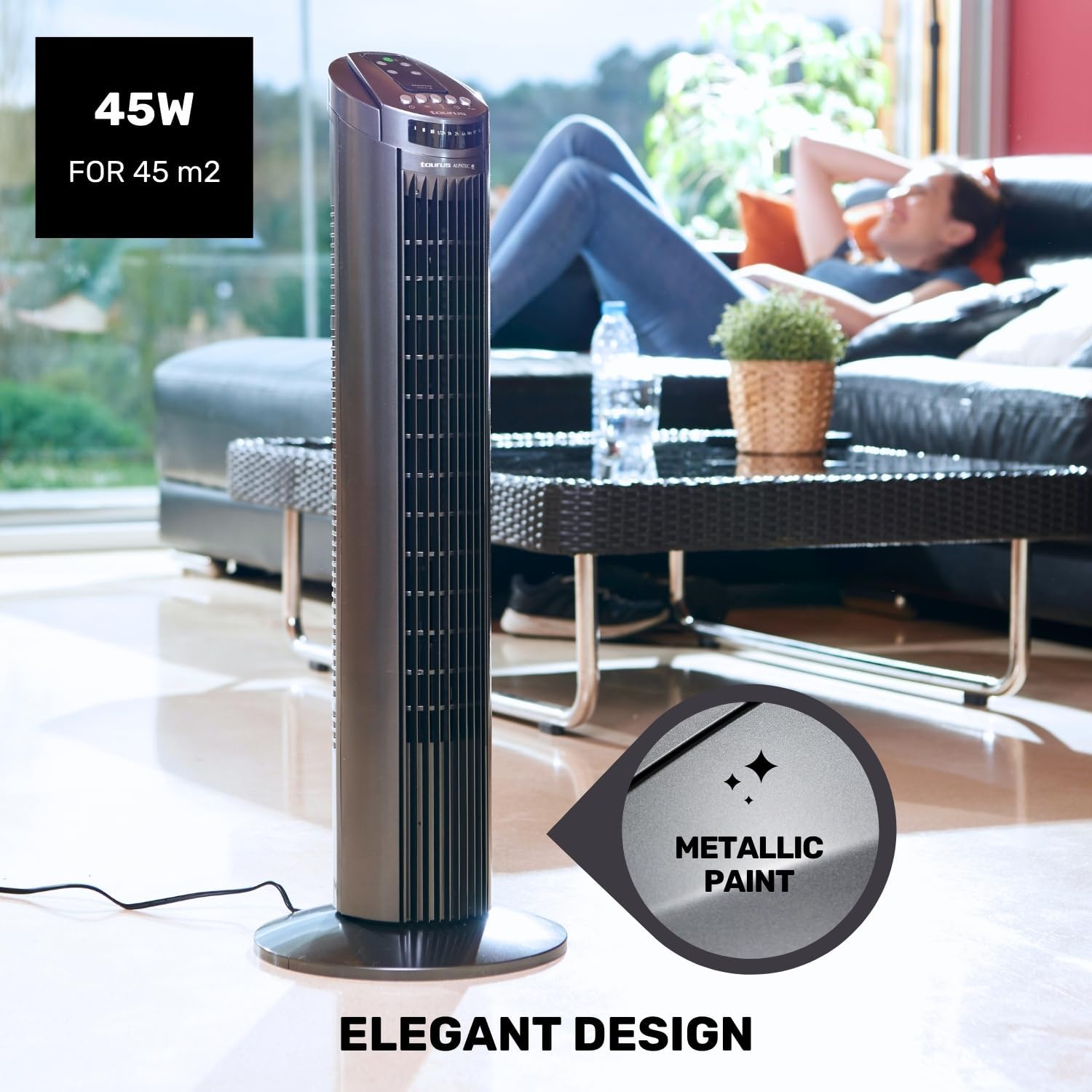
Figure 5.3: The fan in oscillation mode, showing the wide air distribution.
- Mai ƙidayar lokaci: Danna maɓallin Mai ƙidayar lokaci button to set the fan to automatically turn off after a specified period. The timer can be set up to 7.5 hours. Each press typically adds 0.5 hours or 1 hour, depending on the model's increment.

Figure 5.4: The fan operating in Night mode, designed for quiet performance during sleep.

Figure 5.5: Illustration of the different airflow modes: Normal, Breeze, and Night.
6. Kulawa da Tsaftacewa
Tsaftacewa da kulawa akai-akai zai taimaka wajen tsawaita rayuwar fankar ku da kuma tabbatar da ingantaccen aiki.
- Kafin Tsaftace: Koyaushe cire fulogin fan daga kan wutar lantarki kafin tsaftacewa.
- Tsabtace Waje: Shafa saman fanfo na waje da taushi, damp cloth. Do not use abrasive cleaners or solvents, as these may damage the surface.
- Tsabtace Grille: Use a vacuum cleaner with a brush attachment to remove dust from the air inlet and outlet grilles. This helps maintain efficient airflow.
- Ajiya: When not in use for extended periods, store the fan in its original packaging in a cool, dry place.
7. Shirya matsala
If you experience issues with your fan, please refer to the following common problems and solutions:
| Matsala | Dalili mai yiwuwa | Magani |
|---|---|---|
| Fan ba ya kunna. | Babu wutar lantarki. Ba a danna maɓallin wuta ba. | Ensure the fan is plugged into a working outlet. Press the Power button on the control panel or remote. |
| Rashin iskar iska. | Kura ta toshe gidajen gasa. Fan yana kan saitin ƙananan gudu. | Clean the air inlet and outlet grilles. Speedara saurin fan. |
| Oscillation ba ya aiki. | Aikin juyawar sauti (oscillation) yana kashewa. | Press the Oscillation button to activate. |
| Ikon nesa baya aiki. | Batura sun mutu ko ba daidai ba. Toshewa tsakanin na'urar nesa da fanka. | Sauya batura kuma tabbatar da daidaiton polarity. Ensure a clear line of sight to the fan's control panel. |
If the problem persists after trying these solutions, please contact Taurus customer support.
8. Ƙayyadaddun samfur
| Siffar | Ƙayyadaddun bayanai |
|---|---|
| Lambar Samfura | 947245000 (Babel RC) |
| Alamar | Taurus |
| Ƙarfi | 45 Watts |
| Voltage | 240V |
| Yawan Gudu | 3 |
| Hanyoyin Aiki | Normal, Breeze, Night |
| Mai ƙidayar lokaci | Har zuwa Awanni 7.5 |
| Lissafi | Ee |
| Girma (L x W x H) | 26 x 26 x 75.5 cm (10.2 x 10.2 x 29.7 inci) |
| Cikakken nauyi | 2.6 kg (5.7 lbs) |
| Kayan abu | Filastik |
| Launi | Grey |
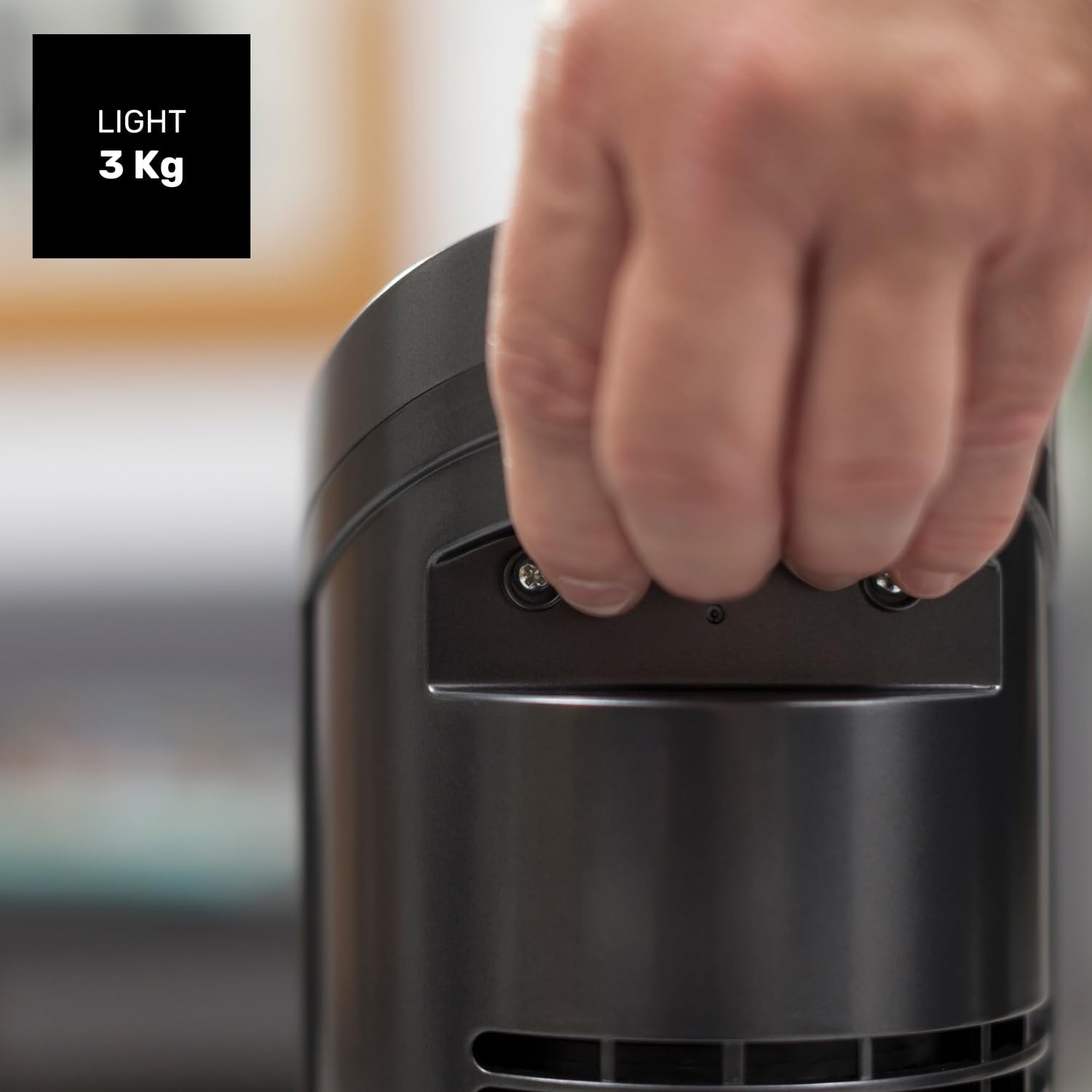
Figure 8.1: Diagram showing the dimensions of the Taurus Alpatec Babel RC Tower Fan.
9. Garanti da Tallafawa
Taurus products are manufactured to high-quality standards. For information regarding warranty coverage, please refer to the warranty card included with your purchase or visit the official Taurus website. Ajiye shaidar siyan ku don da'awar garanti.
For technical support, spare parts, or service inquiries, please contact Taurus customer service through their official channels. You can find contact information on the Taurus website ko a kan marufin samfurin ku.
Albarkatun Kan layi: For additional information and product registration, visit the official Taurus website: www.taurus-home.com
10. Zubar da Muhalli
This symbol on the product or its packaging indicates that this product shall not be treated as household waste. Instead, it shall be handed over to the applicable collection point for the recycling of electrical and electronic equipment. By ensuring this product is disposed of correctly, you will help prevent potential negative consequences for the environment and human health, which could otherwise be caused by inappropriate waste handling of this product. For more detailed information about recycling of this product, please contact your local city office, your household waste disposal service or the shop where you purchased the product.


