1. Gabatarwa
This manual provides essential information for the safe and efficient operation of your TCL L32E3005/G 32-inch LED HD-Ready Television. Please read this manual thoroughly before using the television and retain it for future reference. It covers setup, operation, maintenance, and troubleshooting to ensure you get the best experience from your device.
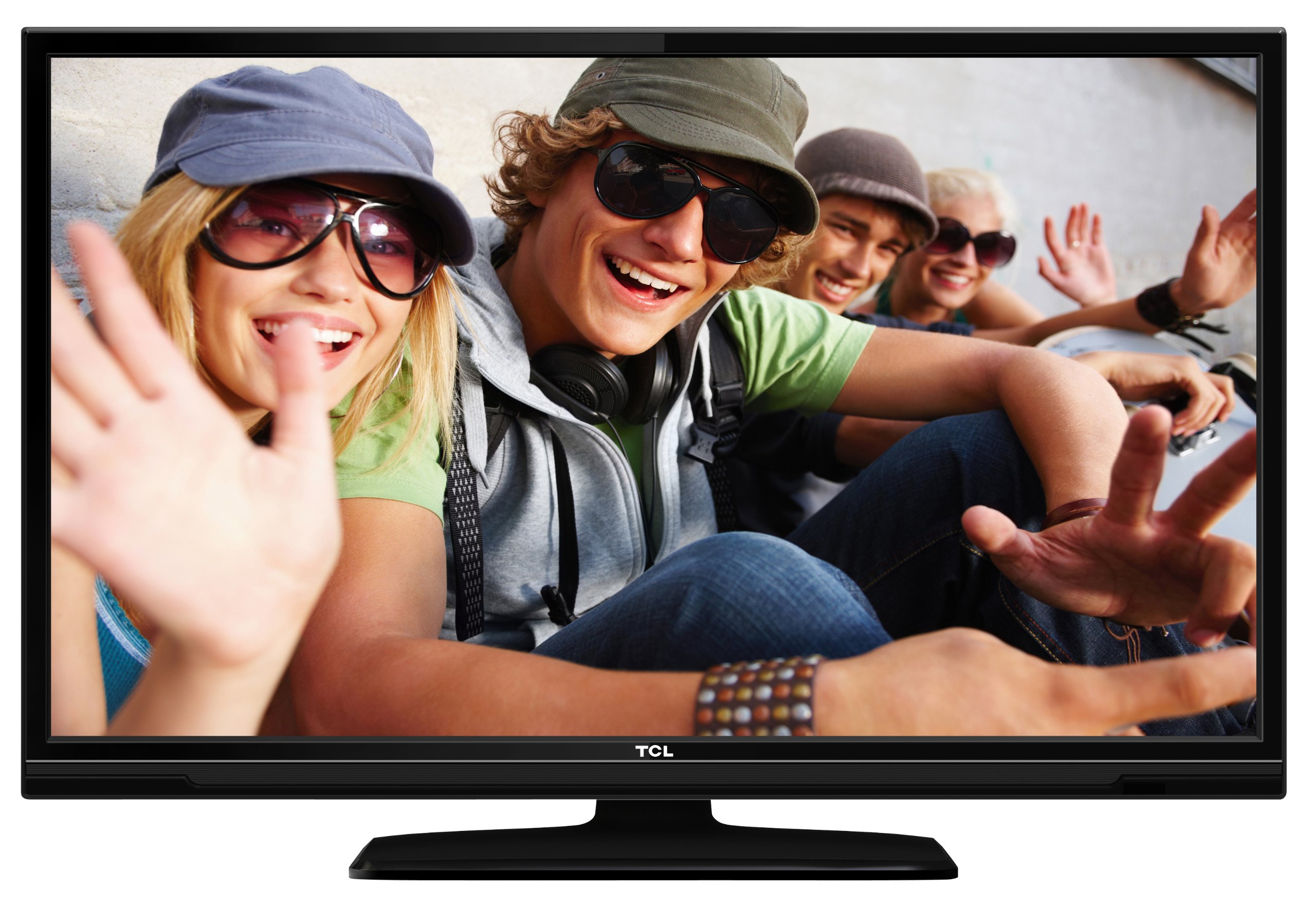
This image shows the TCL L32E3005/G television from a slight angle, highlighting its slim black bezel and the stand. The screen displays a colorful image of people, demonstrating its visual capabilities.
2. Bayanin Tsaro
Always observe the following safety precautions to prevent electric shock, fire, or damage to the television:
- Kada a fallasa talabijin ga ruwan sama ko danshi.
- Do not open the cabinet; refer all servicing to qualified personnel.
- Ensure proper ventilation around the television.
- Avoid placing the television near heat sources or in direct sunlight.
- Use only the power adapter supplied with the television.
- A kiyaye batura daga wurin yara.
3. Abubuwan Kunshin
Tabbatar cewa duk abubuwa suna nan a cikin kunshin:
- TCL L32E3005/G LED-backlight Television
- Adaftar Wuta
- Tashar Biki
- Na'urar sarrafawa daga nesa (yana buƙatar batura 2 na AAA, an haɗa su)
- Jagorar mai amfani (wannan takaddar)
4. Saita
4.1 Buɗewa
Carefully remove the television and all accessories from the packaging. Retain the packaging materials for future transport or storage.
4.2 Stand Installation (Table Mounting)
Don shigar da tushen tsayawa:
- Place the television face down on a soft, flat surface to prevent screen damage.
- Align the stand base with the mounting holes on the bottom of the television.
- Secure the stand base using the provided screws. Ensure it is firmly attached.
- Carefully lift the television and place it on a stable, level surface suitable for table mounting.
4.3 Haɗin Na'urorin
Connect your external devices to the television using the appropriate ports:
- HDMI: For high-definition video and audio from devices like Blu-ray players, game consoles, or set-top boxes. Your TV has 2 HDMI ports.
- USB: Don haɗa na'urorin ajiya na USB don kunna mai jarida files. Your TV has 1 USB 2.0 port.
- Antenna/Cable (DVB-C/-S2/-T): Connect an antenna or cable for digital terrestrial (DVB-T), cable (DVB-C), or satellite (DVB-S2) broadcasts.
- VGA: Don haɗa kwamfuta.
- CI +: For conditional access modules (CAM) to decrypt encrypted channels.
4.4 Haɗin Wuta
After all connections are made, plug the power adapter into the television's power input, then plug the power adapter into a wall outlet.
5. Aiki
5.1 Kunnawa / Kashewa
Danna maɓallin WUTA button on the remote control or on the television to turn the TV on or off.
5.2 Saitin Farko
The first time you turn on the television, an initial setup wizard will guide you through basic settings such as language, country, and channel scanning.
5.3 Channel Tuning
After connecting your antenna or cable, perform an automatic channel scan through the TV's menu to find available DVB-C, DVB-S2, or DVB-T channels.
5.4 Jagorar Shirin Lantarki (EPG)
Shiga Jagorar Shirin Lantarki (EPG) zuwa view program schedules and information for digital channels. This feature helps you plan your viewing.
5.5 Zaɓin shigarwa
Yi amfani da MAJIYA or INPUT button on your remote control to switch between connected devices (e.g., HDMI 1, HDMI 2, USB, DVB-T).
5.6 USB Media sake kunnawa
Insert a USB storage device into the USB port. The TV will typically prompt you to access the media browser, allowing you to play photos, music, or videos stored on the device.
5.7 Yanayin otal
This television includes a Hotel Mode feature, which allows for customization of settings suitable for hotel environments, such as limiting volume, setting a default channel, or disabling certain functions. Consult the advanced settings menu for Hotel Mode configuration.
6. Kulawa
6.1 Tsabtace Allon
A hankali shafa allon tare da laushi, yadi mara laushi. Don alamun taurin kai, ɗan dampen zane tare da ruwa ko na'urar tsabtace allo na musamman. Kada a fesa ruwa kai tsaye akan allon.
6.2 Tsabtace Majalisar
Use a soft, dry cloth to wipe the television cabinet. Avoid using abrasive cleaners or solvents.
6.3 Batura masu Ikon nesa
Replace the remote control batteries (2x AAA) when the remote's range decreases or it stops responding. Ensure correct polarity when inserting new batteries.
7. Shirya matsala
If you encounter issues with your television, refer to the following common problems and solutions:
- Babu Ƙarfi: Check if the power adapter is securely connected to both the TV and the wall outlet. Ensure the outlet is functional.
- Babu Hoto, Amma Sauti: Verify the input source is correctly selected. Check cable connections to external devices.
- Babu Sauti, Amma Hoto: Check the volume level and mute status. Ensure audio cables are correctly connected for external devices.
- Ingancin Hoto mara kyau: Check antenna/cable connections. If using an external device, try a different HDMI cable or port. Adjust picture settings in the TV menu.
- Ikon nesa Baya Aiki: Ensure there are no obstructions between the remote and the TV. Replace batteries if necessary.
Idan matsalar ta ci gaba, tuntuɓi tallafin abokin ciniki.
8. Ƙayyadaddun bayanai
| Samfura | L32E3005/G |
| Girman allo | 80 cm (32 inch) |
| Nunin Fasaha | LED |
| Ƙaddamarwa | 720p (1366 x 768 Pixels) |
| Matsakaicin Sassauta | 50 Hz |
| Fasahar Tuner | DVB-C, DVB-S2, DVB-T |
| Haɗuwa | 2x HDMI, 1x USB 2.0, VGA, CI+ |
| Fitar Audio | 8 Watt (2.0 Channel) |
| Siffofin Musamman | Electronic Program Guide (EPG), Hotel Mode |
| Girma (W x H x D) | 74 x 49.4 x 18.9 cm (tare da tsayawa) |
| Nauyi | 7.22 kg |
| Tushen wutar lantarki | Adafta |
| M Batura | 2x AAA (included) |
9. Garanti da Tallafawa
For warranty information and technical support, please refer to the warranty card included with your product or visit the official TCL website. Ajiye rasidin siyan ku azaman shaidar siyan don da'awar garanti.


