1. Sama daview
The Xbox Digital Gift Card provides a convenient way to add funds to your Microsoft account. These funds can be used across various Microsoft platforms, including Xbox consoles and Windows PCs, to purchase a wide range of digital content.
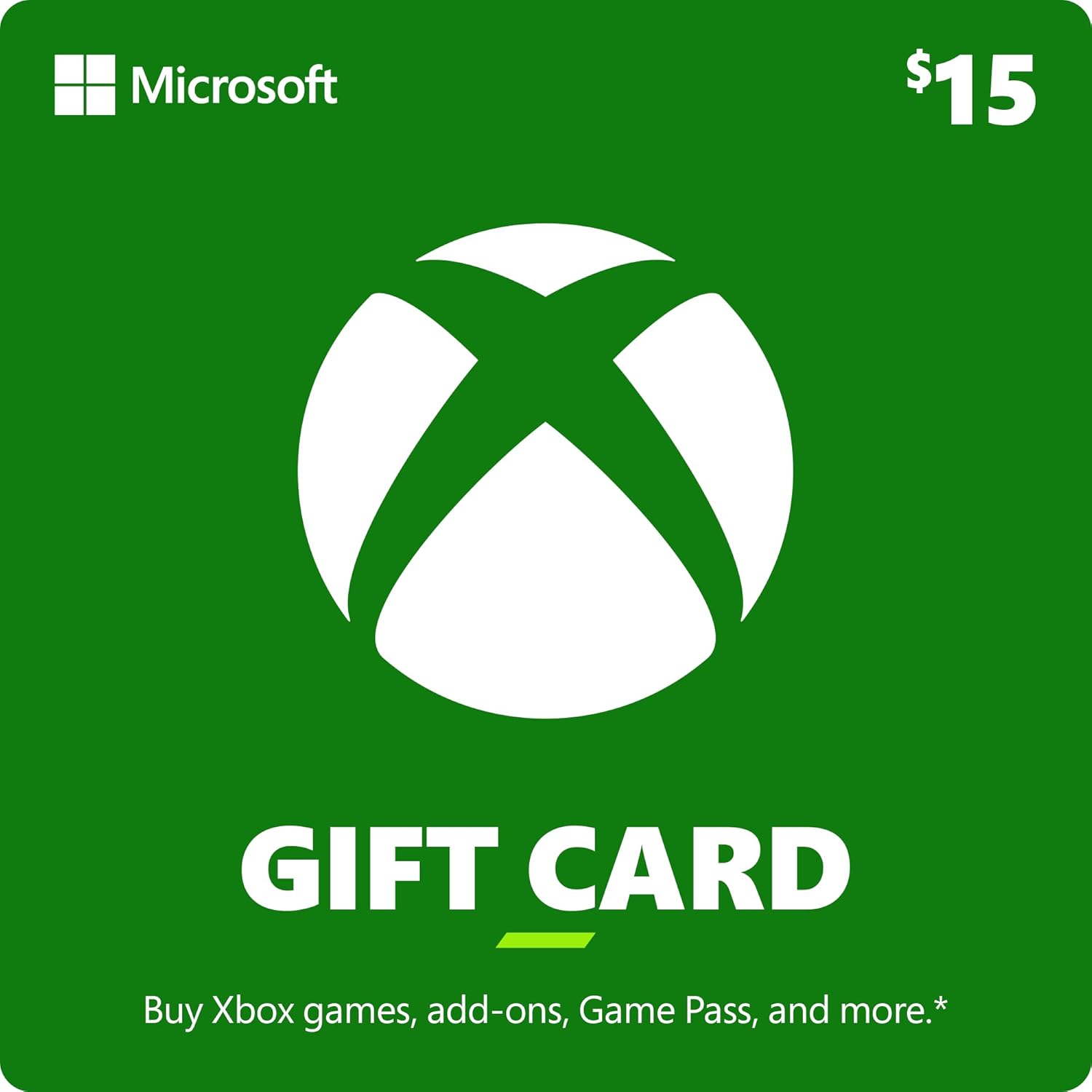
Hoto: Gaba view of the Xbox $15 Digital Gift Card, displaying the Xbox logo and denomination.
Video: An official Xbox video highlighting the versatility of the Xbox Gift Card, showcasing its use for games, add-ons, and other digital content.
2. Setup and Redemption
How to Redeem Your Xbox Gift Card
Follow these steps to successfully redeem your Xbox Digital Gift Card and add funds to your Microsoft account:
- Locate Your Digital Code: If purchased digitally, your 25-character code will typically be sent to your email address or accessible through your purchase history on the platform where it was acquired. For physical cards, gently scratch off the silver strip on the back to reveal the code.
- Shiga Shafin Fansa: Je zuwa redeemed.microsoft.com in a web browser, or navigate to the Microsoft Store on your Xbox console or Windows PC.
- Enter the Code: Carefully type the 25-character code into the designated field. Ensure accuracy to avoid errors.
- Tabbatar da Fansa: Follow the on-screen prompts to confirm the redemption. The funds will then be added to your Microsoft account balance.

Image: The reverse side of an Xbox Gift Card, indicating the area where the 25-character redemption code is located under a scratch-off strip.
3. Operating Your Xbox Gift Card Funds
What You Can Purchase
Once redeemed, the funds on your Microsoft account can be used for a variety of digital and physical products:
- Xbox Games: Purchase full digital versions of new releases and classic titles.
- Game Add-ons: Enhance your gaming experience with downloadable content (DLC), season passes, new characters, and in-game items.
- Wasan Xbox: Subscribe to Xbox Game Pass to access a library of hundreds of high-quality games on console, PC, and cloud.
- Xbox Accessories: Purchase Xbox Wireless Controllers, headsets, and other compatible accessories.
- Fina-finai & Nunin TV: Rent or buy movies and TV series from the Microsoft Store.
- In-Game Virtual Currency: Use funds to acquire virtual currency in supported games for upgrades and other purchases.

Image: A visual representation of purchasing and downloading a digital game directly to your Xbox console.
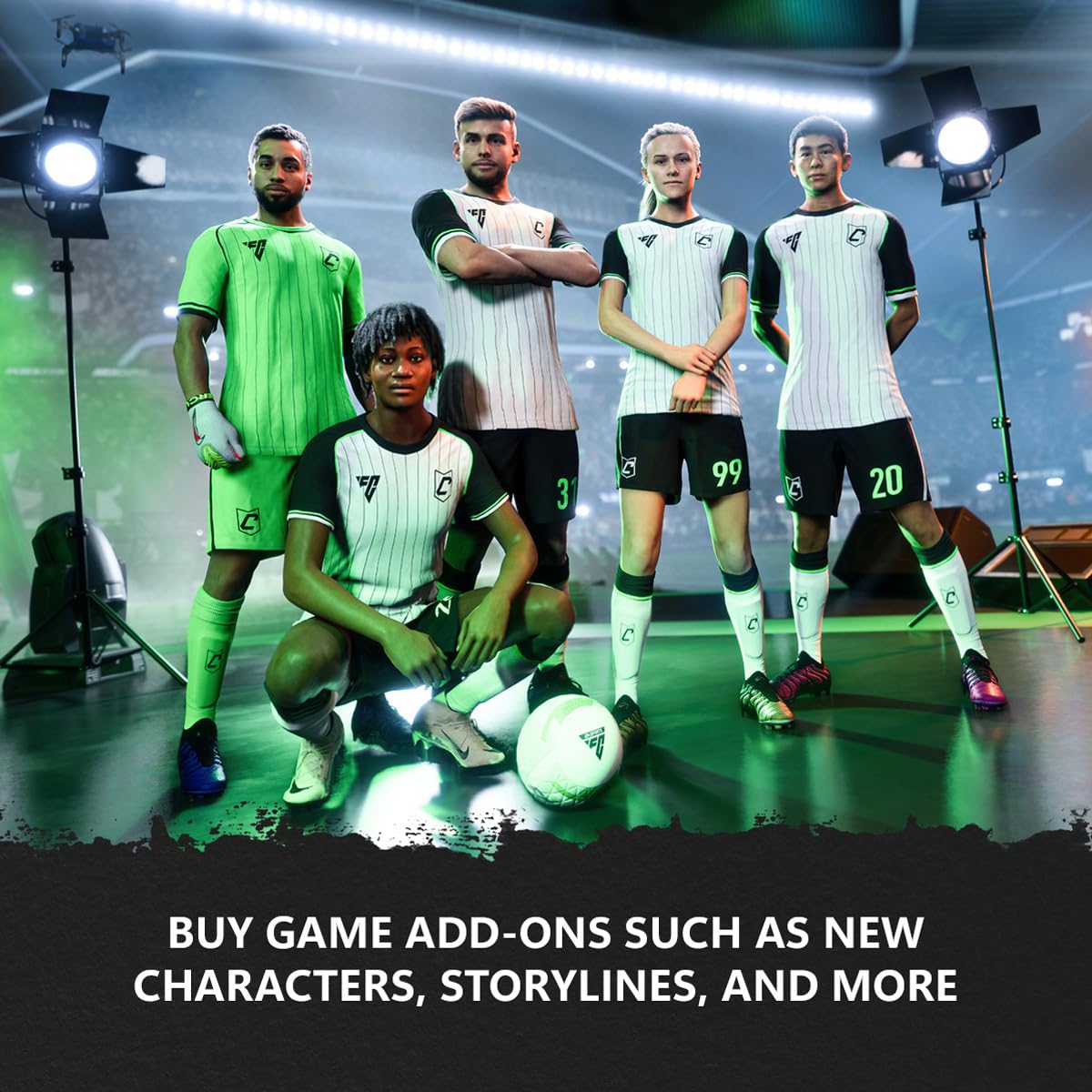
Hoto: Examples of game add-ons, including new content and virtual currency, available for purchase.

Image: An illustration of digitally pre-ordering and pre-downloading upcoming games.

Image: A depiction of using virtual currency within games for various in-game purchases and upgrades.

Image: A display of Xbox Wireless Controllers, highlighting their design for comfort and control during gameplay.
4. Kulawa da Mafi kyawun Ayyuka
Tsaron Asusun
Always keep your Microsoft account credentials secure. Do not share your password or redemption codes with unauthorized individuals. Enable two-factor authentication for added security.
Checking Balance
You can check your Microsoft account balance at any time by logging into your account on the Microsoft website or through the Microsoft Store on your Xbox console or Windows PC.
Gift Card Care
For physical cards, keep the redemption code protected until use. For digital codes, ensure they are stored in a secure location, such as your email inbox or a password manager, until redeemed.
5. Shirya matsala
Batutuwan gama gari
- Invalid Code: Double-check the 25-character code for any typos. Ensure you are entering the correct characters (e.g., '0' vs. 'O', '1' vs. 'I').
- Card Not Activated: If you received a physical card, ensure it was properly activated at the point of purchase. Digital codes are typically active immediately.
- Region Restrictions: Xbox Gift Cards are region-specific. Verify that the gift card's region matches the region of your Microsoft account.
- Balance Not Updated: After successful redemption, allow a few minutes for the balance to reflect on your Microsoft account. If the issue persists, try logging out and back in.
- Code Already Redeemed: If you receive a message that the code has already been redeemed, check your Microsoft account balance history. If you believe this is an error, contact Xbox Support.
6. Ƙayyadaddun bayanai
| Siffa | Daki-daki |
|---|---|
| ASIN | B00F4CEOS8 |
| Ranar Saki | Satumba 6, 2013 |
| Lambar Samfurin Abu | XBL15GIFTCRD090613 |
| Mai ƙira | Microsoft |
| Nauyin Abu | 1 fam |
| Nau'in Abu | Zazzagewar software |
Lura: This product is non-returnable and non-refundable. By placing your order, you agree to Microsoft's Games and Software Terms of Use and any applicable Developer or Publisher Terms of Use.
7. Garanti da Tallafawa
For any issues related to your Xbox Digital Gift Card, including redemption problems or account inquiries, please contact Microsoft Support directly. They can provide assistance with specific account and code-related concerns.
For detailed information on terms and conditions, please refer to the official Microsoft Terms of Use, which govern the use of all Microsoft digital products and services.
Muhimmi: Keep your purchase receipt as proof of purchase for any support inquiries.


