1. Gabatarwa
The MARATHON 100 Hour Direct Entry Digital Tabletop Timer is designed to assist with precise time management for various tasks. Featuring a large, easy-to-read LCD display and a direct entry keypad, this timer offers both countdown and count-up functionalities, a clock mode, and memory presets for repetitive events. Its robust design includes a magnetic back and an integrated kickstand for versatile placement.
2. Samfurin Ya Ƙareview
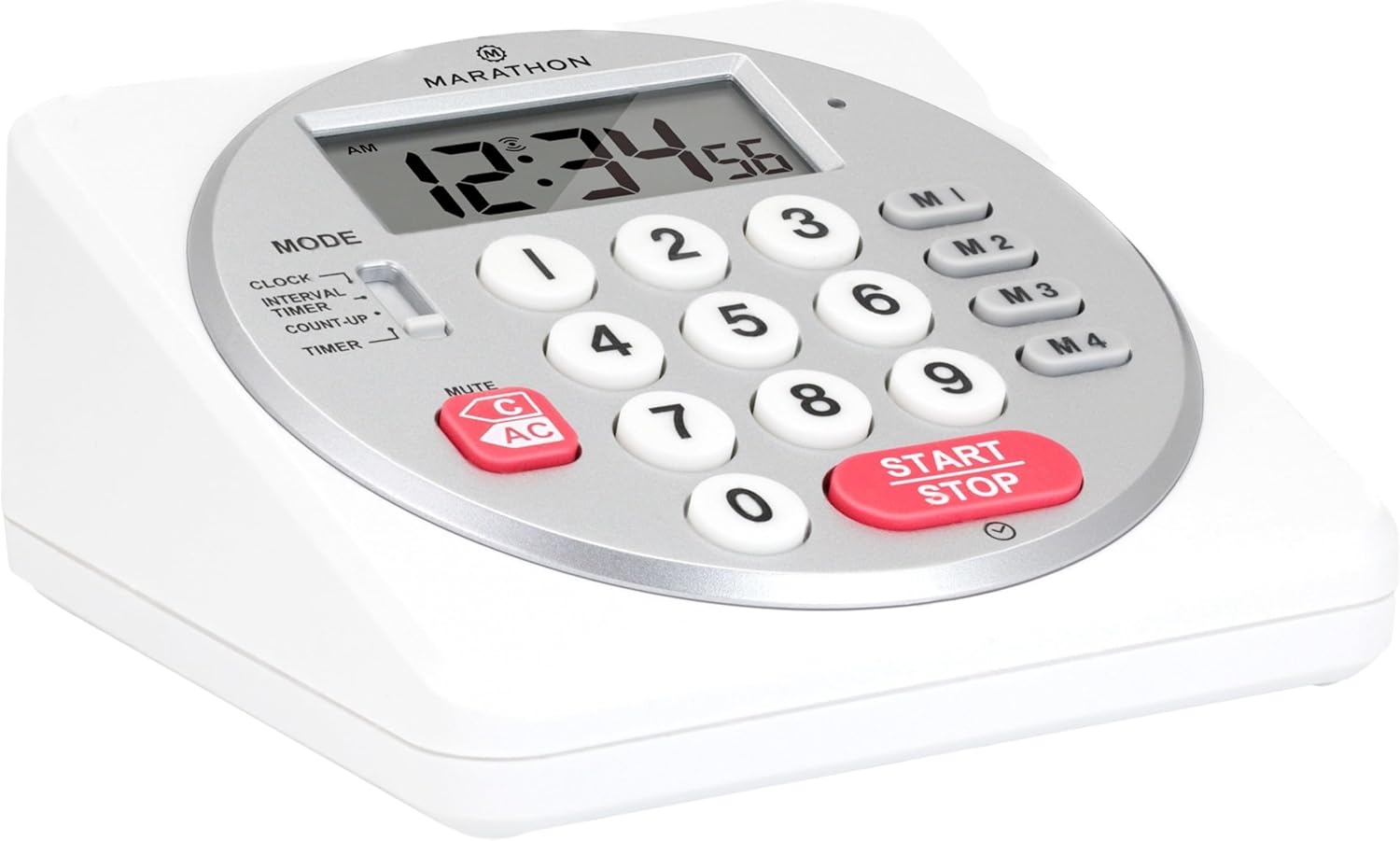
Hoto 1: Gaba view of the Marathon Digital Timer.
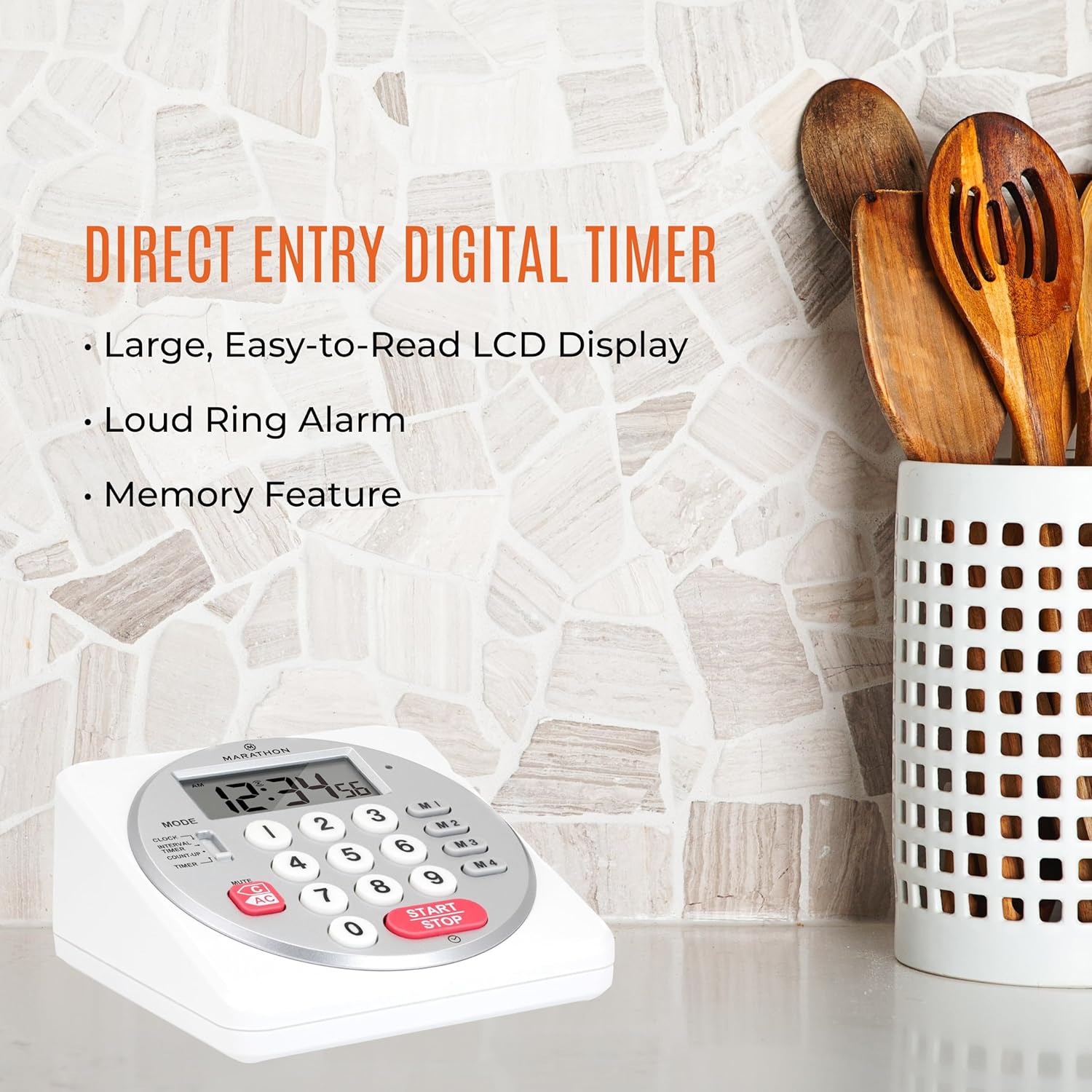
Figure 2: Timer on a kitchen counter, highlighting large display and loud alarm.

Figure 3: Timer showcasing dual function, included batteries, and versatile memory.
Mabuɗin fasali:
- Direct Entry Keypad: For quick and precise time setting.
- Babban Nuni LCD: Easy-to-read numbers for clear visibility.
- Dual Function Alarm: Supports both countdown and count-up timing up to 99 hours, 59 minutes, and 59 seconds.
- Loud Ring Alarm: Audible across a room.
- Alamar LED: Flashing light for silent alarm or hearing impairment assistance.
- Clock Feature: Displays time in 12-hour or 24-hour format when not in timer mode.
- Built-in Memory Function: Stores up to four consecutive times for interval timing and four memory presets for repetitive events.
- Matsakaicin Matsayi: Integrated kickstand for tabletop use and magnetic back for attachment to metal surfaces.
- Batura sun haɗa da: Ya zo tare da batura AA 2.
3. Saita
3.1. Shigar da Baturi
- Locate the battery compartment cover on the back of the timer.
- Zamewar murfin a buɗe.
- Insert two (2) AA batteries, ensuring correct polarity (+/-) as indicated inside the compartment. The timer comes with batteries included.
- Maye gurbin murfin baturi amintacce.

Hoto na 4: Baya view with battery compartment and kickstand.
4. Umarnin Aiki
4.1. Yanayin Yanayi
Yi amfani da MODE switch located on the side of the timer to select between different functions:
- ARGO: Nuna lokacin yanzu.
- INTERVAL TIMER: For setting multiple consecutive timers.
- COUNT-UP: Functions as a stopwatch.
- TIMER: For setting a single countdown timer.

Figure 5: MODE switch for function selection.
4.2. Saitin Agogon
- zamewa da MODE canza zuwa KYAUTA.
- Latsa ka riƙe SET button until the time digits begin to flash.
- Use the number keypad (0-9) to enter the desired time (HH:MM).
- Latsa SET again to confirm and exit clock setting mode.
- Don canzawa tsakanin tsarin sa'o'i 12 da 24, danna maɓallin 12/24H button (if available, or refer to specific model instructions).
4.3. Setting a Countdown Timer (TIMER Mode)
- zamewa da MODE canza zuwa TIMER.
- Use the number keypad (0-9) to directly enter the desired countdown time (HH:MM:SS). The timer supports up to 99 hours, 59 minutes, 59 seconds.
- Danna maɓallin FARA/TSAYA maɓalli don fara ƙidayar.
- To pause the timer, press FARA/TSAYA sake danna shi sau ɗaya don ci gaba.
- When the countdown reaches zero, the alarm will sound, and the LED indicator will flash. The timer will then automatically begin counting up to show elapsed time since the alarm.
- To stop the alarm and clear the display, press the KYAUTA maballin.
4.4. Using the Count-Up Timer (COUNT-UP Mode)
- zamewa da MODE canza zuwa COUNT-UP.
- Ensure the display shows 00:00:00. If not, press KYAUTA.
- Danna maɓallin FARA/TSAYA button to begin counting up.
- To pause the count-up, press FARA/TSAYA sake danna shi sau ɗaya don ci gaba.
- To reset the count-up timer to zero, press KYAUTA.
4.5. Using Memory Functions (M1-M4 Presets)
The timer features four memory buttons (M1, M2, M3, M4) for storing and recalling frequently used times or for interval timing.
- In TIMER mode, enter the desired time using the number keypad.
- Press and hold one of the memory buttons (M1-M4) until the display confirms the time has been saved.
- To recall a saved time, simply press the corresponding memory button (M1-M4). The saved time will appear on the display, ready to start.
- For interval timing, set the first interval, save it to M1. Then set the second interval, save it to M2, and so on. You can then cycle through these presets as needed.
4.6. Daidaita ƙararrawar ƙararrawa
The timer features a volume switch, typically located on the side or back, allowing you to select between different alarm levels (e.g., High, Low, Mute) or a flashing LED indicator for silent operation.
5. Kulawa
- Tsaftace mai ƙidayar lokaci da taushi, damp zane. Kada a yi amfani da masu tsabtace ƙura ko nutsar da naúrar cikin ruwa.
- Avoid exposing the timer to extreme temperatures or direct sunlight for prolonged periods.
- If the display becomes dim or the alarm weakens, replace the batteries promptly.
6. Shirya matsala
| Matsala | Dalili mai yiwuwa | Magani |
|---|---|---|
| Mai ƙidayar lokaci ba ya kunnawa. | Batura sun mutu ko an shigar da su ba daidai ba. | Duba polarity na baturi ko maye gurbinsa da sabbin batirin AA. |
| Nuni yana da duhu. | Ƙarfin baturi. | Sauya batura. |
| Ƙararrawa baya kara. | Alarm volume is set to mute or low. | Check the alarm volume switch and adjust as needed. |
| Mai ƙidayar lokaci bai amsa ga maɓallan da aka danna ba. | Unit may be in a locked state (if applicable) or requires a reset. | Remove and reinsert batteries to perform a hard reset. Check for any lock switches. |
7. Ƙayyadaddun bayanai
- Samfura: TI030018WH
- Alamar: MARATHON
- Abu: Filastik
- Girma: 4.45 x 2.64 x 4.45 inci
- Nauyin Abu: 7.1 oz
- Tushen wutar lantarki: 2 x AA baturi (an haɗa)
- Max Timer Duration: Awanni 99, mintuna 59, dakika 59
- Siffofin: Direct Entry, Dual Function (Count-up/Count-down), Clock, Memory Presets, LED Indicator, Magnetic Back, Kickstand
- UPC: 063442000342

Hoto 6: Girman samfur.
8. Garanti da Tallafawa
Don bayanin garanti ko goyan bayan fasaha, da fatan za a koma zuwa jami'in masana'anta website ko tuntuɓi sashen sabis na abokin ciniki. Ajiye rasidin siyan ku azaman shaidar siyan.


