Gabatarwa
This manual provides instructions for the setup, operation, and maintenance of your Mooas Dual LED Moon Night Light Digital Alarm Clock (Model: MC-RLEDW2R). Please read this manual thoroughly before using the product to ensure proper function and longevity.

Figure 1: Mooas Dual LED Moon Night Light Digital Alarm Clock
Muhimman Bayanan Tsaro
- Kada a bijirar da na'urar ga ruwa ko danshi mai yawa.
- Ka guji sanya na'urar kusa da tushen zafi ko cikin hasken rana kai tsaye.
- Yi amfani da adaftar wutar lantarki da igiyoyi da aka bayar kawai.
- A kiyaye nesa da yara.
- Kada kayi ƙoƙarin kwance ko gyara na'urar da kanka. Tuntuɓi tallafin abokin ciniki don taimako.
Abubuwan Kunshin
Tabbatar cewa duk abubuwa suna nan a cikin kunshin ku:
- Mooas Dual LED Moon Night Light Digital Alarm Clock
- Ikon nesa
- Power Adapter (USB cable and wall adapter)
- Jagorar mai amfani (wannan takaddar)
- CR2032 Battery (pre-installed for time memory)
Saita
1. Haɗin Wuta
- Connect the provided USB cable to the clock's power input port.
- Plug the other end of the USB cable into the wall adapter.
- Insert the wall adapter into a standard electrical outlet.
- The clock display will illuminate.
Lura: A CR2032 battery is pre-installed to maintain time settings during power outages. Ensure any protective tab is removed from the battery compartment if the clock does not retain time after initial setup.
2. Saitin Ikon Nesa
The remote control is used for all settings and operations. It may have a protective plastic tab that needs to be removed from the battery compartment before first use.

Figure 2: Remote Control for the Mooas Clock
The remote control can be magnetically attached to the base of the clock for convenient storage.
Umarnin Aiki
1. Saita Lokaci da Kwanan Wata
Use the remote control to adjust time and date settings.
- Saita Lokaci: Press the "Time Set" button on the remote. Use the arrow buttons to adjust hours and minutes. Press "Time Set" again to confirm.
- Saita Kwanan Wata: Press the "Date Set" button. Use arrow buttons to adjust year, month, and day. Press "Date Set" again to confirm.
- 12/24 Hour Mode: Press the "12/24H" button to switch between 12-hour and 24-hour display formats.
2. Ayyukan ƙararrawa
- Saita Ƙararrawa: Press the "Alarm Set" button. Use arrow buttons to set the desired alarm time. Press "Alarm Set" again to confirm.
- Kunna/Kashe Ƙararrawa: Press the "Alarm ON/OFF" button to toggle the alarm. An alarm icon will appear on the display when active.
- Rage wuri: When the alarm sounds, press the "Snooze" button on the remote to temporarily silence it. The alarm will sound again after a set interval (typically 5-10 minutes).
- Tsaya Ƙararrawa: To stop the alarm completely, press any other button on the remote or the "Alarm ON/OFF" button.
3. Adjusting Clock Display Brightness
The clock display has three brightness levels (High, Medium, Low).
- Press the "Clock Brightness" button on the remote control to cycle through the brightness levels.

Figure 3: Clock Display with White LED
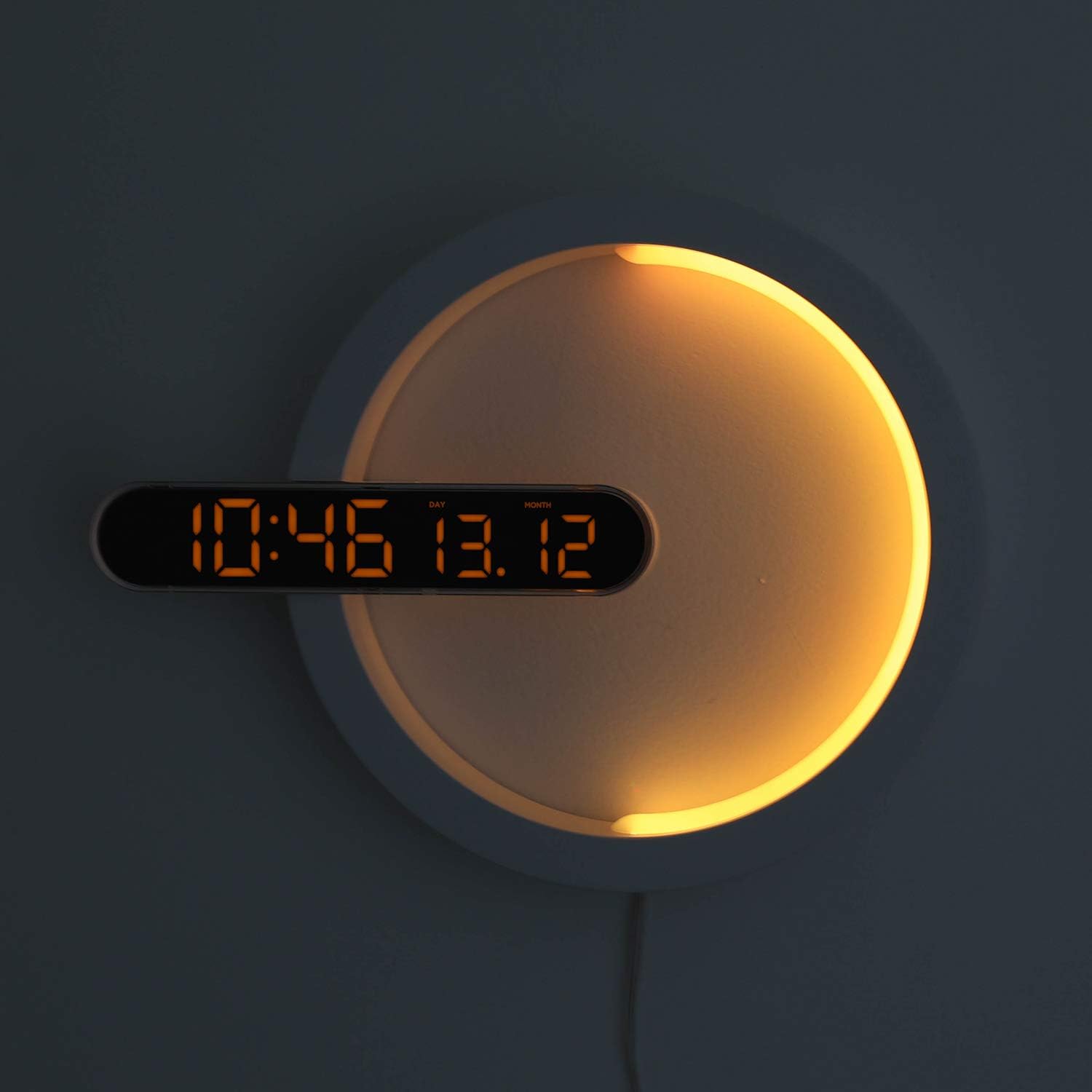
Figure 4: Clock Display with Orange LED
4. Aikin Hasken Dare
The moon night light offers 7 distinct colors and an automatic color change mode.
- Canja Launi: Press the "LED Color" button on the remote control to cycle through blue, sky blue, green, yellow, red, purple, white, and RGB auto change mode.
- Night Light Brightness: The night light brightness is not independently adjustable via remote.
- Automatic Dimming Mode: The clock features an automatic dimming mode where the night light's color and brightness will automatically adjust to a dimmer setting during a specified time period (default: 6:00 PM to 6:00 AM). This setting can be customized using the remote control. Refer to the remote control's specific buttons for "Auto Dim Set" or similar.
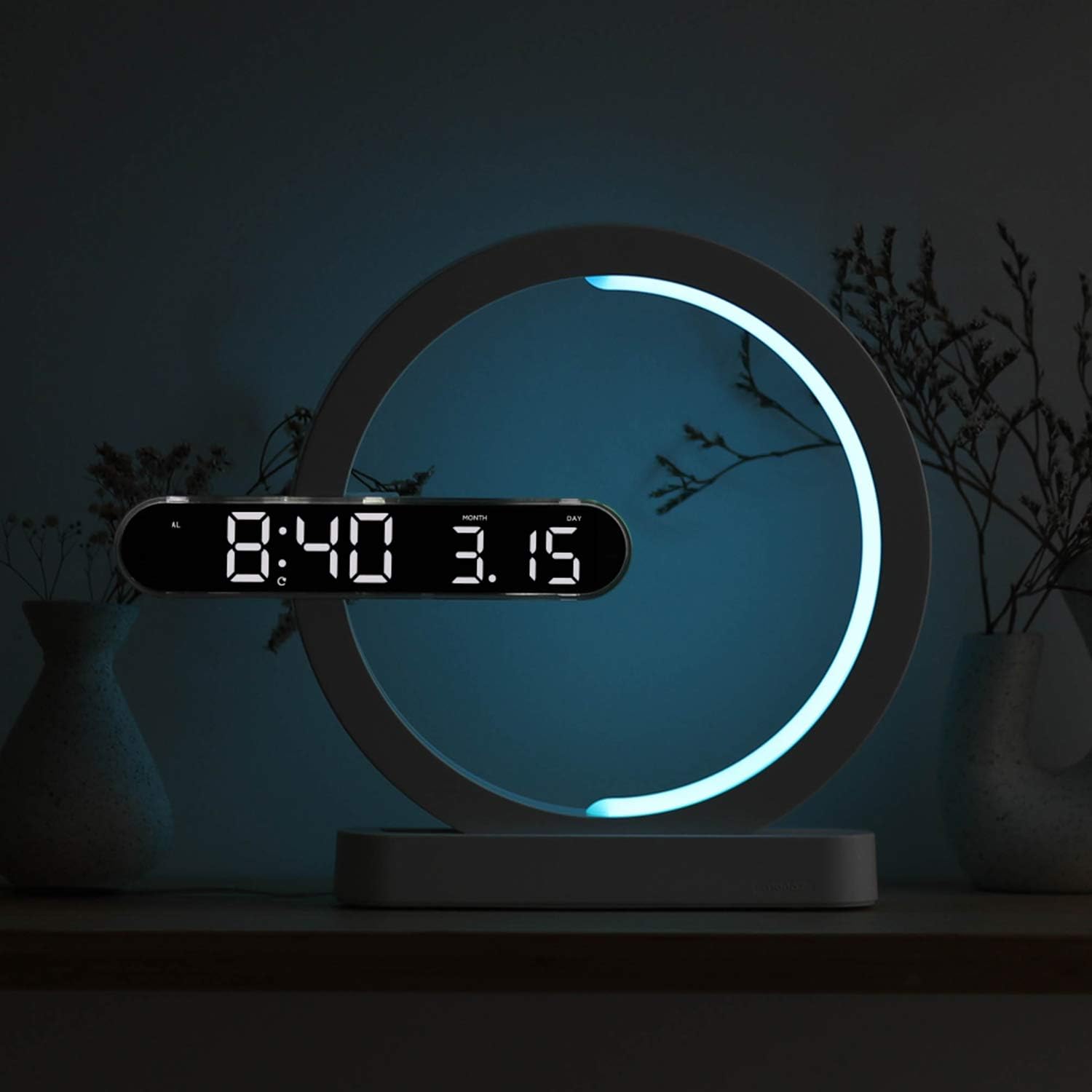
Figure 5: Available Night Light Colors
5. Hanyoyin amfani
The device can be used in various configurations:
- Yanayin agogo: Only the digital clock display is active.
- Yanayin Hasken dare: Only the moon night light is active.
- Clock + Night Light Mode: Both the digital clock and the moon night light are active simultaneously.
Specific buttons on the remote control allow switching between these modes. Consult the remote for labels such as "Mode" or dedicated ON/OFF buttons for clock and night light.

Figure 6: Wall-mounted usage example
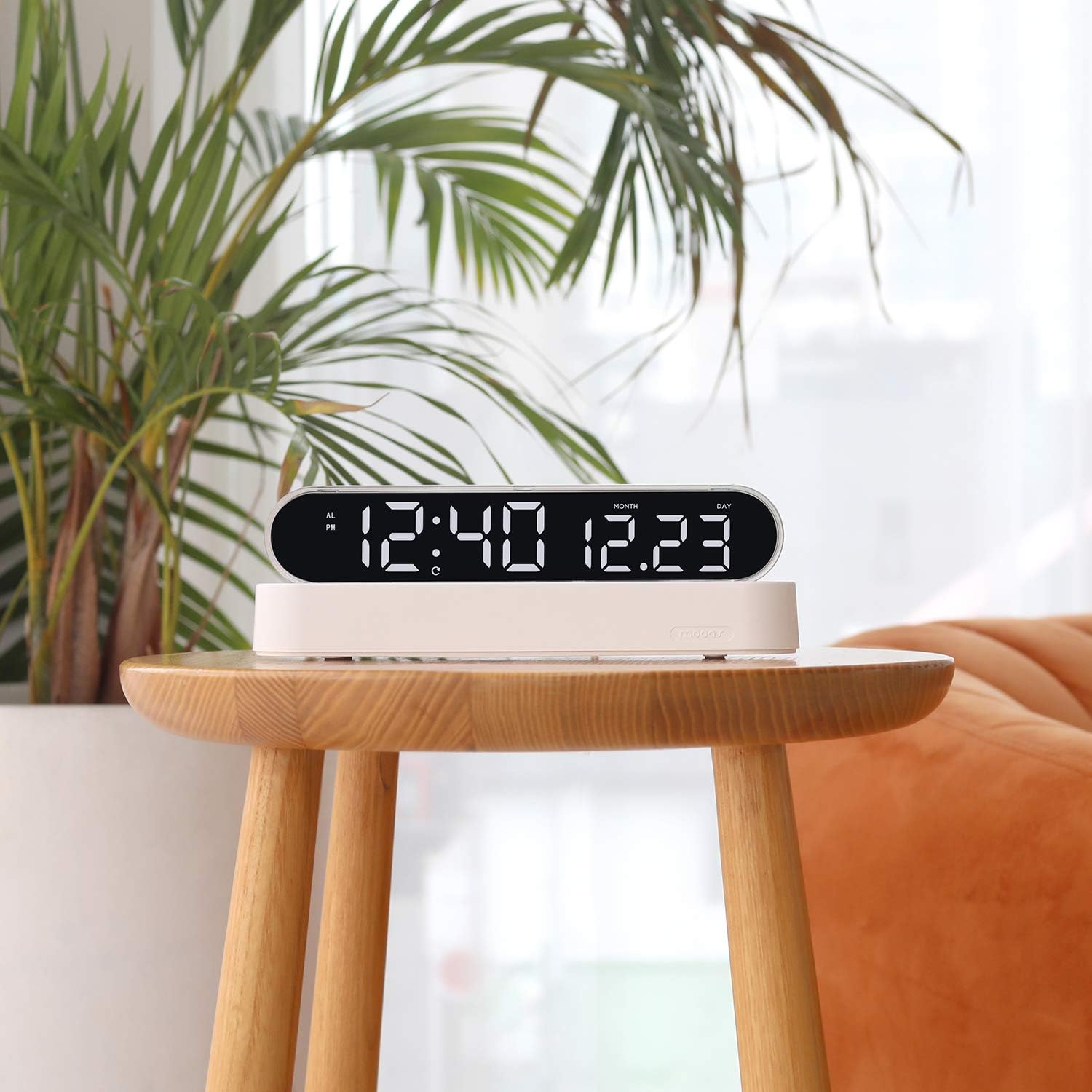
Figure 7: Desk clock usage example
Kulawa
- Tsaftacewa: Shafa na'urar tare da laushi, bushe bushe. Kada a yi amfani da masu tsabtace abrasive ko kaushi.
- Sauya Baturi (Sarrafawa Daga Nesa): If the remote control's functionality decreases, replace its battery (type not specified, usually CR2025 or CR2032).
- Time Memory Battery (CR2032): The CR2032 battery for time memory typically lasts several years. If the clock loses time settings after a power outage, replace this battery.
Shirya matsala
| Matsala | Dalili mai yiwuwa | Magani |
|---|---|---|
| Clock display is off or not working. | No power, loose connection, power adapter issue. | Ensure power cable is securely connected. Check if the power adapter is plugged into a working outlet. Try a different USB port or adapter if available. |
| Na'urar sarrafawa daga nesa ba ta amsawa. | Remote battery is dead or protective tab is still in place. | Remove the protective plastic tab from the remote's battery compartment. Replace the remote control battery if necessary. Ensure you are within range and pointing the remote at the clock. |
| Clock loses time settings after power outage. | CR2032 memory battery is dead or protective tab is still in place. | Ensure the protective tab is removed from the CR2032 battery compartment. Replace the CR2032 battery. |
| Night light is not changing colors. | Incorrect mode selected or remote issue. | Ensure the night light is active and not in a fixed color mode. Press the "LED Color" button repeatedly to cycle through colors. Check remote functionality. |
Ƙayyadaddun bayanai
| Alamar | mushe |
| Lambar Samfura | MC-RLEDW2R |
| Launi | Fari |
| Girma (L x W x H) | 30.71 x 25.17 x 5.36 cm (12.09 x 9.91 x 2.11 inci) |
| Nauyin Abu | 508 g (1.12 lbs) |
| Kayan abu | Acrylic, ABS Acrylic |
| Nau'in Tushen Haske | LED |
| Clock Display Colors | White, Orange |
| Launuka Hasken Dare | Blue, Sky Blue, Green, Yellow, Red, Purple, White, RGB Auto Change |
| Tushen wutar lantarki | AC Powered (with CR2032 battery for time memory) |
| Siffofin Musamman | Alarm, Adjustable Brightness (for clock display), Date Display, 12/24H Mode, Snooze, Remote Control |
Bayanin Garanti
Mooas products are covered by a limited warranty against defects in materials and workmanship. The specific warranty period may vary by region and retailer. Please retain your proof of purchase for warranty claims. For detailed warranty terms and conditions, please refer to the documentation provided at the time of purchase or contact Mooas customer support.
Tallafin Abokin Ciniki
If you encounter any issues or have questions regarding your Mooas Dual LED Moon Night Light Digital Alarm Clock that are not addressed in this manual, please contact Mooas customer support. Contact information can typically be found on the product packaging or the official Mooas website.
Don tallafin kan layi, ziyarci: www.mooas.com