1. Gabatarwa
Thank you for choosing NOVOSTELLA LED Flood Lights. This manual provides essential information for the safe and efficient operation of your new smart flood lights. Please read this manual thoroughly before installation and use, and retain it for future reference.
These second-generation smart flood lights offer vibrant RGB color options, Wi-Fi connectivity for app control, and compatibility with voice assistants like Amazon Alexa and Google Assistant, making them ideal for various indoor and outdoor lighting applications.
2. Bayanin Tsaro
- Tabbatar cewa an katse wutar lantarki kafin shigarwa ko kiyayewa.
- The product is rated IP66 waterproof for outdoor use, but avoid submerging it in water.
- Do not attempt to disassemble or modify the product. This will void the warranty and may cause damage or injury.
- Tsare samfurin daga kayan da za a iya ƙonewa.
- Use only with a stable power source within the specified voltage kewayon (120V AC).
- If any damage is observed, discontinue use immediately and contact customer support.
3. Abubuwan Kunshin
Verify that all components are present and in good condition:
- 4 x RGB Flood Lights
- Manual mai amfani

Image: Contents of the NOVOSTELLA 30W RGB Smart LED Flood Lights 4-pack.
4. Kayan Samfura
- Sarrafa wayo: Control lights via the Smart Life App (2.4GHz Wi-Fi network required).
- Ikon murya: Mai jituwa tare da Amazon Alexa da Google Assistant don aiki mara hannu.
- Launuka masu fa'ida: 16 million color options and 8 dynamic modes, including 'DIY jump' mode.
- Daidaita Kiɗa: Lights can change colors according to the rhythm of music.
- Ayyukan Lokaci: Schedule lights to turn on/off at specific times.
- Ayyukan ƙwaƙwalwa: Lights retain the last setting when powered off and on.
- Sarrafa Rukuni: Control multiple lights simultaneously by grouping them in the app.
- Enhanced Wi-Fi Signal: Features an upgraded patented antenna design for improved connectivity.
- Zane Mai Dorewa: IP66 weather-resistant rating ensures stable performance in various weather conditions.
- Madaidaicin kusurwa: 180° adjustable mounting bracket for flexible installation.

Hoto: Overview of multi-functional capabilities including voice control, smart control, dimming, and more.

Image: Physical dimensions and design features of the flood light, highlighting its heat dissipation and adjustable bracket.
5. Saita Umarnin
5.1 Sauke App da Shigarwa
- Scan the QR code provided in the product packaging or search for "Smart Life" in the Google Play Store (for Android) or Apple App Store (for iOS).
- Download and install the Smart Life App on your smartphone or tablet.
- Yi rijista ko shiga idan kuna da ɗaya.
5.2 Haɗa zuwa Wi-Fi
- Ensure your Wi-Fi network is 2.4GHz. The lights do not support 5GHz networks.
- Plug in the flood light. The light will blink rapidly, indicating it's in pairing mode. If not, power cycle the light three times (on-off-on-off-on) until it blinks rapidly.
- Open the Smart Life App. Tap the "+" icon in the top right corner to add a device.
- Select "Lighting" > "Light Source (Wi-Fi)" or allow the app to auto-discover the device.
- Confirm the light is blinking rapidly. Enter your 2.4GHz Wi-Fi network name and password.
- Follow the on-screen instructions to complete the pairing process. Once connected, the light will stop blinking and glow steadily.
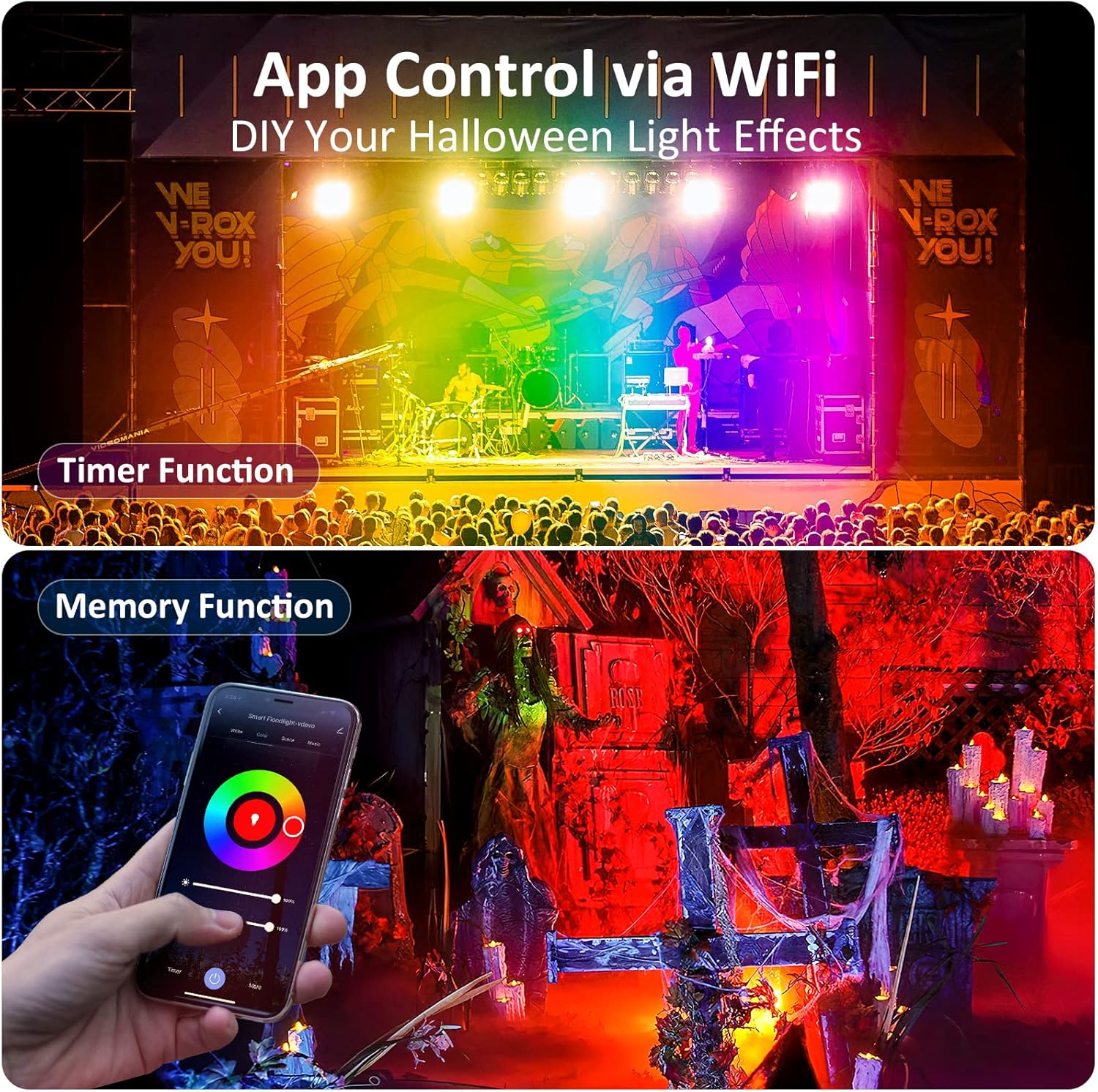
Image: App control interface demonstrating timer and memory functions.
6. Umarnin Aiki
6.1 Smart Life App Control
- Zaɓin Launi: Choose from 16 million colors using the color wheel in the app.
- Daidaita Haske: Adjust the brightness level from 1% to 100%.
- Hanyoyi: Select from various pre-set modes (e.g., flash, strobe, fade, smooth) or create your own custom 'DIY jump' mode.
- Lokaci: Saita jadawali don fitilu su kunna ko kashe ta atomatik.
- Daidaita Kiɗa: Enable the music sync feature to have the lights change colors and intensity with the rhythm of music played through your phone's microphone.
- Sarrafa Rukuni: In the app, you can create groups of lights to control them simultaneously with a single command.

Image: App interface for color selection and its effect on outdoor lighting.

Image: Music synchronization feature in the app, ideal for party settings.

Hoto: Example of group control for multiple flood lights on a property.
6.2 Ikon Murya (Alexa/Mataimakin Google)
- Ensure your Smart Life account is linked to your Amazon Alexa or Google Home app.
- Discover devices in your voice assistant app.
- Yi amfani da umarnin murya kamar:
- "Alexa, turn on the garden light."
- "Hey Google, set the flood light to red."
- "Alexa, dim the outdoor lights to 50%."

Image: Demonstrating voice control with Amazon Alexa.
7. Kulawa
- Before cleaning, ensure the flood light is unplugged and cool.
- Goge saman da taushi, damp zane. Kada a yi amfani da masu tsabtace abrasive ko sauran ƙarfi.
- Duba wutar lantarki akai-akai kuma toshe ga kowane alamun lalacewa.
- Ensure the mounting bracket screws are secure, especially after installation in windy conditions.
8. Shirya matsala
| Matsala | Dalili mai yiwuwa | Magani |
|---|---|---|
| Haske baya kunnawa | No power; loose connection; faulty unit. | Check power outlet and connections. Ensure the switch is on. If problem persists, contact support. |
| Ba za a iya haɗi zuwa Wi-Fi ba. | Incorrect Wi-Fi band (5GHz); wrong password; light not in pairing mode; weak signal. | Ensure your Wi-Fi is 2.4GHz. Double-check password. Power cycle the light to re-enter pairing mode (rapid blinking). Move light closer to router. |
| Ikon murya baya aiki. | Smart Life account not linked; device not discovered; incorrect commands. | Verify Smart Life skill/action is enabled and linked in Alexa/Google Home app. Redo device discovery. Use correct voice commands. |
| Haske yana kyalkyali ko yana yin kuskure. | Unstable power supply; Wi-Fi interference; internal fault. | Check power source stability. Reduce Wi-Fi interference. If problem persists, contact support. |
9. Ƙayyadaddun bayanai
| Siffa | Ƙayyadaddun bayanai |
|---|---|
| Alamar | NOVOSTELLA |
| Lambar Samfura | NTF |
| Watatage | 30 Watts |
| Nau'in Tushen Haske | LED |
| Launi | RGB (Launuka Miliyan 16) |
| Voltage | 120V (AC) |
| Haske | 12000 Lumen |
| Kayan abu | Aluminum |
| Nau'in Ƙarshe | Goge |
| IP Rating | IP66 (mai hana ruwa) |
| Haɗuwa | Wi-Fi (2.4GHz) |
| Girman samfur | 10"L x 2"W x 8"H |
| Nauyin Abu | Fam 5.45 (don fakiti 4) |
| Matsakaicin Rayuwa | 50,000 Awanni |
10. Garanti da Tallafawa
NOVOSTELLA products come with a standard warranty. Please refer to the warranty card included in your package or visit the official NOVOSTELLA website don cikakken garanti sharuɗɗa da sharuɗɗa.
For technical support, troubleshooting assistance, or any product-related inquiries, please contact NOVOSTELLA customer service through their official webshafin ko bayanin tuntuɓar da aka bayar a cikin marufin samfur naka.
Visit the NOVOSTELLA Store: NOVOSTELLA Amazon Store


