1. Gabatarwa
Thank you for choosing the Miroddi Magnetic Wallet. This manual provides essential information for the proper use, setup, and maintenance of your new magnetic card holder. Designed for convenience and security, this wallet seamlessly integrates with your compatible iPhone, offering a practical solution for carrying your essential cards.
2. Samfurin Ya Ƙareview da Features
The Miroddi Magnetic Wallet is crafted from premium vegan leather and features a strong magnetic attachment system, along with RFID protection for your cards.
Mabuɗin fasali:
- Haɗin Magnetic Mai ƙarfi: Equipped with 20 N52 magnets, providing up to 4,000g of holding force for a secure connection to your iPhone.
- AmpAjiya: Designed to securely hold up to 7 cards or a combination of cards and cash.
- Easy Card Access: A convenient thumb slot allows for quick and effortless retrieval of your cards.
- Kariyar RFID: Integrated RFID blocking technology safeguards your credit cards from unauthorized scanning and prevents demagnetization.
- Kayayyakin Kaya: Made from high-quality vegan leather with a hand-stitched finish for durability and an elegant feel.

Figure 1: Miroddi Magnetic Wallet attached to an iPhone.
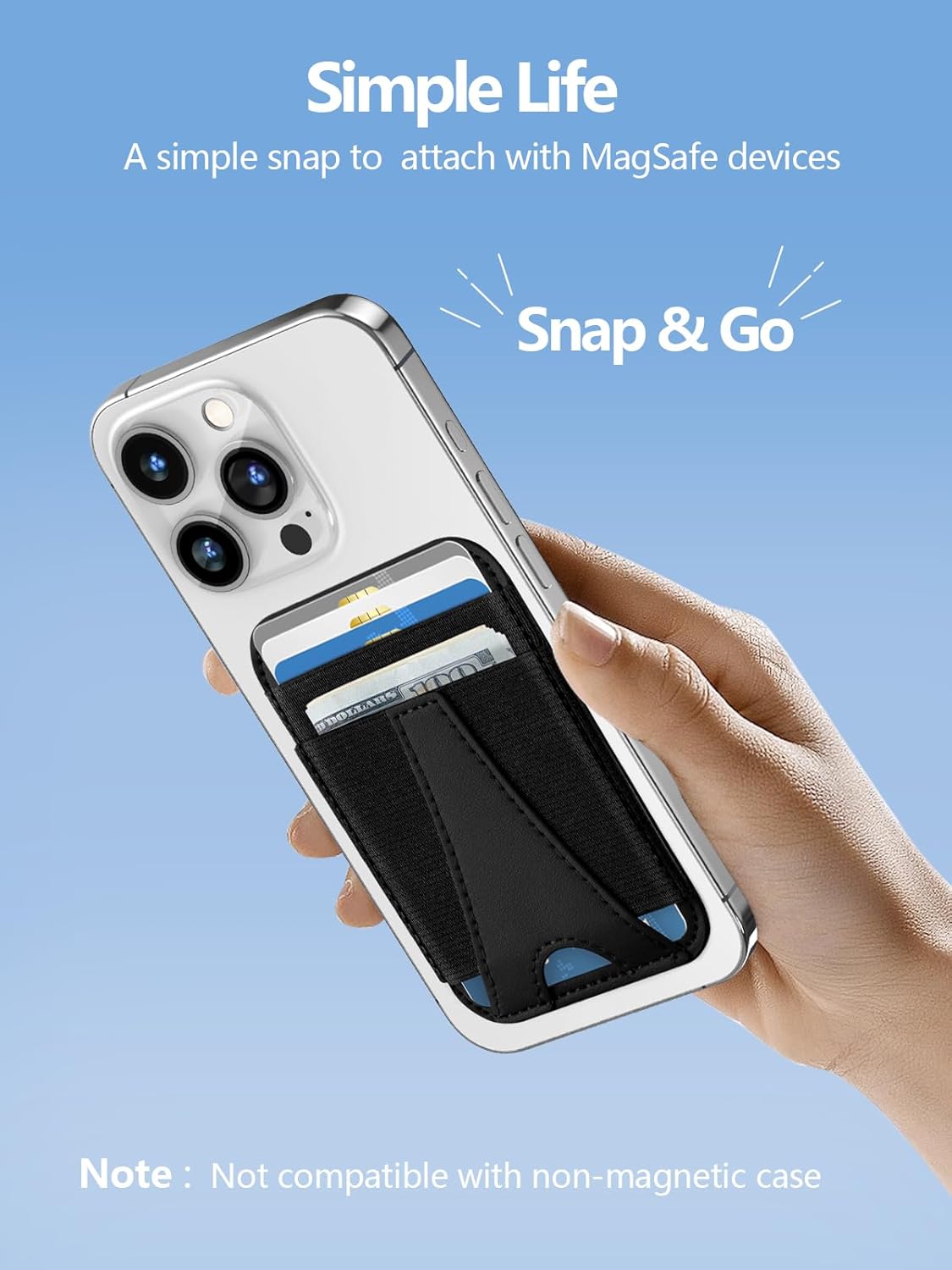
Figure 2: Simple magnetic attachment to an iPhone.
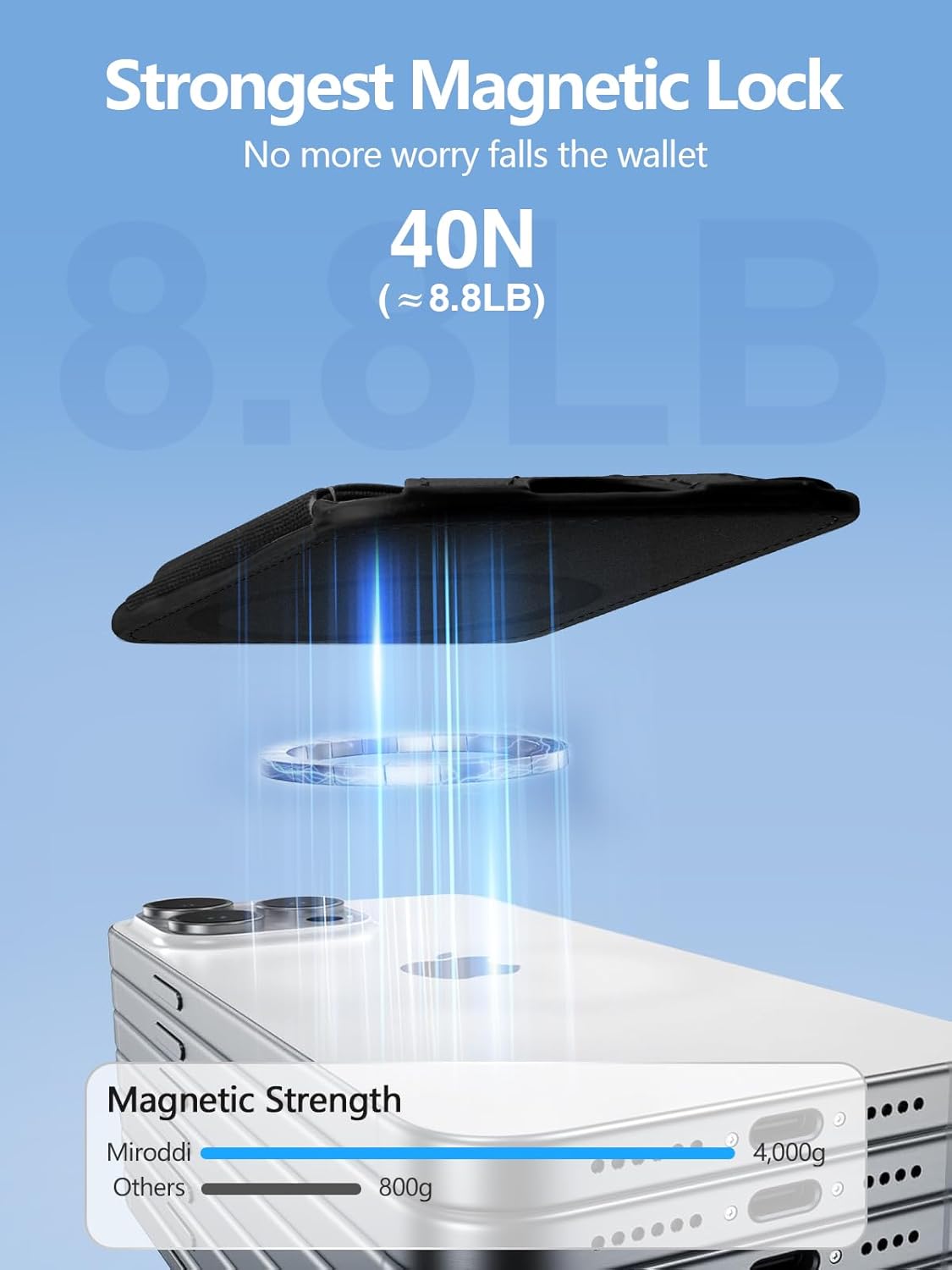
Figure 3: Illustration of the wallet's strong magnetic lock.
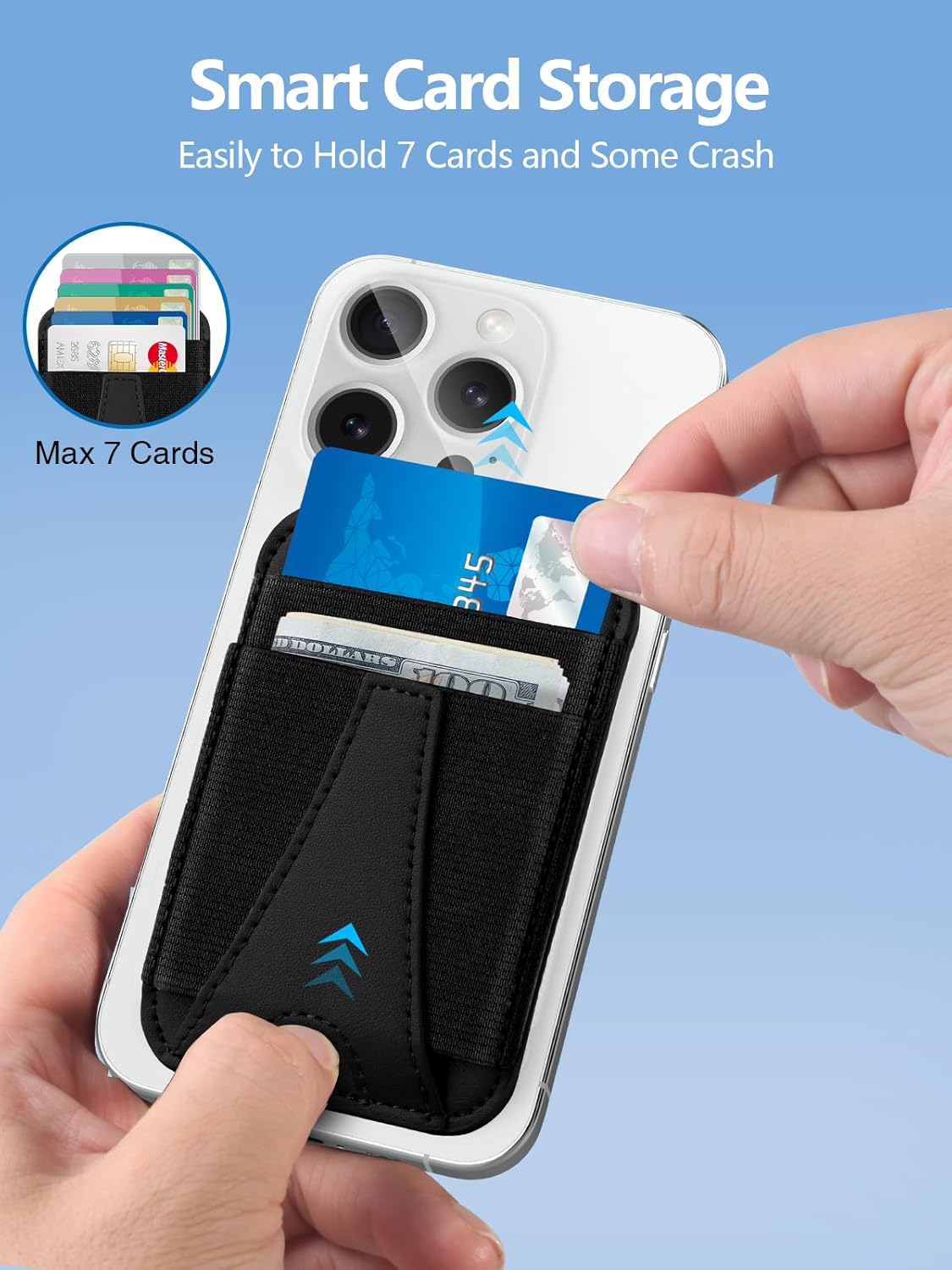
Figure 4: Smart card storage with easy access.
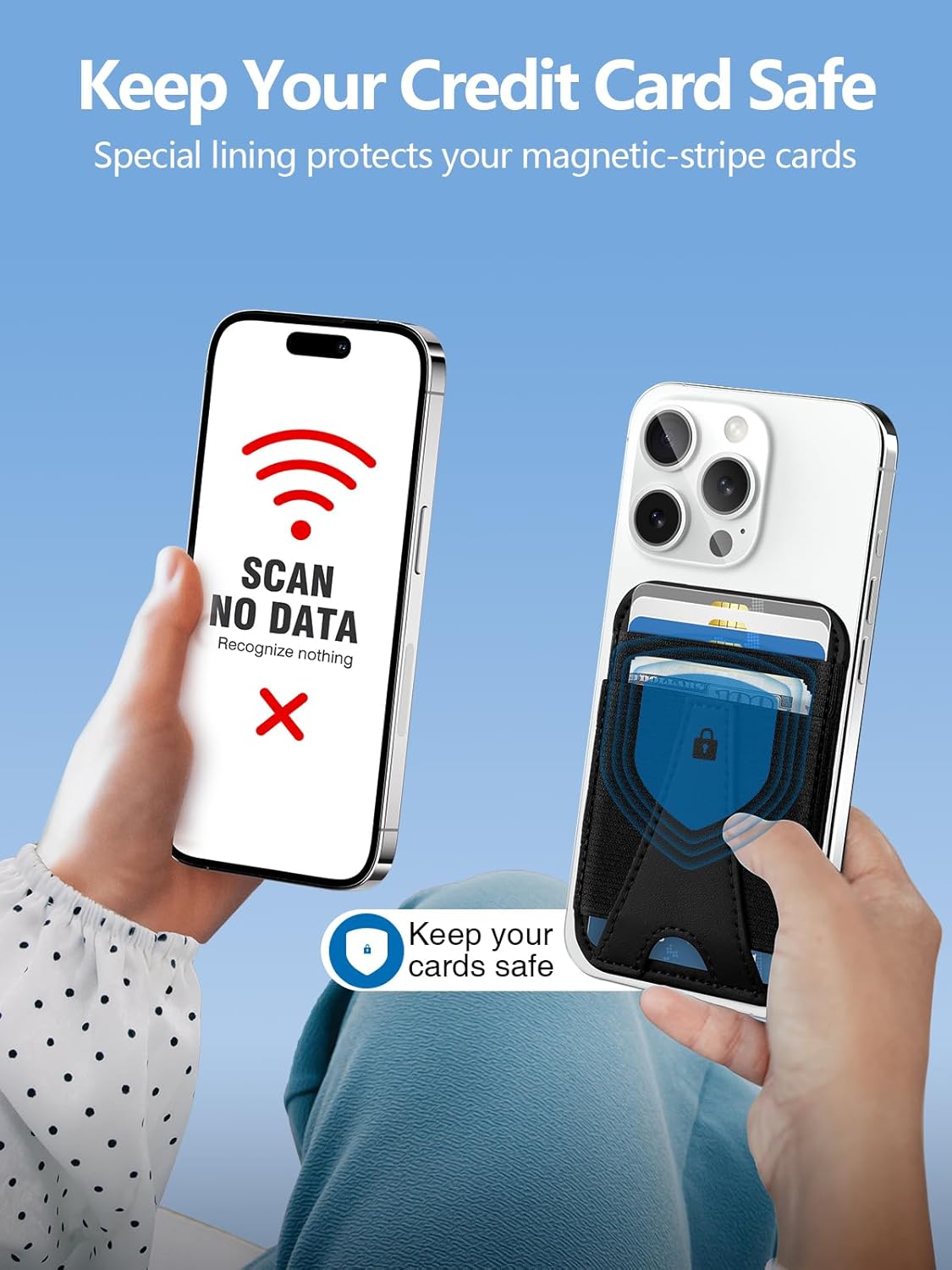
Figure 5: RFID blocking feature protecting credit cards.
Video 1: This video demonstrates the Miroddi MagSafe Wallet for iPhone 14/13/12 Series, highlighting its design and magnetic attachment.
Video 2: This video showcases the Miroddi Leather MagSafe Wallet, focusing on its features and ease of use.
3. Saita da Shigarwa
- Ensure your iPhone is a compatible model (iPhone 16/15/14/13/12 series).
- If using a case, ensure it is a MagSafe-compatible case. The wallet will not securely attach to non-magnetic cases.
- Align the Miroddi Magnetic Wallet with the MagSafe ring on the back of your iPhone or MagSafe-compatible case.
- The wallet will snap into place with a strong magnetic connection. Verify that it is securely attached before use.
4. Umarnin Aiki
Saka Katuna:
- Gently slide your cards into the designated slots. The wallet can hold up to 7 cards.
- Avoid overfilling the wallet, as this may stretch the material and make cards less secure over time.
Removing Cards:
- Utilize the thumb slot at the bottom of the wallet to push cards upwards for easy access and removal.
5. Kulawa
- To clean the vegan leather, wipe gently with a soft, damp zane. Kauce wa sinadarai masu tsauri ko masu gogewa.
- Do not expose the wallet to extreme temperatures or direct sunlight for prolonged periods, as this may affect the material and magnetic properties.
- Keep the wallet away from strong magnetic fields that are not part of the MagSafe system to prevent potential interference with cards.
6. Daidaituwa
The Miroddi Magnetic Wallet is designed for optimal performance with:
- iPhone 16 Series (iPhone 16, iPhone 16 Plus, iPhone 16 Pro, iPhone 16 Pro Max)
- iPhone 15 Series (iPhone 15, iPhone 15 Plus, iPhone 15 Pro, iPhone 15 Pro Max)
- iPhone 14 Series (iPhone 14, iPhone 14 Plus, iPhone 14 Pro, iPhone 14 Pro Max)
- iPhone 13 Series (iPhone 13, iPhone 13 Mini, iPhone 13 Pro, iPhone 13 Pro Max)
- iPhone 12 Series (iPhone 12, iPhone 12 Mini, iPhone 12 Pro, iPhone 12 Pro Max)
- Any iPhone with an official MagSafe case or other MagSafe-compatible cases.
Lura: This wallet is bai dace ba with non-magnetic phone cases or other cell phone models without MagSafe functionality.

Siffa ta 6: Daidaituwa ta ƙareview for Miroddi Magnetic Wallet.
7. Ƙayyadaddun bayanai
| Siffa | Daki-daki |
|---|---|
| Lambar Samfura | Saukewa: CB063 |
| Girman samfur | 3.82 x 2.6 x 0.31 inci |
| Nauyin Abu | 2.08 oz |
| Kayan abu | Ganyen fata |
| Launi | Baki |
| Ƙarfin Magnetic | Up to 4,000g (20 N52 magnets) |
| Ƙarfin Kati | Har zuwa katunan 7 |
8. Shirya matsala
Wallet not attaching securely:
- Ensure your iPhone model is compatible (iPhone 12 series or newer).
- Verify that your phone case is MagSafe-compatible. Standard cases may interfere with magnetic attachment.
- Check for any debris or obstructions between the wallet and your phone/case.
Cards difficult to insert or remove:
- Ensure you are not exceeding the maximum capacity of 7 cards.
- Use the thumb slot at the bottom to assist in pushing cards out.
9. Garanti da Tallafawa
Miroddi is committed to providing high-quality products and customer satisfaction. If you encounter any issues or have questions regarding your Miroddi Magnetic Wallet, please contact our customer support team.
- Taimakon Abokin Ciniki: For assistance, please reach out to us via the Amazon message center. Our team is available 24/7 to help you.
- Bayanin Garanti: Specific warranty details may vary. Please refer to your purchase documentation or contact customer support for more information.


