1. Muhimman Bayanan Tsaro
Da fatan za a karanta duk umarnin aminci a hankali kafin amfani da wannan samfurin. Rashin bin waɗannan umarnin na iya haifar da girgiza wutar lantarki, wuta, ko wasu haɗari.
- Kada a toshe hanyoyin samun iska. A tabbatar da isasshen iska a kusa da na'urar hangen nesa domin hana zafi sosai.
- Kada a kalli ruwan tabarau kai tsaye lokacin da lamp yana kan. Hasken haske na iya haifar da lalacewar ido.
- Keep the projector away from water or other liquids. Do not operate in wet environments.
- Yi amfani da adaftar wutar lantarki kawai da aka kawo tare da majigi.
- Do not attempt to repair this product yourself. Refer all servicing to qualified personnel.
- A kiyaye nesa da yara.
2. Abubuwan Kunshin
Tabbatar cewa duk abubuwa suna nan a cikin kunshin ku:
- Mentech HY300PRO Mini Projector
- Ikon nesa (ba a haɗa batura)
- Manual mai amfani
- Igiyar Wutar Lantarki
- HD Cable
3. Samfurin Ya Ƙareview
The Mentech HY300PRO Mini Projector is a versatile and portable device designed for various entertainment and presentation needs. It features a 180° rotatable design, allowing for flexible projection angles, including ceilings. With native 720P resolution and support for 4K decoding, it delivers clear and vibrant images on screens up to 150 inches.

Figure 3.1: Mentech HY300PRO Mini Projector with key features highlighted.
Equipped with Android 11, dual-band 2.4G/5G/6G WiFi 6, and Bluetooth 5.2, the projector offers seamless streaming and connectivity options. Its compact size and low noise operation make it ideal for both home and outdoor use.

Figure 3.2: Projector ports and built-in Android 11 interface.
4. Saita
4.1 Farkon Wuri
Sanya majigi a kan barga mai lebur. Don mafi kyau duka viewing, position the projector directly in front of the projection surface (wall or screen). The 180° rotatable design allows for projection onto ceilings or other angled surfaces.

Figure 4.1: Projecting to the ceiling using 180° rotation.
4.2 Haɗin Wuta
- Haɗa igiyar wutar lantarki zuwa tashar shigarwar DC ta na'urar haska na'urar.
- Toshe dayan ƙarshen igiyar wutar lantarki zuwa mashin wutar lantarki.
- Latsa maɓallin wuta akan majigi ko sarrafa ramut don kunna shi.
4.3 Haɗin Na'urorin Waje
Majigi yana goyan bayan hanyoyin shigarwa daban-daban:
- HDMI: Connect laptops, TV sticks, gaming consoles (e.g., Switch, PS5) using the provided HD cable.
- USB: Insert USB flash drives to play media files kai tsaye.
- Fitar da Sauti: Connect external speakers or headphones via the 3.5mm audio jack.
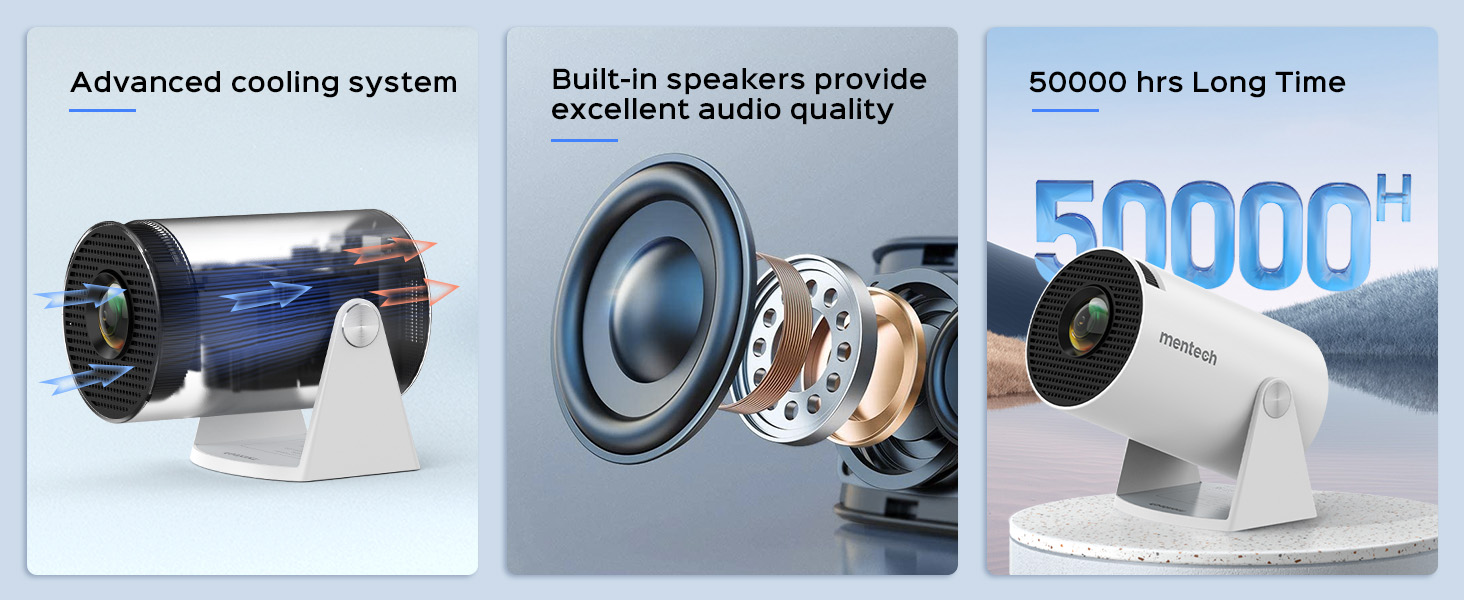
Figure 4.2: Multi-device compatibility and port layout.
5. Umarnin Aiki
5.1 Daidaita Mayar da hankali
Rotate the focus wheel located on the side of the projector until the image appears clear and sharp.
5.2 Gyaran Jigon Maɓalli
The projector features automatic keystone correction. If the image appears trapezoidal, the projector will automatically adjust it to a rectangular shape. For more precise adjustments, manual 4P/4D keystone correction is available through the settings menu.

Figure 5.1: Auto and manual keystone correction options.
5.3 Screen Zoom Function
Adjust the screen size from 50% to 100% using the zoom function in the settings menu. This allows you to fit the image perfectly to your projection surface without moving the projector.
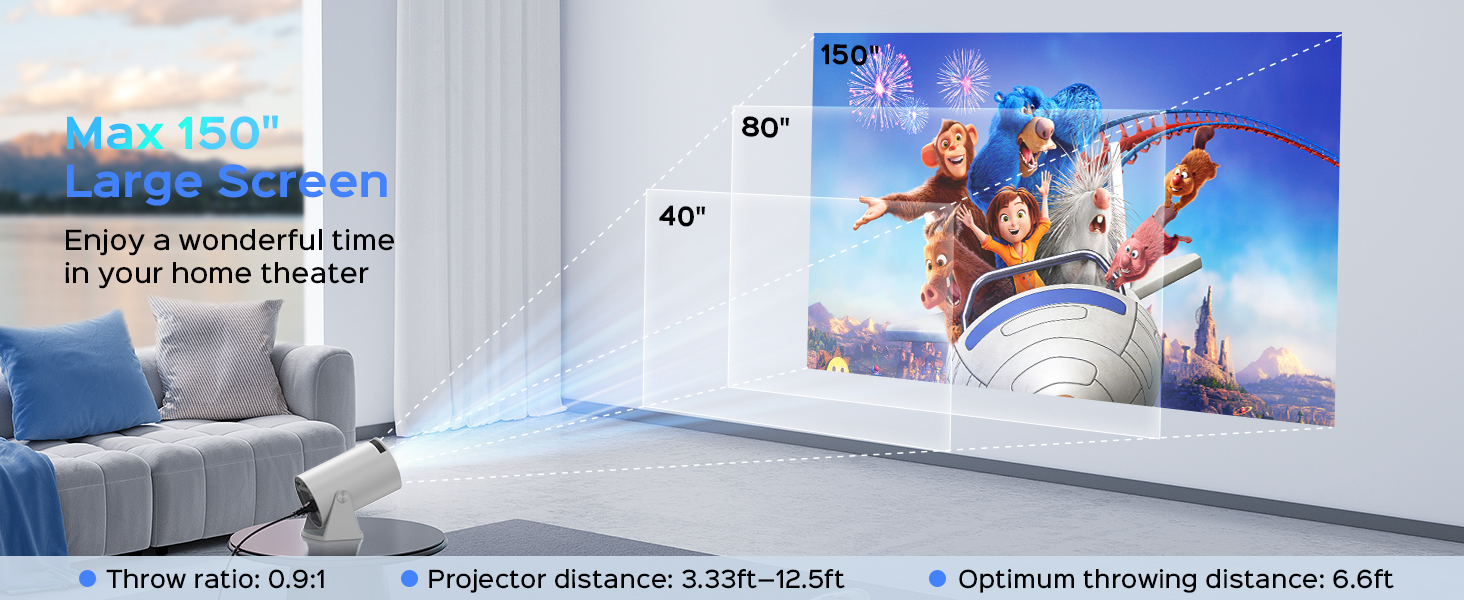
Figure 5.2: Screen zoom functionality.
5.4 Cibiyar sadarwa da Haɗi
- Haɗin Wi-Fi: Navigate to the network settings to connect to your 2.4G, 5G, or 6G Wi-Fi network. This enables access to online streaming services and updates.
- Haɗin Bluetooth: Go to Bluetooth settings to pair with external Bluetooth speakers or headphones for enhanced audio.
- Madubin allo: The projector supports Miracast, Airplay, and DLNA for mirroring content from your smartphone or tablet.

Figure 5.3: Dual-band Wi-Fi 6 connectivity.
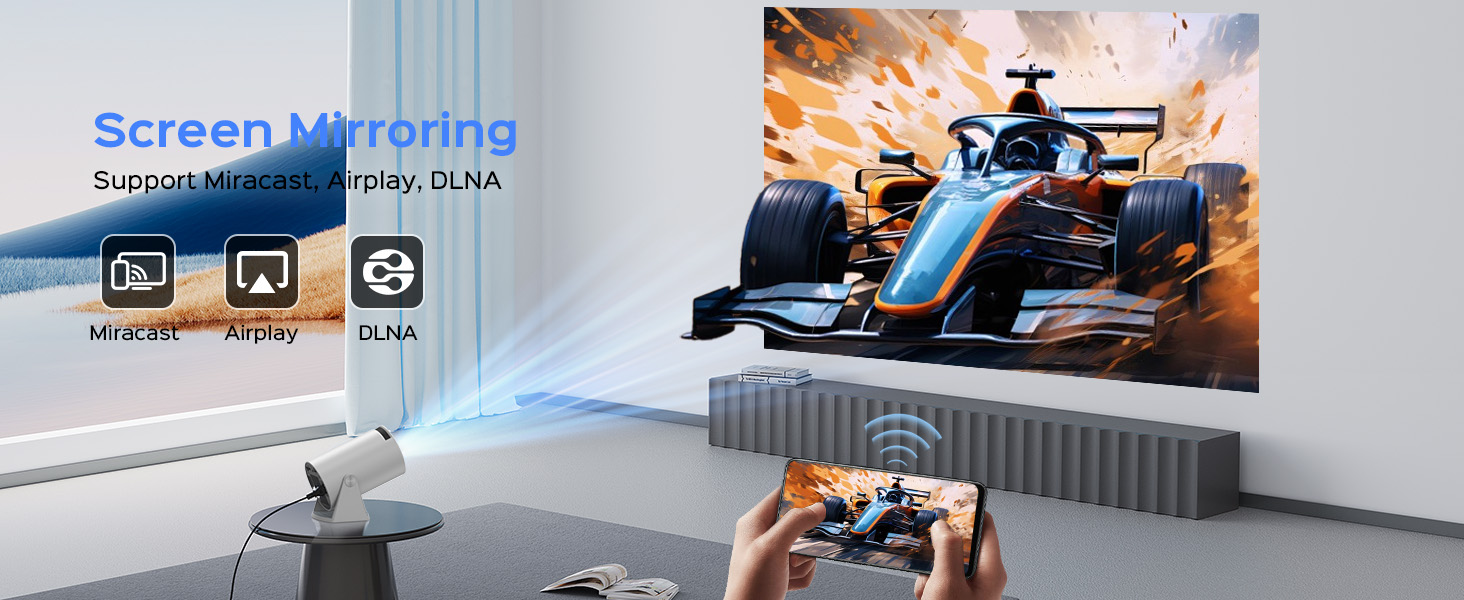
Figure 5.4: Bluetooth 5.2 connectivity for external audio.
5.5 Android TV 11 Features
The built-in Android 11 operating system provides access to a wide range of applications. Navigate the interface using the remote control to browse and install apps from the app store, including popular streaming services like YouTube, Prime Video, and Plex.
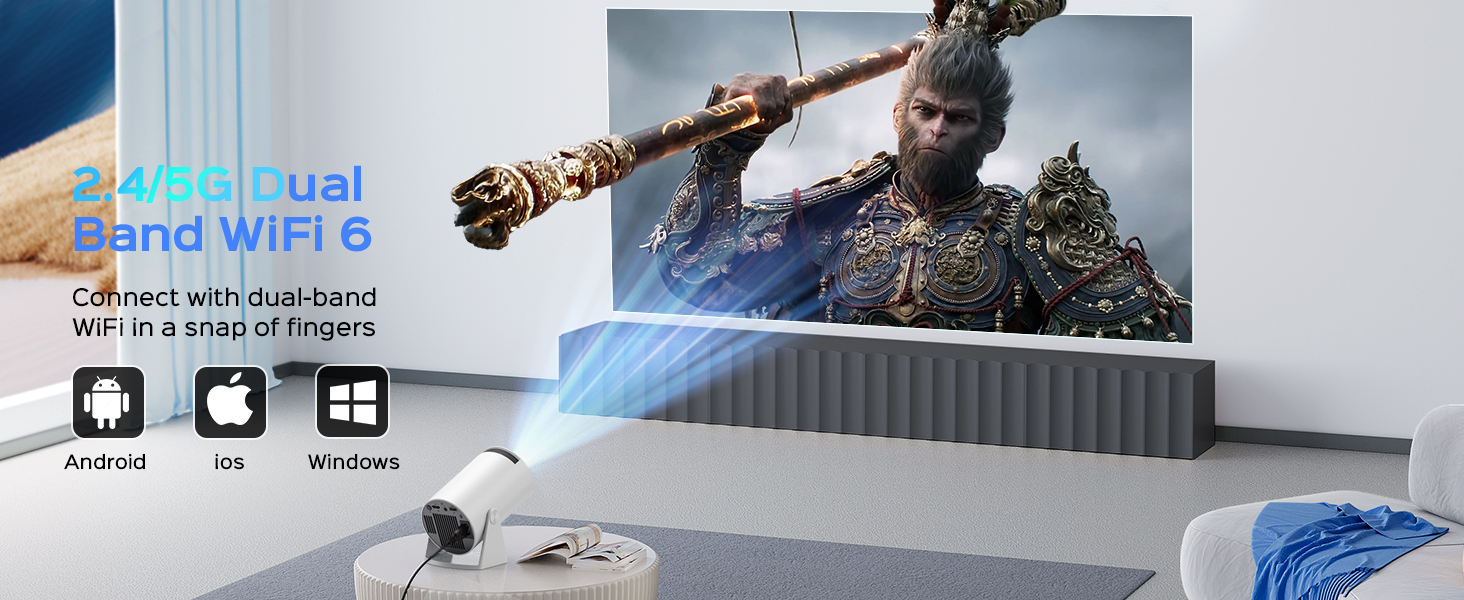
Figure 5.5: Android 11.0 interface with pre-installed and downloadable apps.
6. Kulawa
- Tsaftace Lens: Yi amfani da laushi mai laushi mara laushi wanda aka ƙera musamman don ruwan tabarau na gani don goge ruwan tabarau a hankali. Kar a yi amfani da masu tsabtace ƙura ko wuce gona da iri.
- Cire kura: Regularly clean the projector's exterior with a soft, dry cloth. Use a small brush or compressed air to clear dust from ventilation openings.
- Ajiya: Lokacin da ba'a amfani da shi na tsawon lokaci, adana majigi a wuri mai sanyi, bushe, kariya daga ƙura da hasken rana kai tsaye.
7. Shirya matsala
If you encounter issues with your Mentech HY300PRO projector, refer to the following common problems and solutions:
| Matsala | Dalili mai yiwuwa | Magani |
|---|---|---|
| No image or blurry image | Incorrect focus, keystone not adjusted, input source issue. | Adjust the focus wheel. Check auto/manual keystone correction. Ensure the correct input source is selected (HDMI, USB). |
| Babu sauti | Volume too low, external audio device not connected/paired, incorrect audio output setting. | Increase volume. Check Bluetooth connection to external speakers. Ensure internal speakers are selected if no external device is used. |
| Matsalolin haɗin Wi-Fi | Kalmar sirri mara daidai, ba ta da iyaka, tsangwama ta hanyar sadarwa. | Re-enter Wi-Fi password. Move projector closer to router. Try connecting to a different Wi-Fi band (2.4G or 5G). |
| Apps not loading or performing slowly | Poor internet connection, app compatibility, insufficient memory. | Ensure stable internet connection. Some apps may not be fully optimized for the projector's Android TV version; try alternative apps or use an external streaming device via HDMI. Clear app cache. |
| HDMI signal cutting in/out | Faulty HDMI cable, loose connection, source device issue. | Try a different HDMI cable. Ensure the cable is securely connected to both the projector and the source device. Test with a different source device. |
8. Ƙayyadaddun bayanai
| Siffar | Daki-daki |
|---|---|
| Alamar | Mentech |
| Lambar Samfura | Saukewa: HY300PRO |
| Ƙudurin Ƙasa | 1280 x 720 (720P) |
| Ƙuduri mai goyan baya | Up to 4K decoding |
| Haske | Lumen ANSI 280 (Lumens 8500) |
| Adadin Kwatance | 10000:1 |
| Girman Hasashen | Har zuwa 150 inci |
| Haɗuwa | HDMI, USB, Audio Out, Wi-Fi (2.4G/5G/6G), Bluetooth 5.2 |
| Tsarin Aiki | Android 11 |
| Hasken Rayuwa | Har zuwa awanni 50,000 |
| Matsayin Surutu | Kasa da 25 dB |
| Girma | 7.8 x 5.28 x 4.69 inci |
| Nauyi | 1.63 fam |
9. Garanti da Tallafawa
Mentech is committed to providing excellent customer service. Your Mentech HY300PRO Mini Projector comes with comprehensive support:
- 30-Day Unconditional Return Guarantee: For peace of mind.
- 2 Years Service: Covering manufacturing defects and issues.
- Taimakon Fasaha na Rayuwa: Assistance with setup, operation, and troubleshooting for the life of the product.
- Sabunta software: Updates are automatically pushed via OTA when connected to the internet. Contact customer support if you haven't received an update.
For any inquiries or assistance, please contact Mentech Customer Support. Our US-local customer service is available via online email and phone (Mon-Fri 9am-5pm PST).
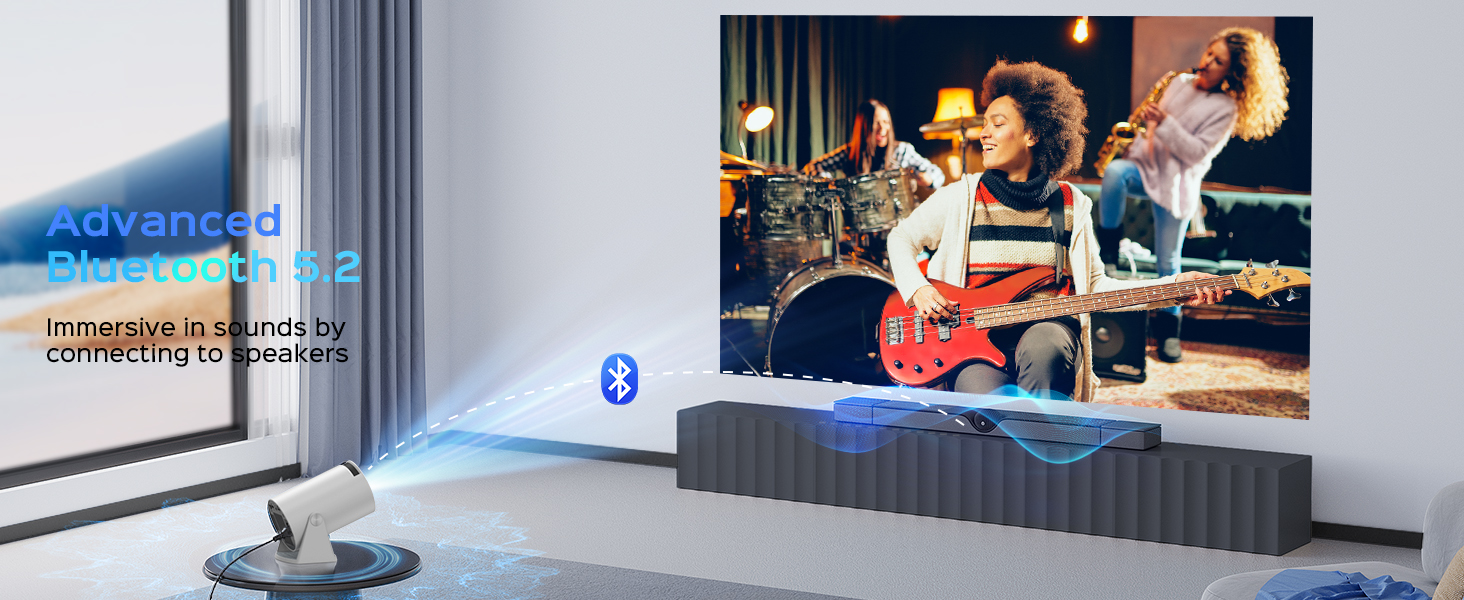
Figure 9.1: Mentech Customer Support Information.


