1. Farawa
1.1. Abin da ke cikin Akwatin
Da fatan za a duba abubuwan da ke cikin kunshin lokacin cire akwatin:
- 1 x artfone G6 Mobile Phone
- 1 x 1300 mAh Battery
- 1 x Kebul na Cajin USB
- 1 x Dock Caji
- 1 x Manhajar mai amfani
1.2. Shigar da Baturi
Don shigar da baturi:
- Cire murfin baya na wayar.
- Align the battery contacts with the phone's terminals.
- A hankali a danna batirin a wurinsa.
- A sake sauya murfin baya, a tabbatar ya yi dannawa da kyau.
1.3. Shigar da katin SIM
The artfone G6 supports Nano SIM cards (2G, 3G, or 4G). To install your SIM card:
- Tabbatar cewa wayar tana kashe.
- Cire murfin baya da baturi.
- Locate the SIM card slot(s). The phone supports dual SIM.
- Insert the Nano SIM card(s) into the slot(s) with the gold contacts facing down, following the diagram near the slot.
- Reinstall the battery and back cover.
1.4. Cajin Wayar
Kafin amfani da farko, cikakken cajin baturin wayar.
- Amfani da Tashar Caji: Place the phone into the charging dock. Connect the USB charging cable to the dock and then to a power adapter.
- Direct USB-C Charging: Connect the USB-C cable directly to the phone's USB-C port and then to a power adapter.
The charging indicator will show the charging status. A full charge typically takes a few hours.
1.5. Kunnawa / Kashewa
- Don Kunnawa: Press and hold the red 'End Call' button until the screen lights up.
- Don Kashe: Press and hold the red 'End Call' button until the power off options appear, then select 'Power Off'.
2. Aiki na asali
2.1. Keypad Overview
The artfone G6 features a large, backlit keypad for easy dialing and navigation, especially in low-light conditions.

Image: The artfone G6 phone open, displaying its large, easy-to-read keypad.
2.2. Dual Display Functionality
The phone features a 2.4-inch main HD screen and a 1.8-inch external display. The external screen allows you to quickly check the time, date, battery status, and incoming call notifications without opening the phone.

Image: The artfone G6 demonstrating its dual display feature, showing the external screen and the internal screen.
2.3. Yin Kira da Karɓar Kira
- Don Yi Kira: Open the phone, dial the number using the keypad, and press the green 'Call' button.
- Don Karɓar Kira: When the phone rings, open the phone and press the green 'Call' button. You can also answer by opening the flip.
- Don Ƙare Kira: Press the red 'End Call' button or close the flip.
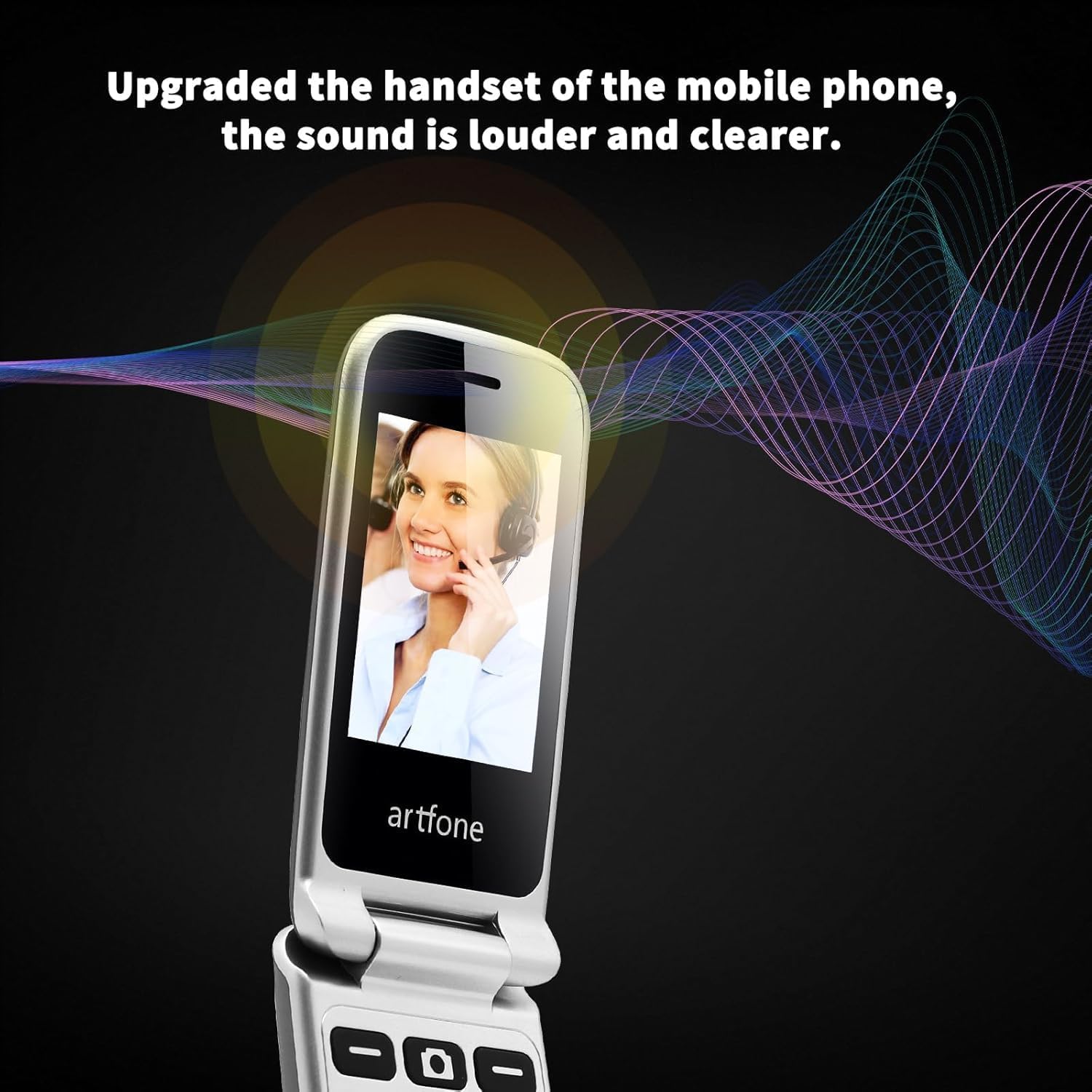
Image: The artfone G6 in use during a call, highlighting its clear audio quality.
2.4. Aika da Karɓar Saƙonni
Navigate to the 'Messages' menu to compose new messages or read incoming ones. Use the keypad to type your message.
2.5. Using Speed Dial
The artfone G6 allows you to set up speed dial contacts for quick access to important numbers.
- Go to 'Settings' or 'Contacts' to assign numbers to speed dial keys (e.g., keys 2-9, A, B).
- To use, simply press and hold the assigned speed dial key.
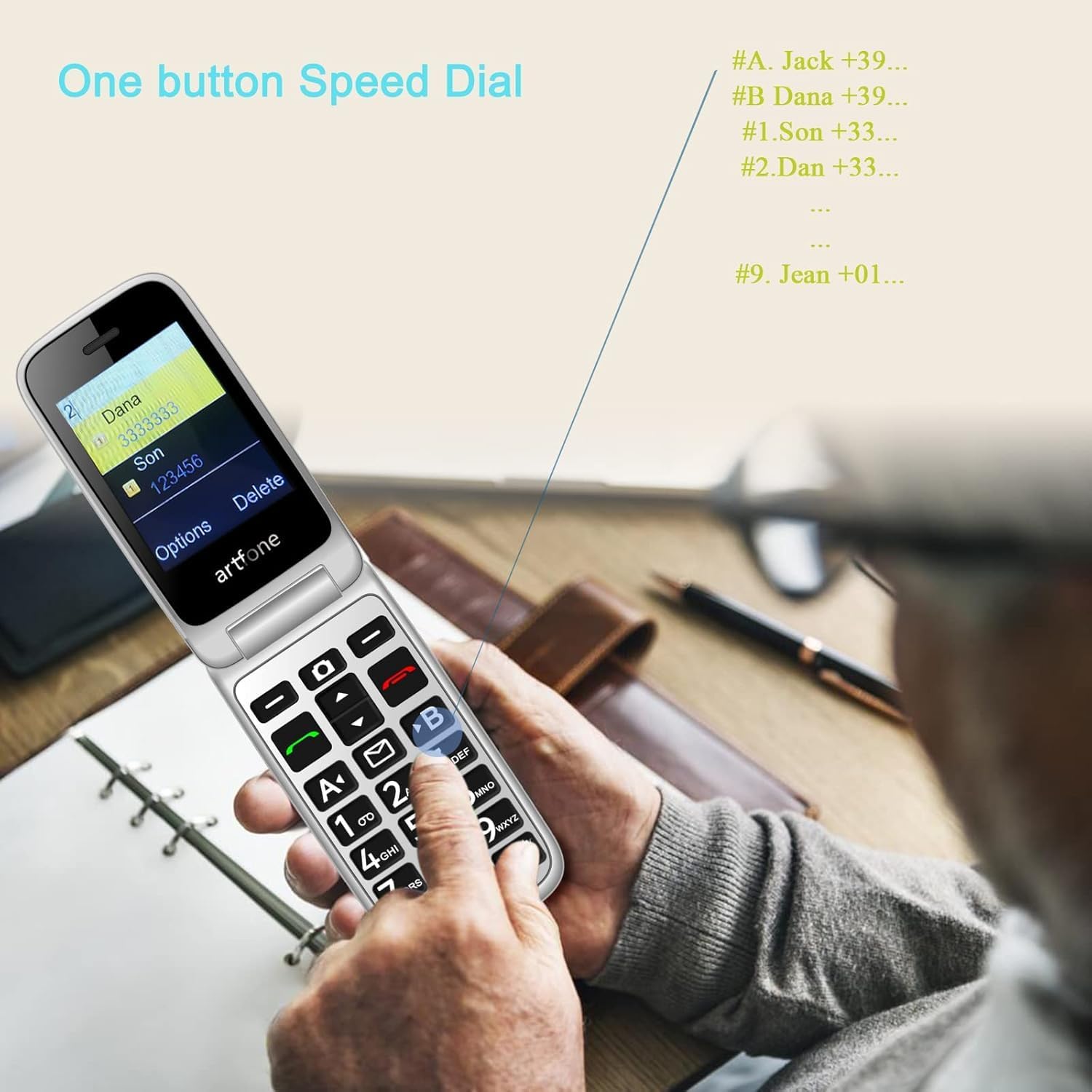
Image: A user activating the speed dial feature on the artfone G6.
2.6. Maballin Gaggawa na SOS
For enhanced safety, the artfone G6 includes a dedicated SOS button.
- Saita: In the 'SOS Settings' menu, you can configure up to five emergency contacts.
- Amfani: In an emergency, press and hold the SOS button on the back of the phone. The phone will automatically call these numbers in sequence until one answers. It will also send an emergency SMS to these contacts.

Hoto: Bayan view of the artfone G6, showing the SOS emergency button and side controls.
2.7. Time Reporting Feature
The phone offers a multilingual voice time announcement feature, beneficial for users with visual impairments.
- Press the dedicated time reporting button (often located on the side or keypad) to hear the current time announced aloud.

Image: Activating the time reporting feature on the artfone G6.
2.8. Daidaita Ƙara
Use the dedicated volume buttons located on the side of the phone to adjust call volume, ringtone volume, and media volume.
2.9. Blacklist Feature
To block unwanted calls, the artfone G6 includes a blacklist feature. You can add up to 50 numbers to this list, preventing them from contacting you.
- Navigate to 'Call Settings' or 'Security Settings' to access and manage the blacklist.
3. Kulawa
3.1. Kulawar Gabaɗaya
- Ajiye wayar a bushe. Danshi na iya lalata hanyoyin lantarki.
- A guji yanayin zafi mai tsanani. Zafin jiki mai yawa na iya rage tsawon rayuwar na'urorin lantarki da kuma lalata batura.
- Do not drop, knock, or shake the phone. Rough handling can break internal circuit boards.
- Kar a yi amfani da sinadarai masu tsauri, masu kaushi mai tsafta, ko mai ƙarfi don tsaftace wayar.
3.2. Tsaftacewa
Use a soft, dry cloth to wipe the phone's surface. For stubborn dirt, a slightly damp za a iya amfani da zane, tabbatar da cewa babu ruwa ya shiga buɗaɗɗe.
3.3. Kula da baturi
The 1300 mAh battery provides extended talk and standby times. To maximize battery life:
- Avoid overcharging; disconnect the charger once the battery is full.
- If not using the phone for an extended period, store it with a partial charge (around 50%).
4. Shirya matsala
If you encounter issues with your artfone G6, please refer to the following common problems and solutions:
| Matsala | Magani mai yiwuwa |
|---|---|
| Waya baya kunnawa | Tabbatar an shigar da batirin daidai kuma an yi masa caji. Gwada yin caji na akalla mintuna 30. |
| Ba za a iya yin ko karɓar kira ba | Check if the SIM card is properly inserted and activated. Ensure you have network coverage. Verify that the number is not on the blacklist. |
| Rashin ingancin kira | Move to an area with better network reception. Check the volume settings. |
| Baturi baya caji | Check the charging cable and adapter for damage. Ensure the phone is correctly placed in the charging dock or the USB-C cable is fully inserted. |
| Maɓallin SOS ba ya aiki | Verify that emergency contacts are correctly set up in the SOS settings. |
Idan matsalar ta ci gaba, tuntuɓi tallafin abokin ciniki.
5. Ƙayyadaddun bayanai
Detailed technical specifications for the artfone G6:
| Siffar | Daki-daki |
|---|---|
| Alamar | artfone |
| Sunan Samfura | G6 |
| Tsarin Aiki | artfone Mocor RTOS |
| Girman Babban allo | Inci 2.4 |
| External Screen Size | Inci 1.8 |
| Tsarin allo | 480 x 320 |
| RAM | 48 MB |
| Ƙarfin ajiya | 128 MB |
| Samfurin CPU | Farashin MTK8121 |
| Saurin CPU | 1000 MHz |
| Ƙarfin baturi | 1300 mAh |
| Haɗuwa | Bluetooth, USB Type C, 3.5 mm Jack |
| Siffofin Musamman | Dual SIM, Dual Display, SOS Button, Speed Dial, Blacklist |
6. Garanti Bayani
The artfone G6 comes with a manufacturer's warranty of shekaru 2. Da fatan za a riƙe shaidar siyan ku don da'awar garanti. Garanti ya ƙunshi lahani a cikin kayan aiki da aikin aiki ƙarƙashin amfani na yau da kullun.
For specific terms and conditions, please refer to the warranty card included in your product packaging or contact artfone customer service.
7. Taimako
For further assistance, technical support, or inquiries regarding your artfone G6 phone, please visit the official artfone website or contact their customer service department. Contact details can typically be found on the manufacturer's webshafin ko a cikin marufi na samfur.
Always ensure you have your product model number (G6) and purchase details ready when contacting support.