1. Gabatarwa
This manual provides detailed instructions for the setup, operation, and maintenance of your CANYON HEXAGON 7 True Wireless Earbuds. Please read this manual thoroughly before using the product to ensure proper function and longevity. The HEXAGON 7 earbuds feature Bluetooth 5.4 connectivity, Active Noise Cancellation (ANC), Environmental Noise Cancellation (ENC), and wireless charging capabilities.
2. Abubuwan Kunshin
Tabbatar cewa duk abubuwa suna nan a cikin kunshin:
- CANYON HEXAGON 7 True Wireless Earbuds (Left and Right)
- Cajin Cajin
- USB Type-C Cajin caji
- Manual mai amfani
3. Samfurin Ya Ƙareview
The CANYON HEXAGON 7 earbuds are designed for comfort and high-quality audio, featuring a distinctive hexagonal design. The charging case provides extended battery life and supports wireless charging.

Image 3.1: CANYON HEXAGON 7 True Wireless Earbuds and Charging Case. The earbuds are white with beige ear tips, resting inside their matching white and beige charging case.
3.1 Unique Design
The Hexagon 7 series features an elegant and angular design, ensuring a comfortable and secure fit while providing a distinct aesthetic.

Image 3.2: The CANYON HEXAGON 7 earbuds and their open charging case are displayed on a laptop keyboard, highlighting their unique hexagonal design.
3.2 Taɓa Taɓa
The earbuds are equipped with intuitive touch controls for managing playback, calls, and other functions.

Image 3.3: The CANYON HEXAGON 7 earbuds and their charging case are shown on a notebook with design sketches, illustrating their compact form factor and touch-sensitive surfaces.
3.3 Canjin amo mai aiki (ANC)
The Active Noise Cancelling feature reduces ambient noise, allowing for a more immersive audio experience.
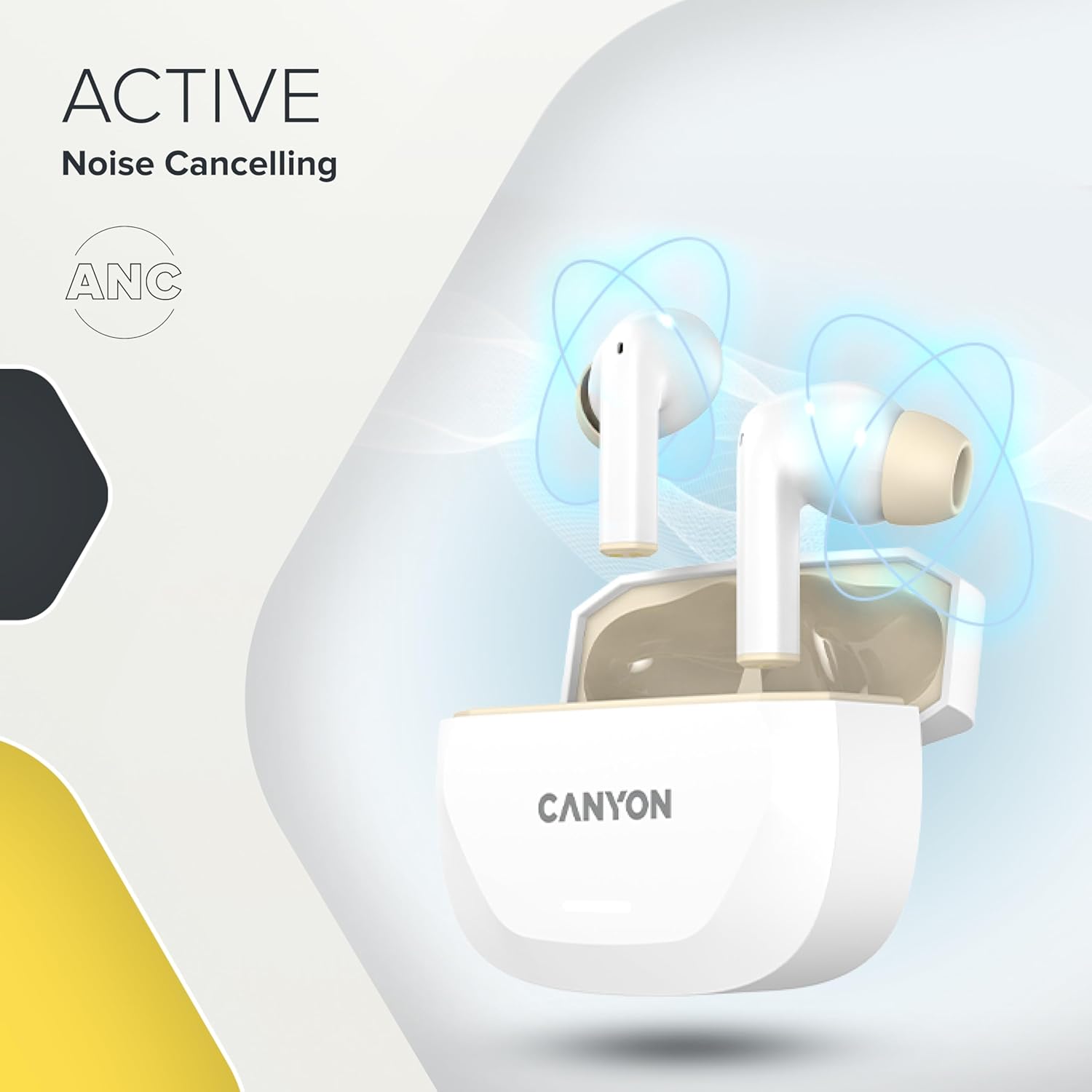
Image 3.4: A visual representation of Active Noise Cancelling (ANC) technology, showing sound waves being canceled around the CANYON HEXAGON 7 earbuds in their open case.
4. Saita
4.1 Cajin kunne da Case
Kafin amfani da farko, cikakken cajin belun kunne da cajin caji.
- Amfani da kebul na USB-C: Connect the provided USB Type-C cable to the charging port on the case and to a power source. The charging indicator will show the charging status. A full charge takes approximately 1.5 hours for the earbuds and 2 hours for the case.
- Cajin mara waya: Place the charging case on any Qi-compatible wireless charging pad. Ensure the case is properly aligned for efficient charging.

Image 4.1: The CANYON HEXAGON 7 charging case is shown resting on a wireless charging pad, indicating its wireless charging capability.

Image 4.2: A graphic illustrating the quick recharge feature of the CANYON HEXAGON 7 earbuds, with a battery icon showing rapid charging progress.
4.2 Haɗa tare da Na'ura
- Bude akwati na caji. Na'urar kunne za ta shigar da yanayin haɗin kai ta atomatik.
- A kan na'urarka (wayar hannu, kwamfutar hannu, da sauransu), kunna Bluetooth.
- Bincika available Bluetooth devices and select "CANYON HEXAGON 7".
- Once connected, a confirmation sound will play, and the indicator light on the earbuds will change.
4.3 Haɗin maki da yawa
The HEXAGON 7 supports connecting to two devices simultaneously. To use this feature:
- Pair the earbuds with the first device as described above.
- Kashe Bluetooth a na'urar farko. Belun kunne za su sake shiga yanayin haɗawa.
- Pair the earbuds with the second device.
- Re-enable Bluetooth on the first device. The earbuds should automatically connect to both devices. You can then switch between them seamlessly.
5. Umarnin Aiki
5.1 Gudanar da taɓawa
The touch-sensitive areas on the earbuds allow for various functions:
- Kunna/Dakata: Matsa guda ɗaya akan ko wane belun kunne.
- Waƙa ta gaba: Matsa sau biyu akan belun kunne na dama.
- Tafiya ta baya: Matsa sau biyu akan belun kunne na hagu.
- Upara sama: Matsa sau uku akan belun kunne na dama.
- Downara ƙasa: Matsa sau uku akan belun kunne na hagu.
- Amsa/Ƙarshen Kira: Matsa guda ɗaya akan ko dai na'urar kunne yayin kira mai shigowa ko kira mai aiki.
- Karɓar Kira: Latsa ka riƙe kowane belun kunne na daƙiƙa 2 yayin kira mai shigowa.
- Kunna Mataimakin Murya: Danna kuma riƙe ɗayan belun kunne na tsawon daƙiƙa 3 (idan ba a kira ba).
5.2 ANC and ENC Functions
The HEXAGON 7 features Active Noise Cancellation (ANC) and Environmental Noise Cancellation (ENC) for calls.
- ANC Activation/Deactivation: Press and hold the touch area on the left earbud for 2 seconds to cycle through ANC On, ANC Off, and Transparency modes.
- ENC for Calls: Environmental Noise Cancellation is automatically active during phone calls, utilizing the 4 built-in microphones to filter out background noise and ensure clear voice transmission.
5.3 Rayuwar Baturi
The earbuds provide up to 6.5 hours of playback with ANC off, and 5.5 hours with ANC on. The charging case extends the total playtime to 27 hours.
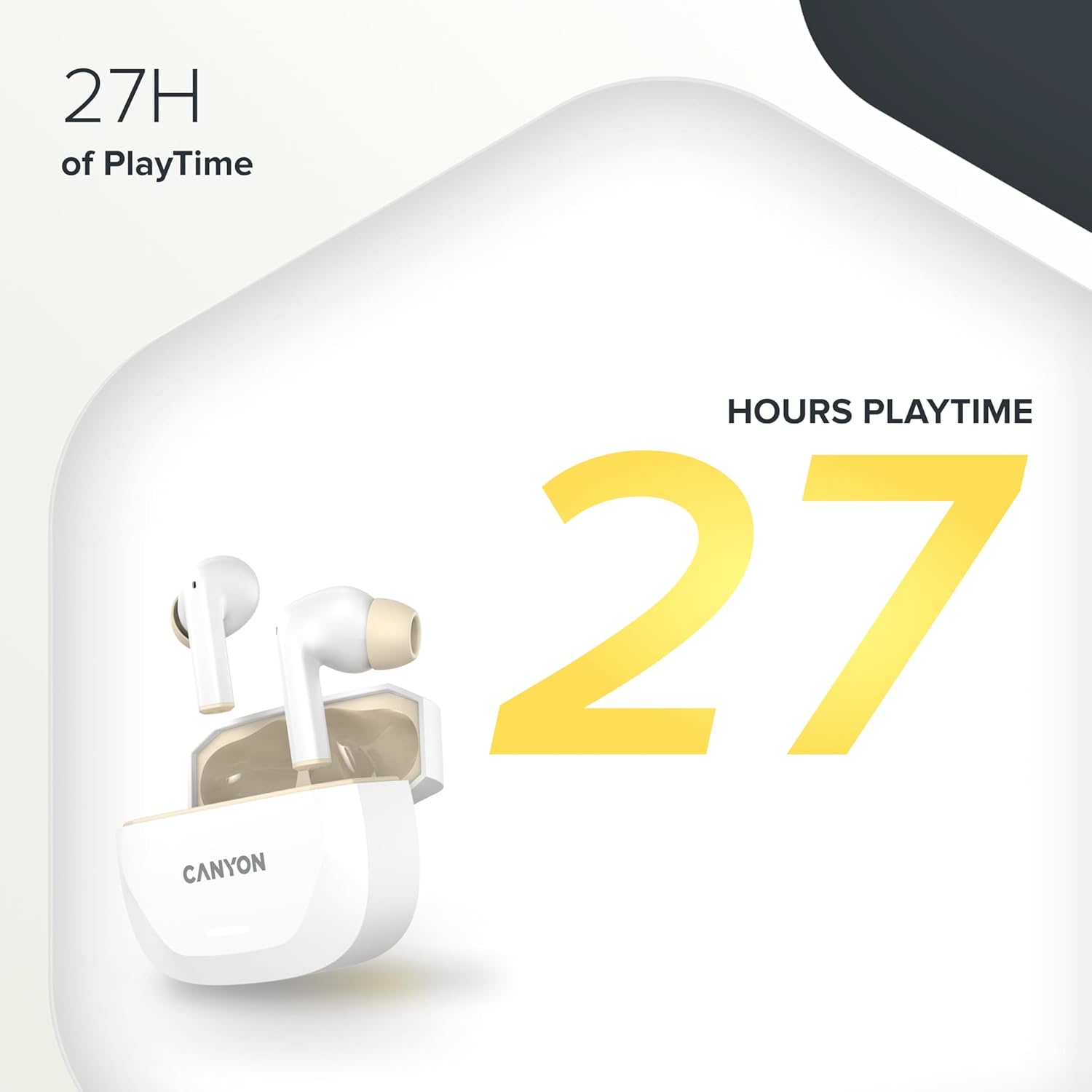
Image 5.1: A graphic highlighting the 27 hours of total playtime offered by the CANYON HEXAGON 7 earbuds with their charging case.
6. Kulawa
6.1 Tsaftacewa
- A kai a kai tsaftace belun kunne da akwati na caji tare da laushi, bushe, yadi mara lint.
- Kada a yi amfani da masu tsabtace abrasive, barasa, ko kaushi na sinadarai.
- Gently remove any earwax or debris from the ear tips and speaker grilles using a small, soft brush or cotton swab.
6.2 Adana
- Lokacin da ba a amfani da su, adana belun kunne a cikin cajin cajin su don kare su da kiyaye su caji.
- Ajiye na'urar a wuri mai sanyi, bushe, nesa da hasken rana kai tsaye da matsanancin zafi.
7. Shirya matsala
If you encounter issues with your CANYON HEXAGON 7 earbuds, refer to the following common solutions:
| Matsala | Magani mai yiwuwa |
|---|---|
| Kunnen kunne ba sa haɗawa |
|
| Babu sauti ko ƙaramin ƙara |
|
| Matsalar caji |
|
| ANC ba ta aiki yadda ya kamata |
|
8. Ƙayyadaddun bayanai
| Siffar | Daki-daki |
|---|---|
| Sunan Samfura | Hexagon 7 |
| Fasaha mara waya | Bluetooth 5.4 |
| Sokewar surutu | Active Noise Cancellation (ANC), Environmental Noise Cancellation (ENC) with 4 microphones |
| Rayuwar Baturi (Bun kunne) | Har zuwa awanni 6.5 (a kashe ANC), awanni 5.5 (ANC na kunne) |
| Jimlar lokacin wasa (tare da Case) | Har zuwa awanni 27 |
| Lokacin Caji (Kulun kunne) | Kimanin 1.5 hours |
| Lokacin Caji (Cikin) | Kimanin 2 hours |
| Interface Cajin | USB Type-C, Wireless (Qi-compatible) |
| Hanyar sarrafawa | Taɓa Control |
| Haɗin Multipoint | Yes, connect to two devices simultaneously |
| Kayan abu | Filastik |
| Matsayin Juriya na Ruwa | Waterproof (specific IP rating not provided) |
| Impedance | 32 ohms |
| Amsa Mitar | 20 Hz (lower limit, upper limit not specified) |
| Na'urori masu jituwa | Mobile phones, tablets, PCs |
9. Garanti da Tallafawa
CANYON products are designed for reliability and performance. For warranty information, technical support, or service inquiries, please refer to the official CANYON website ko tuntuɓi dillalin ku na gida. Ajiye shaidar siyan ku don da'awar garanti.
Manufacturer: CANYON


