Gabatarwa
Thank you for choosing the Spigen Active Noise Cancelling Headphones SA-HP P10. These headphones are designed to provide an immersive audio experience with advanced noise cancellation, powerful sound, and convenient features for various uses including commuting, gaming, and music listening. Please read this manual carefully to ensure proper use and optimal performance of your new headphones.
Abubuwan Kunshin
Tabbatar cewa duk abubuwa suna cikin kunshin:
- Spigen Active Noise Cancelling Headphones SA-HP P10
- USB-C Charging Cable (50cm)
- AUX Audio Cable (1.2m)
- Dauke Aljihu
- Jagorar mai amfani (wannan takaddar)

Image: The Spigen SA-HP P10 headphones, a 50cm USB-C charging cable, and a 1.2m AUX audio cable, representing the complete package contents.
Samfurin Ƙarsheview
Familiarize yourself with the headphone components and controls.
Sarrafa da Tashoshi:
- Maɓallin Wuta: Press and hold to power on/off. Short press for play/pause or answer/end calls.
- Maɓallin ƙara (+/-): Short press to adjust volume. Long press to skip tracks.
- ANC/Transparency Mode Switch: Toggle to activate Active Noise Cancellation (ANC) or Transparency Mode.
- Kebul na USB-C: Don cajin belun kunne.
- 3.5mm Audio Jack: Don haɗa waya ta amfani da kebul na AUX.
- Microphones: Integrated 5-MIC system for clear calls and ANC.
Saita
1. Cajin belun kunne:
- Connect the USB-C charging cable to the headphone's USB-C port and a power source.
- Alamar LED zata nuna halin caji. Cikakken caji yana ɗaukar kusan awa 2.
- Tabbatar an cika cajin belun kunne kafin fara amfani da su.
2. Kunna/Kashe Wuta:
- To power on, press and hold the Power Button until the LED indicator lights up.
- To power off, press and hold the Power Button until the LED indicator turns off.
3. Haɗin Bluetooth:
- With the headphones powered off, press and hold the Power Button for 5 seconds until the LED indicator flashes blue and red, indicating pairing mode.
- On your device (smartphone, tablet, computer), enable Bluetooth and search for "Spigen SA-HP P10".
- Select the headphones to connect. The LED indicator will turn solid blue once successfully paired.
- The headphones support Bluetooth 5.4 for seamless pairing and multi-device connectivity.
4. Spigen Audio App:
- Download the "Spigen Audio" app from your device's app store.
- Connect your headphones to the app for customizable sound profiles, EQ settings, and firmware updates.
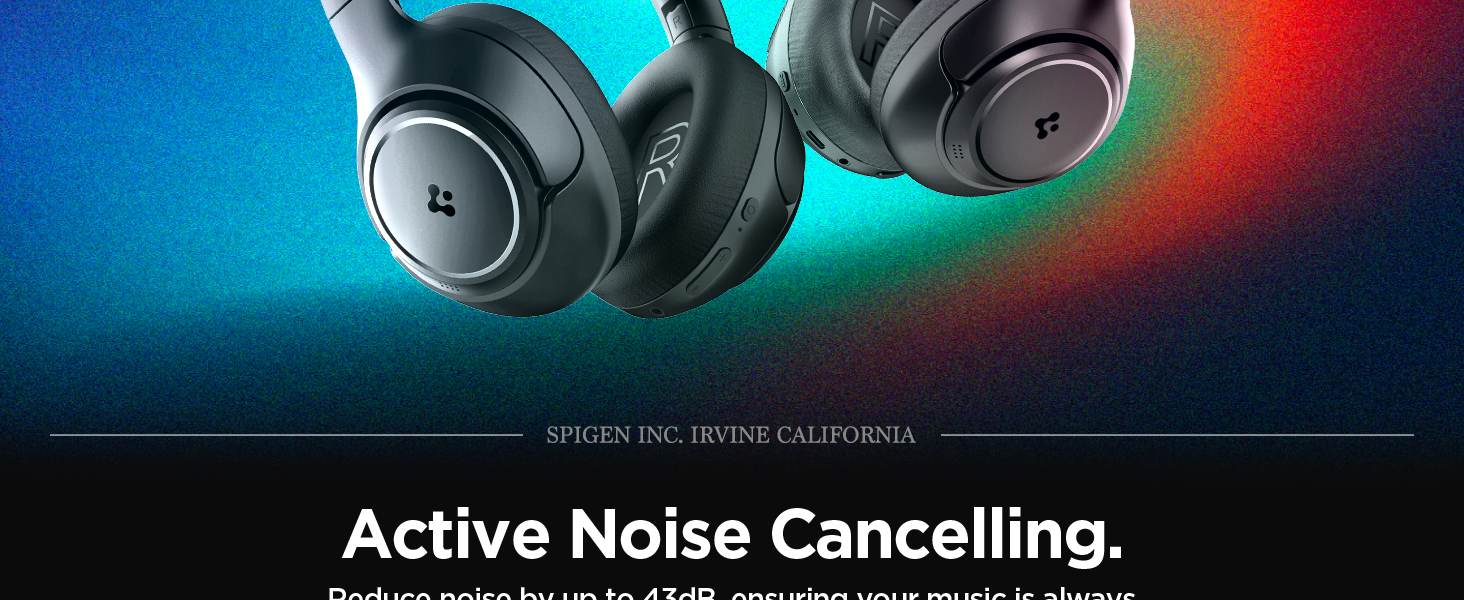
Image: The Spigen Audio App interface, displaying options for sound profiles (Default, Pop, Bass, Rock) and noise control modes (Multi-Mode ANC, Transparency, Normal, Indoor, Commuting, Noisy).
Umarnin Aiki
1. Active Noise Cancellation (ANC) & Transparency Mode:
- Use the dedicated ANC/Transparency Mode switch on the headphones to toggle between modes.
- Yanayin ANC: Reduces external noise by up to 43dB, ideal for focused listening.
- Yanayin Fassara: Yana ba da damar sautunan yanayi su ratsa ta, yana sa ka san abubuwan da ke kewaye da kai.
- Customize ANC levels and modes (Indoor, Commuting, Noisy) via the Spigen Audio App.
Image: The Spigen SA-HP P10 headphones with visual cues indicating 43dB Active Noise Cancelling, 5-Mode Hybrid Adaptive ANC, Transparency Mode, and Clear Calls with 5 MICs.
2. Yanayin Wasa:
- Activate Gaming Mode via the Spigen Audio App for crystal-clear, low-latency audio transmission.
- This mode is optimized for an uninterrupted gaming experience.
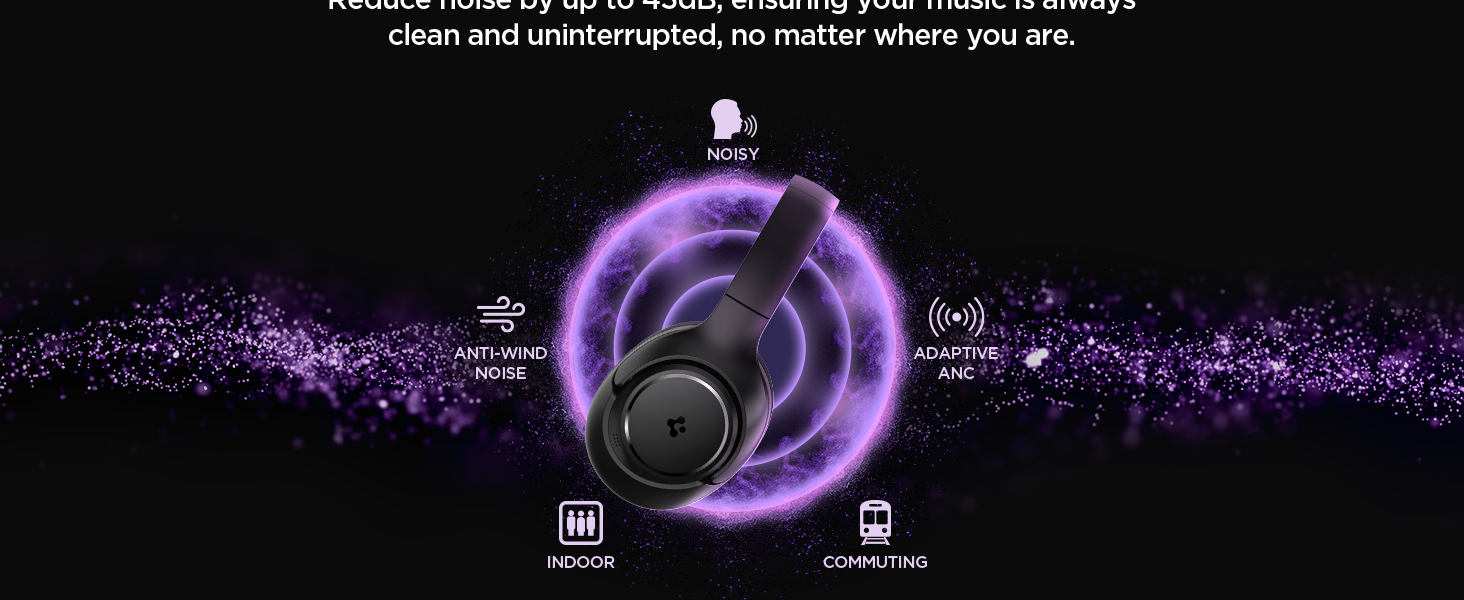
Image: Spigen SA-HP P10 headphones positioned next to a smartphone and a game controller, emphasizing the low-latency feature for an enhanced gaming experience.
3. Yin Kira:
- Amsa/Ƙarshen Kira: A takaice latsa Power Button.
- Karɓar Kira: Dogon danna maɓallin Wuta.
- The 5-MIC system ensures clear voice pickup and ambient noise reduction during calls.
Kulawa
Cleaning EarPads:
- The ear pads are detachable for easy cleaning.
- Gently remove the ear pads from the headphones.
- Tsaftace da taushi, damp zane da sabulu mai laushi. Bada izinin bushewa gaba ɗaya kafin a sake haɗawa.
- Kada a yi amfani da sinadarai masu tsauri ko abubuwan da za su lalata.

Image: Hands gently cleaning a detachable earpad of the Spigen SA-HP P10 headphones with a white cloth, demonstrating the ease of maintenance.
Shirya matsala
- Babu Ƙarfi: Tabbatar cewa belun kunne sun cika caji.
- Ba za a iya Haɗa: Make sure headphones are in pairing mode (flashing blue/red LED). Turn off and on your device's Bluetooth.
- Matsalolin Sauti: Check volume levels on both headphones and your device. Ensure headphones are within Bluetooth range. Try re-pairing.
- ANC Ba Ya Aiki: Ensure ANC mode is activated via the switch or app.
Ƙayyadaddun bayanai
| Sunan Samfura | SA-HP P10 |
| Sigar Bluetooth | 5.4 |
| Rayuwar Baturi | Har zuwa Awanni 60 |
| Sokewar Hayaniyar Aiki | Har zuwa 43dB |
| Girman Direba | 40mm Direbobi masu ƙarfi |
| Microphones | 5-MIC System |
| Hanyar sarrafawa | App / On-device Buttons |
| Nauyin Abu | 273 Grams (9.6 oz) |
| Girman samfur | 3.22 x 6.31 x 7.75 inci |
Garanti da Taimako
For warranty information or technical support, please visit the official Spigen website or contact Spigen customer service directly. Keep your purchase receipt for warranty claims.


