Introduction to the Canon PowerShot SX740 HS
The Canon PowerShot SX740 HS is a versatile digital camera designed for capturing high-quality images and 4K video. This manual provides essential information to help you understand and utilize its features, from basic operation to advanced settings. Familiarizing yourself with this guide will enable you to maximize your camera's potential and capture stunning photographs and videos.
Key features include a powerful 40x optical zoom, 4K video recording capabilities, and various shooting modes to suit different photographic situations.
1. Saita da Amfani na Farko
1.1. Unpacking and Checking Contents
Upon opening the package, ensure all components are present. Typically, the box contains the camera body, battery pack, battery charger, wrist strap, and this user manual.
1.2. Cajin Baturi
Before first use, fully charge the supplied battery pack. Insert the battery into the charger and connect the charger to a power outlet. The charging indicator will show the charging status and turn off when charging is complete. A full charge typically takes approximately 2 hours.
1.3. Saka Batirin da Memory Card
Open the battery/card compartment cover on the bottom of the camera. Insert the fully charged battery pack, ensuring it clicks into place. Insert a compatible SD, SDHC, or SDXC memory card with the label facing the back of the camera until it locks. Close the compartment cover securely.
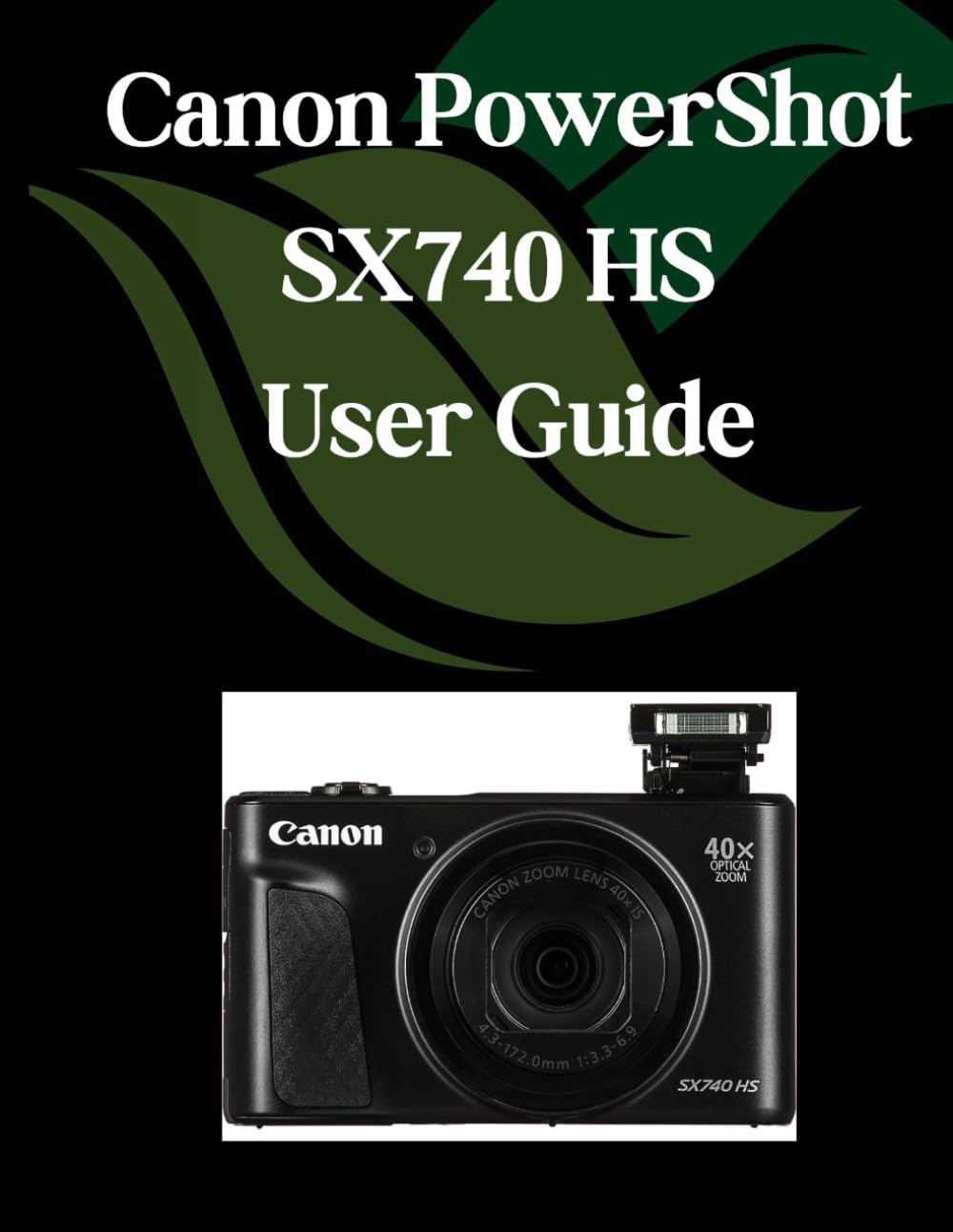
Image 1.1: Front cover of the Canon PowerShot SX740 HS User Guide book. This image displays the title and design of the comprehensive manual for the camera.
1.4. Initial Camera Settings
Turn on the camera using the power button. The first time you power on, you will be prompted to set the date, time, and time zone. Follow the on-screen instructions to configure these settings. Accurate date and time settings are crucial for proper file management and geotagging (if available and enabled).
2. Aiki da Kamara
2.1. Hanyoyin Harbi Na asali
The PowerShot SX740 HS offers various shooting modes accessible via the mode dial. For beginners, the Yanayin atomatik (green camera icon) is recommended, as the camera automatically optimizes settings for most scenes. For more control, explore Shirin (P), Shutter Priority (Tv), Aperture Priority (Av), kuma Manual (M) halaye.
- Yanayin atomatik: Point-and-shoot simplicity.
- Program (P) Mode: Kyamara tana saita saurin buɗewa da saurin rufewa, amma zaka iya daidaita wasu saituna.
- Shutter Priority (Tv) Mode: Ka saita saurin rufewa, kamara tana saita buɗaɗɗen buɗe ido. Mafi dacewa don sarrafa blur motsi.
- Aperture Priority (Av) Mode: Kun saita buɗaɗɗen buɗewa, kyamara tana saita saurin rufewa. Mafi dacewa don sarrafa zurfin filin.
- Yanayin hannu (M): Full control over both aperture and shutter speed.
2.2. Using the 40x Optical Zoom
The camera's powerful 40x optical zoom allows you to capture distant subjects with clarity. Use the zoom lever around the shutter button to zoom in (T) or out (W). For stable shots at high zoom levels, consider using a tripod or the camera's image stabilization features.
2.3. Focusing Techniques
To achieve sharp focus, half-press the shutter button. The camera will automatically focus on the subject. For specific focus points, use the camera's AF (Autofocus) point selection options. Ensure your subject is within the focus area indicators on the LCD screen.
2.4. Exposure Settings: Aperture, Shutter Speed, and ISO
Understanding these three settings is fundamental to photography:
- Budewa: Controls the amount of light entering the lens and the depth of field (how much of the image is in focus). A lower f-number (e.g., f/2.8) means a wider aperture and shallower depth of field.
- Gudun Shutter: Controls the duration the sensor is exposed to light. Fast shutter speeds (e.g., 1/1000s) freeze motion, while slow shutter speeds (e.g., 1/30s) can create motion blur.
- ISO: Represents the camera's sensitivity to light. Lower ISO (e.g., 100) produces cleaner images but requires more light. Higher ISO (e.g., 1600) allows shooting in low light but can introduce digital noise.
2.5. Shooting 4K Video
To record 4K video, set the mode dial to the video icon. Press the movie button to start and stop recording. Ensure you have a high-speed memory card (UHS Speed Class 3 or higher) for optimal 4K video performance. The camera's 4K capabilities allow for detailed and vibrant video capture.
2.6. Creative Modes and Filters
Explore the camera's creative modes and filters to add artistic flair to your photos. These modes can include options like Fish-eye Effect, Miniature Effect, Toy Camera Effect, and various scene modes tailored for specific situations (e.g., Portrait, Landscape, Sports).
3. Kulawa da Kulawa
3.1. Tsabtace Kamara
Regularly clean the camera body with a soft, dry cloth. For the lens, use a lens brush or a specialized lens cleaning cloth and solution. Avoid touching the lens surface directly with your fingers. Do not use organic solvents or strong chemical cleaners.
3.2. Kula da baturi
Store batteries in a cool, dry place when not in use. Avoid exposing batteries to extreme temperatures. If the camera will not be used for an extended period, remove the battery to prevent leakage or damage.
3.3. Memory Card Handling
Always format new memory cards in the camera before first use. Avoid removing the memory card while the camera is writing data (indicated by a flashing access lamp). Protect memory cards from static electricity, dust, and moisture.

Image 3.1: Back cover of the Canon PowerShot SX740 HS User Guide book. This image shows the back design, including the ISBN barcode.
4. Shirya matsala
This section addresses common issues you might encounter with your Canon PowerShot SX740 HS camera.
| Matsala | Dalili mai yiwuwa | Magani |
|---|---|---|
| Kamara baya kunnawa. | Ba a caji batirin ko kuma ba a saka shi daidai ba. | Ensure battery is fully charged and inserted correctly. Check battery contacts for dirt. |
| Hotuna ba su da kyau. | Girgizawar kamara, mayar da hankali mara kyau, ko saurin rufewa. | Hold camera steady, use image stabilization, half-press shutter to focus, or increase shutter speed. |
| Images are too dark or too bright. | Incorrect exposure settings (aperture, shutter speed, ISO). | Adjust exposure compensation, or switch to Auto mode. Review Section 2.4 for exposure settings. |
| Kuskuren katin ƙwaƙwalwar ajiya. | Katin ya cika, ya lalace, ko bai dace ba. | Share ba dole ba files, format the card (this will erase all data), or try a different compatible memory card. |
| Rikodin bidiyo yana tsayawa ba zato ba tsammani. | Memory card speed is too slow for 4K video. | Use a high-speed memory card (UHS Speed Class 3 or higher). |
5. Ƙayyadaddun bayanai
Please note that the detailed technical specifications for the Canon PowerShot SX740 HS camera are typically provided in the official manufacturer's documentation. This manual focuses on operational guidance. For precise details on sensor size, lens aperture range, processor, connectivity, and other technical specifications, please refer to the official Canon website or the camera's original product manual.
General characteristics of the Canon PowerShot SX740 HS include:
- Zuƙowa: 40x Zuƙowa na gani
- Bidiyo: 4K UHD Video Recording
- Haɗin kai: Wi-Fi and Bluetooth (specific versions may vary)
- Nunawa: Tilting LCD Screen
- Tsayar da Hoto: Tabbatar da Hoton gani
6. Garanti da Tallafawa
For information regarding the warranty of your Canon PowerShot SX740 HS camera, please refer to the warranty card included with your camera purchase or visit the official Canon support website. Sharuɗɗa da garanti na iya bambanta ta yanki.
For technical support, service, or to download the latest firmware updates and software, please visit the official Canon support website for your region. You can typically find FAQs, driver downloads, and contact information for customer service there.
Official Canon Support: https://www.usa.canon.com/support (Fitample link, please verify for your region)


