Farashin 2025

Bose QuietComfort Wireless Noise Cancelling Headphones (Model 2025)

Jagoran Jagora

Gabatarwa

Welcome to your Bose QuietComfort Wireless Noise Cancelling Headphones. These headphones are designed to provide high-fidelity audio and legendary noise cancellation, allowing you to immerse yourself in your audio experience or stay aware of your surroundings. This manual will guide you through the setup, operation, and maintenance of your new headphones.

Me ke cikin Akwatin

  • Bose QuietComfort Bluetooth Headphones
  • Green Extreme 20W 2-Port USB-C/USB-A Wall Charger, White
  • Audio cable with in-line microphone
  • USB-A zuwa kebul na caji na USB-C
  • Harka mai ɗaukar nauyi
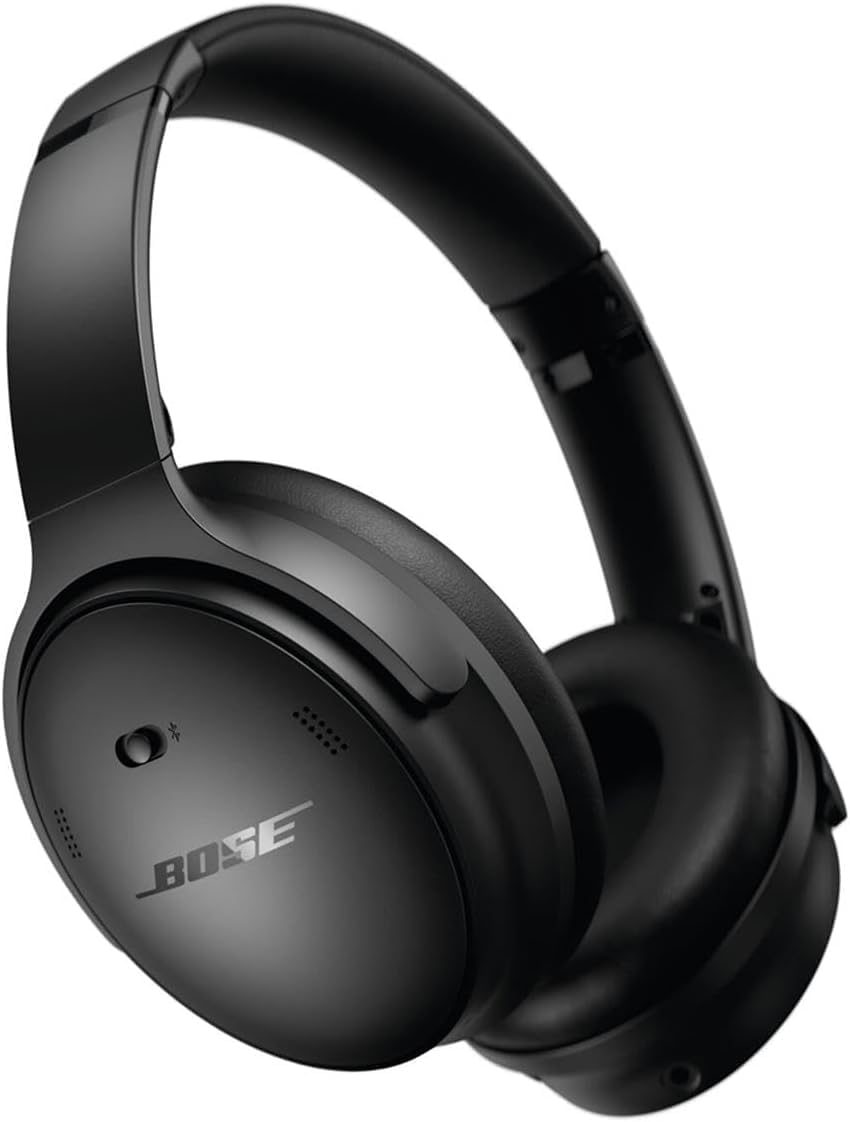
Bose QuietComfort Wireless Noise Cancelling Headphones in black

Image: Bose QuietComfort Wireless Noise Cancelling Headphones in black.
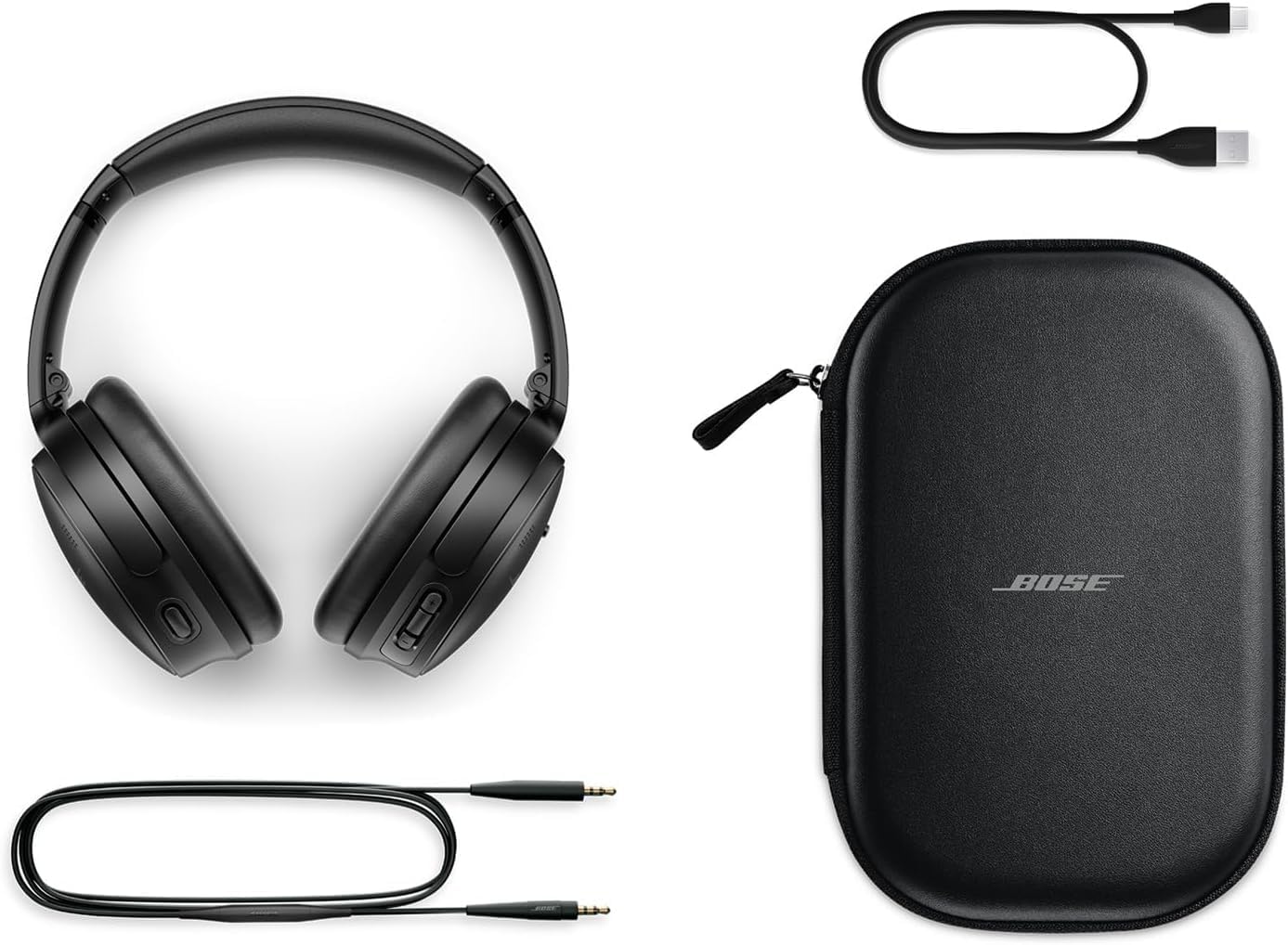
Bose QuietComfort headphones with included accessories: USB-C charging cable, 3.5mm audio cable, and carrying case

Image: Bose QuietComfort headphones with included accessories: USB-C charging cable, 3.5mm audio cable, and carrying case.

Saita

Cajin belun kunne

Before first use, fully charge your Bose QuietComfort headphones. Connect the included USB-A to USB-C charging cable to the headphones and the Green Extreme 20W 2-Port USB-C/USB-A Wall Charger. A 15-minute charge provides up to 2.5 hours of additional play time. A full charge offers up to 24 hours of battery life.
Close-up of the right earcup of the Bose QuietComfort headphones, showing the USB-C charging port and control buttons.
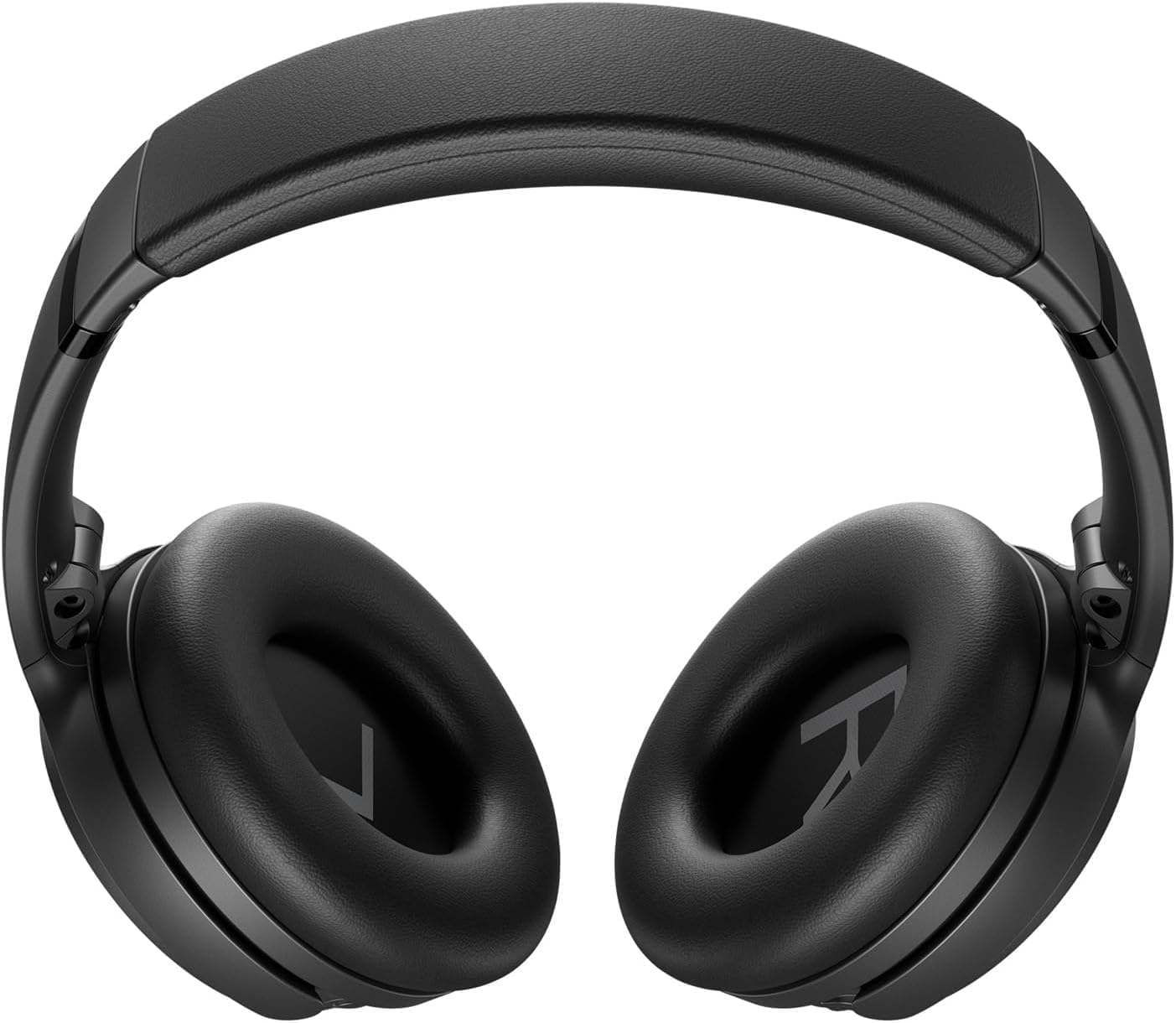
Image: Close-up of the right earcup of the Bose QuietComfort headphones, showing the USB-C charging port and control buttons.

Green Extreme 20W 2-Port USB-C/USB-A Wall Charger, White, being held in a hand.

Image: Green Extreme 20W 2-Port USB-C/USB-A Wall Charger, White, being held in a hand.

Haɗa Bluetooth

Don haɗa belun kunne da na'ura:

  1. Slide the Power/Bluetooth switch to the Bluetooth symbol and hold until the indicator light blinks blue.
  2. On your device, open Bluetooth settings and select "Bose QuietComfort" from the list of available devices.
  3. Once connected, the indicator light will glow solid blue.
The headphones support multipoint Bluetooth, allowing seamless switching between connected devices.

Umarnin Aiki

Hanyoyin Soke Amo

Your Bose QuietComfort headphones feature two primary listening modes:

  • Yanayin shiru: Provides full noise cancellation, ideal for eliminating distractions and focusing on your audio.
  • Aware Mode: Yana ba ka damar jin abubuwan da ke kewaye da kai yayin da kake jin daɗin sautinka, yana ƙara fahimtar yanayin da kake ciki.
You can toggle between these modes using the dedicated button on the earcup. For advanced customization, use the Bose Music app to create custom modes.

Sake kunna sauti da kira

Use the media control buttons on the earcup to manage playback (play/pause, skip tracks) and handle calls. The integrated microphone ensures clear communication. An included audio cable with an in-line microphone allows for wired connection, even when the battery is depleted.
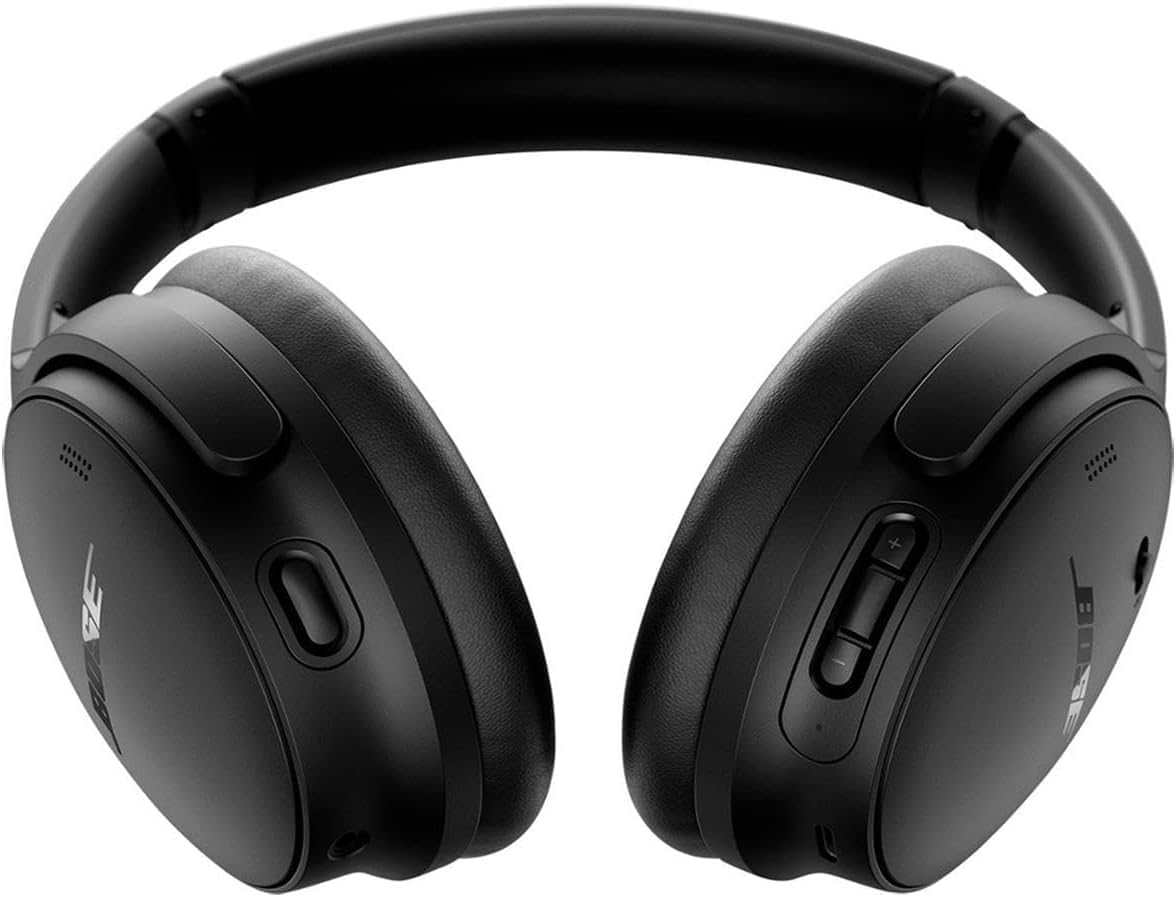
Gaba view of the Bose QuietComfort headphones, showing the control buttons on the right earcup.

Hoto: Gaba view of the Bose QuietComfort headphones, showing the control buttons on the right earcup.

Kulawa

Tsaftacewa

Wipe the headphones with a soft, dry cloth. Do not use abrasive cleaners or solvents. Ensure charging ports are free of debris.

Adana

When not in use, store the headphones in their provided carrying case to protect them from dust and damage.

Shirya matsala

Babu Ƙarfi

Matsalolin Haɗin Bluetooth

Poor Sound Quality or Noise Cancellation

Ƙayyadaddun bayanai

SiffarDaki-daki
Sunan SamfuraBose QuietComfort Wireless Noise Cancelling Headphones
Lambar Samfura2025
Fasahar HaɗuwaBluetooth 5.1, Wired (3.5 mm Jack)
Sarrafa amoActive Noise Cancellation (Quiet Mode, Aware Mode)
Rayuwar BaturiHar zuwa awanni 24
Lokacin CajiMinti 15 na awa 2.5 lokacin wasa
Wurin KunneSama Da Kunne
Kayan abuFabric
Caja ya haɗaGreen Extreme 20W 2-Port USB-C/USB-A Wall Charger

Garanti da Taimako

Bayanin Garanti

For detailed warranty information, please refer to the documentation included with your product or visit the official Bose support website.

Tallafin Abokin Ciniki

For further assistance, technical support, or to download the Bose Music app, please visit the Taimakon Bose Website.

Takardu masu alaƙa - 2025

Preview Belun kunne na Bose Noise Cancelling 700: Fasaloli, Mataimakan Murya, da Tambayoyi da Amsoshi
Bincika fasalulluka na Bose Noise Cancelling Headphones 700, gami da haɗin Bose AR, Google Assistant, da Alexa. Sami amsoshin tambayoyi gama gari game da baturi, kewayon wutar lantarki, haɗawa, makirufo, da soke hayaniya. Kwatanta da QuietComfort 35.
Preview Bose QuietComfort Ultra Headphones Troubleshooting: Reset, Restore, and Update
Comprehensive guide to troubleshooting your Bose QuietComfort Ultra headphones. Learn how to reset, restore to factory settings, and update firmware with clear, step-by-step instructions.
Preview Bayanin Garanti da Bayanin Mai Amfani da Belun kunne na Bose QuietComfort 2
Cikakken jagorar mai amfani don belun kunne na Bose QuietComfort 2 Acoustic Noise Cancelling, ya ƙunshi saitin, amfani, kulawa, gyara matsala, da kuma taƙaitaccen bayani game da garanti. Koyi yadda ake jin daɗin ingantaccen soke sauti da hayaniyar.
Preview Bose QuietComfort SC Headphones: User Manual and Safety Guide
Discover the Bose QuietComfort SC noise-cancelling headphones. This guide provides essential safety instructions, setup details, control explanations, Bluetooth connectivity, app integration, care tips, and troubleshooting for your Bose QuietComfort SC headphones.
Preview Bose QuietComfort SC Over-Ear Headphones Quick Start Guide
Concise and SEO-optimized HTML guide for setting up, pairing, charging, and using Bose QuietComfort SC Over-Ear Headphones, including controls, noise cancellation, voice assistants, and app features.
Preview Bose QuietComfort Headphones-
Bose QuietComfort Headphones- Na'ura mai ba da hanya tsakanin hanyoyin sadarwa, Bluetooth-, Bluetooth. მართვის ღილაკებს, ხმაურის ჩახშობას, ხმოვან Bose Music აპლიკაციას.