1. Gabatarwa
This manual provides essential information for the safe and efficient operation of your FOXX C10 10.1-inch Android Tablet. Please read this guide thoroughly before using your device to ensure proper functionality and to understand its features. Keep this manual for future reference.
2. Abin da ke cikin Akwatin
Tabbatar cewa duk abubuwa suna nan a cikin kunshin:
- FOXX C10 Tablet
- Nau'in-C Cable
- Charger (10W)
- Manual mai amfani
- Protective Cover (pre-applied)
- Screen Protector Film (pre-applied)
3. Samfurin Ya Ƙareview
The FOXX C10 tablet features a 10.1-inch HD display, dual 8MP cameras, and a robust 6000mAh battery, all powered by an Android 13 operating system.

Hoto: Gaba da baya view of the FOXX C10 tablet, showcasing its sleek design and dual camera module on the rear.

Image: An infographic highlighting key features including the 10.1-inch display, Android 13, 6000mAh battery, 8MP cameras, MediaTek quad-core chipset, 4GB RAM + 64GB storage, 4G LTE bands, Wi-Fi, Bluetooth 5.0, Nano SIM, Type-C, and 3.5mm AUX port.
3.1 Nuni
The tablet is equipped with a 10.1-inch HD TFT V-notch display, offering a resolution of 800x1280 pixels for clear visuals.

Image: Close-up of the tablet's 10.1-inch HD TFT V-notch display, showing vibrant colors and detail.
3.2 kyamarori
The FOXX C10 features dual 8-megapixel cameras, both on the front and rear, enabling high-quality photos and video calls.
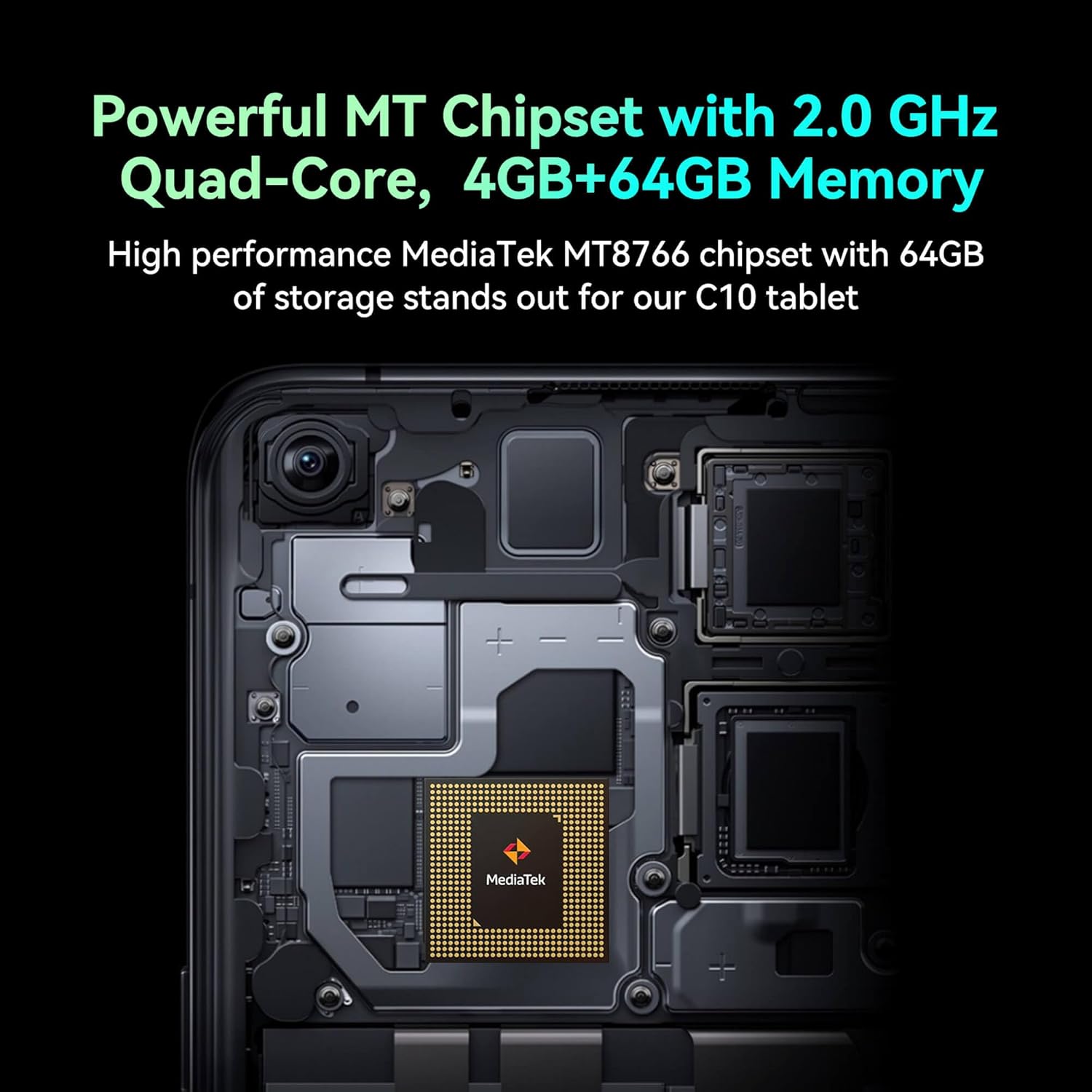
Image: Detail of the tablet's rear camera module, highlighting the 8-megapixel main camera with autofocus capabilities.
3.3 Mai sarrafawa da Ƙwaƙwalwa
It runs on a 2.0 GHz quad-core MediaTek MT8766 chipset, paired with 4GB of RAM and 64GB of internal storage for smooth performance and ampda sarari.

Hoto: Na ciki view of the tablet's motherboard, showcasing the MediaTek MT8766 quad-core chipset.
3.4 Baturi
A 6000mAh battery provides extended usage time, ensuring the device stays powered throughout the day.
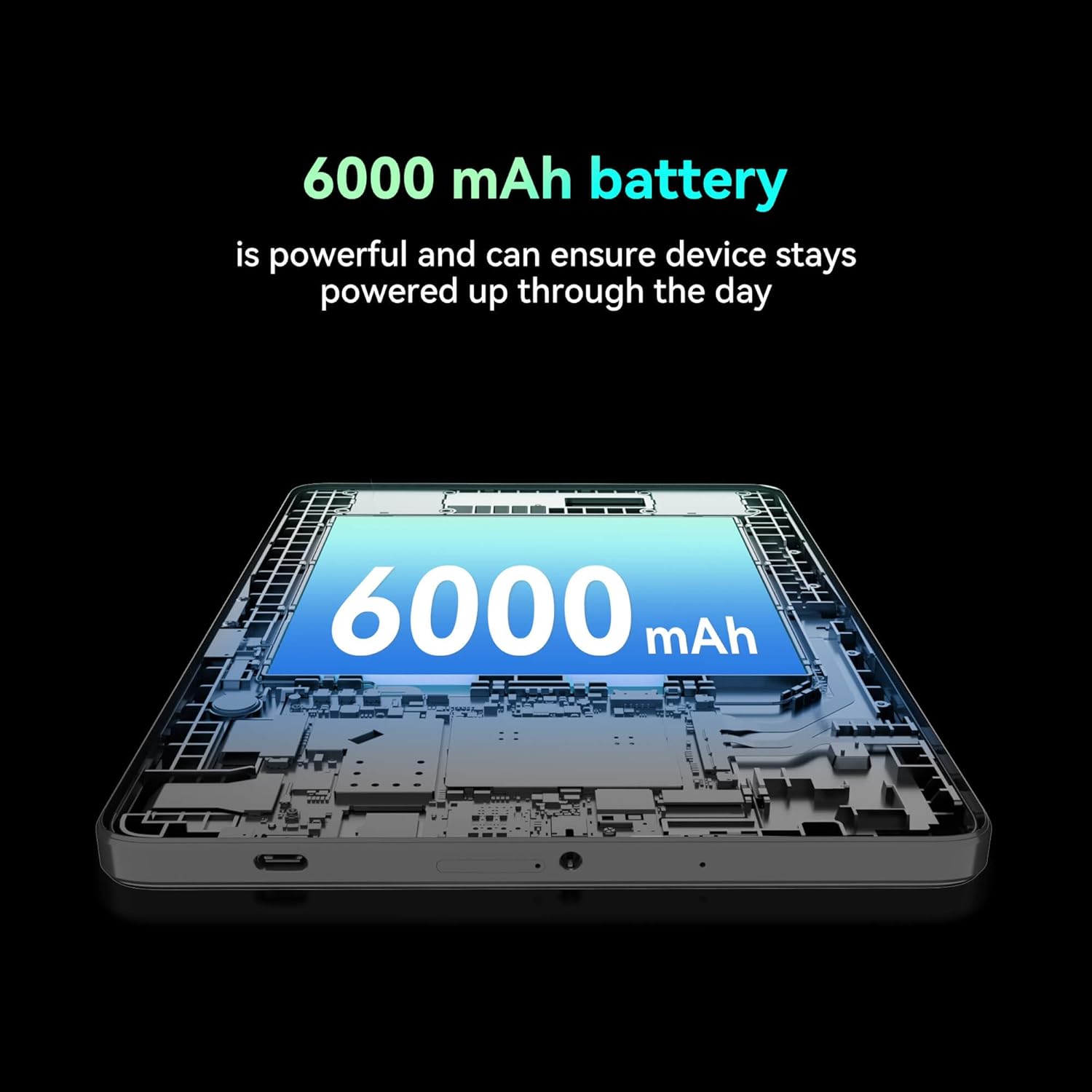
Hoto: A cutaway view of the tablet highlighting the large 6000 mAh battery component.
4. Saita
4.1 Fara Cajin
Before first use, fully charge your tablet using the provided Type-C cable and 10W charger. The battery indicator on the screen will show charging status.
4.2 Kunnawa / Kashewa
- Don Kunnawa: Latsa ka riƙe maɓallin wuta har sai allon ya haskaka.
- Don Kashe: Latsa ka riƙe maɓallin wuta, sannan zaɓi 'Power Off' daga zaɓuɓɓukan akan allon.
- Don Sake farawa: Press and hold the Power button, then select 'Restart' from the options on the screen.
4.3 Shigar da Katin SIM
The FOXX C10 supports Nano SIM cards for cellular connectivity. Locate the SIM card tray on the side of the tablet. Use the provided SIM ejector tool to open the tray. Insert the Nano SIM card into the designated slot with the gold contacts facing down. Close the tray securely.
4.4 Shigar da Katin MicroSD (Na zaɓi)
If your tablet supports expandable storage, locate the MicroSD card slot, often combined with the SIM tray. Insert a MicroSD card (up to 128GB, sold separately) into the slot with the gold contacts facing down. Close the tray securely.
5. Umarnin Aiki
5.1 Navigation na asali
Your tablet runs on Android 13. Use touch gestures for navigation:
- Taɓa: Zaɓi abu ko buɗe app.
- Doke shi gefe: Gungura ta cikin allo ko jerin.
- Tsunkule: Zuƙowa ko rage hotuna da kuma web shafuka.
- Dogon Latsa: Samun dama ga menu na mahallin ko matsar da gumaka.
5.2 Haɗa zuwa Wi-Fi
- Je zuwa Saituna > Network & internet > Wi-Fi.
- Juya Wi-Fi On.
- Zaɓi hanyar sadarwar Wi-Fi da kuke so daga lissafin.
- Shigar da kalmar wucewa idan an buƙata, sannan danna Haɗa.
5.3 Making Calls (4G LTE)
With a properly installed and activated Nano SIM card, your tablet can make and receive calls.
- Bude Waya app.
- Dial the desired number or select a contact.
- Taɓa da Kira maballin.
5.4 Amfani da Kyamara
The tablet features dual 8MP cameras for photography and video recording.
- Bude Kamara app.
- Taɓa da Shutter maballin ɗaukar hoto.
- Taɓa da Bidiyo icon to switch to video recording mode.
- Use the camera switch icon to toggle between front and rear cameras.
5.5 Haɗin Bluetooth
- Je zuwa Saituna > Na'urorin haɗi > Bluetooth.
- Juya Bluetooth On.
- Ensure the device you want to pair with is in pairing mode.
- Select the device from the list and follow any on-screen prompts to complete pairing.
6. Kulawa
6.1 Kula da baturi
- Guji matsanancin zafi, wanda zai iya lalata rayuwar baturi.
- Do not leave the tablet charging for extended periods after it's fully charged.
- Yi amfani da caja da kebul da aka bayar kawai.
6.2 Tsaftacewa
Use a soft, lint-free cloth to clean the screen and body of the tablet. Avoid using harsh chemicals or abrasive materials. For stubborn smudges, slightly dampen zane mai ruwa ko mai tsabtace allo wanda aka tsara don kayan lantarki.
6.3 Sabunta software
A riƙa duba da kuma shigar da sabbin manhajoji akai-akai domin tabbatar da cewa kwamfutar hannu tana da sabbin fasaloli, facin tsaro, da kuma inganta aiki. Je zuwa Saituna > Tsari > Sabunta tsarin.
7. Shirya matsala
| Matsala | Magani |
|---|---|
| Tablet does not turn on | Tabbatar da cajin baturi. Haɗa caja kuma jira ƴan mintuna kafin sake kunna wuta. |
| Ba za a iya haɗi zuwa Wi-Fi ba | Check if Wi-Fi is enabled in settings. Restart your router and the tablet. Verify the Wi-Fi password. |
| Aikace-aikace suna jinkiri ko faɗuwa | Close unused apps. Clear app cache (Settings > Apps > [App Name] > Storage > Clear cache). Restart the tablet. Ensure sufficient storage space. |
| Babu sabis na salula | Ensure the Nano SIM card is correctly inserted and activated. Check your network settings and contact your service provider if necessary. |
| Allon baya amsa | Sake kunna kwamfutar hannu. Idan batun ya ci gaba, yi sake saitin masana'anta (bayanai za su ɓace). |
8. Ƙayyadaddun bayanai
| Siffar | Daki-daki |
|---|---|
| Sunan Samfura | FOXX C10 |
| Tsarin Aiki | Android 13 |
| Girman allo | Inci 10.1 |
| Matsakaicin ƙudurin allo | 800x1280 pixels |
| Mai sarrafawa | 2 GHz Quad-Core MediaTek |
| RAM | 4 GB |
| Ma'ajiyar Ciki | 64 GB |
| Girman Ƙwaƙwalwar Filashi | 8 GB (likely referring to system partition or eMMC base) |
| Kamara | Dual 8MP (Front & Rear) |
| Ƙarfin baturi | 6000 mAh |
| Haɗuwa | 4G LTE, Wi-Fi (802.11 b/g/n/ac), Bluetooth 5.0, USB-C, 3.5mm AUX |
| Nauyin Abu | 1.26 fam |
| Girman samfur | 9.64 x 6.39 x 0.42 inci |
| Launi | Baki |
9. Garanti da Tallafawa
Don samun bayanai game da garanti da tallafin fasaha, da fatan za a duba takardun da aka bayar tare da siyan ku ko kuma a tuntuɓi dillalin. Ajiye shaidar siyan ku don da'awar garanti.


